
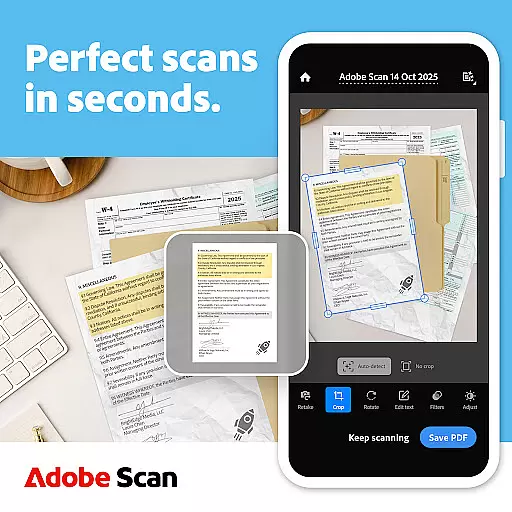
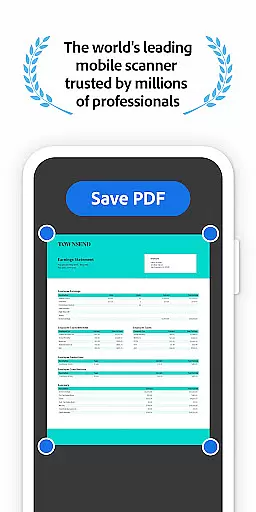
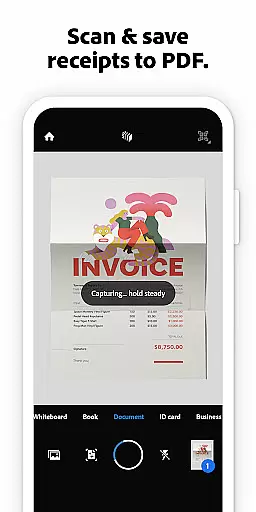
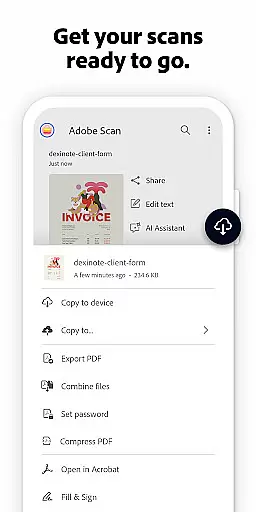
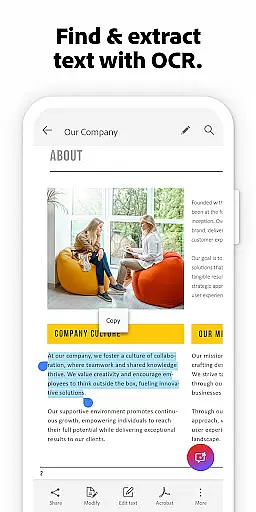
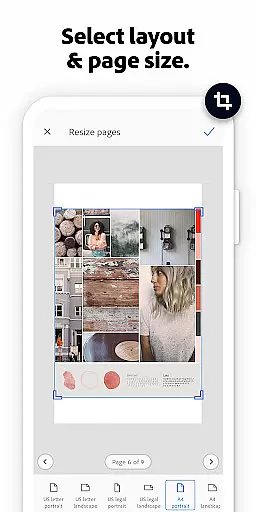
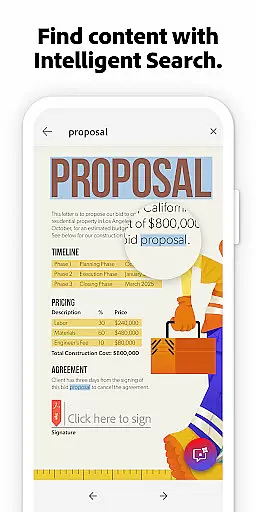
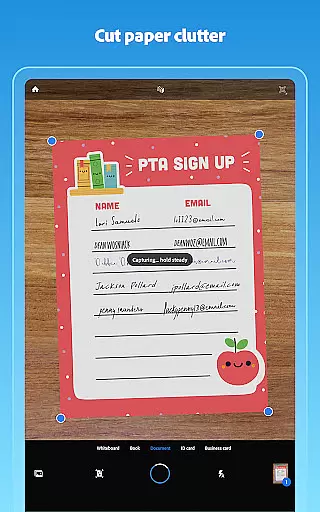
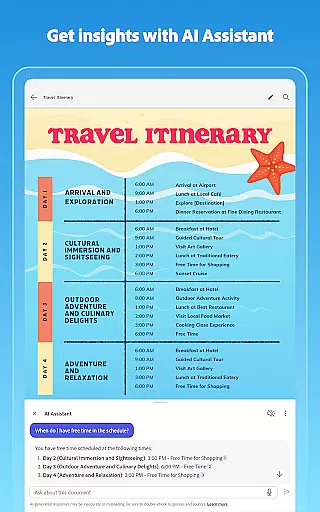
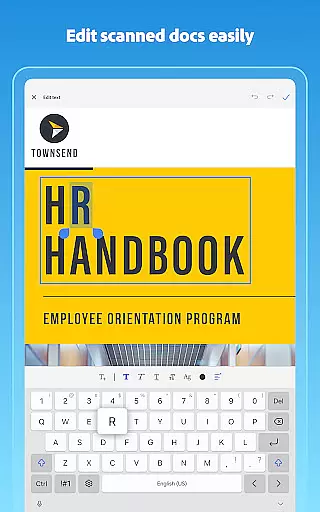
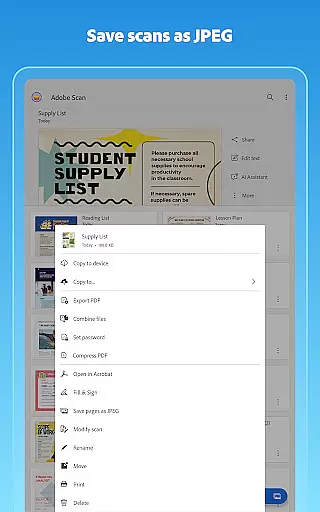
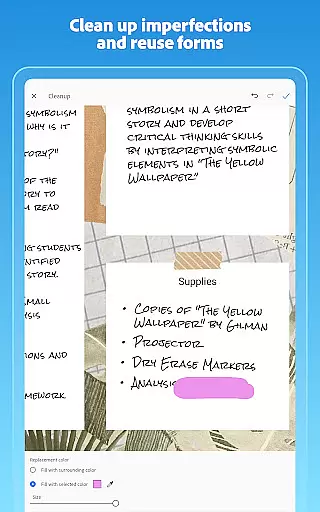
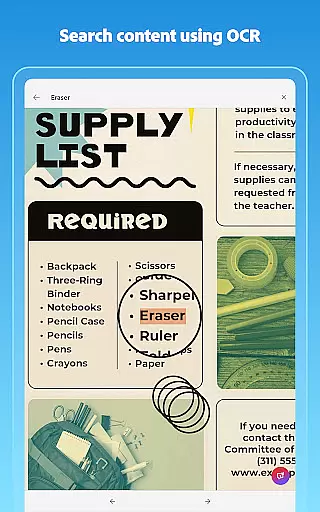
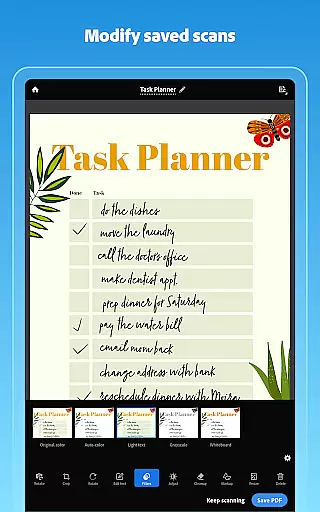
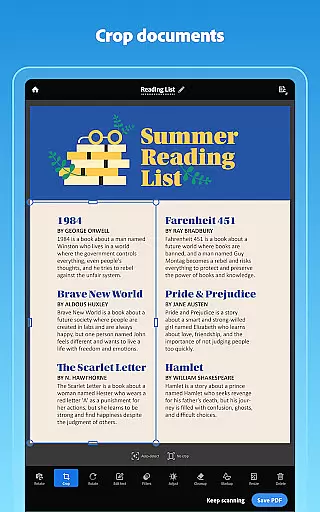
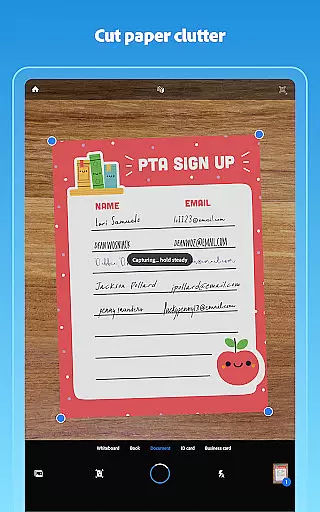
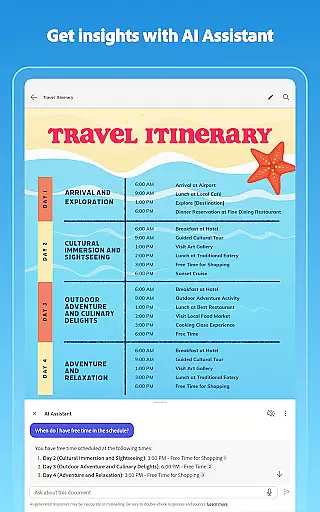
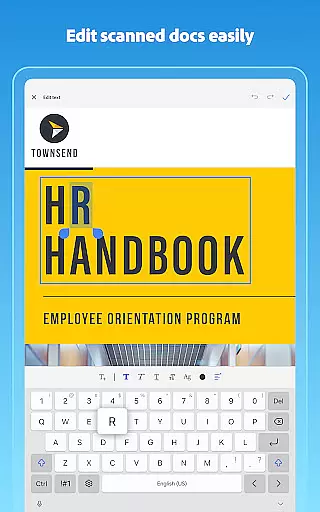
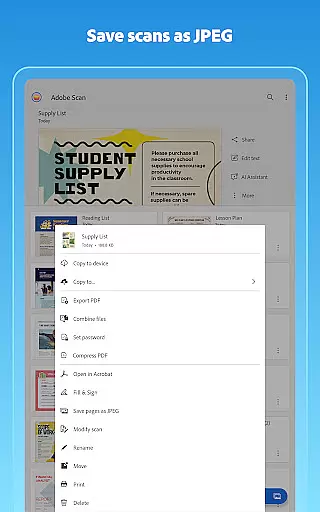
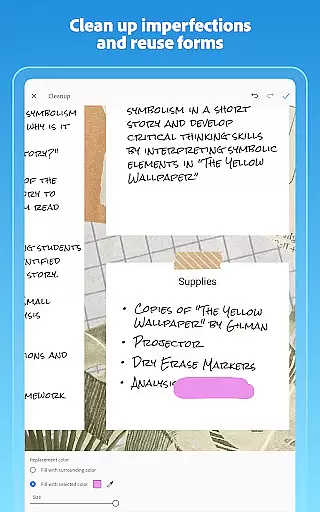
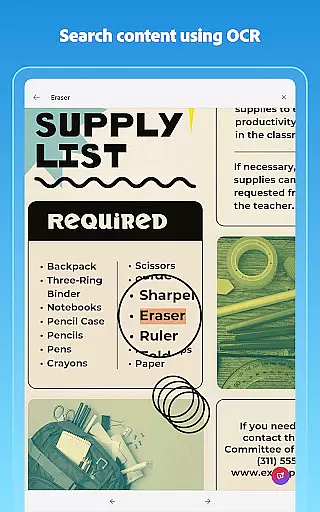
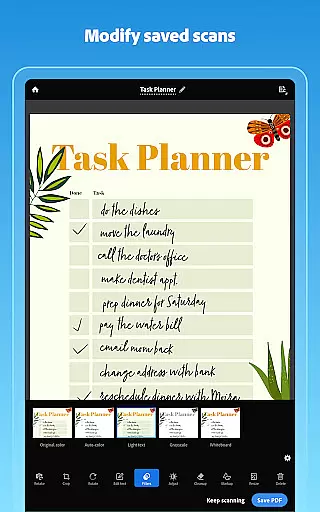
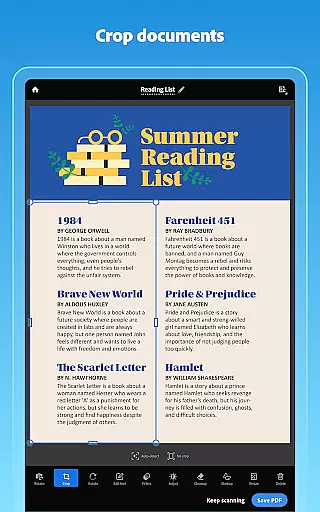
Adobe Scan AI PDF Scanner is a mobile app designed to transform any smartphone into a portable document scanner. This Android app uses advanced OCR technology to convert images of documents into editable and searchable PDFs. Users can scan receipts, notes, forms, and business cards with high accuracy. The app experience includes automatic edge detection and text recognition in multiple languages.
The primary purpose of this app is to simplify document management for professionals and students alike. Core features include cloud integration for saving scans directly to Adobe Document Cloud. With its intuitive interface, the app ensures that users can easily organize and share their digital documents. Its ability to create high-quality scans even in low-light conditions enhances its reliability as an app-based solution for document digitization.
This app is ideal for professionals who frequently handle paperwork such as contracts, invoices, and reports. It also suits students needing to digitize lecture notes or assignments. Small business owners managing receipts and invoices will find it particularly useful. The target audience spans various age groups but focuses on tech-savvy individuals familiar with mobile apps.
Common use cases include scanning meeting notes and converting them into shareable PDFs. Business travelers can digitize receipts for expense tracking. Students benefit from scanning textbooks or handwritten notes for future reference. The app's offline functionality makes it reliable in areas with poor connectivity. These scenarios highlight its versatility as an app-based solution for document management.
Choosing Adobe Scan AI PDF Scanner means gaining access to industry-leading OCR technology within a user-friendly interface. The app features ensure accurate text recognition and seamless document organization. Its integration with Adobe Document Cloud sets it apart from other scanning apps by providing secure cloud storage options.
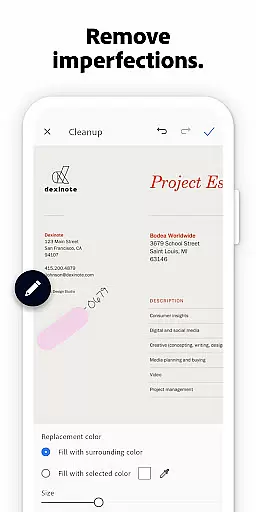
Users facing challenges with manual data entry will appreciate the time saved through automated text extraction. The app solves common issues like losing paper documents or struggling with poor-quality scans. Compared to alternatives, its consistent updates and compatibility with multiple devices enhance the overall app experience. These factors establish it as a dependable choice for efficient document handling.
Highly accurate OCR
User-friendly interface
Cloud storage integration
Supports multiple languages
Offline functionality
Occasional slow processing
Limited free storage
Ads in free version
Advanced features require subscription
Large file sizes

Zoom built for Chrome OS
 3.90
3.90
Get instant construction estimates: accurate home repair & material calculator.
4.70
Paychex Flex - Save Time and Stay Connected
4.60
Grow your business and connect with more people with Meta Business Suite.
4.60
We are a dynamic team of creatives people of design, marketing, web & apps
3.00
Start earning fast. Apply Today.
4.80
view, manage, and share every PDF file you have
3.60
Ship, Track, Find a Location or Get a Quote with UPS. Anytime. Anywhere.
4.60
The app that lets you deliver with Amazon.
4.50
GoTo Mobile is a simple & secure calling, messaging & meetings solution
4.80
TurboScan turns your phone into a full-featured PDF document scanner.
4.80
The MyWalmart App is available for all associates in stores.
4.70
Manage Your Shop
4.70
Access to Paylocity, empowering employees with information they need 24/7.
4.70
Ask Accio anything about business. Alibaba-backed, built by experts, not just AI
4.60
Earn money with the driver & delivery partner app for Uber, UberEats & Postmates
4.60
The revolutionary flexible staffing platform
4.40
Quickly open and manage PDF files on your device.
3.80
Find part-time earning opportunities near you that pay within days.
3.20


User Reviews