

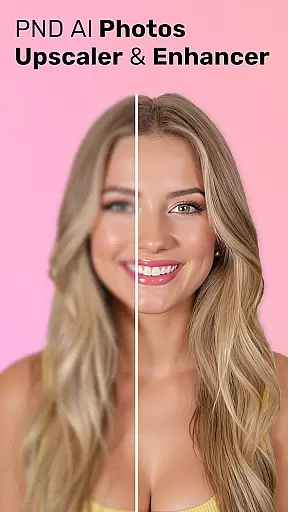
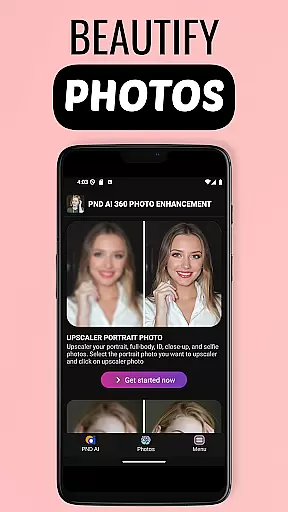
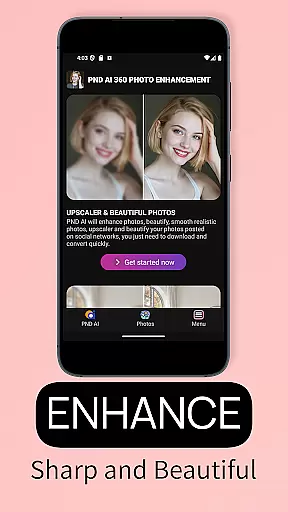

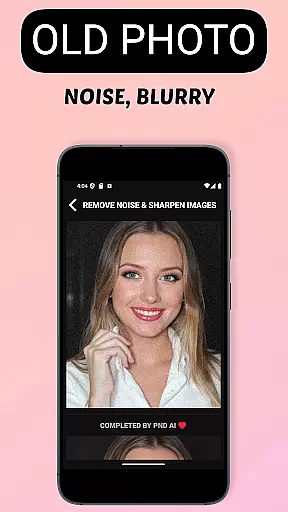
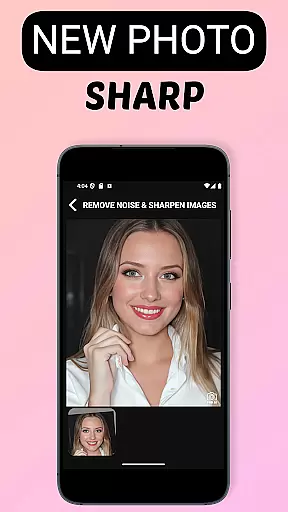

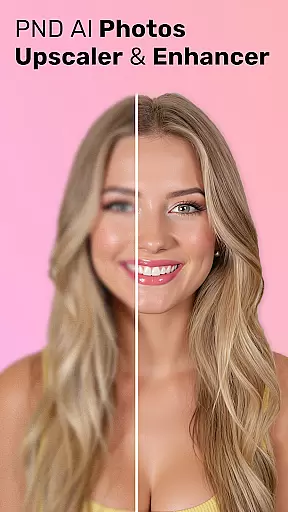
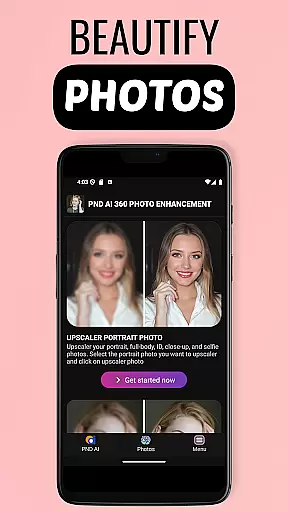
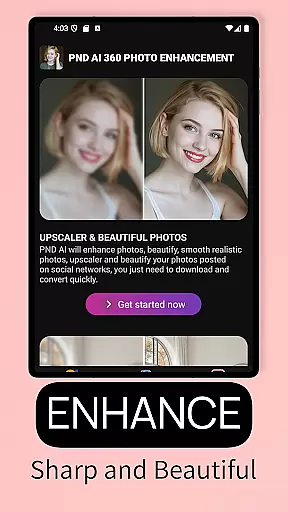
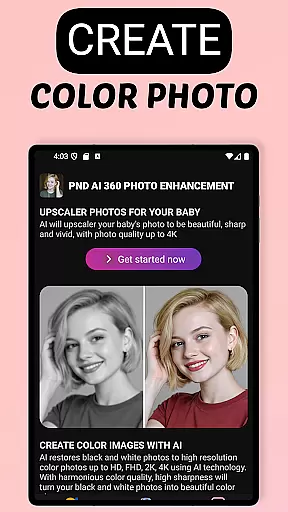
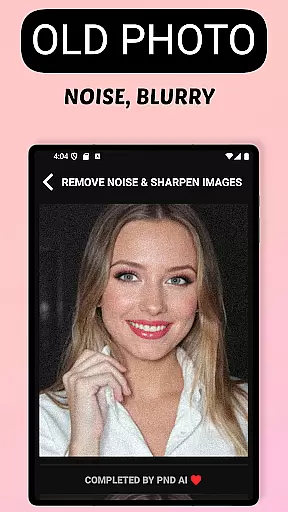
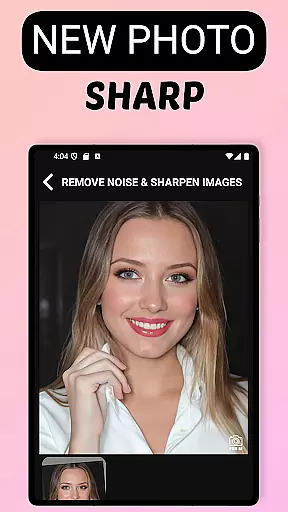

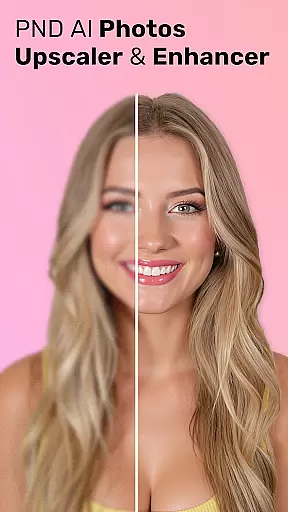
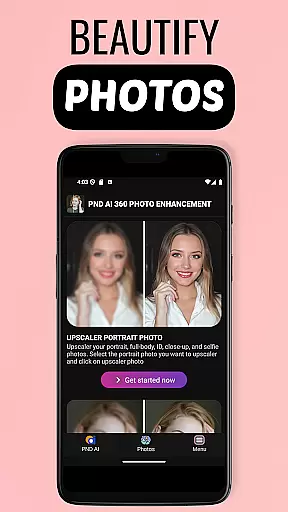
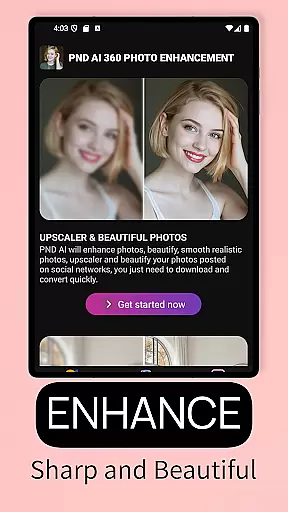
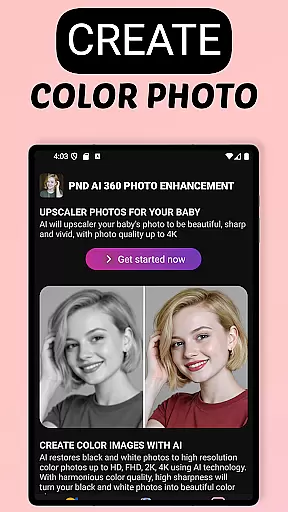
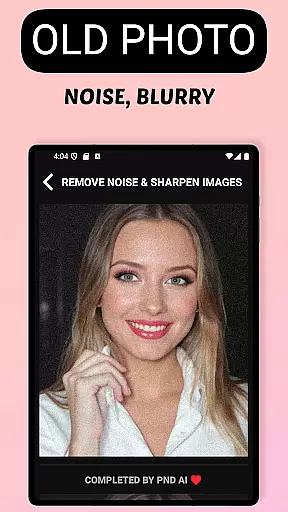
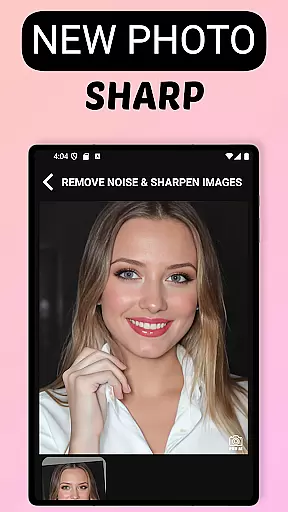
AI Photo Enhancer 360 - PND AI is a mobile app designed to improve the quality of photos through advanced artificial intelligence. This Android app targets users who want to enhance their images with minimal effort. The app provides tools for noise reduction, resolution enhancement, and color correction, ensuring professional-level results without requiring technical expertise.
The primary purpose of this app is to deliver an intuitive and accessible photo editing experience. With its user-friendly interface, the app allows users to upload images directly from their device and apply enhancements in just a few taps. Its core features include AI-driven photo upscaling, artifact removal, and detail refinement, making it a versatile app-based solution for anyone looking to elevate their photography game.
This app is ideal for photographers, social media enthusiasts, and small business owners who rely on high-quality visuals. It caters to individuals aged 18 to 45 who frequently share images online and seek an easy-to-use tool for enhancing their photos. The app's accessibility makes it suitable for both beginners and professionals alike.
Common use cases include preparing images for social media posts, improving product photos for e-commerce listings, and enhancing personal memories for printing or sharing. Users can also benefit from the app when working on creative projects that require polished visuals. Its versatility ensures it fits seamlessly into various workflows, providing an app experience that meets diverse needs.
AI Photo Enhancer 360 stands out due to its ability to deliver professional-grade photo improvements without requiring advanced skills. The app leverages cutting-edge AI technology to automate complex editing tasks, saving users time and effort. Its seamless integration with cloud storage solutions ensures enhanced images are always backed up and easily accessible.
What sets this app apart is its focus on delivering consistent and reliable results. Unlike other apps that may offer overwhelming options or inconsistent outcomes, this app simplifies the process while maintaining high standards. By addressing common pain points such as image noise and low resolution, it provides an app-based solution that enhances productivity and creativity for its users.
Intuitive user interface
Fast processing speeds
High-quality enhancements
Regular feature updates
Cloud backup support
Subscription fees apply
Limited free features
Internet connection required
Occasional performance lag
Advanced tools locked behind premium

Winter picture editor: Christmas stickers, frames for photos & Christmas cards.
 4.40
4.40
A tool that brings skin care and technology together at your fingertips.
4.50
Crown Heart Emoji Photo Editor has given you the chance to look cute girl
4.40
Intelligent Beauty calculator tool! Face scale and face symmetry in one app!
3.80
Your on-demand aesthetician
4.40
Selfiechat Filters for amazing photos with Funny face filters
4.60
For businesses, Booksy Biz allows you to manage your schedule & more on the go.
4.60
Unleash your (Pro)tential with the hottest hair, nails and beauty brands!
4.60
DSLR Hd camera capture high quality 4k hd picture with filters and blur editor
4.50
Enhance your selfies with face beauty makeup tool and an easy background remover
4.70
Try interesting trending filters allows you switch to a cute girl
4.70
Manage your daily skin care beauty regimen & track your skin's progress.
4.70
The ultimate beauty membership
4.70
Monthly Perfume Subscription
4.70
The mirror app you were looking for, simple and easy to use. Try Mirror now.
4.60
Glow up with science: cosmetics, ingredients scanner, tracking & face analysis
4.10
Shop Smarter, Dress Better, and Shine Brighter!
4.10
Your Personal Stylist for Smart Shopping, Beauty & Styling Outfits.
4.1
Your future self face age old or young from camera selfie into beautify videos
4.0


User Reviews