
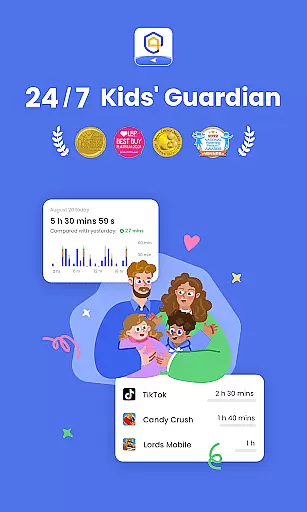
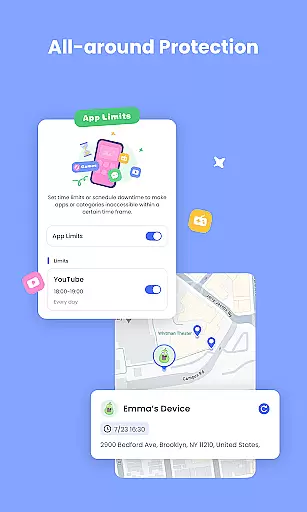
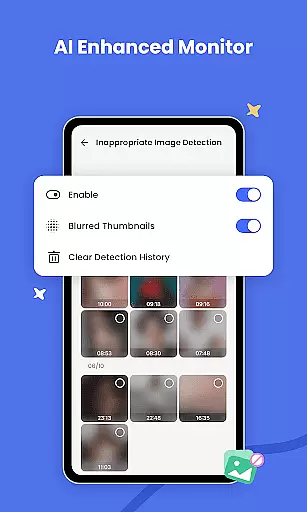
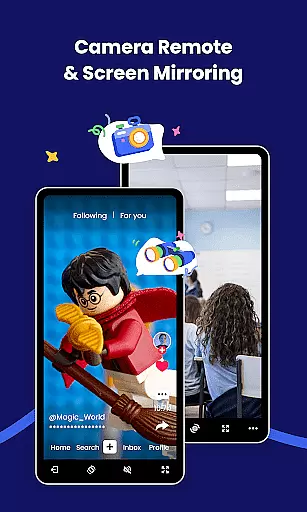
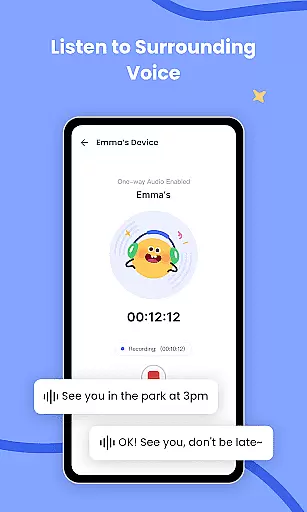
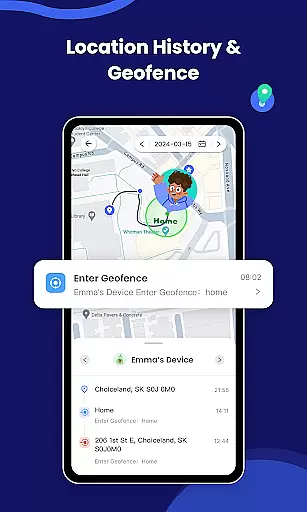
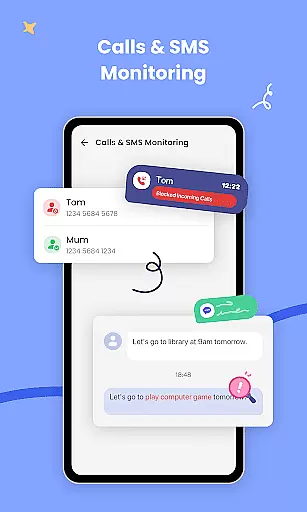
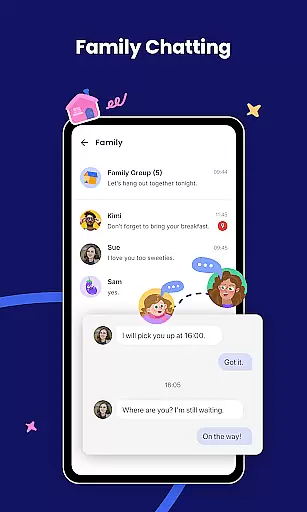
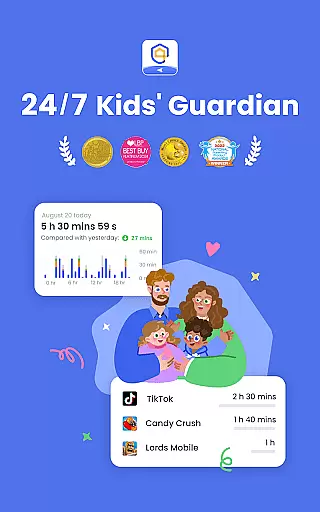
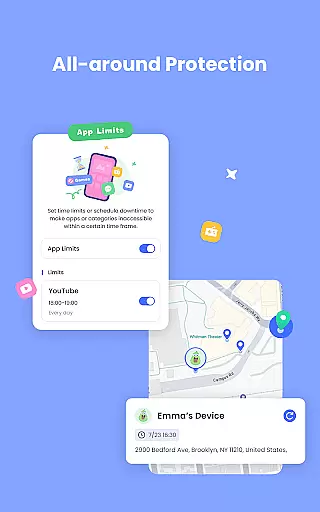
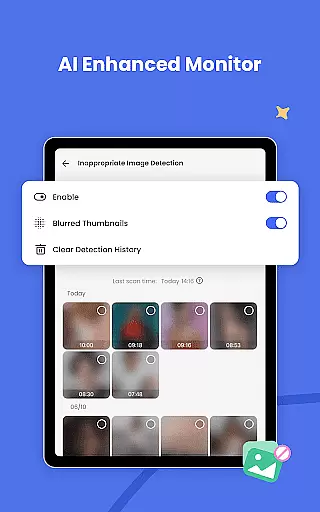
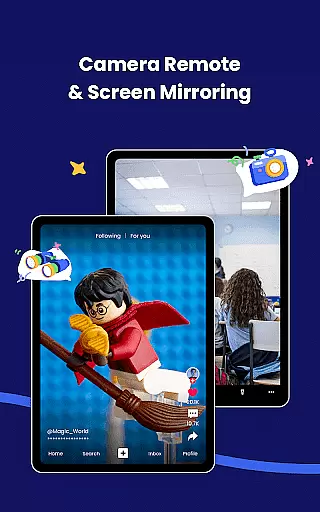
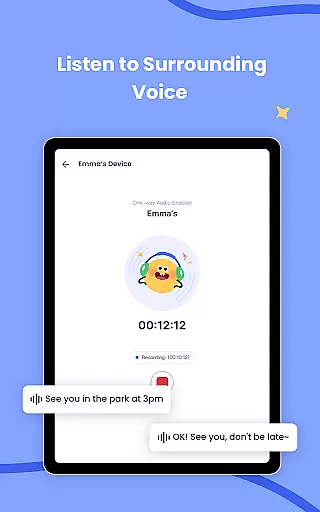
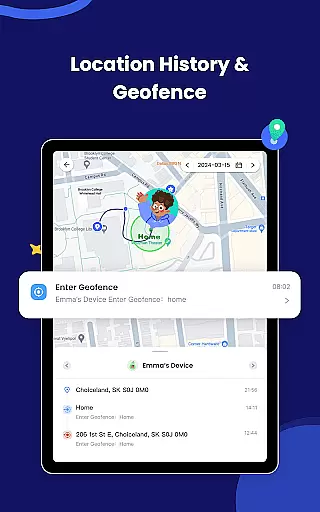
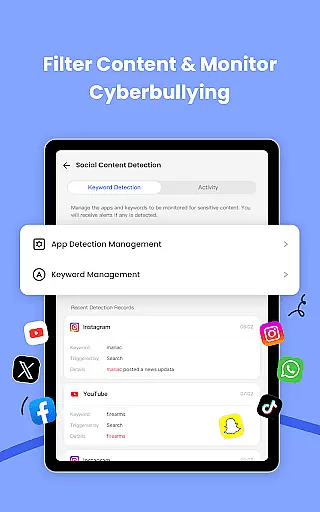
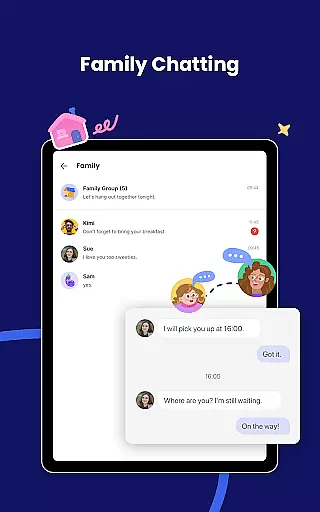
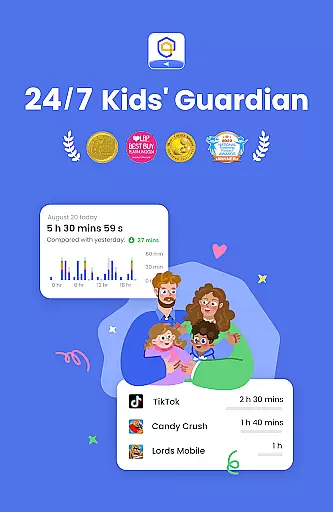
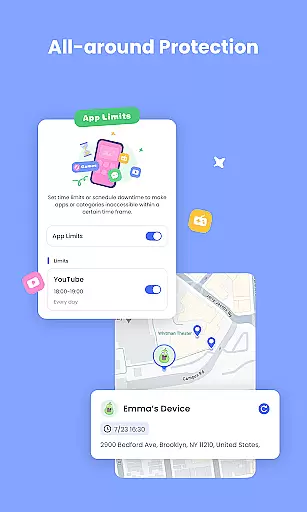
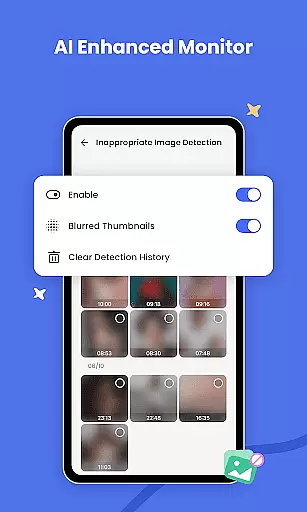
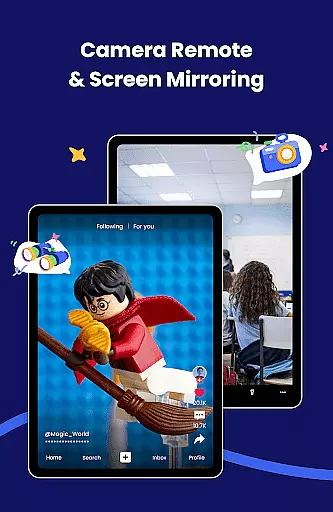
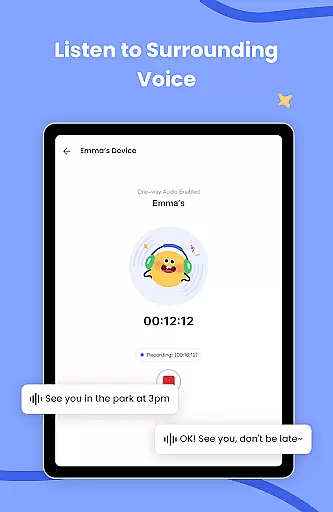
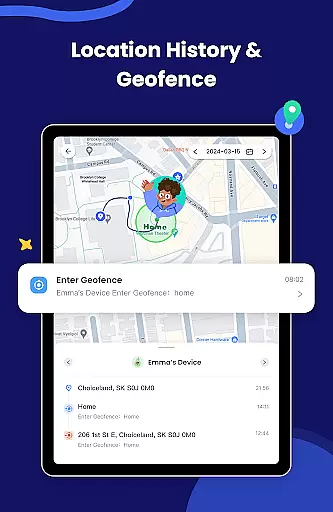
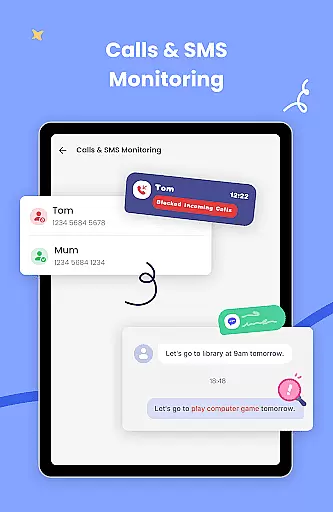
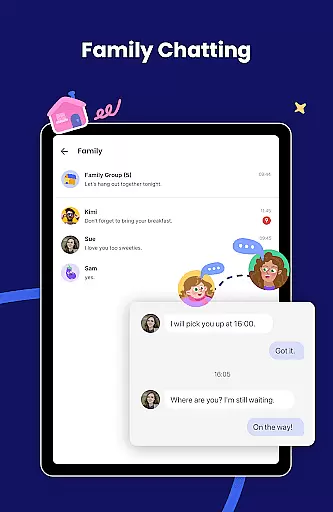
AirDroid Parental Control is a mobile app designed to help parents manage and monitor their children's device usage. This Android app provides tools for setting screen time limits, blocking inappropriate content, and tracking location. The app aims to create a safer digital environment while promoting healthy device habits among children.
The primary purpose of AirDroid Parental Control is to give parents peace of mind by allowing them to oversee their kids' online activities. Core features include remote monitoring, app blocking, and real-time location tracking. These functions ensure that parents can actively guide their children's digital experiences while maintaining transparency and trust within the family.
This app is ideal for parents who want to ensure their children are using devices responsibly. It caters to families with kids aged 6 to 16, particularly those concerned about screen addiction or online safety. Parents seeking an app-based solution to manage their kids' digital habits will find this tool highly beneficial.
Common use cases include setting boundaries for homework time, ensuring bedtime routines are followed, and protecting children from inappropriate online content. For example, a parent might block social media apps during school hours or receive notifications when their child arrives at extracurricular activities. These scenarios make AirDroid Parental Control a practical choice for modern households.
AirDroid Parental Control stands out due to its comprehensive set of app features tailored specifically for parental guidance. Unlike other apps in this category, it offers both monitoring and control functions without compromising user privacy. The app experience is enhanced by an intuitive interface that makes setup and management straightforward for users of all technical skill levels.
Parents choose this app because it solves key challenges such as excessive screen time, exposure to inappropriate content, and concerns about physical safety. Its ability to provide real-time updates and remote management sets it apart from competitors. Additionally, regular feature updates ensure that the app remains relevant in addressing emerging digital parenting needs effectively.
Easy-to-use interface
Comprehensive monitoring tools
Real-time location tracking
Regular feature updates
Transparent activity reports
Requires constant internet
Limited free version
Occasional sync delays
Subscription costs apply
Device compatibility issues

AI Motion Video Maker & Ideas
 4.3
4.3
SENSORYSOOTHE and SENSORSAFE: Making car seats smarter and families safer.
4.70
Family GPS locator app — child location tracker. GPS kids tracker, family safety
4.70
Little loved one's monitoring, Sleep tracking and Parenting content.
3.80
Join over 1MM parents & professionals who've used OFW to navigate co-parenting
4.40
Pinardin - Smart Parental Control, Online Safety & GPS Tracking!
4.80
Keep track of your stored breastmilk
4.40
Findnumber: Real-time location tracker for ultimate family security
4.20
GPS tracker app: Simple GPS phone tracker for fast family location tracking
4.60
Introduce real food to baby with First Foods® Database, baby led weaning BLW
4.80
Sleep better with white noise app! Discover rain sounds, fan noise and more.
4.70
Live Location, Alerts & 2-Way Voice for Kids and Adults with Special Needs
4.60
Block apps, set screen time limits, and customize usage schedules
4.50
Find unique + popular baby names for your little peanut.
4.30
Fake call application designed for parents and adults to discipline their children through the children's police.
4.20
Protect kids online safety through GPS tracking,screen time control,app blocking
4.20
Keep Your Family Safe with Pollog Family Assistants
4.10
Discover fun videos, kids songs, bedtime stories and games
3.60
SemLog aims to raise awareness among families and their children
3.40


User Reviews