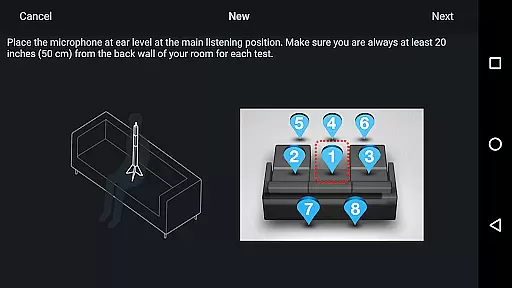
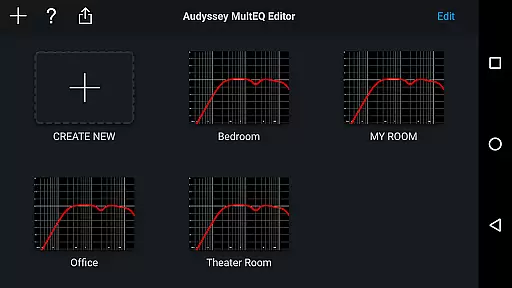
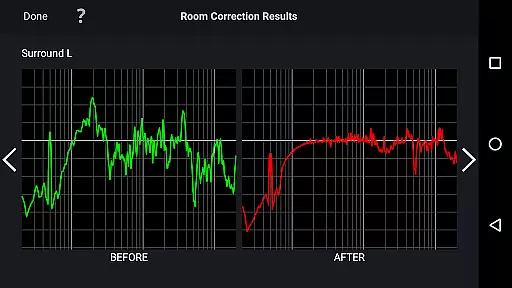
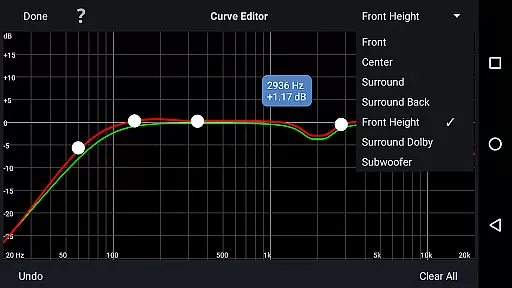
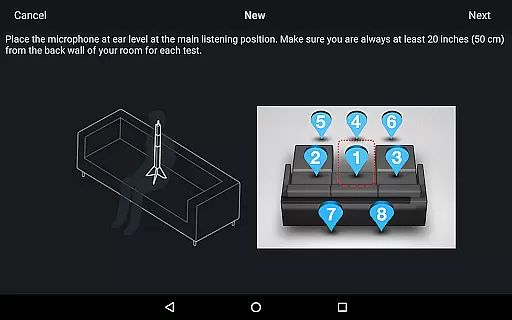
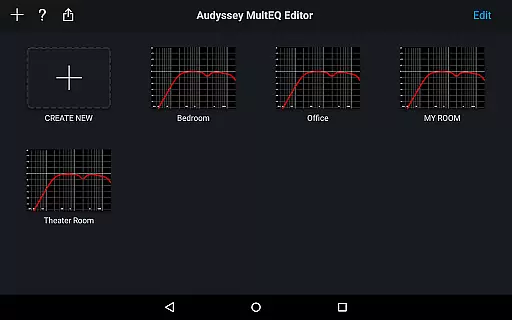
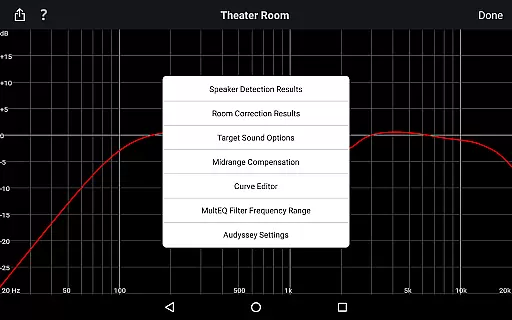
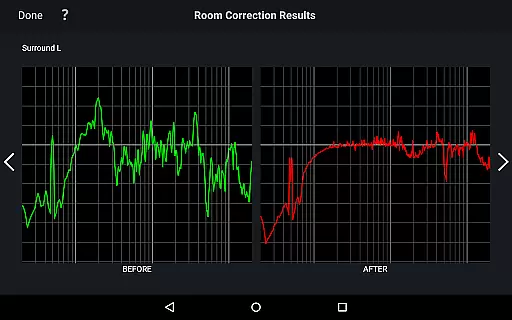
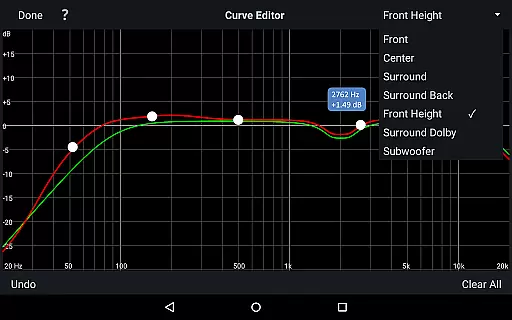
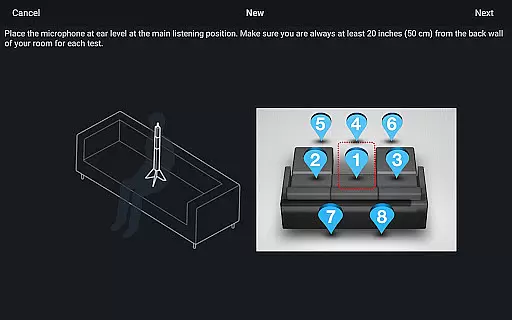
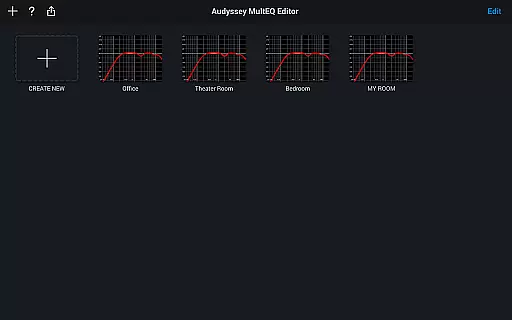
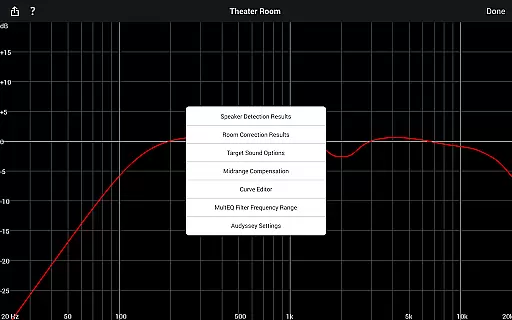
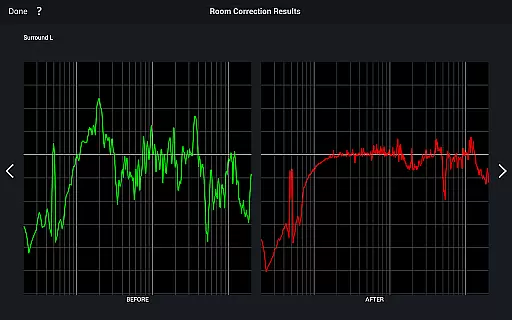
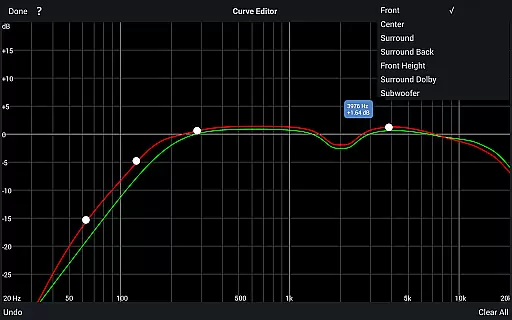
The Audyssey MultEQ Editor app is a specialized mobile app designed for audio enthusiasts who demand precise control over their sound systems. This Android app allows users to fine-tune the audio settings of compatible AV receivers, providing an advanced level of customization that enhances the overall listening experience. With its user-friendly interface, this app makes it easier than ever to adjust speaker configurations and optimize sound quality.
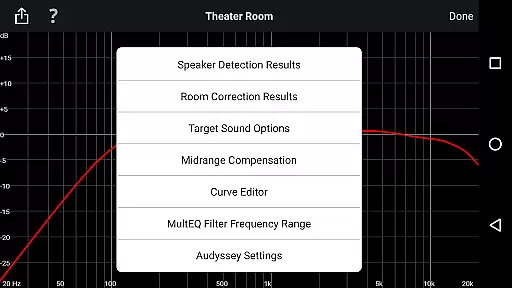
The primary purpose of the Audyssey MultEQ Editor app is to give users access to professional-grade audio calibration tools. It supports features such as individual channel level adjustments, target curve customization, and detailed equalizer settings. These capabilities ensure that users can achieve the best possible sound experience tailored to their unique room acoustics and personal preferences.
This app is ideal for audiophiles, home theater enthusiasts, and professional installers who require granular control over audio settings. It caters primarily to individuals aged 25-50 who are passionate about high-quality sound reproduction. Users who own mid-to-high-end AV receivers will benefit most from the app's advanced calibration features.
Specific scenarios include home theater setup optimization where users need to adjust audio settings based on room dimensions and acoustics. Another common use case involves custom installations by professional AV technicians who need precise control over sound parameters. The app also serves users looking to resolve audio imbalances or improve their existing system's performance through detailed adjustments.
The Audyssey MultEQ Editor app stands out due to its ability to provide professional-grade audio calibration tools directly to users' smartphones. This app-based solution eliminates the need for expensive external equipment while maintaining high accuracy in audio adjustments. Key benefits include enhanced sound quality, customizable audio profiles, and ease of use through an intuitive interface.
What sets this app apart is its combination of powerful features with accessibility. Unlike other apps in the audio category, it offers both basic and advanced controls suitable for different user levels. By solving common issues like uneven sound distribution and poor acoustic adaptation, this app ensures optimal audio performance across various environments. Its compatibility with specific AV receiver models further enhances its value proposition for targeted users.
Professional-grade calibration tools
Intuitive and user-friendly interface
Wide range of customization options
Real-time audio adjustments
Offline functionality available
Limited device compatibility
Occasional syncing issues reported
Requires compatible AV receiver
Interface may feel complex to novices
No support for older Android versions

SqueezePlayer turns your Android phone or tablet into a SqueezeBox on its own!
 4.60
4.60
Full-featured, High-Quality Groovebox Workstation, perfect for Live Performance!
4.80
VB-AUDIO Software / VBAN-Receptor allows listening to any VBAN Streams
4.10
Next generation modular control surface
4.10
Learn to play the piano using falling notes!
3.80
Simple mp3 and mp4 player with advanced features.
3.40
MilkDrop for Android TV
3.00
Offline Tunes, Unlimited Vibes
3.90
Get alarms that fit your lifestyle and wake up to the sounds you love.
4.80
Super Sound Editor, Song Maker & Mixer, Vocal Remover, Voice Recorder & Changer!
4.60
Let your Android device with the sound effects you want
4.50
DJ Music Mixer - DJ Remix: remix songs, make beat music & record mix of DJ.
4.40
Manage your Sonos system directly from your home-screen!
4.40
The original SP-1200 experience on your iPad
4.20
Versatile MP3 recorder with auto-backup to Dropbox and Google Drive
4.10
The ultimate media player for Android devices
3.90
The iconic iOS metronome app is now on Android.
3.70
Simply convert wav to mp3. Clear. Reliable. Safe.
4.2
Remove ads permanently from Music Visualizer
4.3


User Reviews