
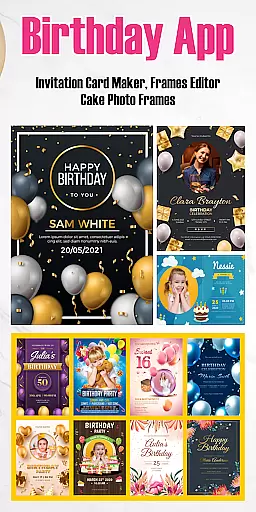
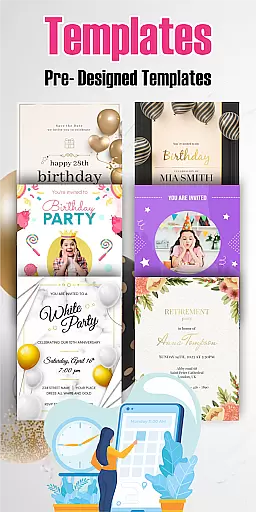

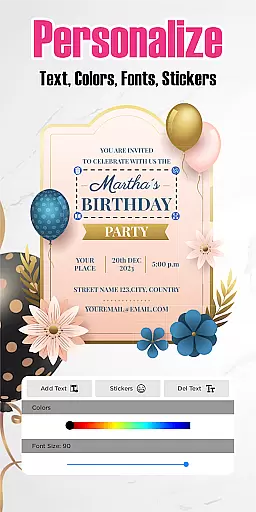



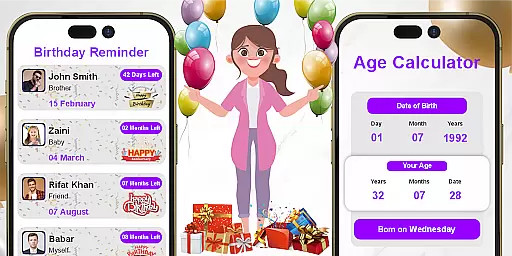
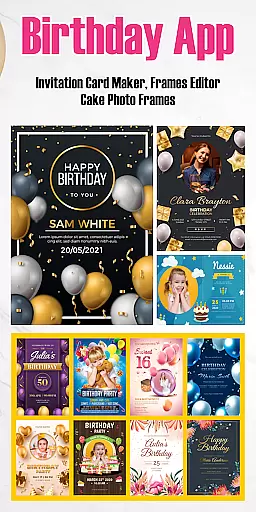
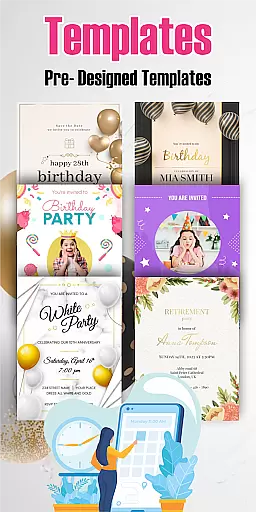

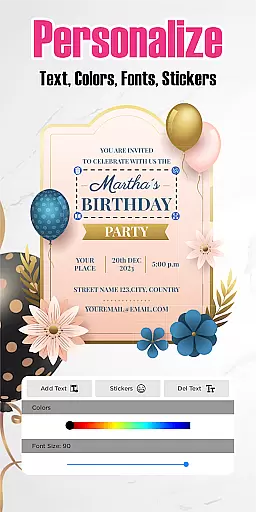



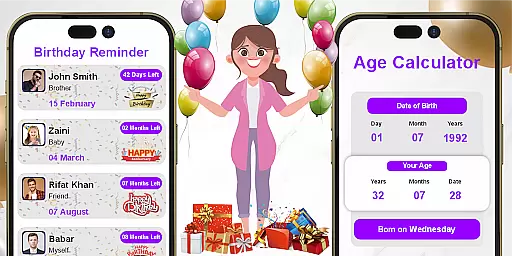
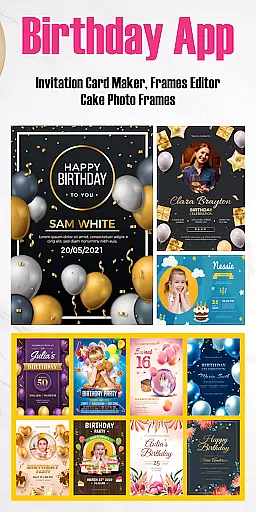
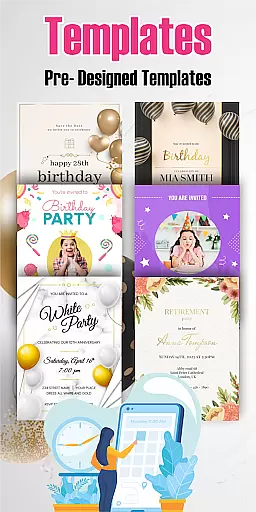

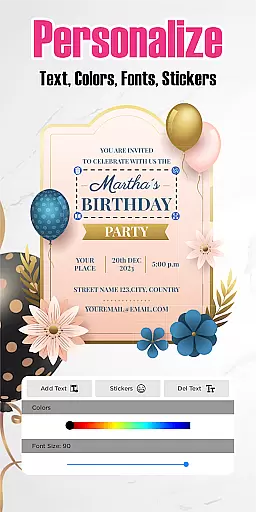



Birthday Invitation Card Maker is a mobile app designed to help users create personalized and visually appealing invitations for birthday celebrations. This Android app offers an intuitive interface that allows users to customize every aspect of their invitation cards, from choosing templates to adding unique text and images. With its focus on creativity and ease of use, the app ensures that even those without design experience can craft professional-looking invitations.
The primary purpose of Birthday Invitation Card Maker is to simplify the process of designing high-quality birthday invitations. The app features a wide variety of templates, fonts, and color options, enabling users to tailor invitations to match the theme of their event. Additionally, the app supports sharing via multiple platforms, making it easy to send digital invites or print them for physical distribution. Its seamless integration with social media enhances the overall app experience.
This app is ideal for individuals who frequently organize birthday parties and need creative tools to design invitations. It appeals to a broad audience, including parents planning their children's parties, event planners managing multiple celebrations, and young adults seeking stylish invites for milestone birthdays. Users aged 18 to 45 are most likely to benefit from this app-based solution due to its modern design features and user-friendly interface.
Specific scenarios where Birthday Invitation Card Maker shines include planning surprise parties, themed events, or large gatherings requiring coordinated invitations. For example, a parent might use the app to create matching invites for a child's superhero-themed party, while an event planner could rely on it to streamline client requests. The app also suits last-minute needs, allowing users to quickly produce and distribute invitations within tight deadlines.
Birthday Invitation Card Maker stands out by offering a comprehensive yet accessible platform for creating memorable invitations. Its value lies in empowering users to express creativity without needing advanced design skills. By providing diverse customization options, the app ensures that every invitation reflects the unique personality of the celebrant. Furthermore, regular updates introduce fresh templates and features, enhancing long-term usability.
The app solves common challenges faced during invitation creation, such as limited design resources or time constraints. Unlike generic card-making apps, Birthday Invitation Card Maker focuses specifically on birthday themes, ensuring relevance and quality. Its seamless sharing capabilities and compatibility with various devices make it a versatile choice. These factors contribute to an exceptional app experience that distinguishes it from competitors in the Events category.
Wide selection of templates
User-friendly interface
Real-time design previews
Flexible sharing options
Frequent content updates
Limited free features
Occasional ads
Basic photo editing
Small learning curve
Premium subscription cost

PheedLoop Go! is the mobile event app for events powered by PheedLoop.
 4.40
4.40
CUE Live utilizes ultrasonic sound waves to sync devices at CUE enabled events
4.80
Track birthdays, habits & goals. Unlimited countdowns and count-ups
4.20
Instant photo sharing for every occasion
3.80
Soft Proxy for Your Online World
4.2
RAISE-365 makes fundraising easy and fun!
3.20
Microsoft Ignite is an event that showcases latest advancements in technology
4.00
Fast Scans. Happy Fans. For Every Hometown!
4.60
Save money on concert, sport, and theater tickets, and discover upcoming events.
4.80
Birthday Greetings provides Birthday Card, Frames, Gifs & Father's day Wishes
4.80
Plan your wedding for free on the go: vendors, budget, website and checklists!
4.80
Find Live Event Ticket Deals to Sports, Concerts, Festivals, & Comedy For Less!
4.80
Here you can choose tickets for films, performances, concerts and other events
4.60
Events, Meetings, Photo Shoots
4.50
Invitation Card Maker, Design & share wedding, birthday & party invites fast
4.40
Buy tickets for any event!
3.90
The Official App
3.70
Purchase line-skip passes, drinks, cover, and more at bars and clubs
3.50
Buy event tickets easily with our user-friendly App. Stay updated on hot events
4.2


User Reviews