
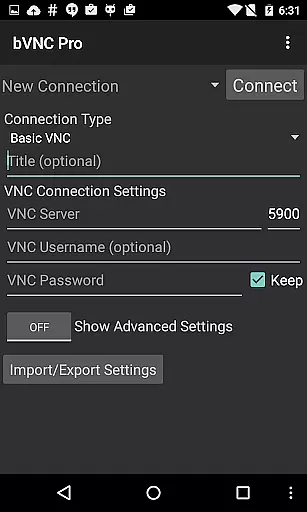
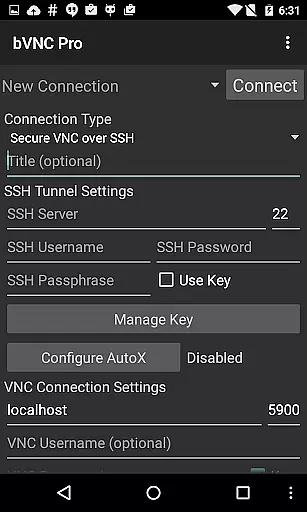
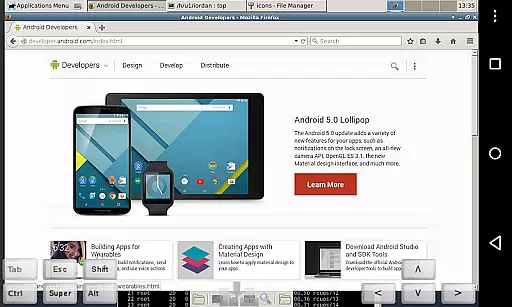
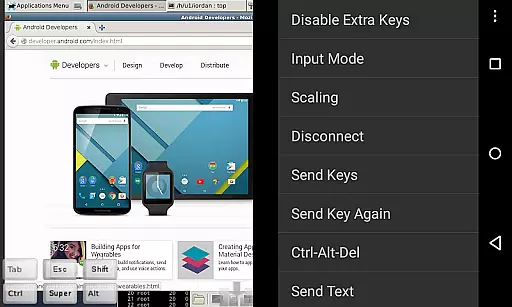
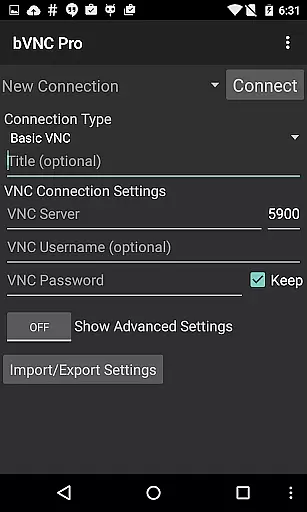
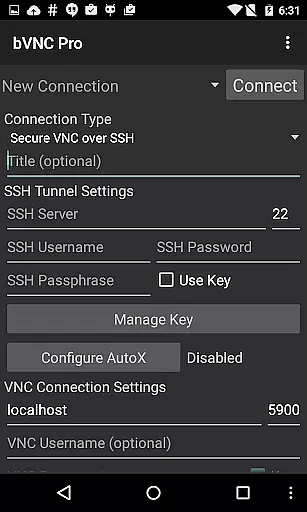
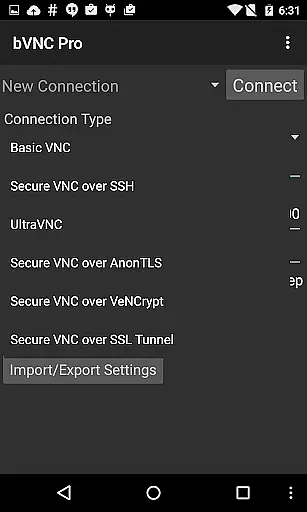
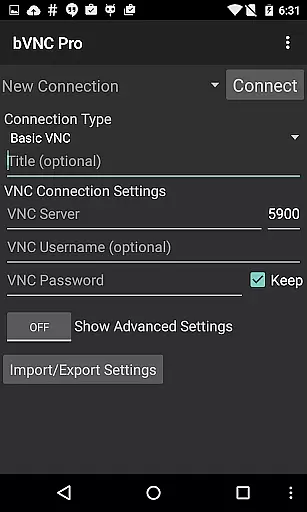
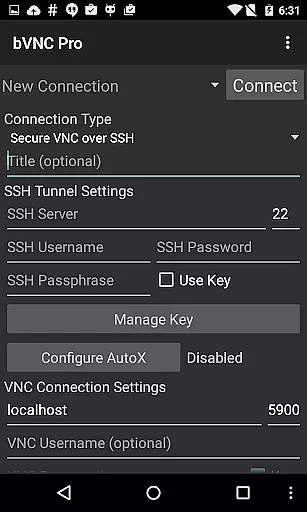
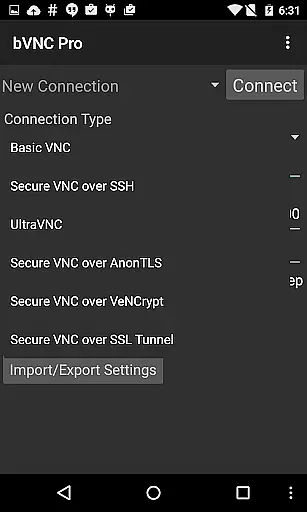
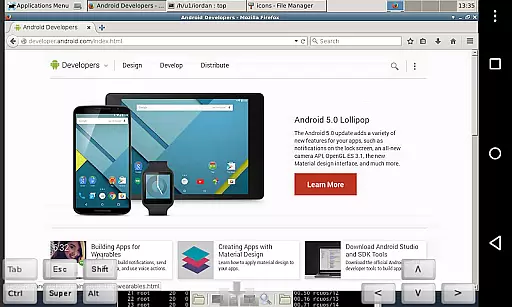
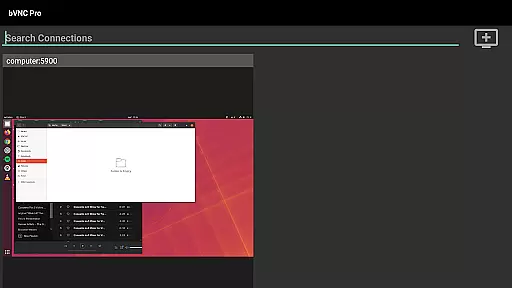
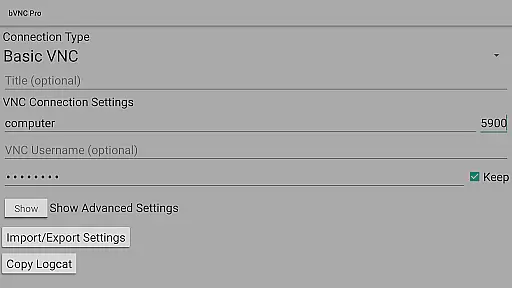
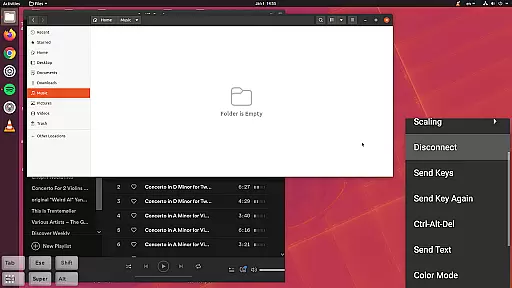
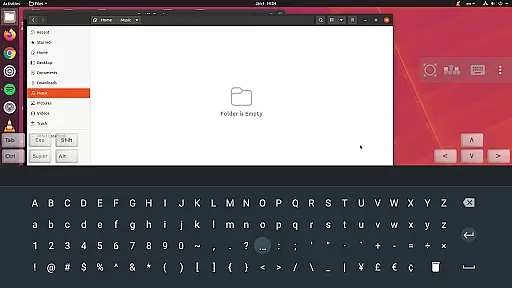
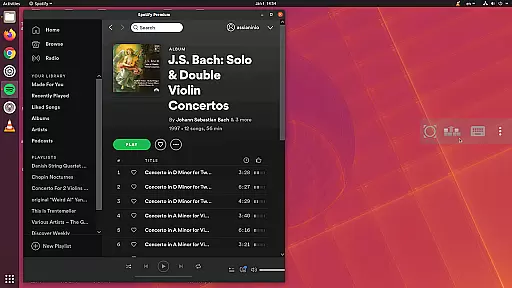
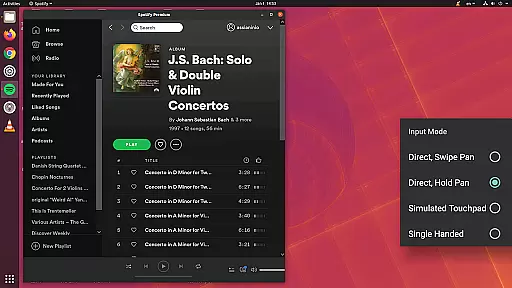
bVNC Pro is a productivity-focused mobile app designed for users who need secure and reliable access to remote computers. As an Android app, it provides a streamlined experience for connecting to VNC servers with advanced security protocols. The app supports multiple connection types including SSH tunneling and SSL encryption, ensuring that users can work safely from anywhere.
The primary purpose of bVNC Pro is to enable seamless remote desktop access for professionals such as IT administrators and developers. Its core features include support for various VNC server configurations, customizable input modes, and high-performance rendering. With its intuitive interface, the app experience remains approachable even for less technical users while delivering powerful functionality.
This app is ideal for professionals such as IT administrators, network engineers, and software developers who require secure remote access to their systems. It caters particularly well to users aged 25-50 who are tech-savvy and familiar with networking concepts. The app-based solution is also suitable for businesses seeking reliable tools for managing infrastructure remotely.
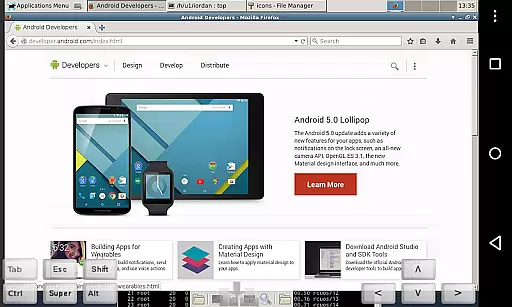
Common usage scenarios include accessing office computers from home, troubleshooting servers in different locations, or managing virtual machines on the go. For example, an IT professional might use bVNC Pro to resolve urgent issues outside working hours. Similarly, a developer could utilize the app to deploy code updates directly from a mobile device, enhancing productivity regardless of location.
bVNC Pro stands out due to its robust security measures and versatility in supporting various VNC server configurations. Users benefit from features like SSH tunneling and SSL encryption, which ensure that sensitive data remains protected during remote sessions. The app's attention to detail in terms of performance optimization makes it a top choice for demanding tasks.
What sets this Android app apart is its ability to balance advanced functionality with ease of use. While other apps may offer basic remote access, bVNC Pro provides a comprehensive suite of app features tailored to meet the needs of professionals. Whether configuring complex server environments or performing routine maintenance, the app delivers consistent reliability and efficiency.
Secure connection options
High-performance rendering
User-friendly interface
Regular feature updates
Wide compatibility range
Occasional performance lag
Limited offline functionality
Steep learning curve
Premium price point
Requires stable internet

When you Focus, so will your Bean in this cozy focus timer
 4.30
4.30
Native client for Forgejo and Gitea
5.00
Mega cloud explorer plugin for Solid Explorer
3.80
Smart PDF reader & editor to view, organize and manage PDF documents easily.
3.70
Absolutely the best CNC machinist speed and feed calculator around. fswizard.com
4.60
Secure, fast, open-source, Remote Desktop Client for Windows and Linux with SSH
4.60
Todo reminder
4.10
A Pixel Art watchface inspired by other iconic 90s designs for Wear OS devices!
4.40
Simple notepad & memo. Take notes, to-do list, shopping list with reminders.
4.80
Client for Nextcloud Deck
4.60
App Lock with fingerprint, password: Lock apps & hide photos with lock screens
4.60
Functional QR scanner and barcode reader that requires little storage space.
4.60
Fill, sign & send docs, forms, agreements & contracts via electronic signature.
4.50
Device's storage information in a simple and clear graphical form (infographics)
4.10
Font maker keyboard with your own handwriting
4.10
Intelligent AI Assistant
4.10
Secure, open-source, SPICE and SSH Remote Desktop for QEMU KVM virtual machines
4.00
Ultimate Virtual AI Character for immersive Roleplay Chat. Perfect Companion
3.90
Code on-the-go with VScode for Android. Edit,debug and collaborate from mobile!!
3.10


User Reviews