
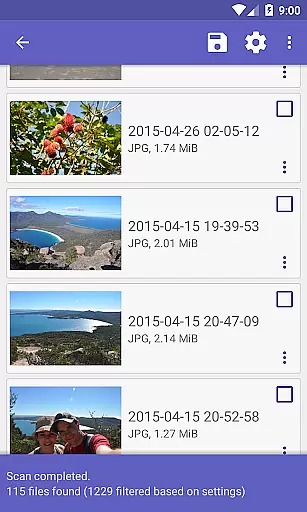
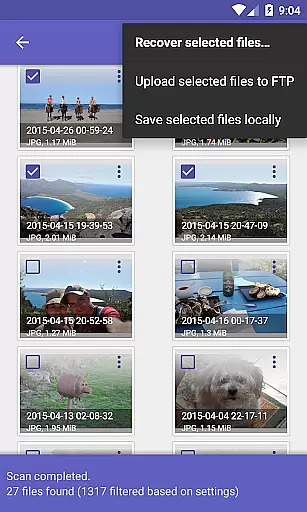
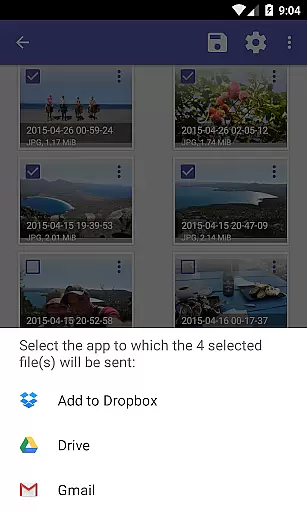
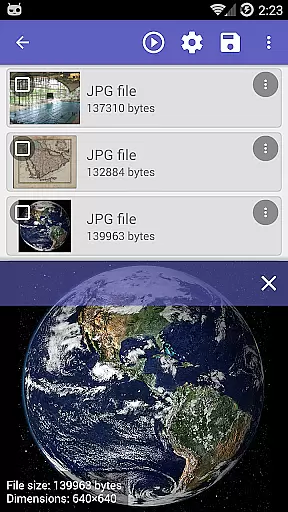
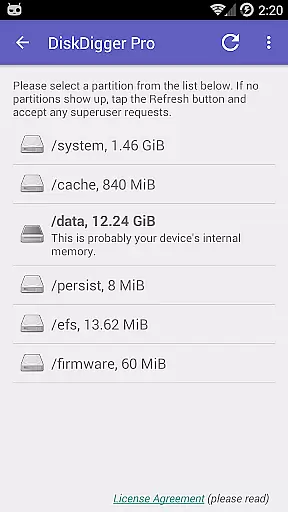
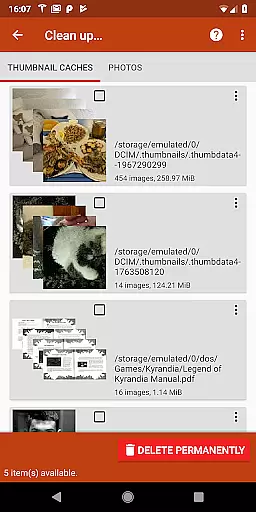
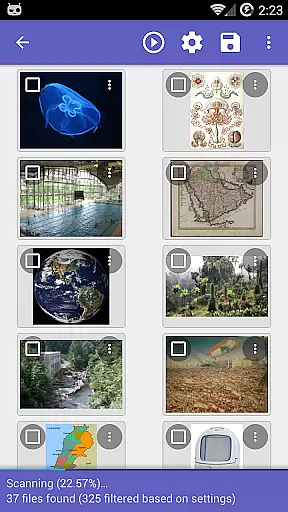
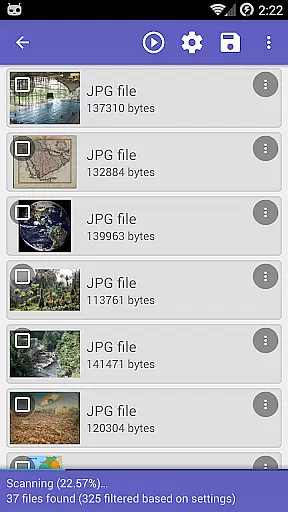
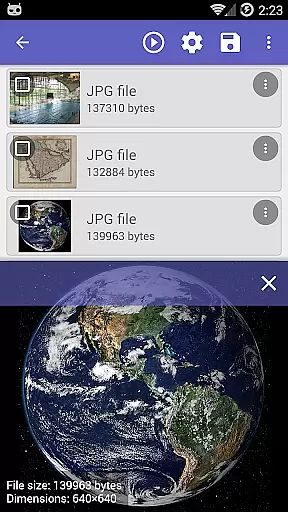
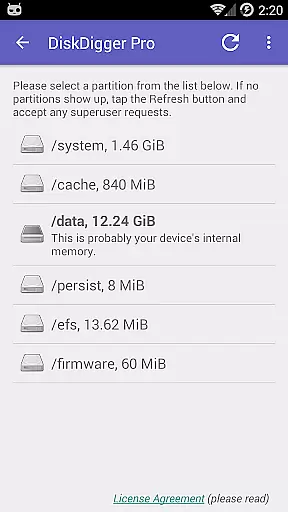
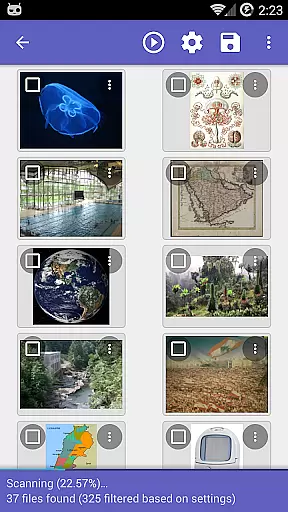
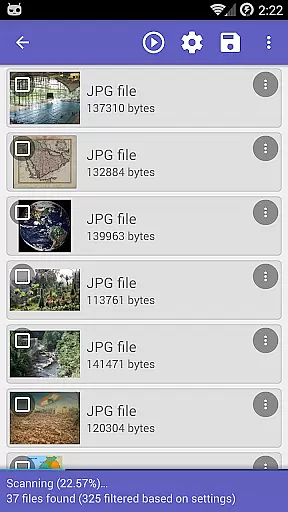
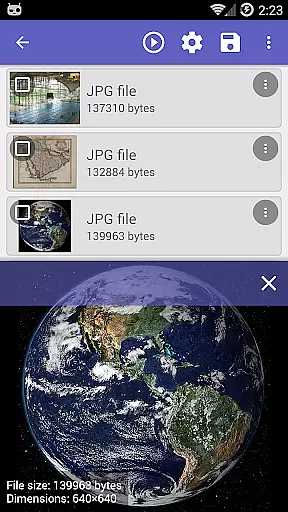
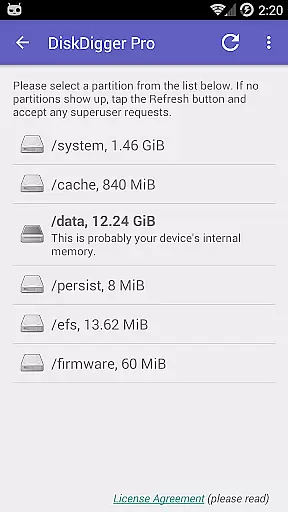
DiskDigger Pro file recovery is a powerful Android app designed to retrieve lost or deleted files from mobile devices. This tool specializes in recovering photos, documents, and other file types from both internal storage and external SD cards. With its intuitive interface, users can easily navigate through the recovery process without requiring technical expertise.
The app's primary purpose is to offer a reliable solution for data recovery on Android devices. It supports multiple file formats and provides options for deep scanning to ensure maximum retrieval efficiency. DiskDigger Pro stands out by offering cloud integration and the ability to send recovered files directly to email or upload them to cloud services.
This mobile app is ideal for individuals who frequently manage digital content on their Android devices. It caters to users ranging from casual smartphone owners to professionals handling sensitive data. The target audience includes those who have accidentally deleted important files or lost data due to device malfunctions.
Common use cases involve recovering cherished memories from damaged SD cards or restoring work-related documents after unexpected deletions. DiskDigger Pro proves particularly valuable when dealing with accidental format operations or transferring files between devices. Its versatility makes it suitable for both personal and professional scenarios where data loss occurs.
DiskDigger Pro file recovery distinguishes itself through its comprehensive feature set and reliability. The app offers advanced scanning algorithms that ensure higher recovery success rates compared to similar tools. Users benefit from its ability to handle various file types and storage media making it a versatile app-based solution for data recovery needs.
The app solves the critical problem of data loss by providing an accessible recovery method without requiring technical expertise. What sets it apart is the combination of powerful recovery capabilities with user-friendly design. Unlike many alternatives DiskDigger Pro maintains a balance between professional-grade features and ease of use ensuring broad accessibility across different user groups.
High recovery success rate
User-friendly interface
Supports multiple file formats
Fast scanning process
Cloud integration available
Premium version required
Limited free features
Occasional scan interruptions
Interface may feel outdated
Large app size

A convenient photo, video, and file recovery tool.
 4.00
4.00
A recovery soft,it features photo recovery, video recovery, file recovery.
3.40
Save any video in HD - paste the link, download fast and watch offline.
4.3
Universal TV remote control all TVs, Roku, LG, Samsung, Fire, Vizio, Sony, TCL.
4.40
Detect hidden spy camera with advanced scanning {{ Premium version }}
4.00
WiFi Signal Strength Meter help you detect WiFi Signal Strength in real time.
4.80
Screen Mirroring with sound for Samsung TV, LG TV, Sony TV, Smart TV and Browser
4.20
Mobile Security with Scam Protection | Malware & Virus Cleaner | Safe Browser
4.70
Enhance your Beats
3.70
Best leveling tool for your Android device. Hang paintings like a pro.
4.90
Fast Video Downloader, Movie Downloader, Torrent Downloader & Adblock Browser
4.70
HD Video player and downloader for all formats, fast & smooth 4K video playback.
4.60
Canon PRINT is a companion app for your Canon printer.
4.60 4.50
4.50
PC precision for mobile gaming: dominate with keyboard and mouse!
4.30
Just one-tap to easy translate in any language after calls within seconds.
4.20
App that Recover your pictures, videos or files after you delete them.
4.20
An open-source APK explorer for Android!
4.10
Unlock your Essential Key. Create custom shortcuts to your favorite apps!
4.1


User Reviews