
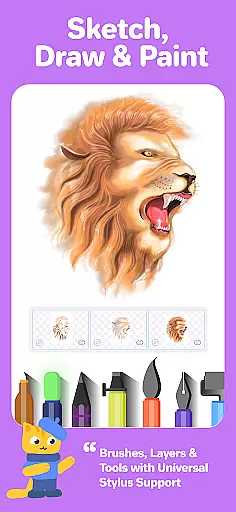
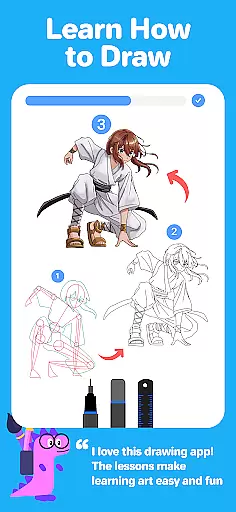

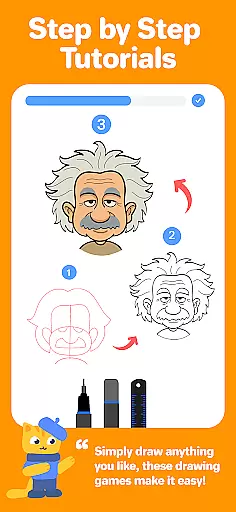

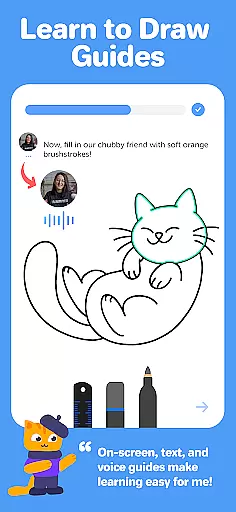

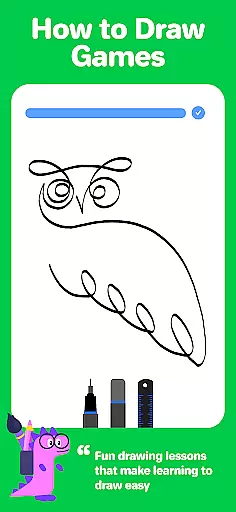
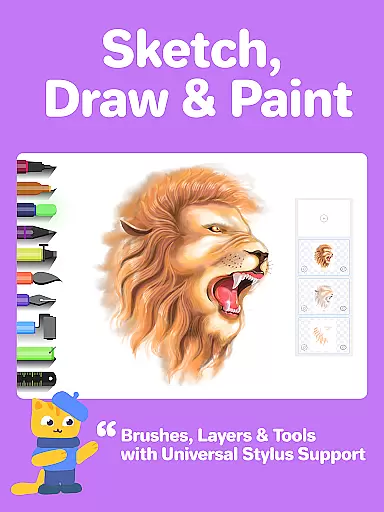
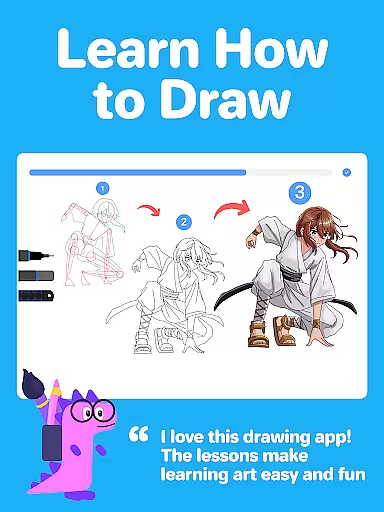
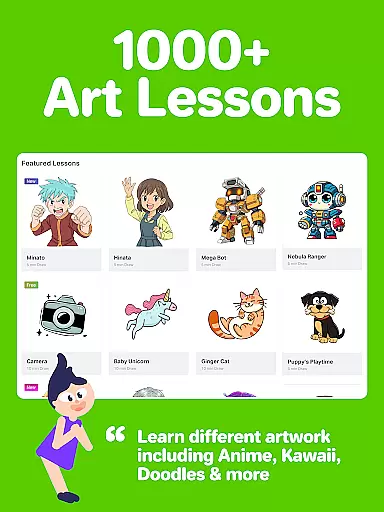
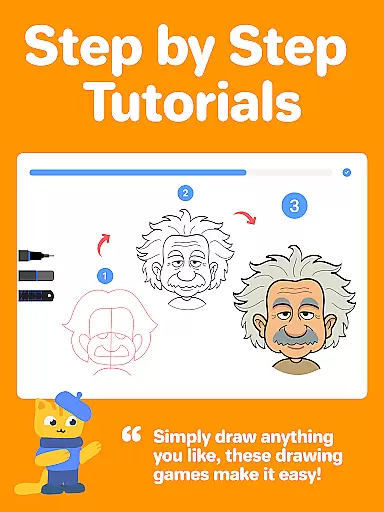
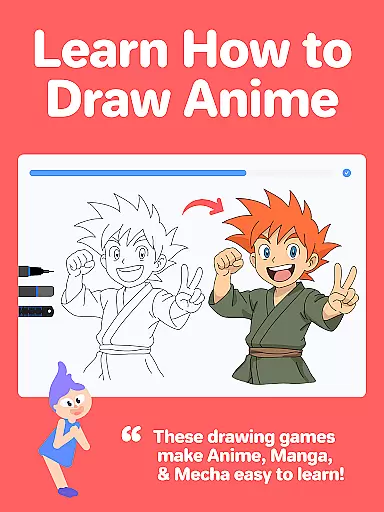
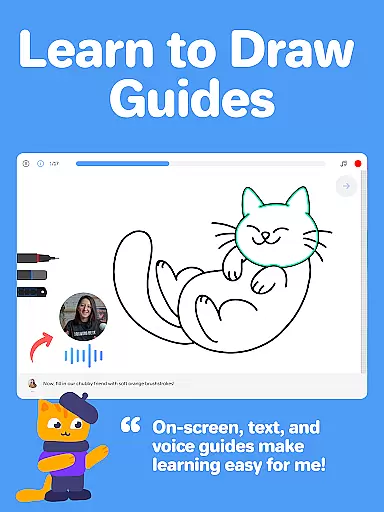
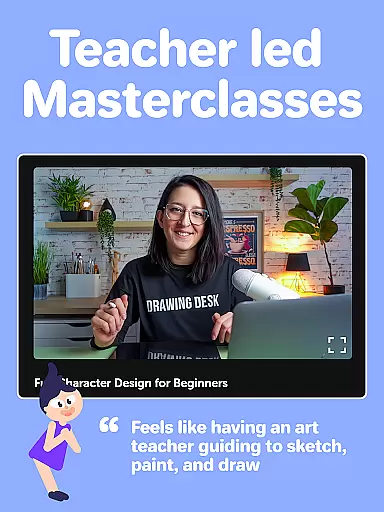
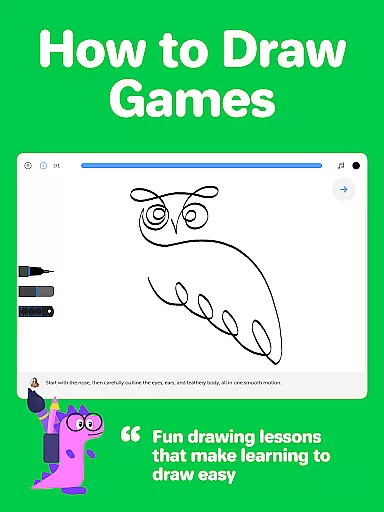
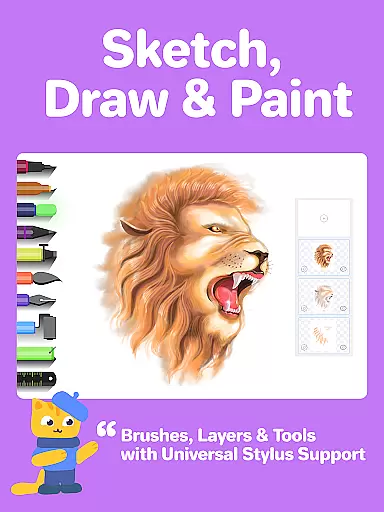
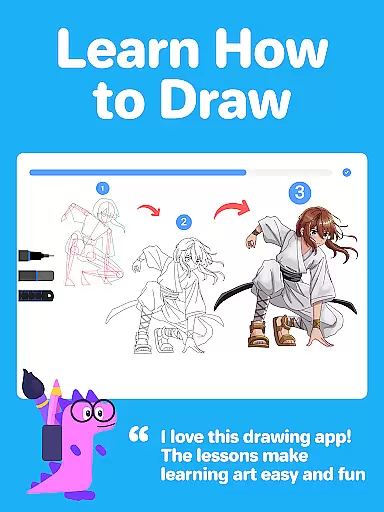
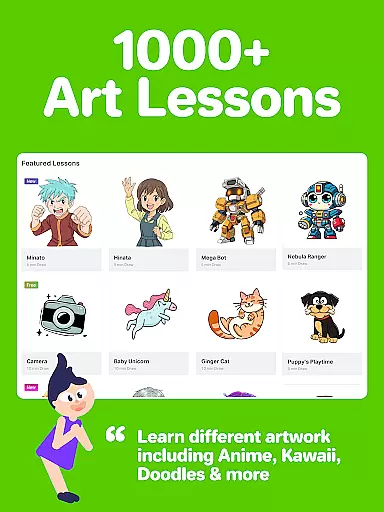
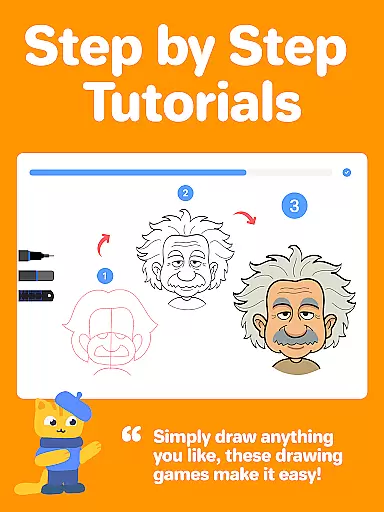
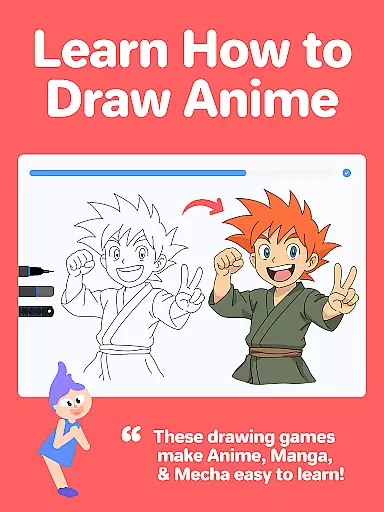
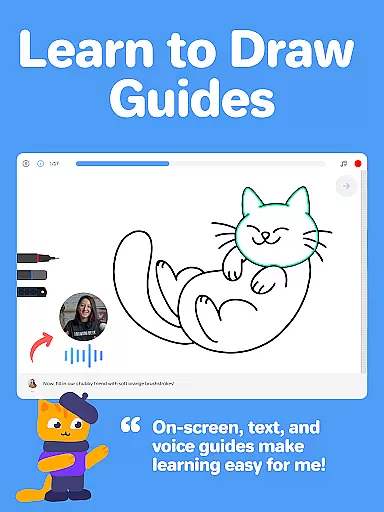
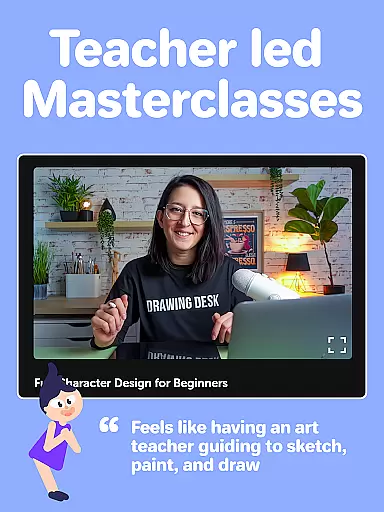
Drawing Desk is an Android app designed for users who enjoy expressing creativity through digital art. This mobile app offers a variety of drawing tools and features tailored to both beginners and experienced artists. With its intuitive interface, the app provides seamless navigation while ensuring accessibility for all skill levels.
The primary purpose of Drawing Desk is to enable users to create stunning artwork directly on their mobile devices. It includes specialized modes such as Kids Paint for younger users and professional-grade brushes for advanced creators. The app experience is enhanced by customizable canvases, vibrant color palettes, and realistic brush effects that mimic traditional art mediums.
Drawing Desk caters to a wide audience ranging from children to professional artists. Younger users benefit from the simplified Kids Paint mode which fosters creativity in a safe environment. Teenagers and adults seeking a creative outlet will appreciate the app's balance between ease of use and advanced functionality. Professional designers and illustrators can leverage the app-based solution for quick sketches or polished pieces.
This mobile app is ideal for scenarios where traditional art supplies are unavailable or inconvenient. For instance, users can sketch ideas during commutes or create artwork at home without needing physical materials. Educators also find Drawing Desk useful for classroom activities that involve digital creativity. Its versatility ensures it fits seamlessly into both casual and professional workflows.
Drawing Desk stands out due to its combination of accessibility and powerful features. The app experience is enriched by its ability to cater to different skill levels without compromising quality. Users benefit from frequent updates that introduce new tools and improve performance. Additionally, the offline mode ensures uninterrupted access to essential features regardless of connectivity issues.
What makes Drawing Desk unique is its focus on delivering a realistic drawing experience. The app replicates the feel of traditional mediums like pencils and paints while offering modern conveniences such as layer editing and cloud storage. Compared to similar apps, Drawing Desk balances simplicity with depth making it suitable for diverse users. These qualities position it as a top choice among mobile apps in the art and design category.
Intuitive user interface
Wide range of drawing tools
Frequent feature updates
Offline functionality
Vibrant color options
Limited free features
Occasional ads in free version
Advanced tools require purchase
Performance lag on older devices
Learning curve for beginners

Create stylish invitation cards using templates for weddings, birthdays & RSVP.
 4.20
4.20
Digital illustration drawing & painting pad app to paint Anime and Manga art
4.50
AI Face Swap, Video Effects Editor, Realtime Morph, Funny Video FX,AI Filters
3.70
Unleash your drawing and painting potential
4.50
Art of Combination Wear OS Watch faces
4.4
Create stunning video, photo & magic from text with FlixAI GPT video generator.
3.10
Photo editor for art, avatars, filters & fun transformations.
4.60
Minecraft & Roblox Clothes
4.70
Unleash your inner artist! Sketchar: AR Drawing for Limitless Creativity
4.40
Create and Design Custom Logos in Seconds with AI-Powered Tools!
4.40
Trace, draw, and create art with AR - from memes to masterpieces!
4.30
Custom Character Creator & PFP Maker!
4.20
OneUI 8.5 icons ✨ Smooth, modern & based on the latest Play Store design ??
4.10
Design your dream room with AI. Get decor ideas & plan home interiors
3.90
Powerful home decoration & house design that allows you to design dream home.
3.80
Create sweet, cool and unique couple avatars easily, in just a few steps!
3.40
Art of Combination Wear OS Watch faces (for Wear OS 5+ devices)
3.00
Inky runs Inkscape on Android devices and Chromebooks
2.90
Retouch photos. Create or edit images. Endless capabilities.
2.70


User Reviews