
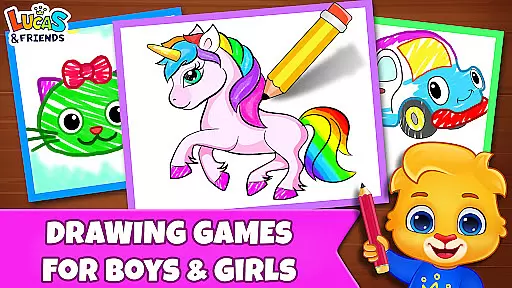
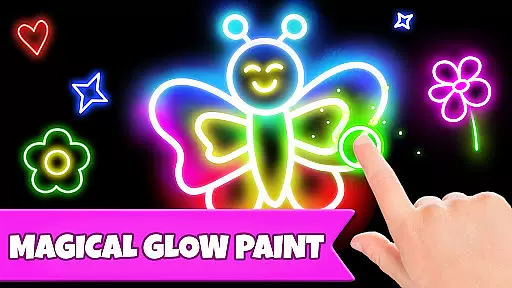
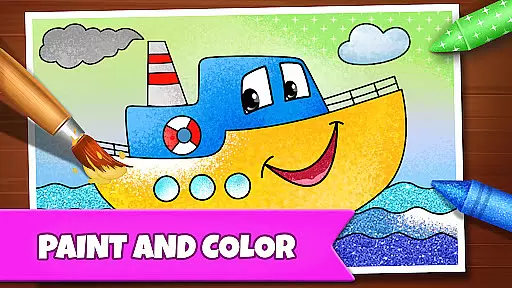
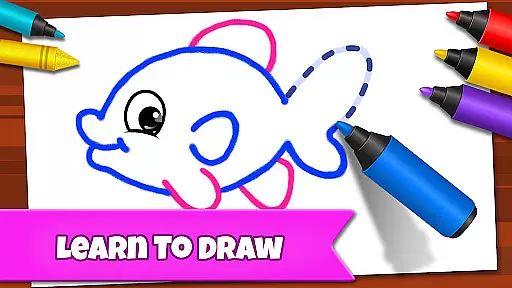
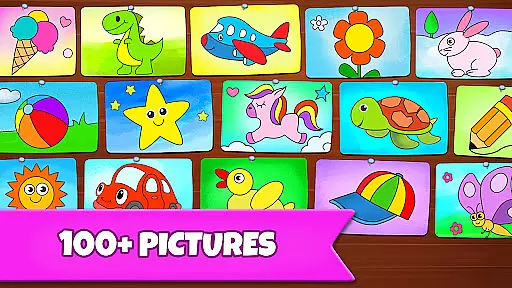
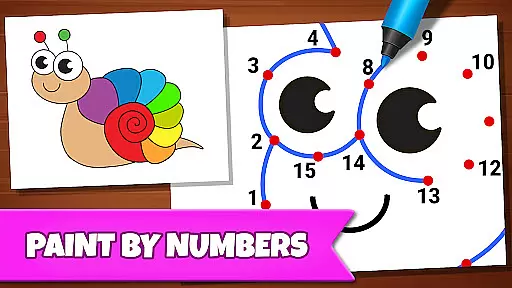
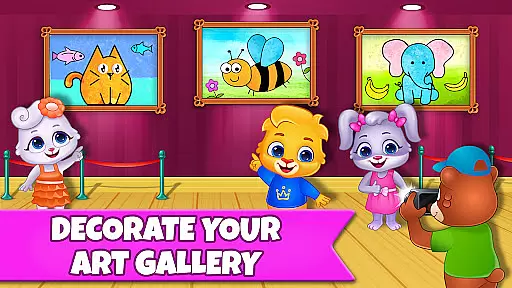
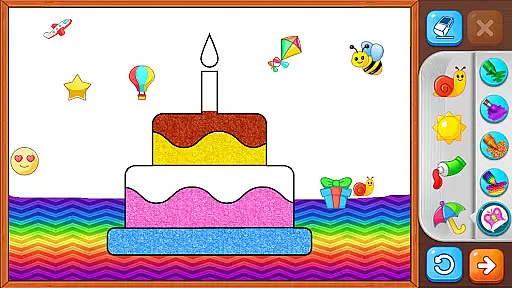
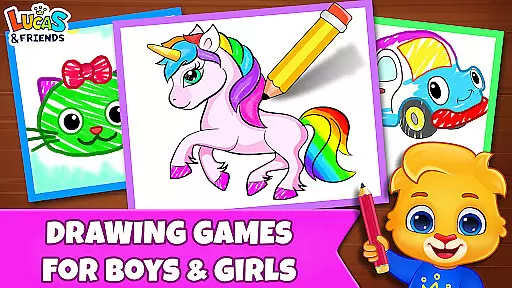
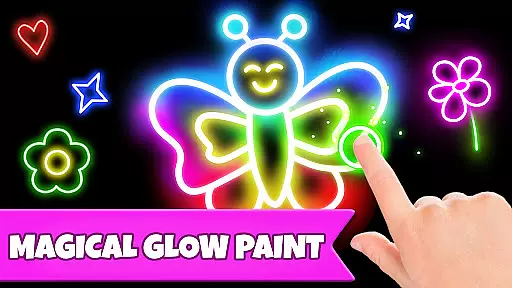
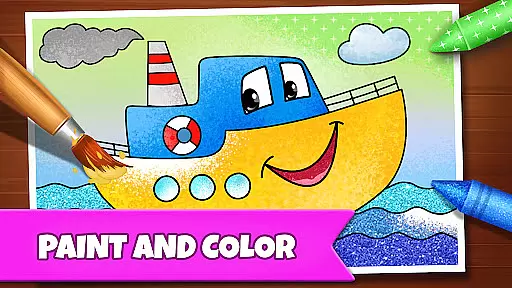
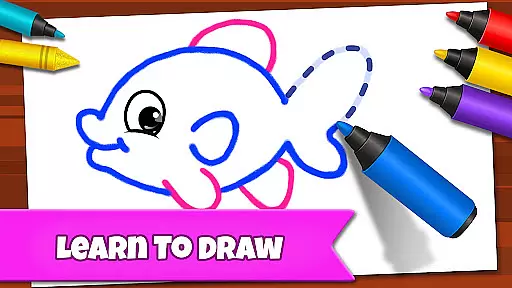
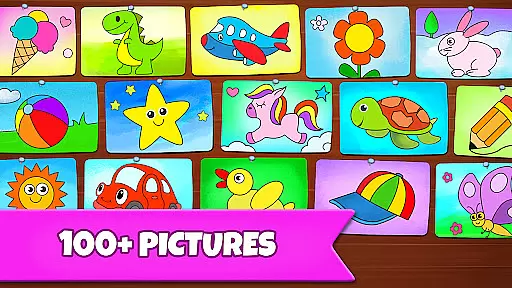
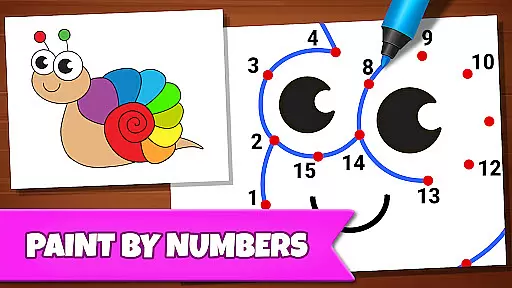
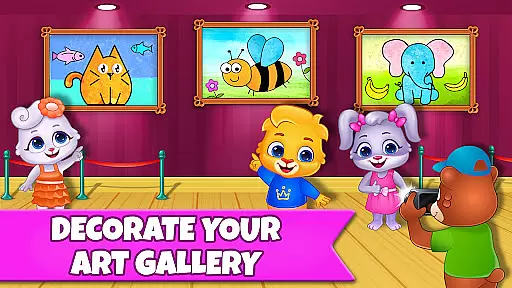
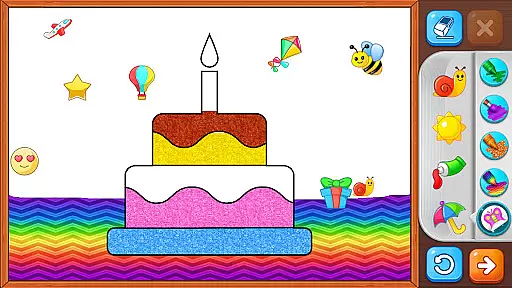
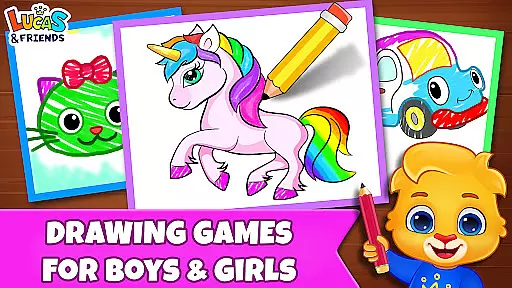
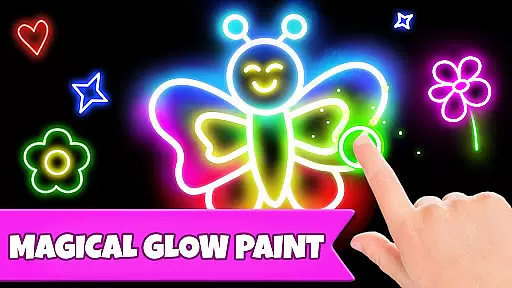
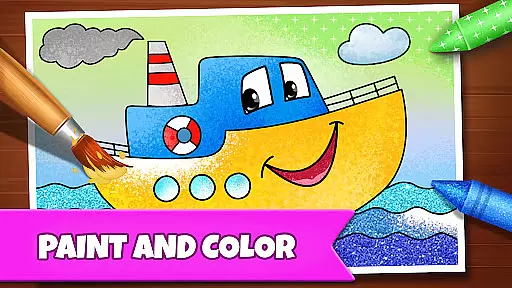
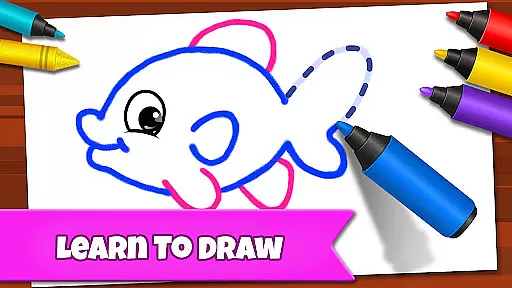
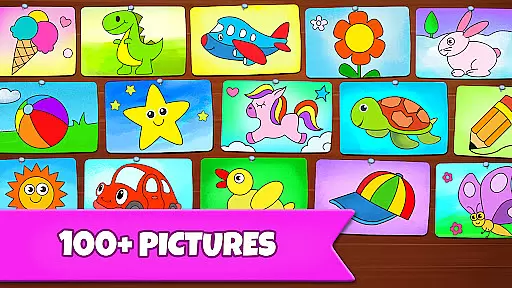
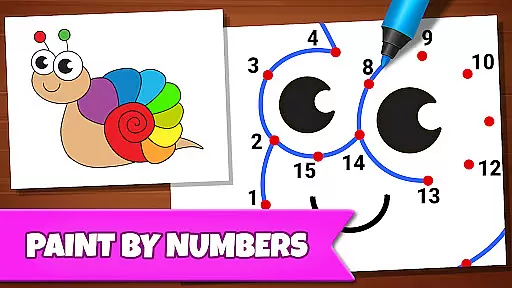
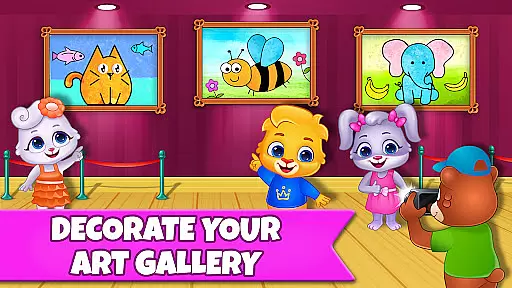
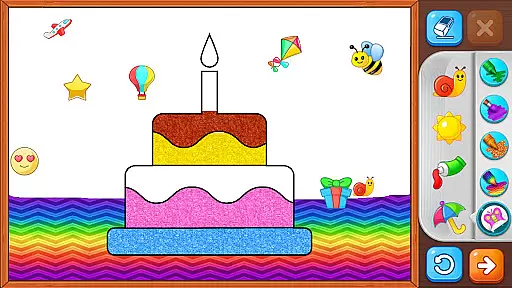
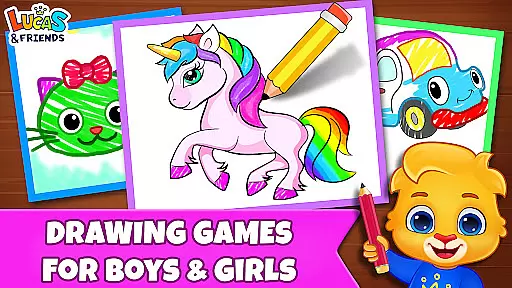
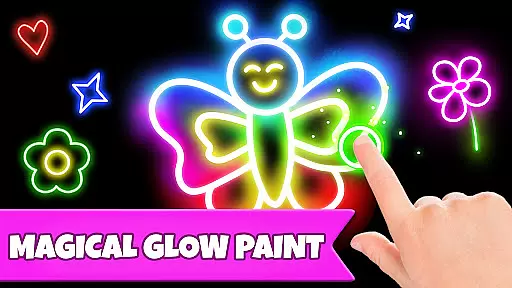
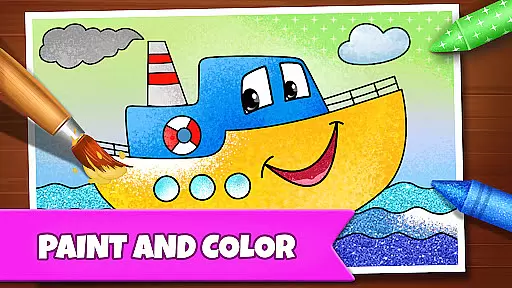
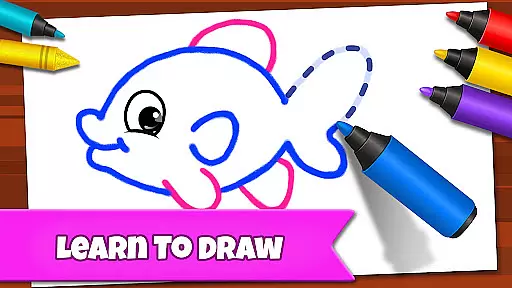
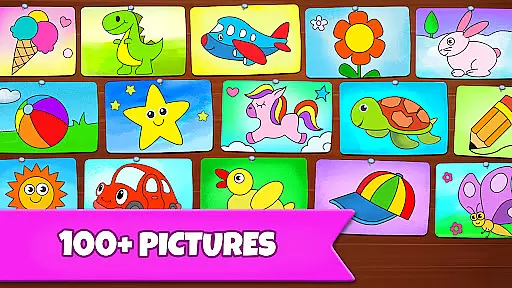
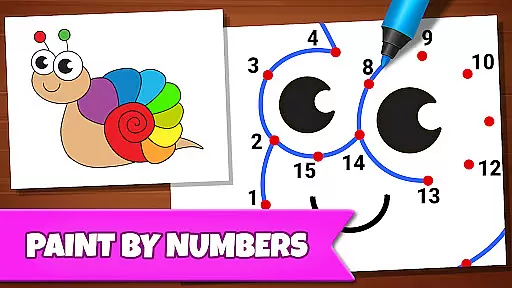
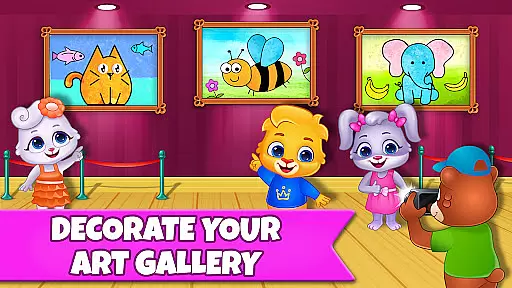
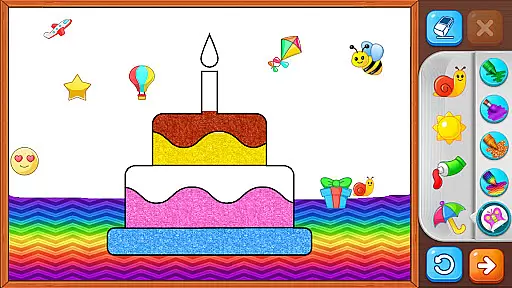
Drawing Games: Draw & Color is an educational mobile app designed to help children develop creativity and fine motor skills. This Android app offers a variety of drawing and coloring activities that are both fun and instructional. The app's interface is simple and intuitive, making it easy for young users to navigate and start creating art immediately.
The primary purpose of Drawing Games: Draw & Color is to provide an engaging platform where kids can express themselves artistically. With features like guided drawing lessons and freehand options, the app supports different learning styles. Users can choose from a wide range of colors and brushes, allowing them to experiment with various artistic techniques while enjoying a seamless app experience.
This app is ideal for parents looking for educational tools that combine fun with learning. It caters primarily to children aged 3 to 8 who enjoy creative activities. Educators seeking interactive resources to supplement classroom teaching will also find this app beneficial. The colorful design and simple navigation make it appealing to young learners.
Specific use cases include classroom activities where teachers need engaging tools to teach art basics. At home, parents can use this app as a constructive way to keep kids entertained during travel or quiet time. The app experience is enhanced by its ability to adapt to different skill levels, ensuring that every child can progress at their own pace while developing essential artistic skills.
Drawing Games: Draw & Color stands out due to its combination of entertainment and education. The app provides a structured learning path through guided lessons while allowing freedom for creative exploration. This dual approach ensures that children not only have fun but also develop important skills such as hand-eye coordination and color recognition.
What makes this app unique is its focus on accessibility and ease of use. Unlike other drawing apps, it includes parental controls and a child-friendly interface that minimizes distractions. The app features are designed to grow with the user, offering increasing complexity as skills improve. These aspects create a comprehensive app-based solution that addresses both educational needs and entertainment preferences in one package.
Easy-to-use interface
Educational content included
Variety of drawing tools
Parental control options
Regular updates available
Limited advanced features
Occasional ads appear
In-app purchases required
Offline mode unavailable
Storage space needed

Wind down, relax and snuggle up with your favourite Blocks characters.
 3.30
3.30
Creating emotional connections
4.0
Play the fun princess party game for kids with Cocobi the little dinosaurs.
4.10
Play educational games for preschool toddlers—plus more to discover ►AdsFree◄
4.60
Baby Phone Game for Kids & Toddlers to Learn Sounds, Numbers, ABCs, Phone Calls
3.80
Cute coloring games for girls! Draw, paint & decorate with endless colors.
4.70
Master your phonics letters and sounds with the Alphablocks!
3.80
Endless runner fun packed with animal facts, exciting wildlife, & adventure.
4.10
Play pretend & explore at the doctor's & school in Daniel Tiger's Neighborhood.
3.30
Epic battles, interactive quests and exotic pets. Learn math with Prodigy today!
4.70
Fun educational jigsaw puzzles for kids and preschoolers.
4.50
Monkey Preschool Fix-It is an early learning game for ages 2 to 5.
4.40
This will quickly become your kids' favorite animals game!
4.40
Fun dentist game with Cocobi friends!
4.10
The Squirrels have been learning how to look after animal, now it's your turn!
3.90
A world to build at the tip of your fingers!
3.80
Magical girl game where dreams come true. Collect & care for cute princesses!
3.80
Woof! The very first official Hey Duggee app for CBeebies' new favourite show.
3.70
A game to memorize
4.0


User Reviews