
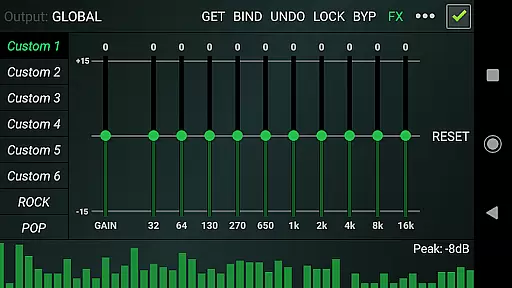

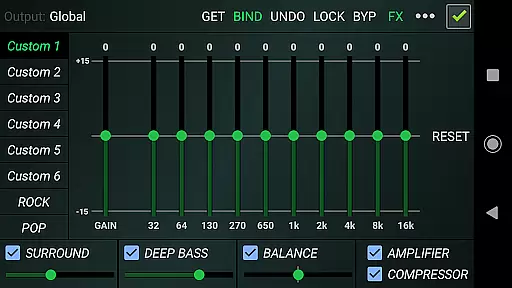
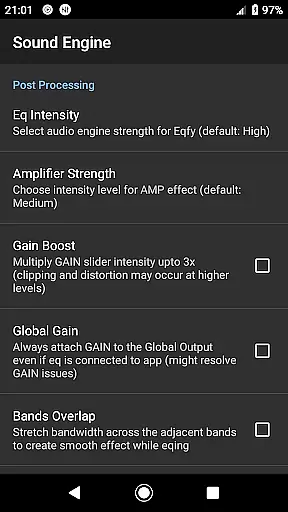
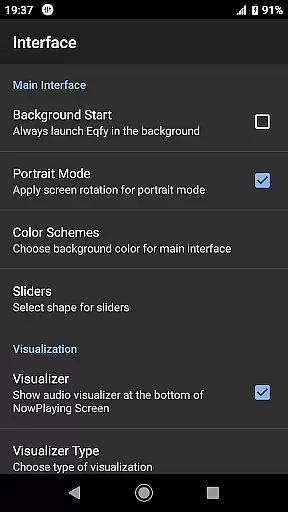
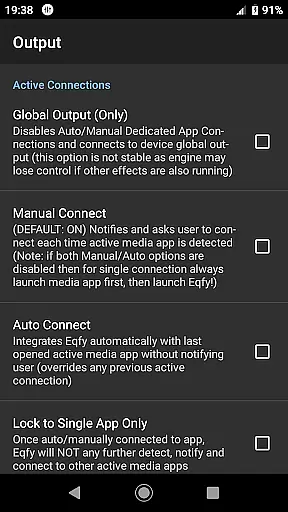
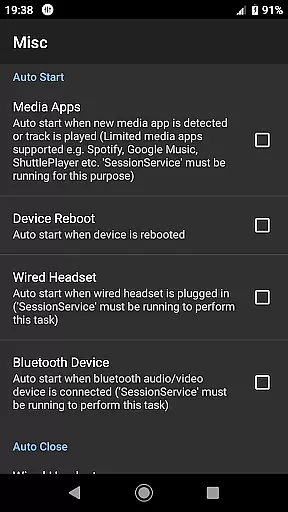
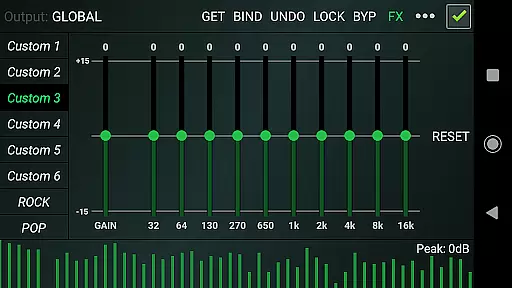
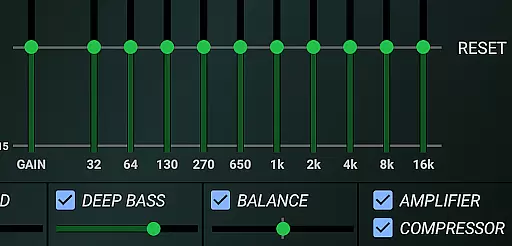
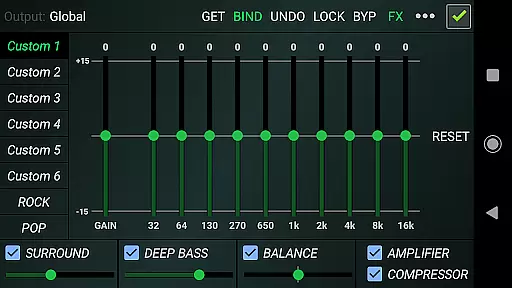
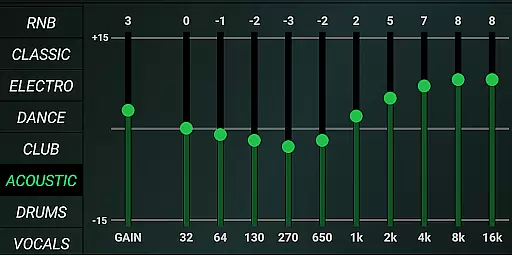
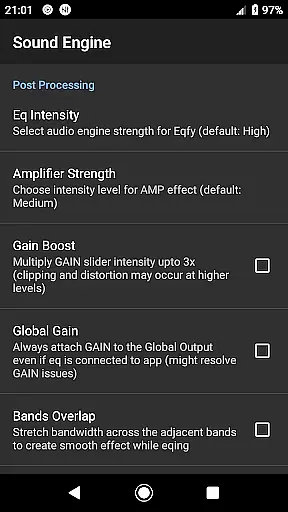
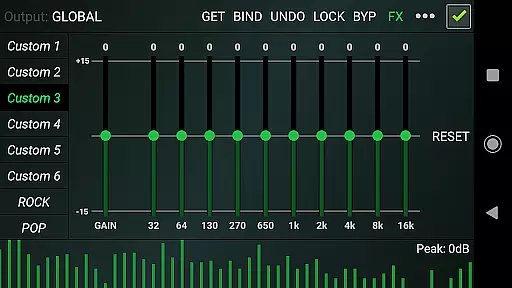
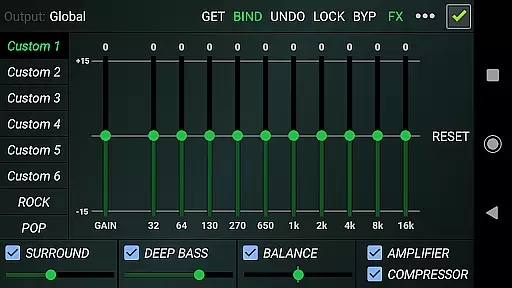
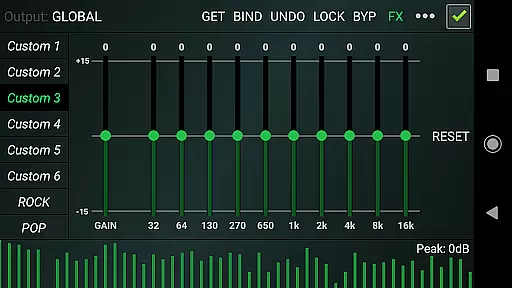
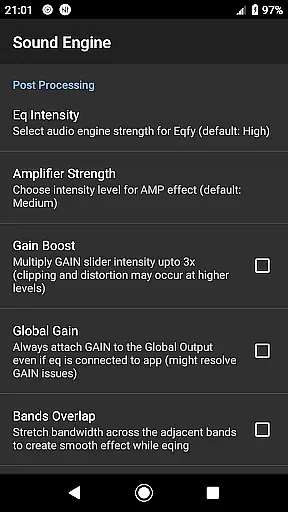
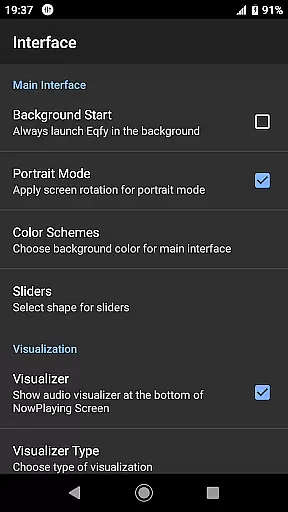
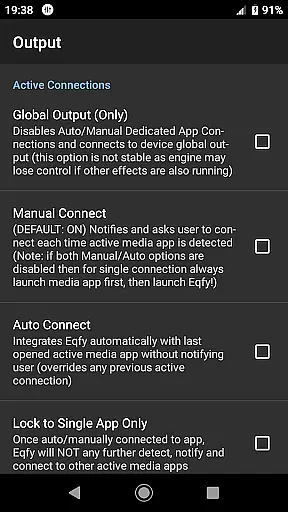
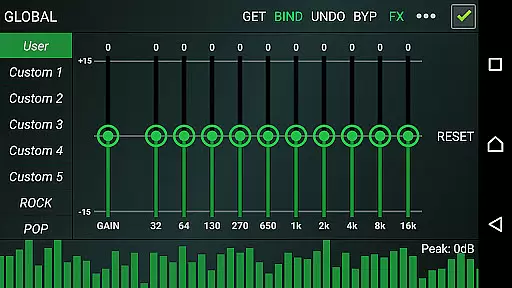
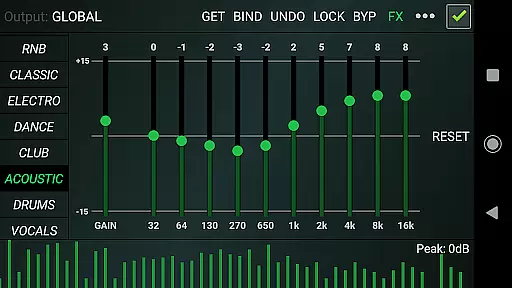
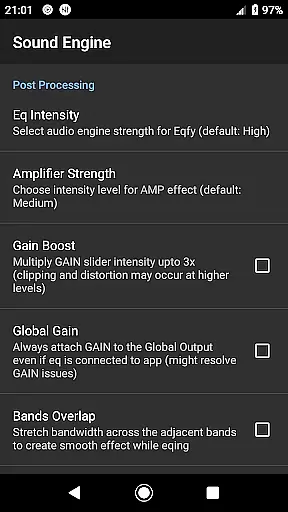
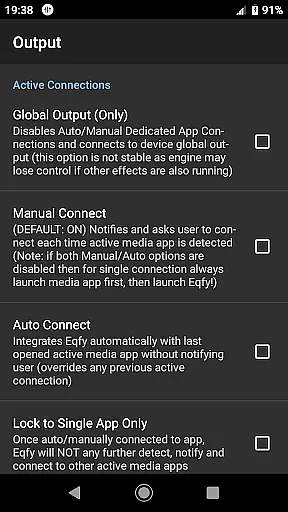
Eqfy Equalizer for Spotify is a mobile app designed to enhance the audio experience of Spotify users. This Android app allows users to customize sound settings by offering advanced equalizer controls tailored specifically for Spotify playback. With its intuitive interface and seamless integration, it provides an elevated listening experience.
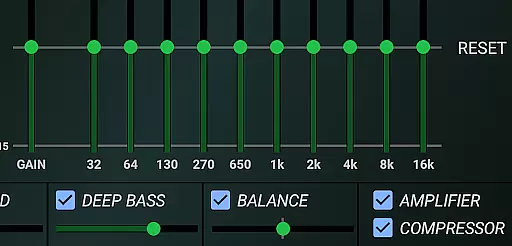
The primary purpose of Eqfy Equalizer for Spotify is to give users more control over their audio preferences. It includes features such as customizable presets, bass boost, and 3D surround sound options. These tools help users fine-tune their music to match their personal tastes or audio equipment capabilities, making it a valuable app-based solution for audiophiles.
Eqfy Equalizer for Spotify caters primarily to individuals who are passionate about music and seek greater control over their listening experience. The target audience includes young adults and professionals aged between 18 and 45 who use Spotify regularly. Audiophiles, casual listeners, and even podcast enthusiasts can benefit from this app's customization options.
This app is ideal for scenarios where audio quality matters most. For instance, users listening through high-end headphones or speakers might want to optimize sound output. Additionally, those who enjoy various music genres can switch between presets to suit the mood. Whether commuting, working, or relaxing at home, users can tailor their sound experience effortlessly.
Eqfy Equalizer for Spotify stands out due to its ability to deliver a personalized audio experience. Users gain access to advanced equalizer settings that are rarely available in standard music players. This level of customization ensures that every track sounds exactly how the listener prefers, which significantly enhances satisfaction.
What makes this app unique is its seamless integration with Spotify, eliminating the need for external tools. Unlike other equalizers, it offers real-time adjustments without disrupting playback. Furthermore, regular updates ensure compatibility with the latest Spotify versions. By addressing common pain points like limited audio controls, this Android app becomes an essential app-based solution for enhancing music enjoyment.
Seamless Spotify integration
Highly customizable presets
User-friendly interface design
Real-time audio adjustments
Regular feature updates
Limited to Spotify users only
Occasional performance lag
No standalone player function
Basic visual design elements
Premium version requires payment

Turn your phone into a musical instrument from the future!
 3.90
3.90
Remove ads permanently from Music Visualizer
4.1
Ultimate Sonos Controller
4.70
The alternative folder based music player.
4.20
24,000 free audio books and no ads!
4.90
Music, News & Sports Radio Tuner App. Tune in Live FM & AM Radio Stations.
4.80
The original SP-1200 experience on your iPad
4.20
Offline Tunes, Unlimited Vibes
3.90
Uninterrupted Tunes, Unmatched Vibes
3.90
Gorgeous UI, Powerful music Search and Equalizer, the great choice for you!
4.70
Pay Once, no monthly payment
4.60
AI Music Maker: Generate And Compose AI Tunes & AI Songs & AI Music & AI Melody!
4.60
Offline Music Player&MP3 Player with themes, equalizer, lyrics, music play mode
4.60
Save hundreds of dollars for a physical strobe tuner and instead use this app.
4.50
Visualize the guitar fretboard, master scales & play through changes like a pro!
4.50
Let your Android device with the sound effects you want
4.50
PowerAudio is a powerful offline music player.
4.20
Control your MIDI USB or Bluetooth devices in app and avoid some trampling
3.30
Simply convert wav to mp3. Clear. Reliable. Safe.
4.3


User Reviews