
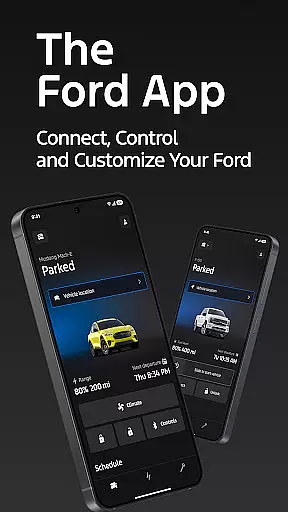
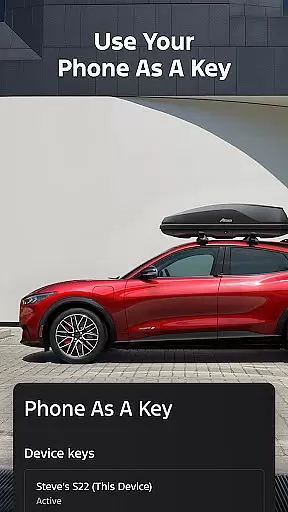
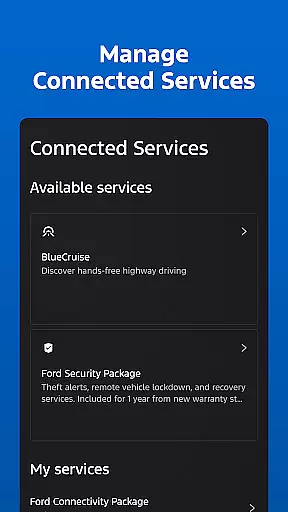
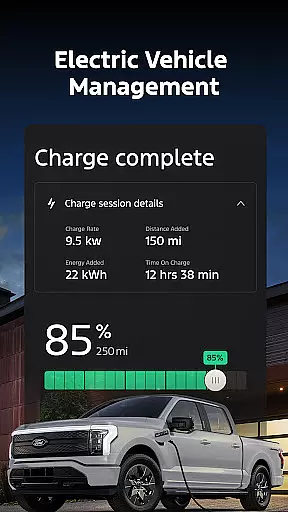
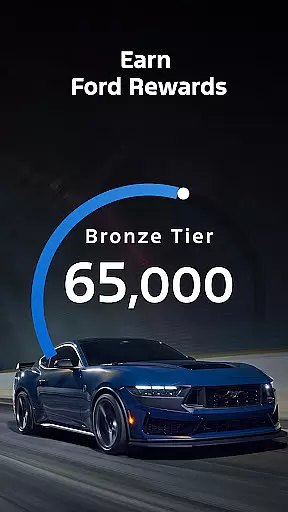
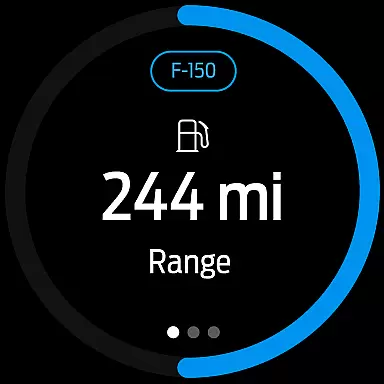
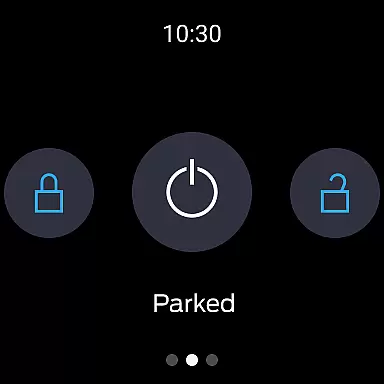
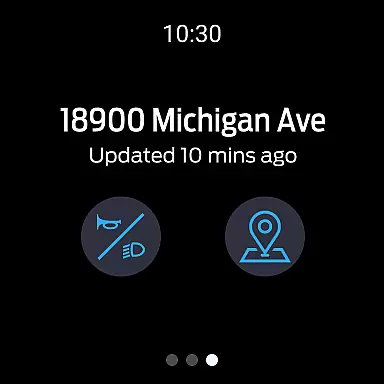
Ford is a mobile app designed to enhance the vehicle ownership experience for Ford drivers. This Android app provides users with remote access to their vehicles, enabling them to control various functions from their smartphones. With its user-friendly interface and seamless integration with Ford vehicles, the app offers convenience and peace of mind.
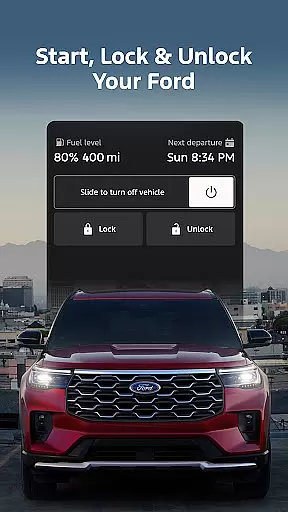
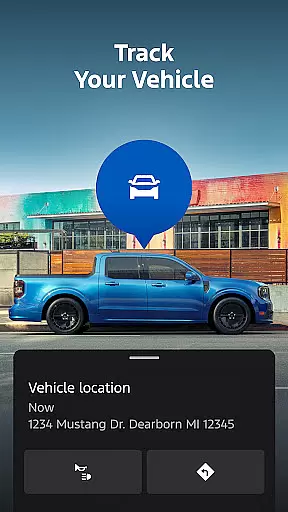
The primary purpose of this app is to allow users to interact with their cars in innovative ways. Core features include remote start, locking and unlocking the vehicle, checking fuel levels, and locating the car on a map. The app also supports scheduling maintenance appointments and accessing roadside assistance, making it an all-in-one app-based solution for Ford owners.
This app is ideal for Ford vehicle owners who seek a smarter way to manage their driving experience. It caters particularly to tech-savvy individuals aged 25-55 who value convenience and connectivity. Users who appreciate app-based solutions for everyday tasks will find this mobile app especially beneficial.
Specific use cases include situations where remote access to the vehicle is crucial. For example, users can check if their car doors are locked while away from home. The app also helps in emergency scenarios by providing quick access to roadside assistance. Additionally, those managing multiple vehicles, such as parents or small business owners, will benefit from consolidated control through this Android app.
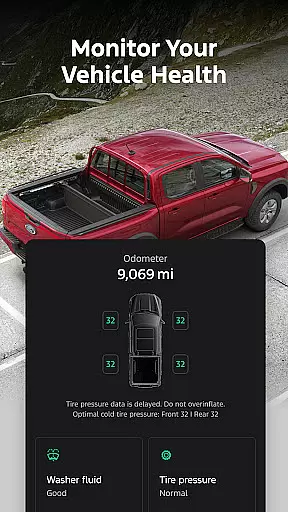
Ford stands out by offering comprehensive vehicle management in one place. The app's ability to integrate multiple functions saves time and enhances safety. Users gain peace of mind knowing they can monitor their vehicle's status and security from anywhere. The regular updates and support from Ford ensure reliability and performance.
The app solves common problems faced by vehicle owners, such as forgetting to lock the car or scheduling timely maintenance. What makes it different from alternatives is the direct integration with Ford's systems, providing accurate and real-time information. Unlike generic car management apps, this solution offers manufacturer-specific features that guarantee compatibility and optimal functionality with Ford vehicles.
Seamless vehicle integration
User-friendly interface design
Comprehensive feature set
Regular software updates
Reliable security protocols
Limited to Ford vehicles
Occasional connectivity issues
Requires data connection
Premium feature costs
Learning curve for new users

A customizable Christmas watch face for Wear OS with a countdown.
 4.20
4.20
Highly customizable hybrid watch face for Wear OS, perfect for everyday use.
4.60
Rose gold watch face with festive lights & customizable features.
4.60
A heartwarming Christmas scene featuring a cute image of Santa and Rudolf
4.2
Digital, flexibly customizable watch face. For Wear OS 5.0, API 34+ and later.
5.00
Hyperlocal rain alerts by MyRadar using patent-pending technology, radar & more
4.80
Find EV charging stations
4.30
To-Do List: daily schedule planner, task organizer, to do reminder app, calendar
4.60
Spam call blocker and caller ID for automatic call protection!
4.40
Period, ovulation & pregnancy tracker. Fertility insights & menstrual calendar.
4.90
Be an elegant and classy secret agent, with this carefully detailed watch face
4.70
Real-time results, stats, schedules and player profiles for all leagues
4.60
Deck out your Wear OS Watch face with a beautifully decorated pine wreath!
4.50
Reliable phone calls with spam protection, caller ID and more helpful features
4.40
Daily Weather forecast with 15 weather images for Day & Night plus Big Bold time
4.10
Hyper-Realistic Airplane Dashboard Watch Face With 10 Skins and Custom AOD
4.00
A digital watch face that celebrates Christmas.
4.00
Wear Os Watch Face - Animated Snow - Sesonal for Christmas & Winter
4.1
Artistic Digital Watchface
4.1


User Reviews