
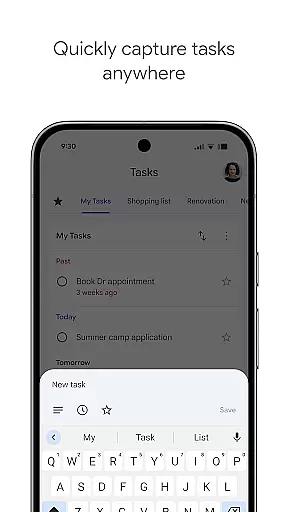
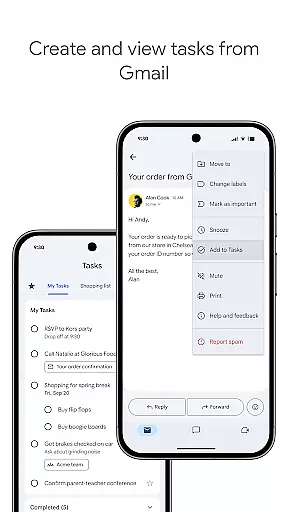
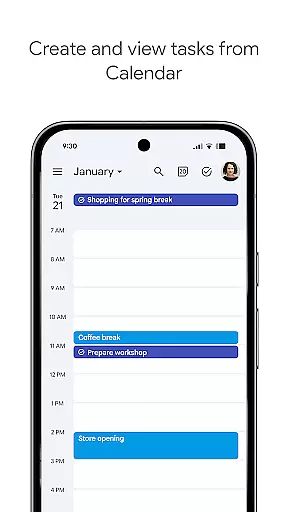
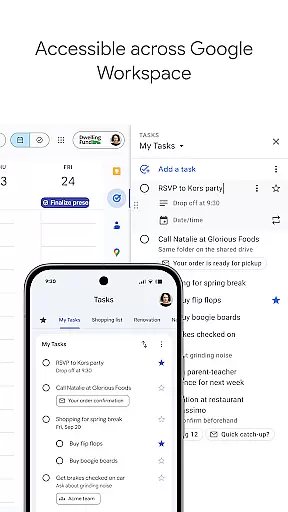
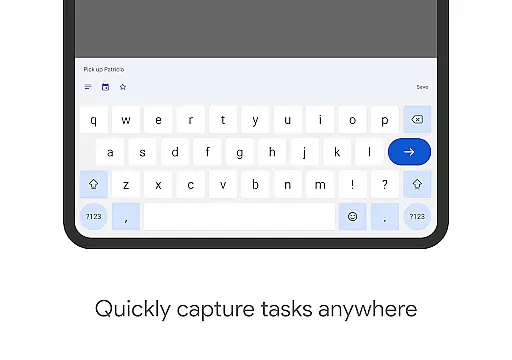
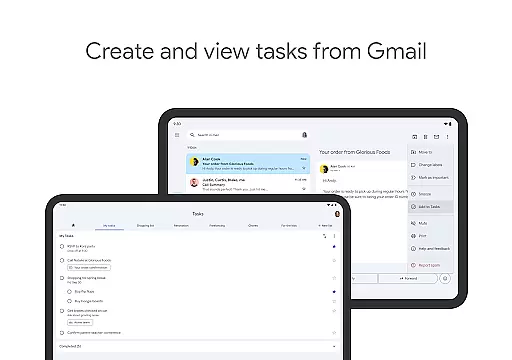
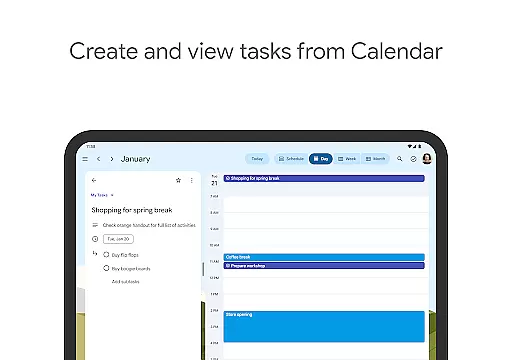
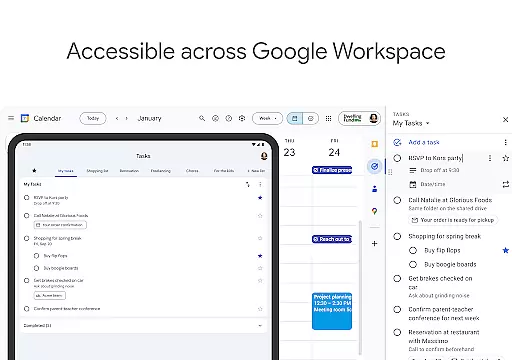
Google Tasks is a productivity-focused mobile app designed to help users organize their daily activities efficiently. As an Android app, it integrates seamlessly with other Google services such as Gmail and Google Calendar. The app experience centers around simplicity and accessibility, allowing users to create, manage, and track tasks from anywhere. Its minimalistic design ensures that even those unfamiliar with task management tools can use it effectively.
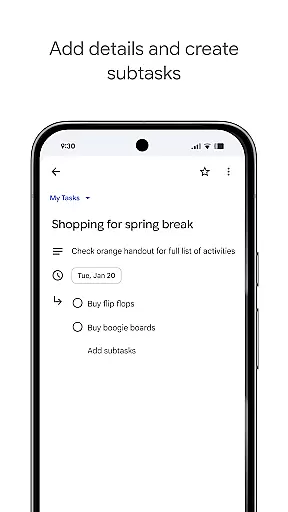
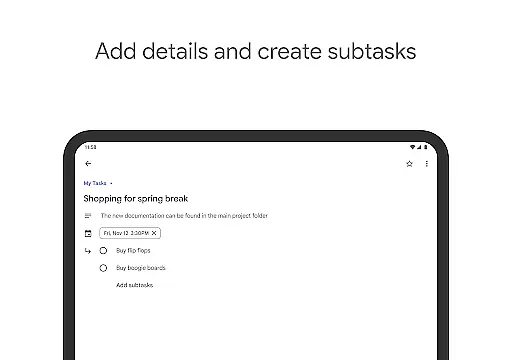
The primary purpose of this app is to provide a reliable app-based solution for task management. Users can add due dates, set reminders, and break tasks into subtasks. With its cross-platform synchronization, the app ensures that updates made on one device are reflected everywhere else. This functionality makes it easier for users to stay organized without needing multiple tools or complicated setups.
This app is ideal for busy professionals, students, and anyone seeking a straightforward way to manage their responsibilities. It appeals particularly to individuals aged 18-45 who rely on digital tools for personal and professional organization. Those familiar with Google's ecosystem will find this app especially useful due to its seamless integration with Gmail and Google Calendar.
Specific scenarios include organizing work projects by breaking them into actionable steps or managing academic deadlines by setting reminders. For example, a user might add tasks directly from their Gmail inbox while preparing for meetings. Similarly, someone juggling multiple assignments could benefit from creating subtasks within each project. These practical applications highlight how versatile this app-based solution truly is.
Choosing Google Tasks provides significant advantages, including effortless integration with widely-used Google services like Gmail and Google Calendar. This compatibility enhances workflow efficiency by consolidating all essential tools into one platform. Additionally, the app features offline functionality, ensuring users can update their lists even without internet access. Such flexibility distinguishes it from many competing task managers.
Users facing challenges with disorganization or missed deadlines will appreciate the app's ability to streamline task tracking. By offering features like due date notifications and subtask breakdowns, it addresses common pain points associated with traditional to-do lists. Furthermore, its minimalist design reduces cognitive load, making it more appealing than feature-heavy alternatives. Overall, these attributes make Google Tasks a standout choice among productivity apps.
Seamless Google integration
User-friendly interface
Real-time syncing
Lightweight performance
Free to use
Limited customization options
No advanced collaboration tools
Basic visual themes only
Occasional sync delays
Few third-party integrations

Ads Free App! Editor, Hide File, Copy, Move, Delete and Rename.. all facility av
 1.70
1.70
Android Wallet Password Manager
4.80
Smart PDF reader & editor to view, organize and manage PDF documents easily.
3.70
The upgraded version of Name Wheel with AI and the power to add your own wheels.
4.0
A lightweight JSON & XML files creator, editor and viewer (Premium Version)
4.40
Customizable calendar widget for seamless event sync, planning & scheduling.
4.00
Todo reminder
4.10
Subscribe to Webcal & .ics calendars and keep them up-to-date!
4.50
AT&T Internet customers can use this app to personalize their Wi-Fi network.
4.40
Mind Map and brainstorm, note taking and idea collection
4.80
Direct Chat without saving contacts & Dual WA Account on Single Device
4.70
App lock - lock apps with fingerprint, password, pin or pattern, protect privacy
4.70
Quickly and easily keep track of your work shifts
4.70
To do list widget with a notebook organizer, checklist, simple shopping list
4.60
CalenGoo is a very flexible and feature-rich calendar app
4.40
Enjoy classic gameplay with customizable features and retro-style graphics.
4.30
Device's storage information in a simple and clear graphical form (infographics)
4.10
Activate Two Factor Authentication (2FA or Multi OTP), Password manager and more
4.10
The ultimate file manager for rooted devices. The original and still the best.
4.00


User Reviews