
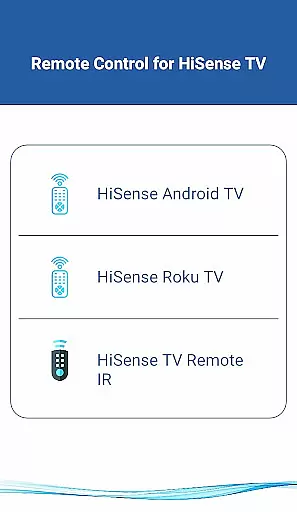
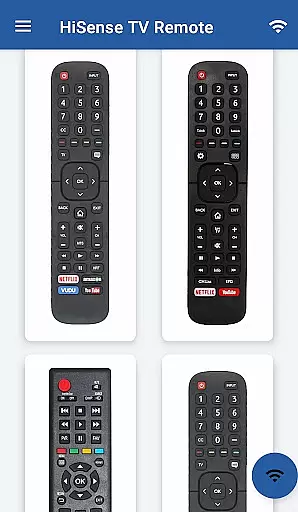
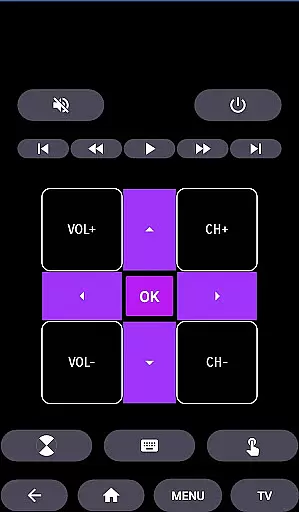
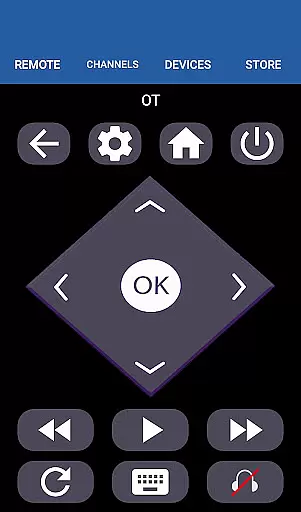
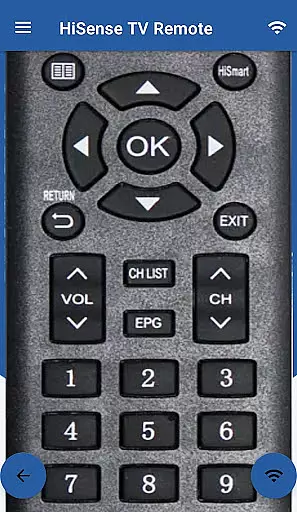
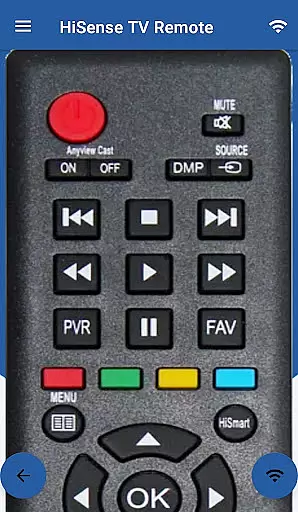
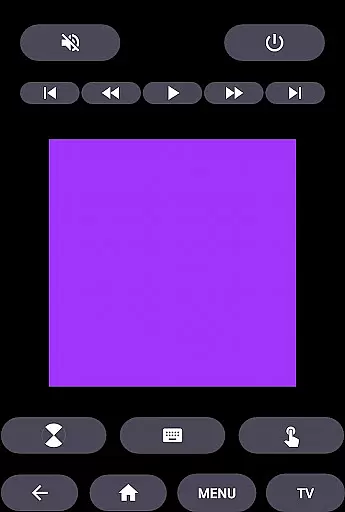
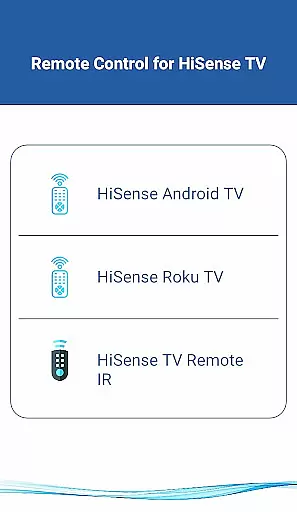
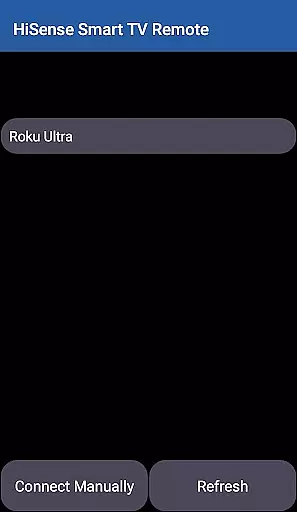
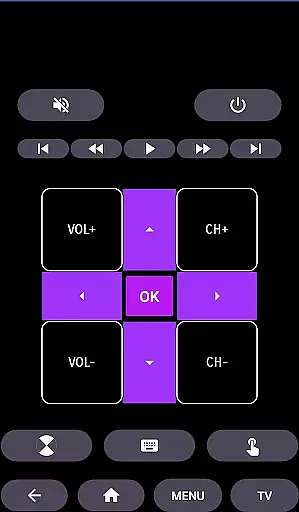
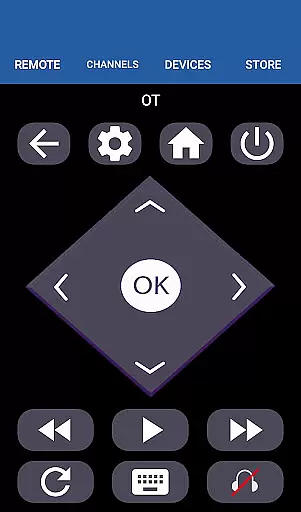
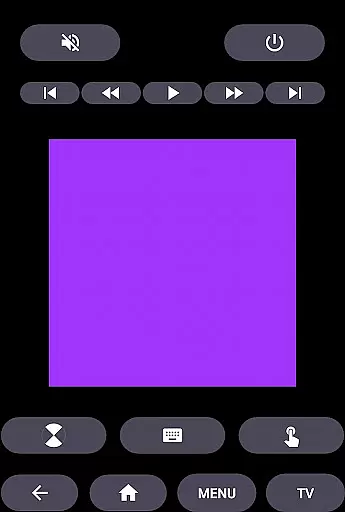
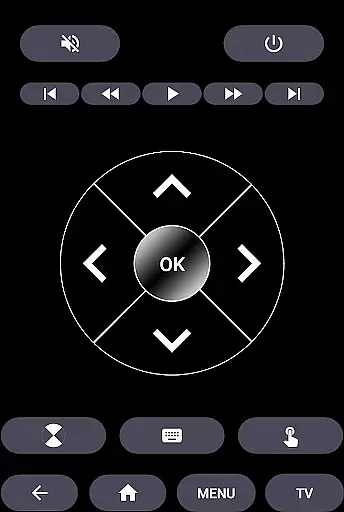
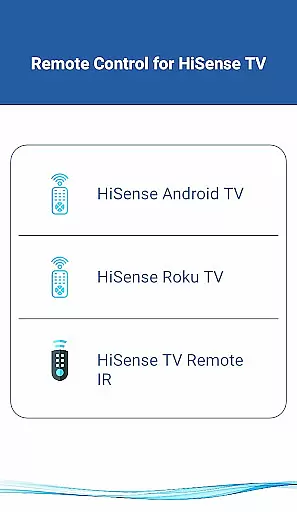
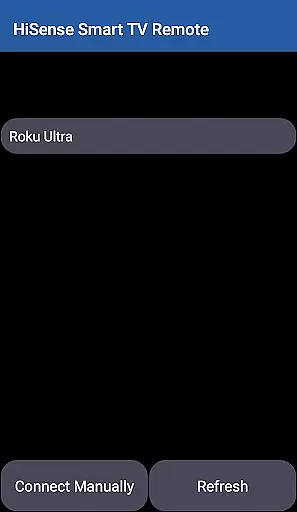
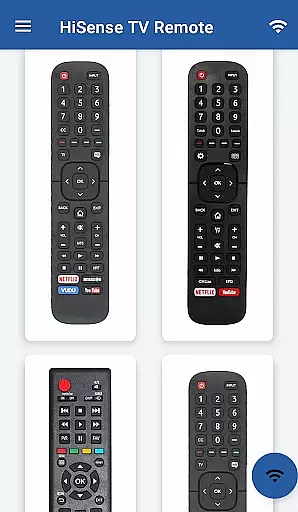
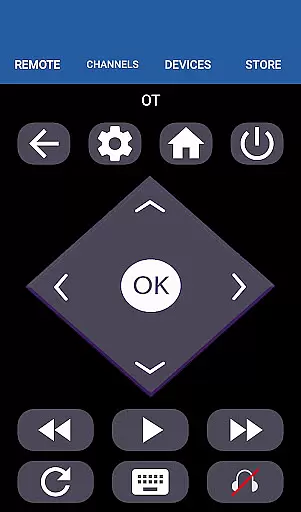
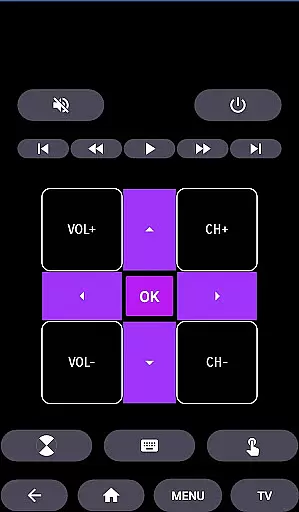
HiSense Smart TV Remote is a mobile app designed to transform an Android device into a universal remote control for HiSense smart TVs. This app offers seamless connectivity through Wi-Fi or Bluetooth, allowing users to manage their TV experience without the need for additional hardware. Its intuitive interface ensures that even those unfamiliar with advanced technology can easily navigate and operate their TV.
The primary purpose of this app is to enhance convenience by replacing traditional TV remotes with a smartphone-based solution. Core features include channel surfing, volume adjustment, input switching, and access to smart TV apps. Additionally, it provides specialized functions such as text input via the virtual keyboard, making searches faster and more efficient. The app experience is further enriched by customizable settings tailored to individual preferences.
This app is ideal for individuals who own a HiSense smart TV and wish to streamline their control options. It caters to tech-savvy users looking for a modern app-based solution as well as older adults seeking simplicity in managing their home entertainment systems. Families with multiple TV remotes cluttering their living spaces will also find value in consolidating controls into a single mobile app.
Specific use cases include scenarios where the physical remote is lost or out of batteries. Additionally, users who frequently type search queries on their smart TVs will benefit from the app's virtual keyboard feature. The app is particularly useful in homes with children who may struggle with traditional remote controls but are comfortable using smartphones or tablets. Overall, it enhances accessibility and convenience in daily TV interactions.
HiSense Smart TV Remote stands out due to its ability to replace outdated physical remotes with a feature-rich mobile app. Users gain access to advanced functionalities such as voice commands and personalized button layouts, which are unavailable in standard remotes. The app's compatibility with various HiSense TV models ensures broad usability across different households.
One key advantage is the elimination of unnecessary hardware while maintaining full control over the TV experience. Unlike other universal remotes, this app integrates seamlessly with HiSense's ecosystem, offering exclusive features like firmware updates and direct app shortcuts. Its reliability and ease of setup make it a preferred choice for anyone seeking a dependable Android app to manage their smart TV efficiently.
Easy setup process
Wide device compatibility
Intuitive user interface
Fast response time
Regular feature updates
Limited to HiSense TVs
Requires stable Wi-Fi
No voice assistant support
Occasional connection lag
Firmware update dependency

Make Renting Easy
 4.40
4.40
Turn your phone into a wifi cam with smart features and umlimited reach.
4.20
Control your Daikin, Amana & Goodman heating & cooling systems from anywhere
4.40
Find paints using a Color Muse & ColorSnap® Match
3.60
Rent on-the-go with TurboTenant’s app made just for renters
4.50
Control Fire TV & mirror your phone screen instantly over Wi-Fi.
3.30
Book your local plumber 24/7, track your service order & get exclusive coupons
4.00
Real estate app to find homes for sale or rent in the right neighborhood for you
4.70
Apartment finder for apartments for rent. Compare prices, amenities & rentals.
4.50
Find your next home, house, apartment, condo, casa, flat, rental, studio, or bed
4.70
Find homes for sale and apartments for rent in the best neighborhood.
4.70
AI-powered home design, interior design, home decor, and room design solutions
4.50
Fully control your Philips TV with this all-in-one remote control app.
4.20
Find contractors for all home renovation projects. Remodeling, repair, and more.
4.20
Samsung remote app helps control all Samsung Smartthings TVs. Fast and Stable!
4.10
AI floor creator to design your dream house, plan rooms & style your home
4.00
Schlage Lock Company LLC
4.00
USHUD.com helps you find the best homes for sale in your area
4.00
Calculate baluster spacing with ease and precision.
4.2


User Reviews