
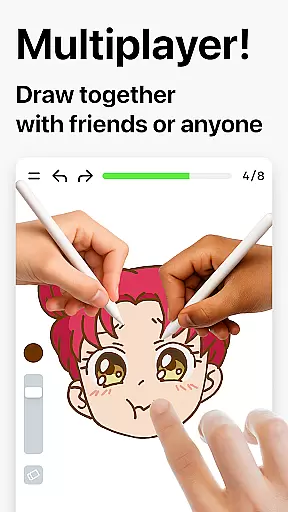
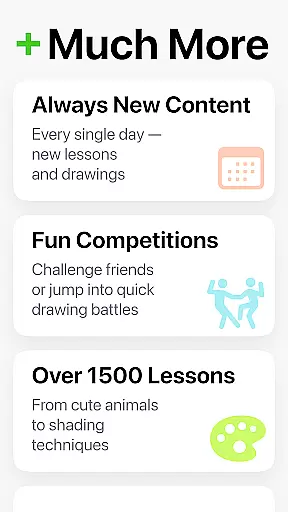
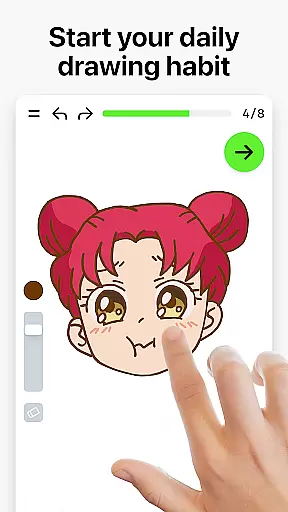
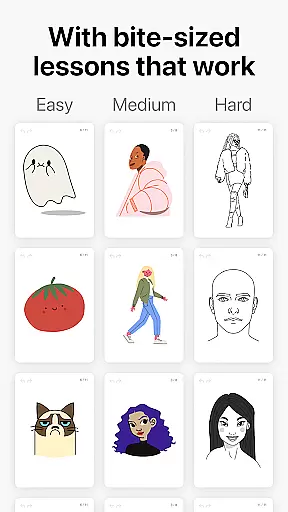
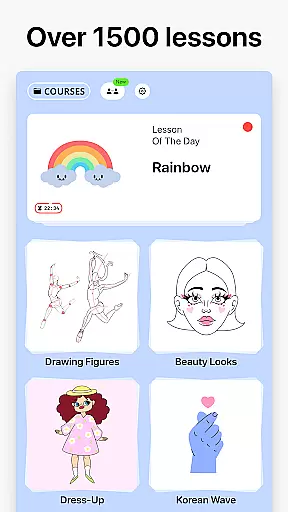

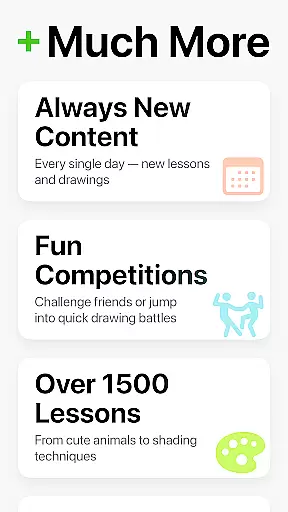
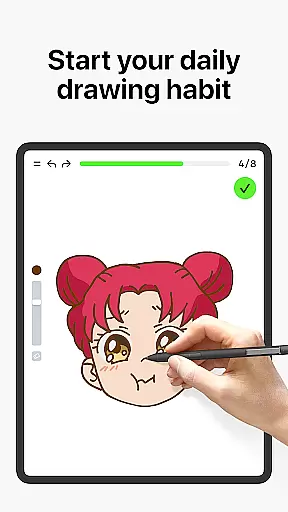
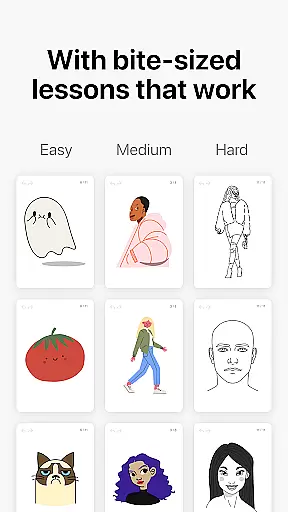
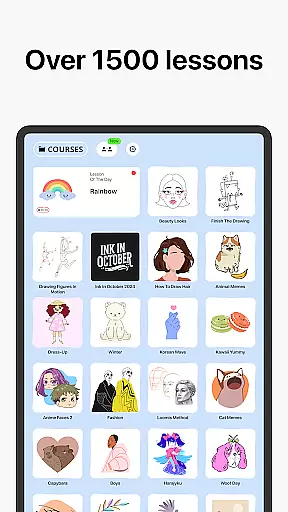

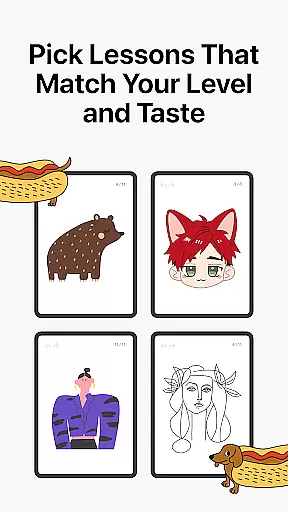
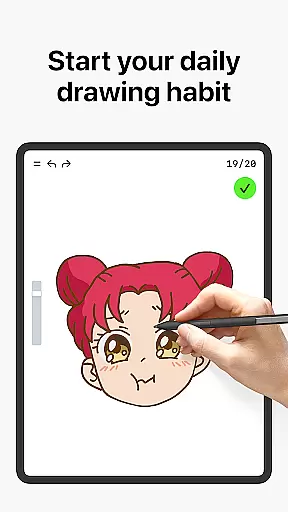
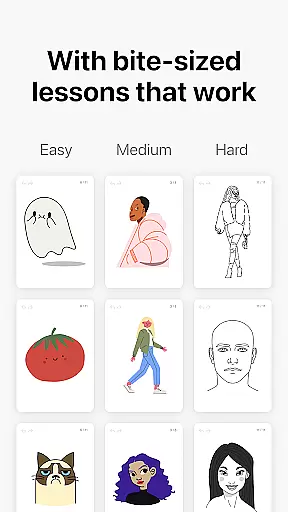
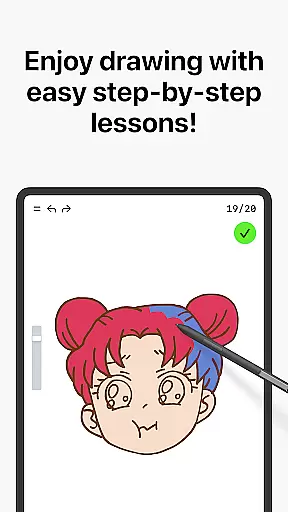
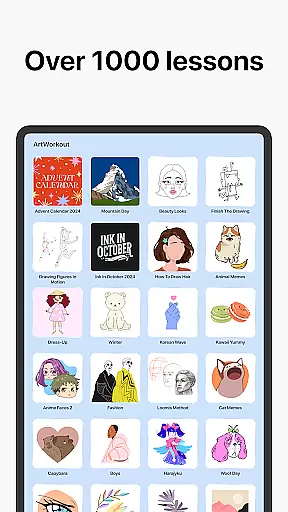

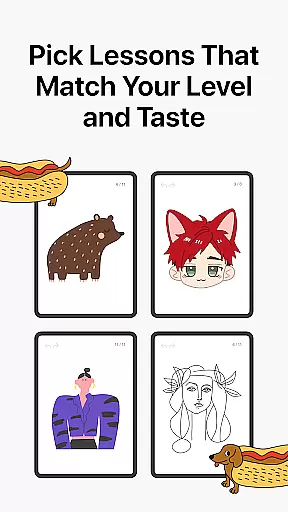
Learn how to draw is a mobile app designed for individuals who want to develop their artistic skills. This Android app provides step-by-step tutorials that guide users through various drawing techniques. With its user-friendly interface, the app makes learning accessible for beginners and intermediate artists alike.
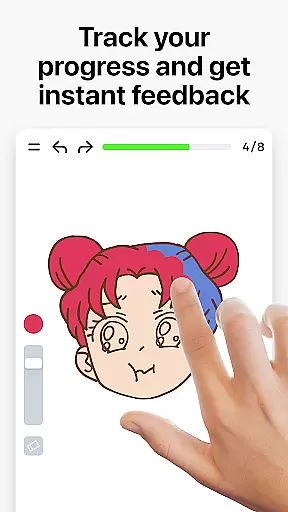
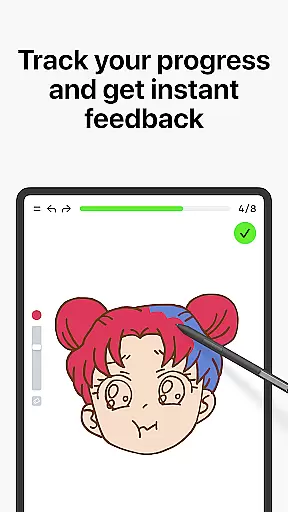
The primary purpose of this app is to help users improve their drawing abilities by offering structured lessons. It includes features such as video demonstrations, practice exercises, and tips from professional artists. The app experience is enhanced by its ability to track progress and offer feedback, ensuring steady improvement over time.
This app is ideal for aspiring artists aged 12 and above who are eager to learn drawing techniques. It caters to students, hobbyists, and anyone interested in art and design. Users who prefer self-paced learning will find this app particularly beneficial.
Individuals can use this app-based solution at home or on the go. It suits those who need guidance in foundational drawing skills as well as those looking to enhance specific techniques. The app's versatility makes it a valuable tool for anyone seeking to express creativity through art.
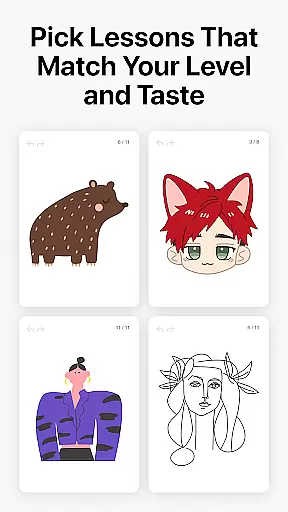
Choosing this app means gaining access to comprehensive resources that support artistic growth. Its structured approach ensures users build a solid foundation in drawing while exploring diverse styles. The inclusion of professional artist tips adds depth to the learning process.
This app solves common challenges faced by beginners, such as lack of direction and feedback. By offering an intuitive interface and engaging content, it stands out among similar apps. Regular updates and a supportive community further enhance the overall app experience, making it a reliable choice for developing artistic skills.
Comprehensive tutorials
Easy-to-follow videos
Professional artist tips
Progress tracking feature
Offline access available
Limited advanced techniques
Occasional slow loading
Basic interface design
In-app purchases required
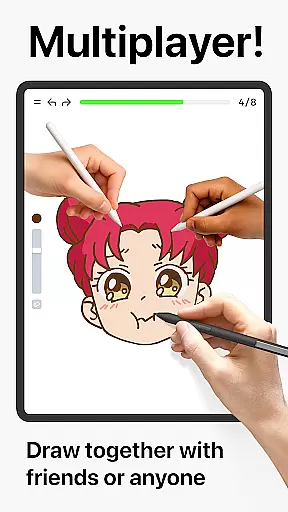
Few community features

Vidu is an AI video generator made for creators and aspiring makers.
 3.30
3.30
Draw anime & manga drawing, art with templates to create stunning picture!
4.50
Photo editor for art, avatars, filters & fun transformations.
4.60
Draw Trace image sketch by, AR art projector app, Easy to trace any image.
4.50
Get an overview over all your embroidery threads, projects and more.
4.60
OneUI 8.5 icons ✨ Smooth, modern & based on the latest Play Store design ??
4.10
Beauty Camera - Selfie Camera is the ultimate beauty camera and selfie app
4.30
Draw, make movies & animate cartoons easily with our 2D animation maker app
4.40
Explore future self face age filter & remove background image for a unique look.
3.50
Novices can also easily complete diamond painting masters
4.70
Photo stitcher for automatically screenshot stitching into a long screenshot
4.70
Create neon drawing with magic doodle and fun doodle art effects!
4.50
Share the joy of painting with ibis Paint! Drawing anime and manga art.
4.50
Customizable Outlined Fonts. Watch Face Format. Battery friendly Digital Clock.
4.20
Create stylish invitation cards using templates for weddings, birthdays & RSVP.
4.20
Powerful home decoration & house design that allows you to design dream home.
3.80
Draw anime easily with AR guidance, sketch templates & trace tools!
3.10
Inky runs Inkscape on Android devices and Chromebooks
2.90
Transform photos into amazing monochrome dither art with professional algorithms
4.4


User Reviews