
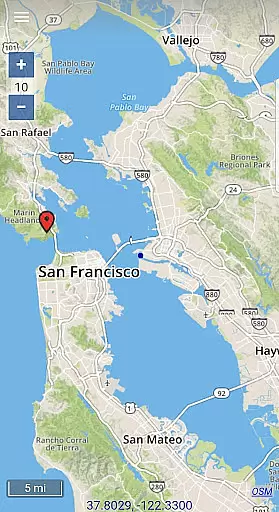
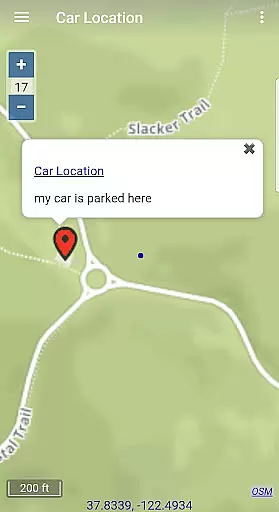
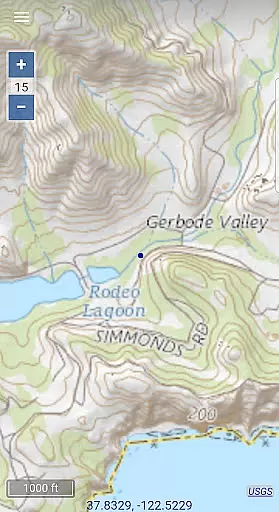
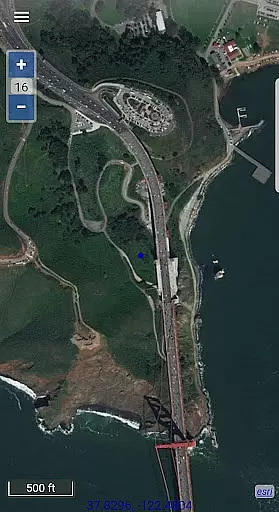
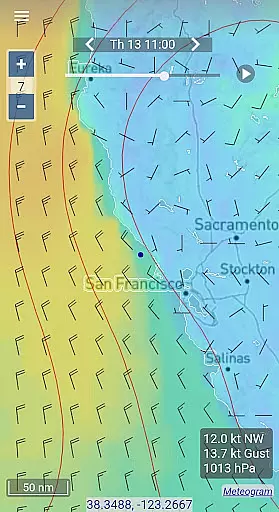
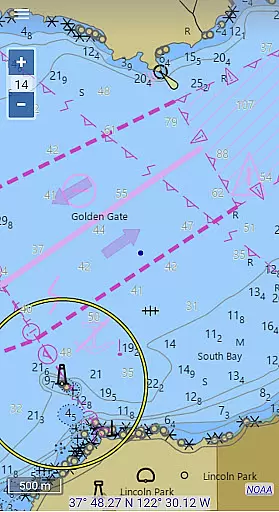
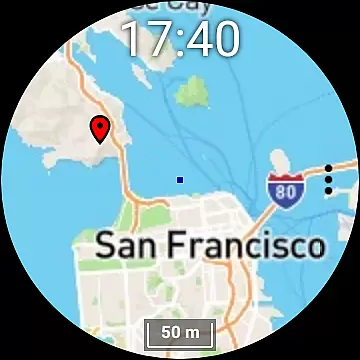
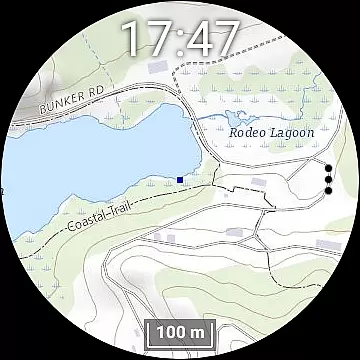
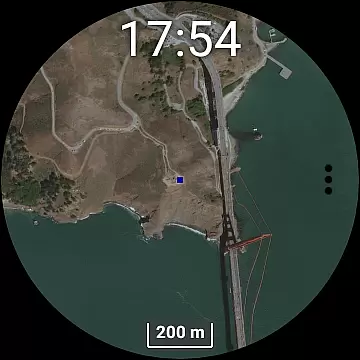
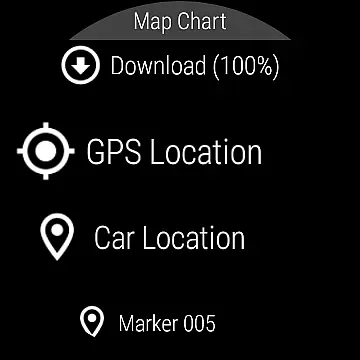
Map Chart Mosaic is a mobile app designed for users who need an intuitive way to visualize geographic data. This Android app focuses on transforming complex datasets into easy-to-understand map charts. With its user-friendly interface, the app allows seamless navigation and interaction with various map layers, making it suitable for both personal and professional use.
The primary purpose of Map Chart Mosaic is to provide an app-based solution for creating detailed map visualizations. Users can import data from multiple sources, apply custom color schemes, and generate interactive charts that are exportable in various formats. The app experience is enhanced by features such as real-time updates and offline access, ensuring functionality even without an internet connection.
Map Chart Mosaic is ideal for professionals in fields such as urban planning, logistics, and market research. It caters to users aged 25 to 50 who require precise geographic data representation. The app's versatility makes it suitable for educators, business analysts, and researchers who rely on spatial data for decision-making.
Common use cases include creating sales territory maps, analyzing demographic trends, and preparing educational materials. For instance, a logistics manager might use the app to optimize delivery routes while a researcher could visualize population density patterns. These scenarios highlight the app's ability to simplify complex data into actionable insights.
Map Chart Mosaic stands out due to its combination of powerful features and ease of use. The app offers tools that allow users to create professional-grade map visualizations without requiring advanced technical skills. Its ability to handle large datasets while maintaining performance ensures a smooth app experience. Additionally, regular updates introduce new functionalities based on user feedback.
What sets this app apart is its focus on accessibility and customization. Users can tailor map designs to match specific project requirements, ensuring high-quality outputs every time. Compared to similar apps, Map Chart Mosaic provides a more streamlined workflow, reducing the time needed to produce accurate and visually appealing results. These advantages make it a top choice for anyone seeking an efficient app-based solution.
Intuitive user interface
Fast data processing
Regular feature updates
Offline functionality
Export options flexibility
Limited free version
Occasional sync delays
High memory usage
No live chat support
Complex setup process

Compass is an accurate compass and a great tool for any outdoor activities
 4.0
4.0
Turn your Android device into a real off-road GPS using off-line topo maps!
4.40
Navigate with your watch and keep the phone in your pocket!
4.60
TACNAV-X: Precision MGRS navigation, built specifically for the military.
4.00
Number locator, real connection map
4.10
Order a cab online. An affordable taxi ride and driver in no time. What a bolt!
4.80
Affordable rides and food delivery with incredible discounts in just one app.
4.50
GPS Navigation: Get map directions and find the shortest routes to avoid delays!
4.00
Lets explore the world's famous places by using Live Cams, GPS & Satellite View.
4.20
Truck Safe GPS Navigation & Maps: Parking, Fuel, Diesel, Weight Station
4.80
Find AI powered cameras, ALPRs, and other surveillance infrastructure near you
4.70
Complete offline 1:50k South Island topo map including DOC Hunting Permit Areas
4.60
Voice GPS with driving directions, offline maps navigation GPS for safe travel
4.50
Route tracker, Speedometer, Odometer, Fuel, HUD mode, save route as .GPX
4.40
Start your next adventure confidently using our Accurate Compass App
3.70
Play in the outdoors with Android as your Handheld GPS and offline topo maps!
3.50
Your guide to the recreational opportunities of the Bureau of Land Management!
3.40
Your real-time window to the world. Explore anywhere, anytime.
3.30
Turn your tablet or Android powered unit into a full blow Android Auto headunit.
2.30


User Reviews