
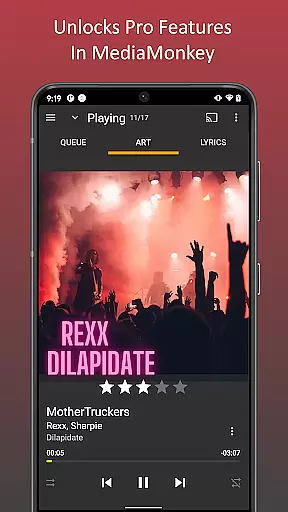
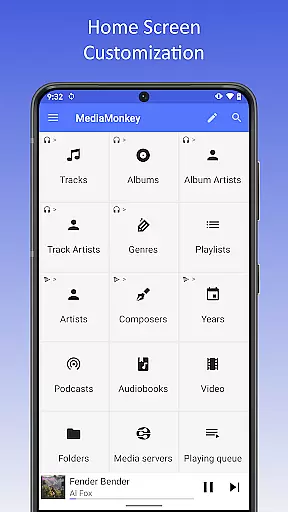
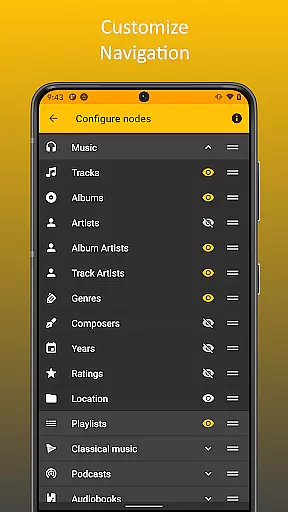
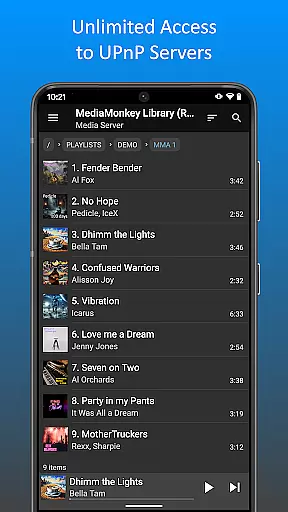
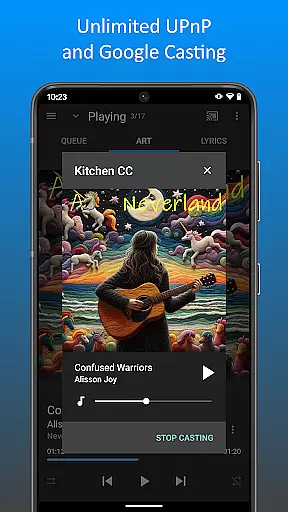
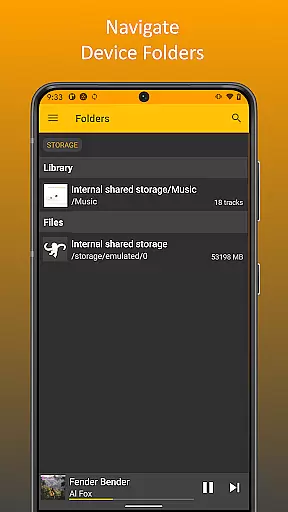
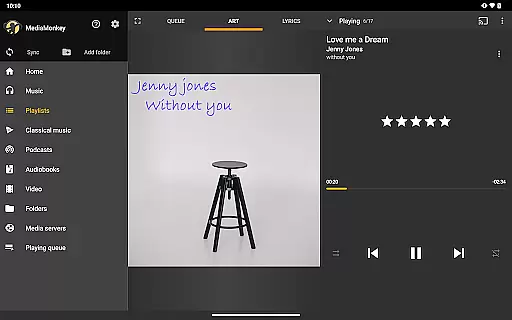
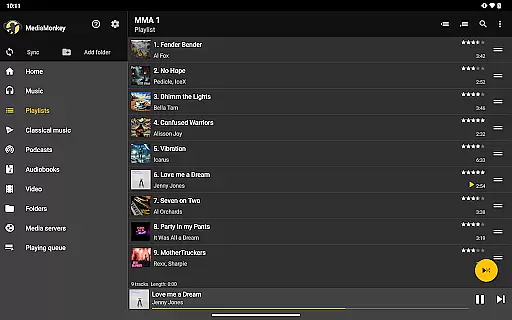
MediaMonkey Pro is a premium mobile app designed for music enthusiasts who need advanced tools to manage large media libraries. This Android app offers an all-in-one solution for organizing, playing, and syncing music across multiple devices. With support for high-quality audio formats and extensive library management features, it caters to users seeking a refined app experience.
The primary purpose of this app is to provide users with seamless control over their music collections. It includes features such as smart playlists, metadata editing, and cloud integration. These capabilities ensure that users can enjoy a personalized and efficient way to handle their audio files while maintaining accessibility and quality.
This app is ideal for individuals who maintain extensive music libraries and require advanced organizational tools. It appeals to audiophiles, DJs, and tech-savvy users aged 25 to 50 who prioritize audio quality and library management. The app-based solution suits those who value flexibility in managing their media across multiple devices.
Specific use cases include organizing large music collections with thousands of tracks, editing metadata for professional purposes, and syncing playlists between a phone and computer. Users benefit from its ability to handle high-resolution audio files, making it suitable for both casual listeners and professionals seeking precision in their app experience.
MediaMonkey Pro stands out due to its comprehensive feature set tailored for managing extensive media libraries. Its ability to handle high-quality audio formats ensures an exceptional listening experience. Additionally, the app provides tools like metadata editing and smart playlists, which enhance personalization and streamline workflows.
What makes this app unique is its focus on solving common pain points for music enthusiasts. By offering cross-platform sync and offline playback, it addresses accessibility concerns while maintaining performance. Compared to alternatives, MediaMonkey Pro delivers a balance of advanced functionality and usability, making it a top choice for users seeking a reliable Android app for their music needs.
High-quality audio support
Advanced library management
Seamless cloud integration
User-friendly interface design
Regular feature updates
Subscription fees required
Steep learning curve
Limited free version
Occasional sync issues
Heavy on system resources

The Cubase remote control app
 3.60
3.60
DJ Music Mixer - DJ Remix: remix songs, make beat music & record mix of DJ.
4.40
Walkout Song DJ is the most intuitive app to manage your sports music.
4.70
The ultimate media player for Android devices
3.90
Guzheng Master supports many playing techniques as an acoustic Guzheng
4.50
No wifi music app. Mp3 offline. Tuner radio, young radio music. Music downloader
4.20
The Minimalistic Premium Music Player. Handmade with passion for music
2.20
Slow music down without changing pitch.
3.70
Learn the notes on the guitar fretboard fast with this easy and fun app
4.60
Make songs with AI! Any genre, custom lyric, song generator for music creation!
4.80
Performance-Synthesizer & Multi-Track-Sequencer, polyphonic + multi timbral!
4.70
Listen radio AM / FM Stations. Live AM / FM Radio App Station. Radio Com.
4.70
Pay Once, no monthly payment
4.60
AI Music Maker: Generate And Compose AI Tunes & AI Songs & AI Music & AI Melody!
4.60
Offline Music Player&MP3 Player with themes, equalizer, lyrics, music play mode
4.60
DJ Music Mixer Pro is a real DJ controllers and DJ Music Studio to remix DJ.
4.40
The alternative folder based music player.
4.20
PowerAudio is a powerful offline music player.
4.20
MilkDrop for Android TV
3.00


User Reviews