
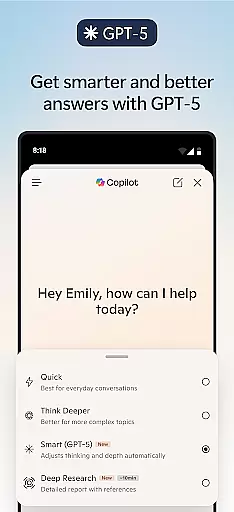
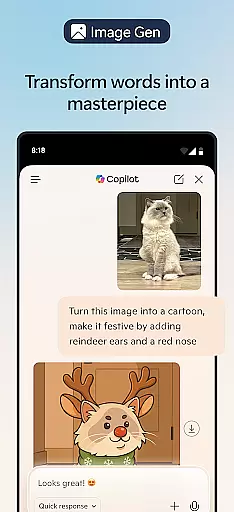
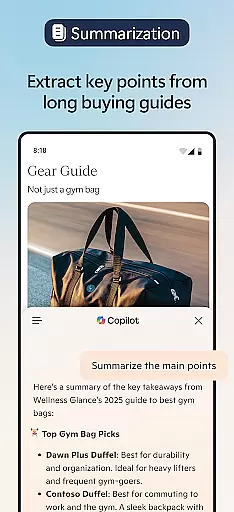
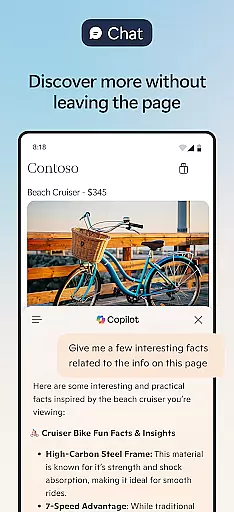

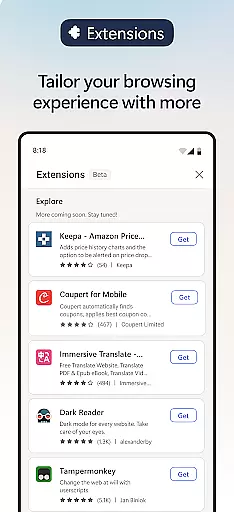
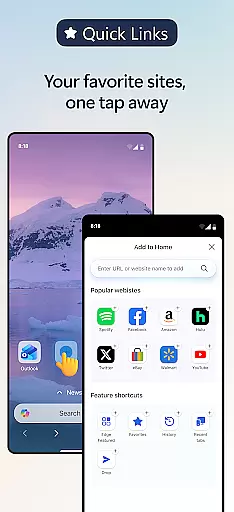
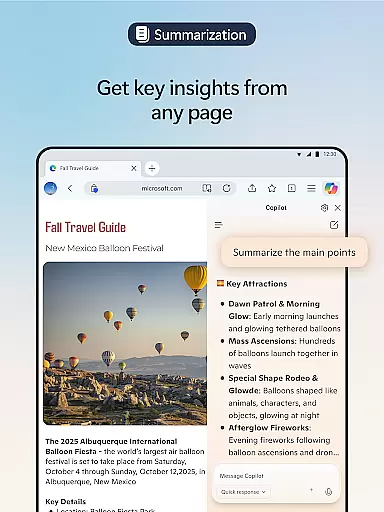
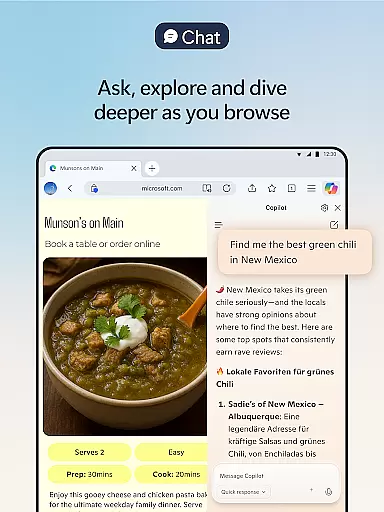
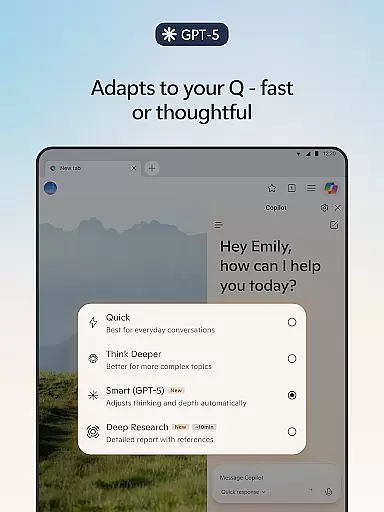
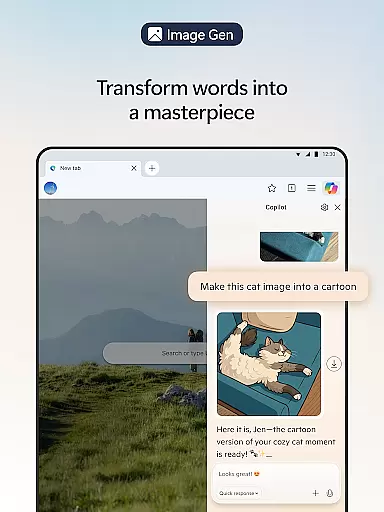
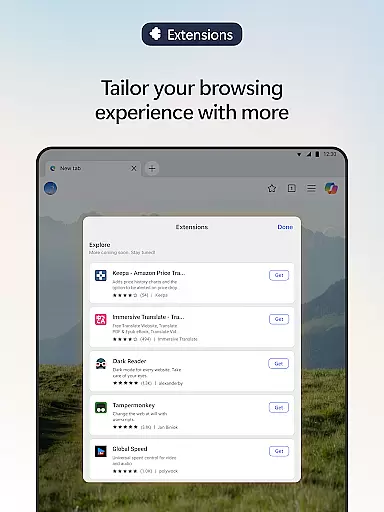
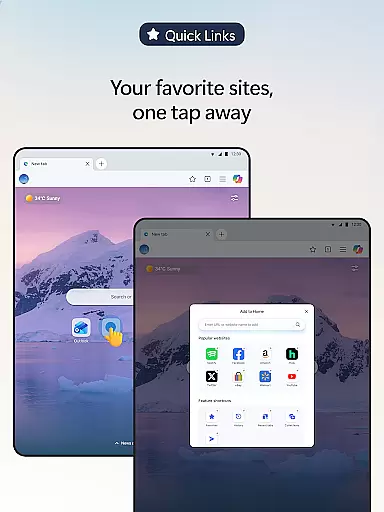
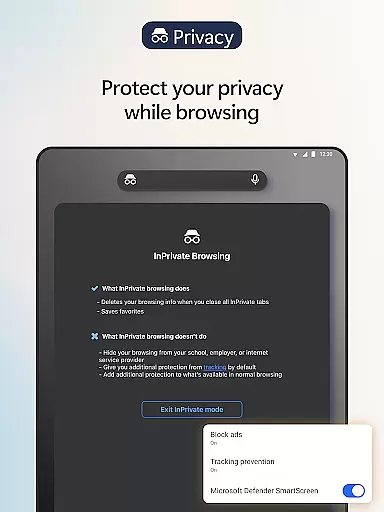
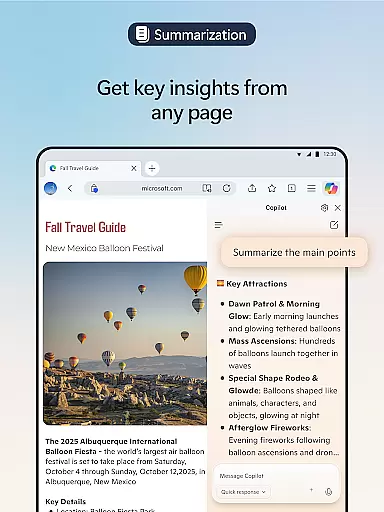
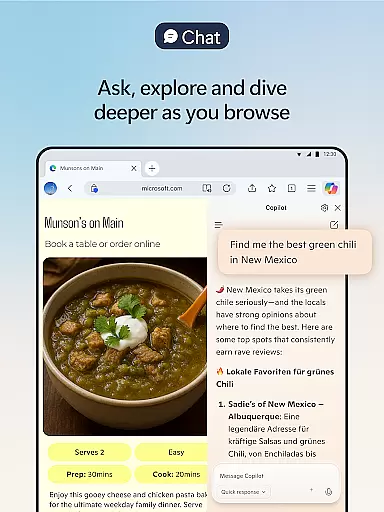

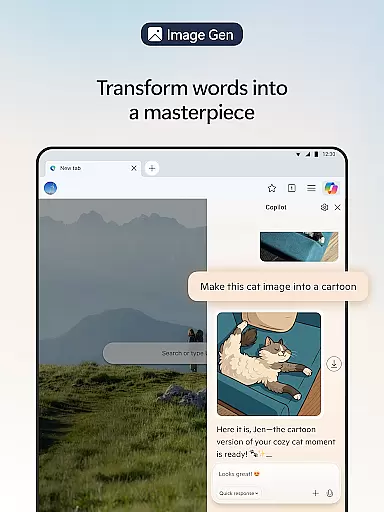
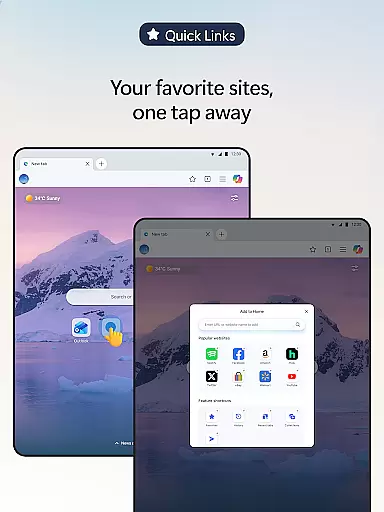
Microsoft Edge is a mobile app designed to provide users with a fast and secure browsing experience. As a communication-focused Android app, it combines speed, privacy, and productivity tools into one package. The app's lightweight design ensures smooth performance even on older devices, making it an ideal choice for those seeking efficiency.
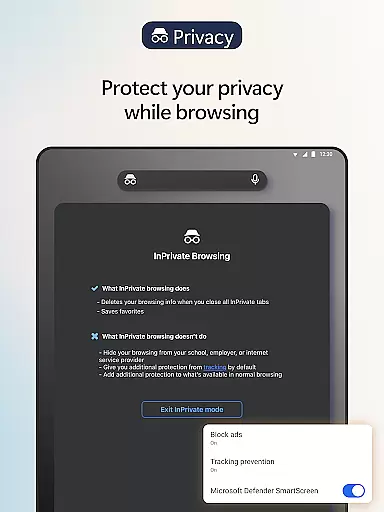
The primary purpose of Microsoft Edge is to streamline web browsing while offering unique features like tracking prevention, ad-blocking options, and personalized content recommendations. Its integration with Microsoft services enhances the app experience by syncing data across devices seamlessly. With its focus on accessibility and customization, this app-based solution caters to both casual users and professionals.
This app appeals to a broad audience, including students, professionals, and casual internet users. It is particularly beneficial for individuals aged 18-45 who prioritize speed, security, and seamless integration with Microsoft products. Those who already use Microsoft services will find this app especially useful due to its synchronization capabilities.
Specific scenarios include remote workers needing secure browsing tools, students researching online resources, or travelers looking for offline access to downloaded content. The app's ability to block ads and trackers makes it suitable for users seeking distraction-free browsing. Additionally, its compatibility with various Android devices ensures accessibility for a wide range of users.
Microsoft Edge stands out as a reliable Android app that prioritizes user privacy and productivity. Its tracking prevention feature offers peace of mind, while the ad-blocking option enhances the overall app experience. The seamless integration with Microsoft's ecosystem adds value for users invested in these services, creating a cohesive digital environment.
What sets this app apart is its combination of speed and functionality. Unlike many competitors, it provides a clutter-free interface without compromising on essential app features. Users benefit from regular updates that improve performance and introduce new tools. For those seeking an app-based solution that balances simplicity with advanced capabilities, this browser delivers consistent results.
Fast and responsive
Strong privacy controls
Seamless cross-device sync
Customizable interface
Offline reading support
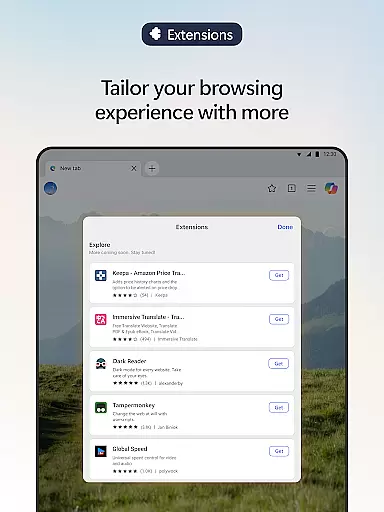
Limited third-party extensions
Occasional update bugs
No built-in VPN
Heavy on storage
Learning curve for new users

Identify unknown numbers, block spam calls, customize calls with cool themes.
 4.60
4.60
Browse fast on Opera Mini, with Data Saving, News, Football Scores, and Download
4.60
Block spam calls & scam - no more annoying calls with the call blocker function
4.30
Messenger, an MMS & SMS messages app with Blockers, Driving mode & Private box
4.60
Send SMS and chat messages easily with a fast text messaging app for Android.
4.10
TeamSpeak - Secure Chat for Gaming & Business
3.10
A softphone app with seamless SIP calling and an intuitive VoIP dialer
3.50
Simple tool for businesses to talk to their customers.
4.40
Group Chat That’s Fun & Games
4.30
Adblock & VPN Browser: Blocks banners, pop-ups and video ads, fast downloader!
4.60
Welcome to the future of phone service.
4.60
Stay in touch with the people who matter most.
4.60
Google's fast and secure browser
4.10
Messages: Fast, simple SMS app with scheduling and smart features.
4.00
Tether to Windows, OS X, Linux PCs or Android tablets. No root. No tether fees.
3.90
This app enables the phone to receive and send FT8 traffic!
3.80
Fun, free app that lets kids video call and message family and close friends.
3.80
Call & Text Anywhere With A Canadian Number.
3.60
Bringing the functionality of Winlink to your Android device
4.2


User Reviews