

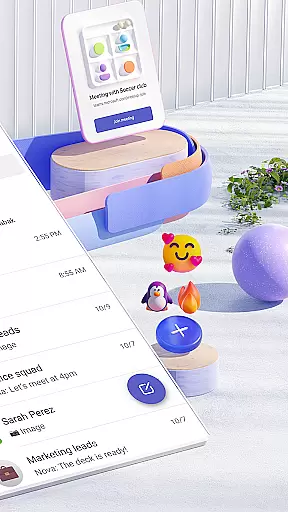
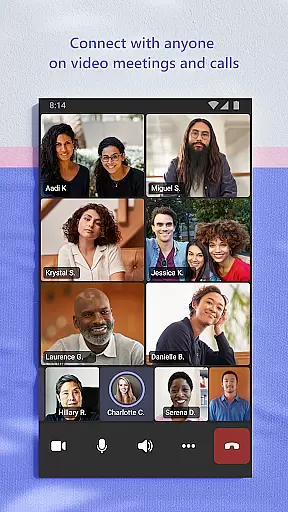
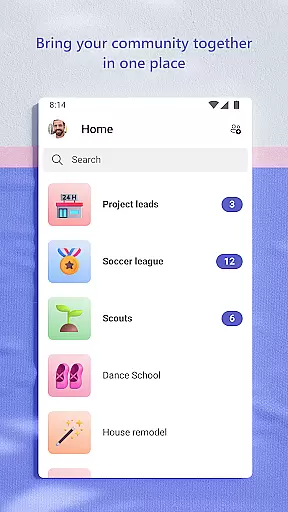
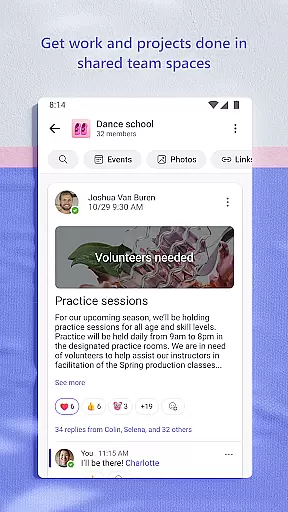
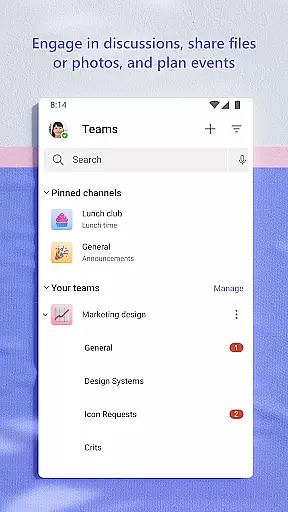
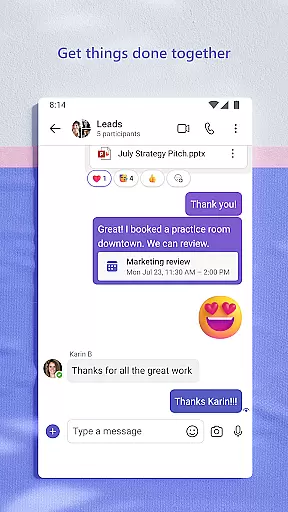
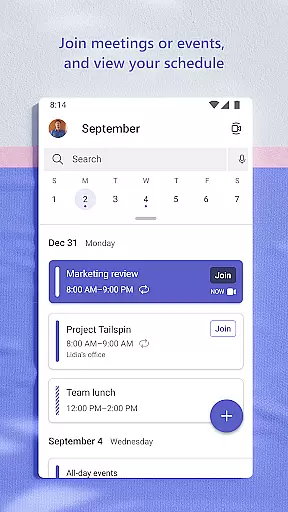
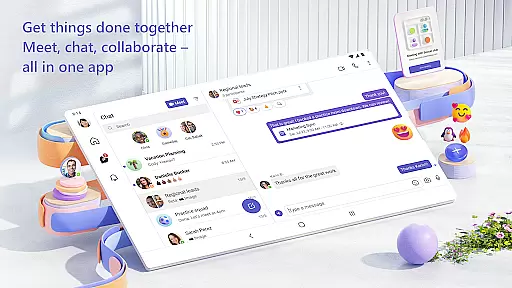
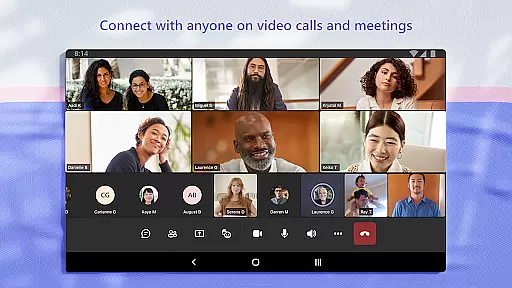
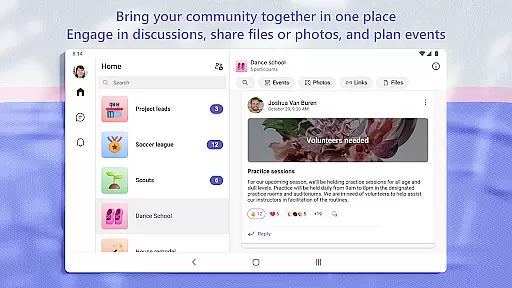
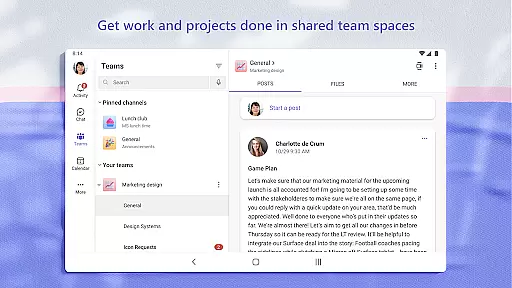
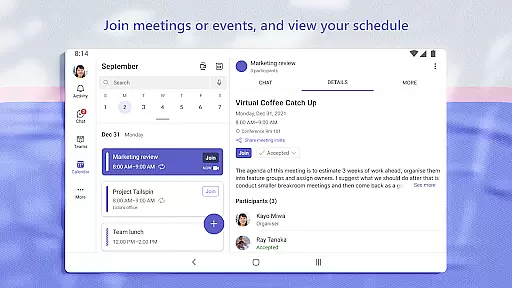
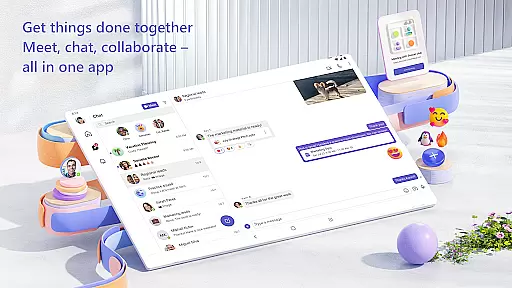
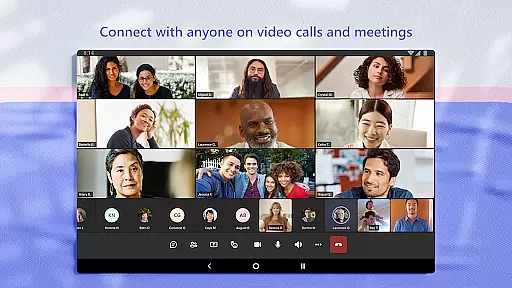
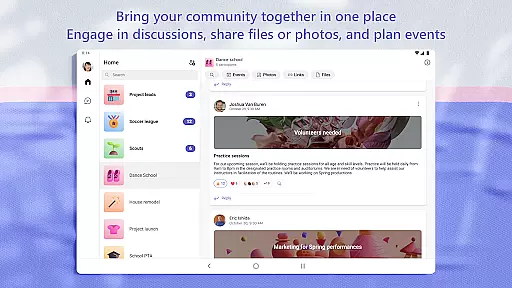
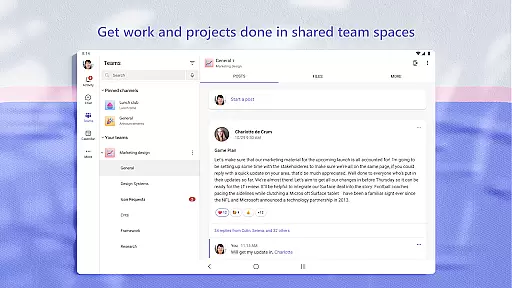
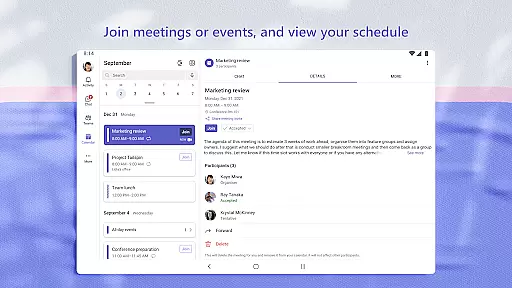
Microsoft Teams is a mobile app designed to streamline communication and collaboration within teams. As a business-focused Android app, it integrates chat, video conferencing, and file sharing into one platform. The app experience centers around improving productivity by offering seamless access to shared resources and real-time updates.
The primary purpose of Microsoft Teams is to provide an all-in-one app-based solution for remote and hybrid work environments. Core features include organized team channels, integrated Office 365 tools, and the ability to schedule and join meetings effortlessly. This ensures users can stay connected and efficient regardless of location.
This app is ideal for professionals working in team-based environments, particularly those in corporate or educational settings. It suits individuals aged 18 to 60 who rely on consistent communication and collaboration tools. Remote workers and hybrid teams will find this mobile app especially valuable for maintaining workflow efficiency.
Usage scenarios include virtual team meetings, classroom collaborations, and project management sessions. For example, a marketing team can use it to brainstorm campaigns while students might collaborate on group assignments. The app experience excels in situations requiring quick decision-making and resource sharing, making it a reliable app-based solution for modern workspaces.
Microsoft Teams stands out due to its comprehensive integration with Office 365, providing a unified platform for productivity. The app offers a secure environment for communication, ensuring data privacy and compliance with organizational standards. Its value lies in reducing the need for multiple disjointed tools, streamlining workflows, and enhancing overall efficiency.
What makes this Android app unique is its adaptability to various professional needs. Users benefit from features like real-time document editing and persistent chat history. Unlike many alternatives, it provides enterprise-level security and scalability. These advantages position it as a top choice for businesses seeking an app-based solution that combines usability with robust functionality.
Seamless Office integration
Secure communication channels
Real-time collaboration tools
Customizable user interface
Cross-platform availability
Occasional sync delays
High memory usage
Limited offline access
Complex setup process
Requires paid subscription

GoTo Mobile is a simple & secure calling, messaging & meetings solution
 4.80
4.80
Scan Business Cards & Conference Badges - Capture Leads at Events & Tradeshows
4.20
TurboScan turns your phone into a full-featured PDF document scanner.
4.80
Employee Management Made Easy
4.80
Drive and earn extra money
4.50
Grow your business and connect with more people with Meta Business Suite.
4.60
Start earning fast. Apply Today.
4.80
view, manage, and share every PDF file you have
3.60
Permission Guard is a security app that helps you manage app permissions.
4.80
Get instant construction estimates: accurate home repair & material calculator.
4.70 4.70
4.70
USPS Mobile®Access USPS.com’s most popular tools on-the-go.
4.70
Ask Accio anything about business. Alibaba-backed, built by experts, not just AI
4.60
Manage work life on the go
4.50
Master crypto trading with real-time simulations and exciting challenges!
4.50
Earn crypto with secure cloud mining. Monitor, track & withdraw easily
4.40
Windows App allows you to connect to remote PCs and virtual apps.
3.70
We are a dynamic team of creatives people of design, marketing, web & apps
3.00
Convert Your Lovable.dev Website into a Mobile App Instantly!
4.2


User Reviews