
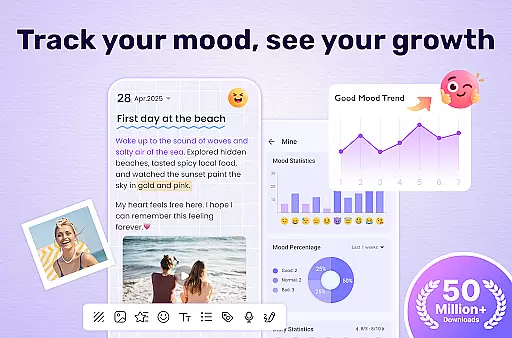

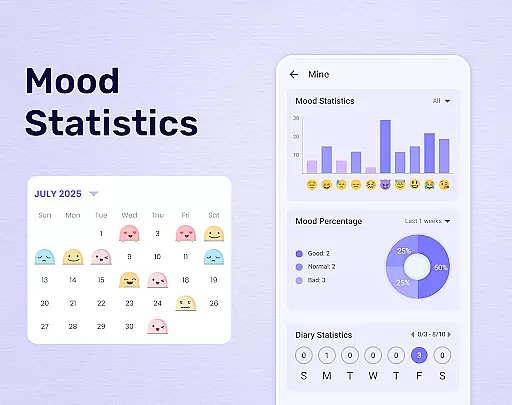
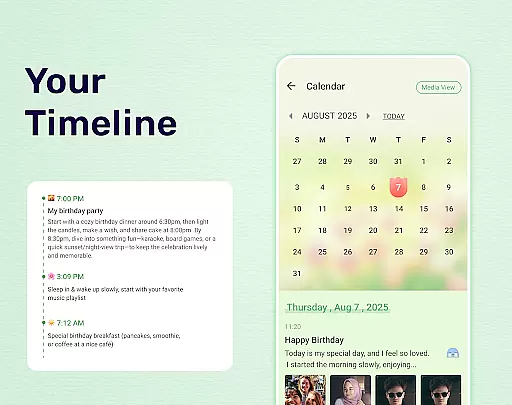
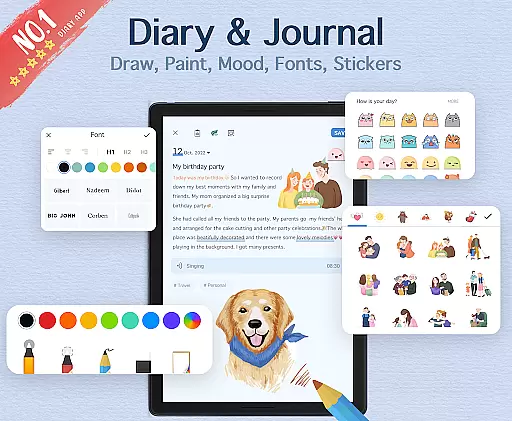

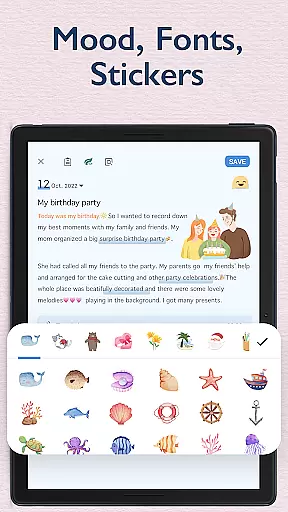
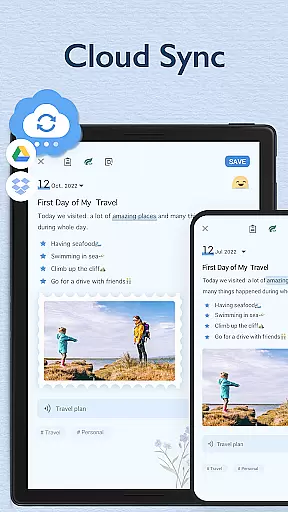
My Diary is a lifestyle mobile app designed to help users maintain a personal journal with ease and security. This Android app offers a simple yet powerful platform for recording thoughts, memories, and important events. With its user-friendly interface, the app ensures that even those unfamiliar with digital tools can enjoy a seamless app experience.
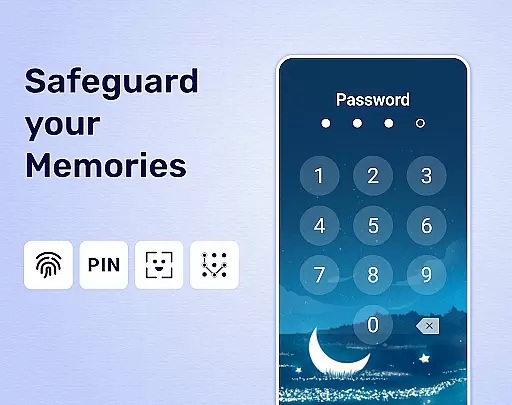
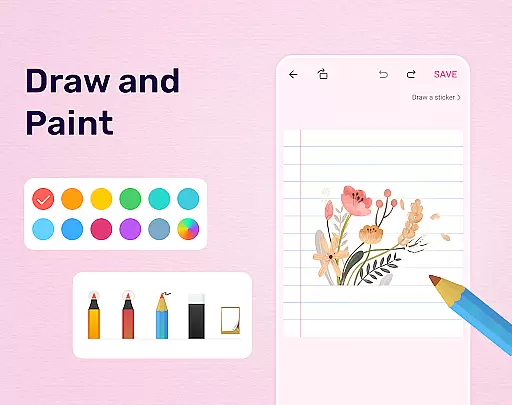
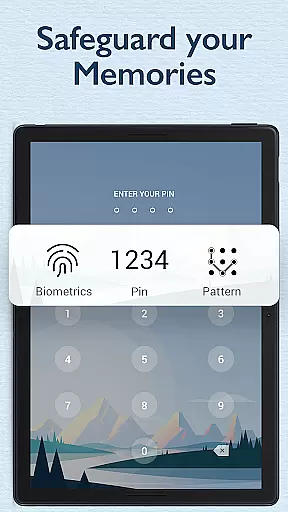
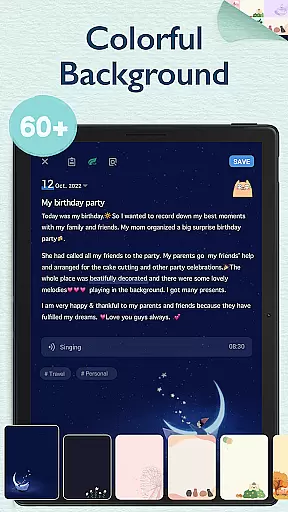
The primary purpose of My Diary is to provide a private space where users can document their daily lives. The app features robust encryption to protect entries, ensuring that personal content remains confidential. Additionally, it includes options for adding photos, audio notes, and tags, making it a versatile app-based solution for various journaling needs.
My Diary is ideal for individuals seeking a secure and reliable way to document their thoughts and experiences. It appeals to a wide demographic, from teenagers who want to start journaling to adults looking for an organized system to preserve memories. Users who prioritize privacy will particularly appreciate the app's advanced security measures.
This app is well-suited for scenarios where confidentiality is crucial, such as recording sensitive information or expressing personal emotions. For example, someone might use it during travel to save memorable moments without worrying about unauthorized access. Similarly, it serves professionals needing to track daily tasks while keeping work-related notes private and accessible only through biometric authentication.
Choosing My Diary means opting for a combination of simplicity and security in one package. The app provides peace of mind with its strong encryption protocols, ensuring that no one else can access private entries. Its intuitive design makes navigation effortless, allowing users to focus on what truly mattersu2014their thoughtsu2014without being distracted by complex settings or cluttered menus.
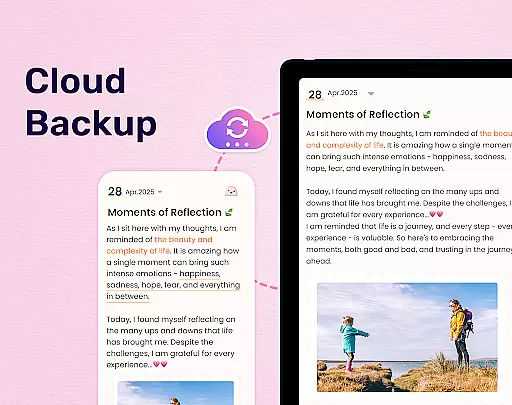
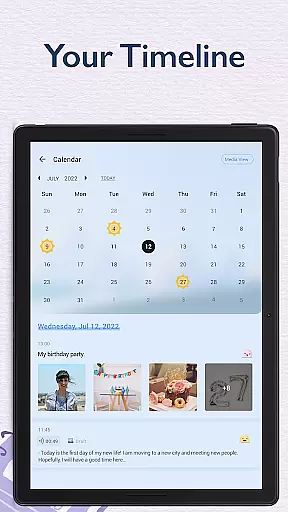
What sets this app apart is its ability to cater to both casual writers and avid journalers. While some apps offer either basic note-taking or overly complicated interfaces, My Diary strikes a balance between functionality and usability. Features like cloud backups and reminders solve common pain points associated with traditional journaling methods. Furthermore, the ad-free environment enhances the overall app experience, making it a standout choice among similar offerings.
Strong security features
Easy-to-use interface
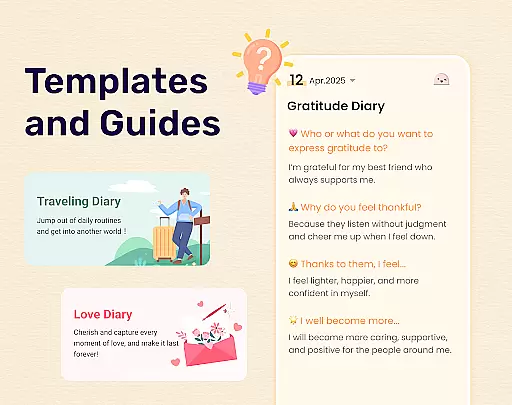
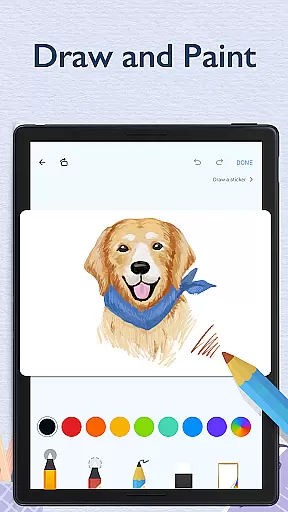
Customizable entry options
Reliable cloud backup
Regular updates
Limited free storage
No collaboration tools
Premium subscription required
Occasional bugs reported
Heavy on battery

Unique BIG BOLD TIME with amazing colors and customisations.
 3.70
3.70
Chat, meet genuine singles in your area. Real connections start with being real.
4.30
Turn your watch into a key fob for your Tesla
2.90
Smart controls for your Ember Smart Mugs
4.10
A daily quote for success
4.1
Smart & Healthy Living
4.60
Play. Earn. Repeat. Get rewarded for playing mobile games. Welcome to Mobius!
4.80
Falling Fruit is a massive collaborative map of food in our cities.
3.20
The Miracle Box includes methods used by Steve Huff of Huff Paranormal.
3.20
See wait times and check into a hair salon ahead of time with Online Check-In.
4.80
Tap to the beat with interactive videos — warm up your reflexes & have fun
4.70
This app is intended to support professional EMDR therapy.
4.50
Get your life organized with My Agenda!
4.30
Discounts, savings, and rewards
4.20
Paranormal EVP, Ghost Box, Spirit box, ITC, Haunted, Spirit communication device
3.70
Connect to your Shark ROBOT™ from anywhere using the SharkClean™ App.
3.60
Unique Dark Analog style for Wear OS watches.
4.1
Bring the warm colors of fall directly to your wrist with Autumn Leaves!
4.1
Big bold hybrid watch face with 30 colors, 5 fonts & 5 complications.
4.4


User Reviews