
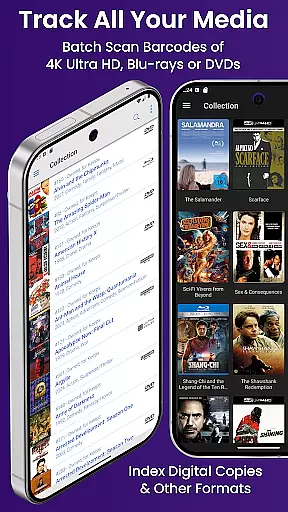
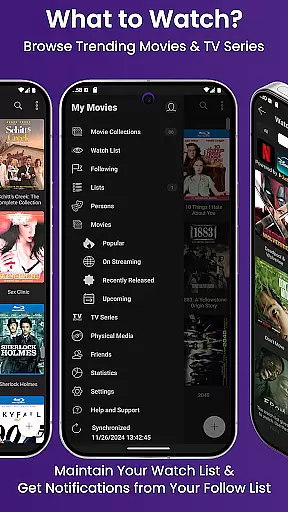
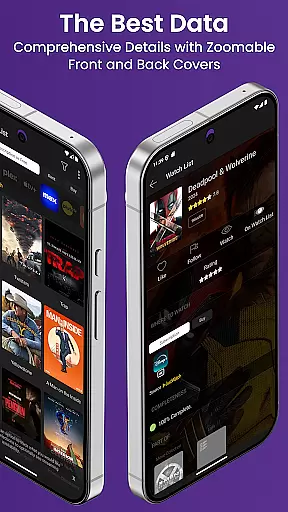
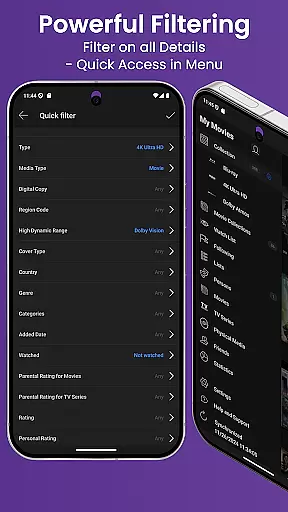
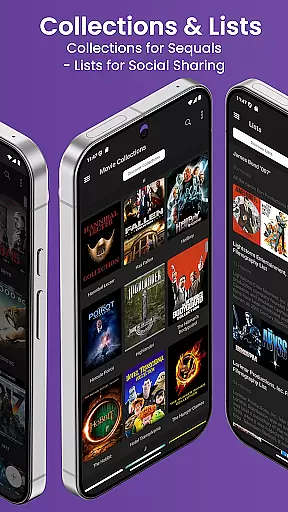
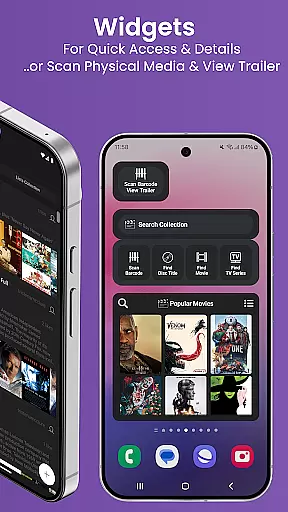
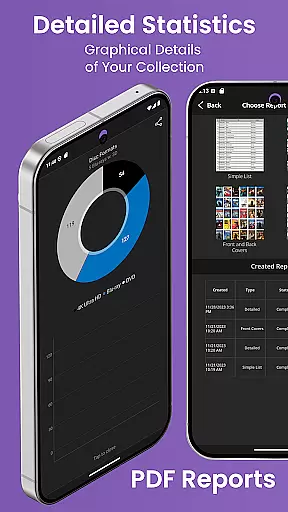
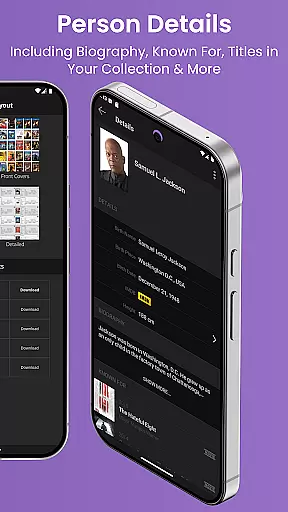
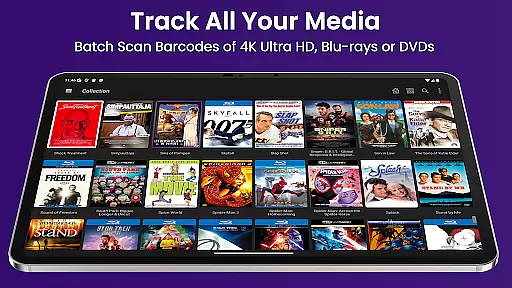
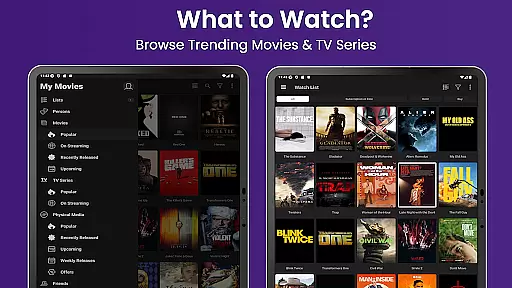
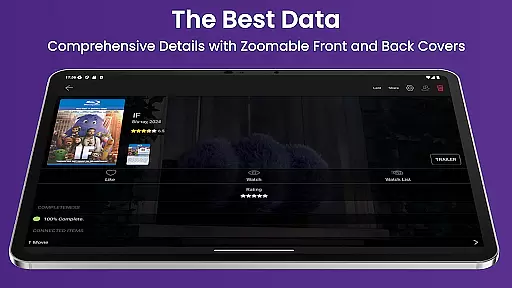
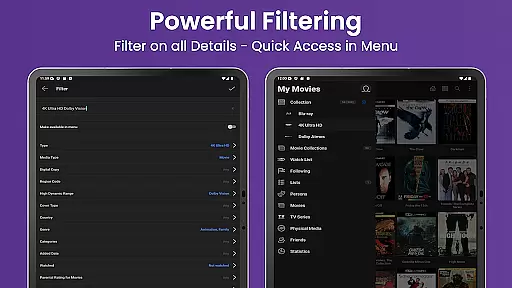
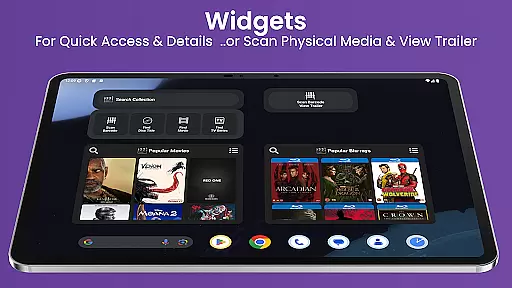
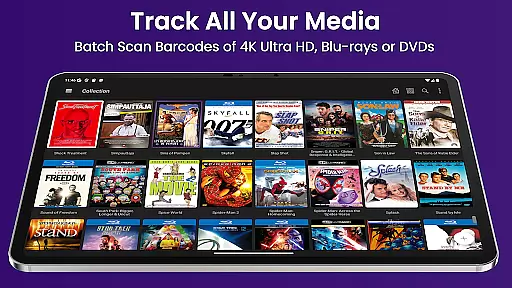
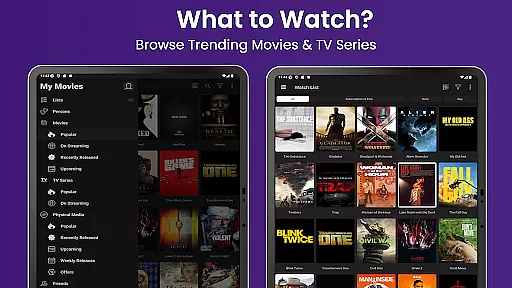
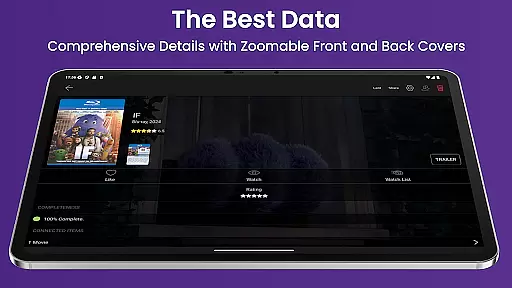
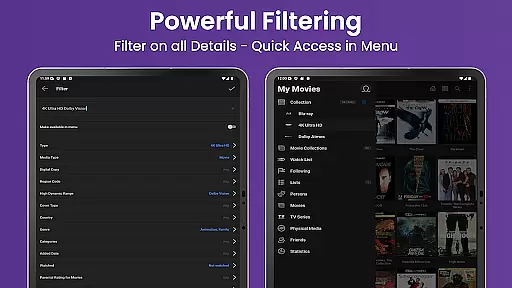
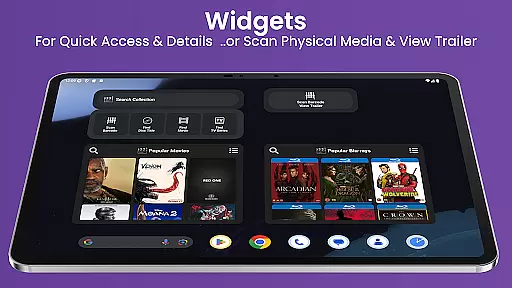
My Movies 5 Pro is an entertainment mobile app designed for movie enthusiasts who want to manage and organize their personal movie collections with ease. This Android app offers a seamless way to catalog DVDs, Blu-rays, and digital movies through an intuitive interface. By leveraging advanced scanning technology, the app simplifies adding new titles to a library, making it a reliable app-based solution for collectors.
The primary purpose of My Movies 5 Pro is to provide users with tools to maintain an up-to-date record of their movie libraries. Its core features include metadata retrieval, cover art downloads, and personalized tagging options. The app experience is enhanced by its ability to sync data across multiple devices, ensuring accessibility wherever needed. With its focus on usability and functionality, this app caters to both casual viewers and dedicated collectors.
This app is ideal for individuals aged 18 to 60 who are passionate about movies and maintaining an organized collection. It appeals to tech-savvy users familiar with mobile apps as well as older adults seeking straightforward solutions. Movie collectors, home theater owners, and casual viewers looking to track their libraries will find this app particularly beneficial.
Specific use cases include organizing a large DVD or Blu-ray collection, keeping track of digital purchases from platforms like iTunes or Amazon, and creating wish lists for future acquisitions. Users can also utilize the app during trips to stores to avoid purchasing duplicates. Its intuitive design ensures that even those new to Android apps can easily adapt to its features and functionalities.
My Movies 5 Pro stands out due to its comprehensive feature set tailored specifically for movie management. The app provides accurate metadata retrieval and customizable organization options, which enhance the overall app experience. Unlike other entertainment apps, it focuses exclusively on delivering tools that streamline movie cataloging while maintaining a user-friendly interface.
It solves common problems such as disorganized collections and difficulty tracking owned titles. What makes it unique is its ability to sync across devices, ensuring users have access to their library anytime. Additionally, its offline functionality allows uninterrupted usage. These aspects make it a superior choice compared to similar Android apps in the entertainment category.
Accurate metadata retrieval
User-friendly interface
High-quality cover art
Offline mode available
Regular updates provided
Premium version required
Limited free features
Occasional sync issues
No automatic backups
Learning curve for beginners

Air Horn - Siren Sounds Prank, Fun way to wake up your Friends and Family
 4.5
4.5
Stream Movies & TV Series: Original Shows, Family Movies & New Releases Weekly
4.60
Open-source, fast, simple and powerful IPTV app
4.90
Triple A is a highly complex, kinetic, and interactive visualizer.
4.50
Fire effects for your Philips Hue lights
4.20
Wodfix Air aggregates popular online content for you.
4.80
5 funny and lovely ponies waiting for you to style them!
4.80
Premium version to enjoy your favorite anime
4.60
Play casual games to get gift cards and money. More playing, more earning.
4.70
Watch short films, dramas, reels, series and movies anytime on Micro Drama.
4.60
Chat with AI characters! Anime, games, roleplay & more.
4.50
Play games. Earn real rewards. Cash out in 3hours via PayPal or gift cards.
4.40
Best of icon for christmas
4.30
Start EVP/Spirit Box tonight: real EMF, offline, recording. One-time purchase.
4.10
Alice Box is an Instrumental Trans Communication app.
3.80
Necrophone is spirit box ghost hunting app made for spirit communication.
3.70
With the credits you earn play more games
2.90
Simulation of Dashboard / Touch Screen for Tesla. (Works without actual Tesla).
4.5
EVP Recorder / Voice Recorder for ghost hunting, to communicate with ghosts.
4.4


User Reviews