

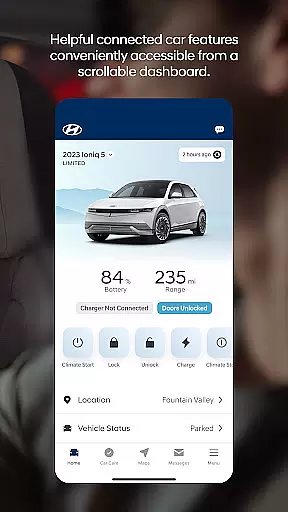
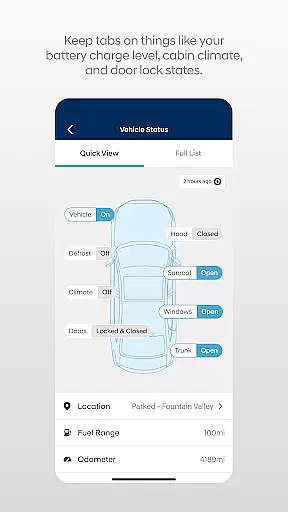

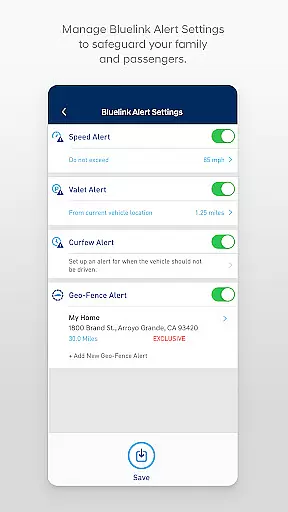
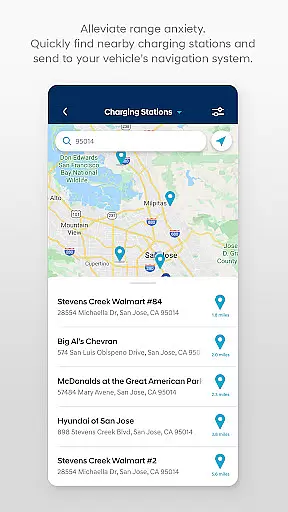
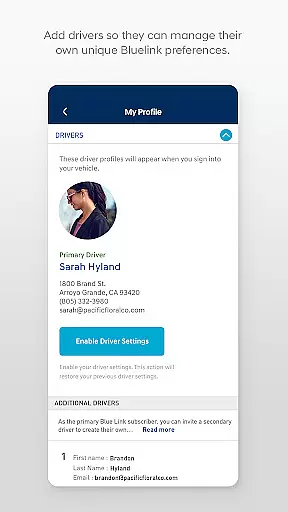
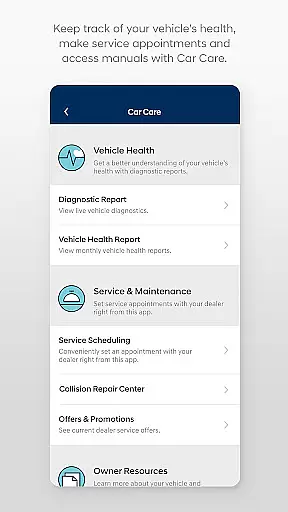
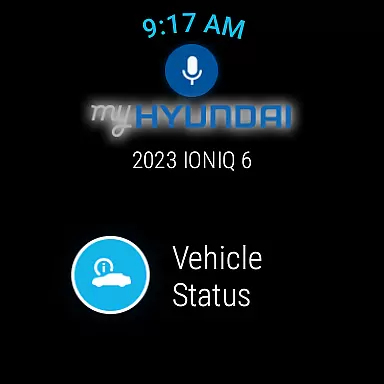
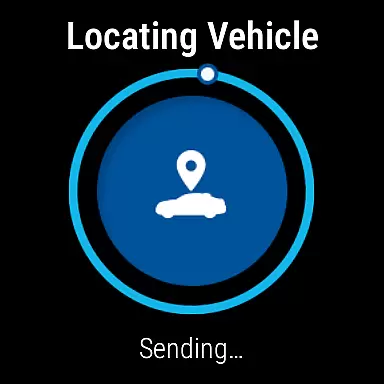
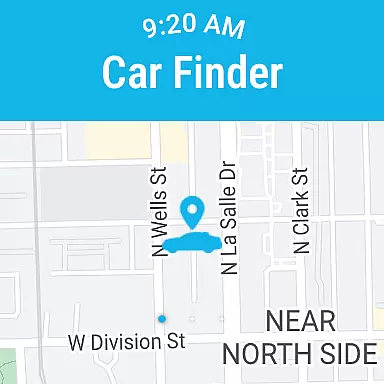
MyHyundai with Bluelink is a mobile app designed to enhance the vehicle ownership experience for Hyundai drivers. This Android app allows users to remotely interact with their vehicles through a smartphone. The app provides access to features such as remote start, climate control, and vehicle location services. It also supports connected car functionalities that streamline maintenance and improve convenience.
The primary purpose of MyHyundai with Bluelink is to offer an app-based solution for managing and monitoring Hyundai vehicles. Core functions include real-time alerts, remote lock and unlock, and destination sharing. Additionally, the app integrates with navigation systems and offers roadside assistance options. These capabilities ensure users can stay connected to their vehicles at all times.
This app is ideal for Hyundai vehicle owners who seek a convenient way to manage their cars using a mobile app. It caters to tech-savvy individuals aged 25 to 55 who value connectivity and smart solutions. Users who prioritize remote access and real-time updates will benefit most from this app's capabilities.
Common use cases include preparing a vehicle's climate remotely during extreme weather conditions. Another scenario involves locating a parked car in crowded areas like shopping malls or airports. Additionally, the app serves those who want instant notifications about vehicle health or security breaches. These practical applications make it a versatile tool for modern drivers.
MyHyundai with Bluelink stands out due to its comprehensive app features and seamless integration with Hyundai vehicles. The app experience is enhanced by reliable performance and frequent updates. Users gain peace of mind knowing they can monitor and control their vehicle from anywhere. This level of accessibility makes it a top choice among connected car solutions.
The app solves common problems like forgetting where a car is parked or needing to warm it up on cold days. What sets it apart is its focus on user-centric design and intuitive controls. Unlike other apps in this category, it combines multiple functions into one cohesive platform. This approach simplifies the overall app experience and ensures maximum utility for Hyundai owners.
Easy-to-use interface
Reliable remote access
Frequent feature updates
Comprehensive vehicle control
Strong security protocols
Limited to Hyundai models
Requires active subscription
Occasional connectivity issues
Dependent on network coverage
Learning curve for new users

Embrace the holiday spirit with this magical animated watch face!
 4.40
4.40
A heartwarming Christmas scene featuring a cute image of Santa and Rudolf
4.5
Contemporary digital watch face with five complications
4.0
Wear Os Watch Face - Animated Snow Effect & Magic Spark - 6 Scenes
4.10
Easy Voice Recorder is your everyday companion to record important moments.
4.70
Monitor health with the stress test and pulse checker in the heart rate app.
4.60
Funny animated watch face for Thanksgiving
4.0
Animated video-game inspired “secret agent” simulation, right on your wrist!
4.20
Hybrid watch face for Wear OS with customizable complications by Matteo Dini MD
4.70
Fast and smart typing with Emojis, GIFs, and more
4.50
Find EV charging stations
4.30
Watch face for Wear OS.
4.20
Daily Weather forecast with 15 weather images for Day & Night plus Big Bold time
4.10
Get helpful reminders, take progress photos and find answers to your questions.
3.90
Wear Os Watch Face - Animated Snow Effect & Christmas Lights
4.2
Christmas and New Year - Themed Watchface
4.3
an Analog Watch Face for winter season with freeze winter background for Wear OS
4.0
Wear Os Watch Face - Animated Snow - Sesonal for Christmas & Winter
4.1
Stunning modern digital watch face with 7 complications and strong contrast
4.5


User Reviews