
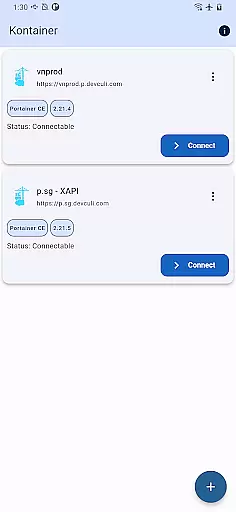
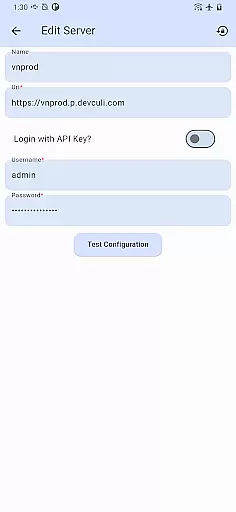
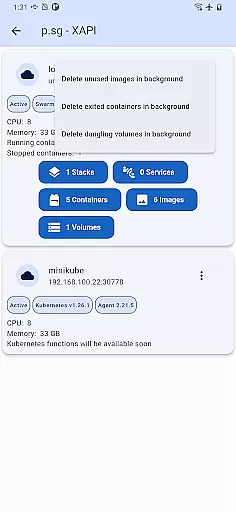
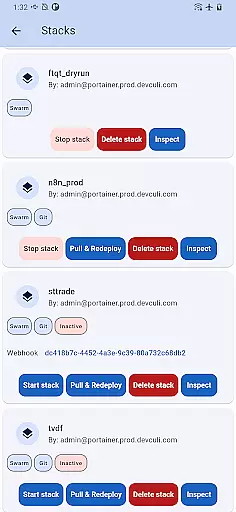
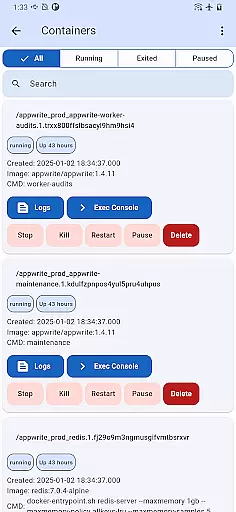
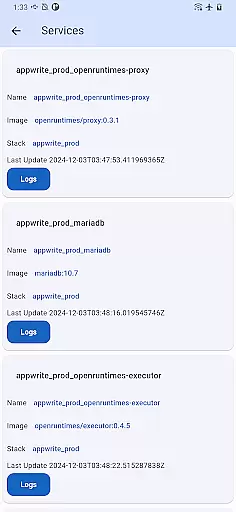
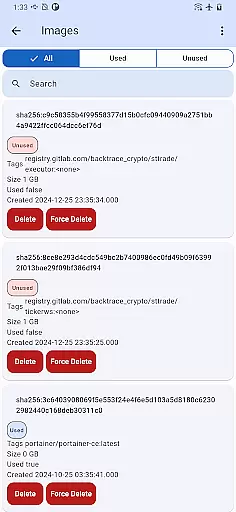
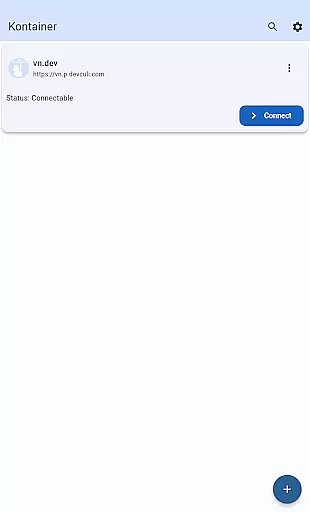
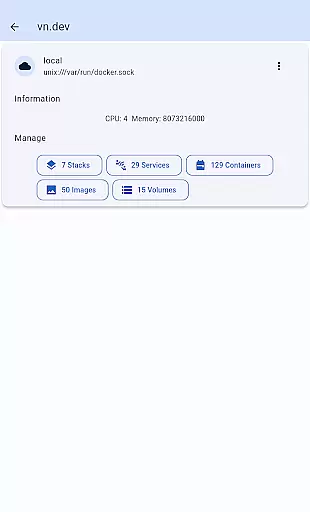
Portainer Mobile is a productivity-focused mobile app designed to simplify the management of Docker environments. This Android app provides users with the ability to monitor and control their containers, images, networks, and volumes from their mobile devices. With an intuitive interface, it ensures accessibility even for those who may not be experts in container orchestration.
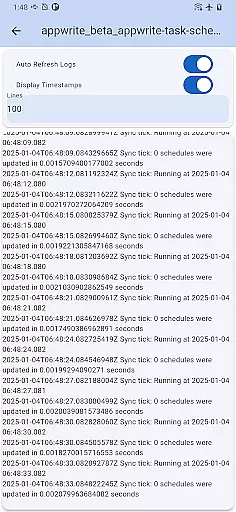
The primary purpose of Portainer Mobile is to enable seamless remote management of Docker resources. Its core features include real-time monitoring, the ability to start or stop containers on the go, and access to logs and statistics. These capabilities make it a valuable app-based solution for developers and system administrators seeking efficiency.
Portainer Mobile is ideal for developers, DevOps engineers, and IT professionals who manage Docker environments. The target audience includes individuals familiar with containerization technologies and seeking a mobile app that enhances productivity. It is particularly useful for users aged 25-45 who require flexibility in managing deployments remotely.
This app is commonly used in scenarios where remote access to Docker infrastructure is critical. For example, developers can troubleshoot container issues while away from their desks. Similarly, system administrators can ensure uptime by monitoring and adjusting resources on the fly. The app experience is tailored for tech-savvy professionals needing reliable tools.
Portainer Mobile stands out due to its combination of powerful features and ease of use. The app offers a unique value proposition by enabling users to manage complex Docker setups through a simple interface. Key benefits include time savings, increased operational flexibility, and enhanced control over containerized applications.
One of the main problems this app solves is the lack of accessible tools for Docker management on mobile devices. Unlike other solutions, Portainer Mobile provides a comprehensive suite of app features without compromising usability. Its focus on security and multi-endpoint support makes it a preferred choice for professionals seeking a dependable app-based solution.
Intuitive user interface
Real-time updates
Secure authentication
Multi-endpoint support
Efficient resource management
Limited advanced options
Occasional sync delays
No offline functionality
Requires Docker knowledge
Small feature learning curve

Mega cloud explorer plugin for Solid Explorer
 3.80
3.80
Planet Free VPN - The best Fast Unlimited and Secure VPN Without Logs
4.50
Protect and view your important info on your phone and tablet with eWallet®
4.80
⏰ Finally a timer app which can run multiple timers simultaneously on your watch
3.90
Pwnagotchi companion app
4.20
aCalendar+ makes your day, week and month
4.70
Subscribe to Webcal & .ics calendars and keep them up-to-date!
4.50
Great calculator for Android named one of USA TODAY's "25 Essential Apps".
4.90
Intelligent AI Assistant
4.10
To do list widget with a notebook organizer, checklist, simple shopping list
4.60
Experience Reading - Night Mode for Documents
4.40
When you Focus, so will your Bean in this cozy focus timer
4.30
Automates browsing any website and notifies you of important changes or events
4.30
Total remote control for your Android device, PC and cloud services (IFTTT)!
4.20
Cloud storage, automatic phone backup, and more.
4.10
Wake up & get tasks done! Add alarms & reminders on the Clock Launcher.
4.00
Smart PDF reader & editor to view, organize and manage PDF documents easily.
3.70
Remotely view listen control and record cameras.
3.70
ID.me Authenticator is a simple and free Two Factor Authentication solution
3.50


User Reviews