
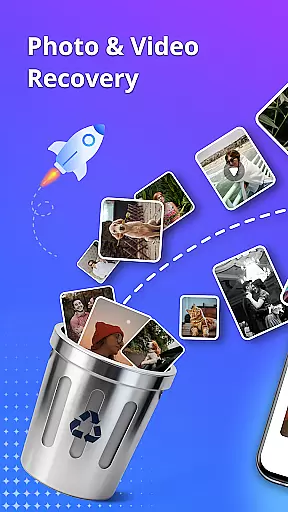
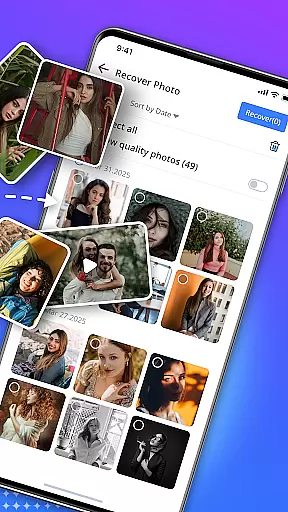
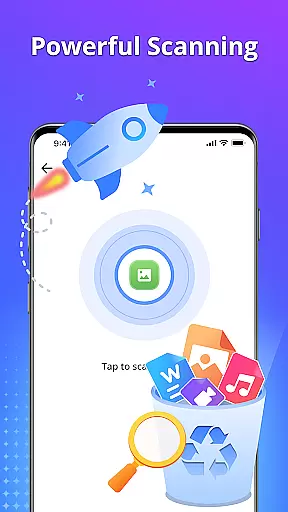
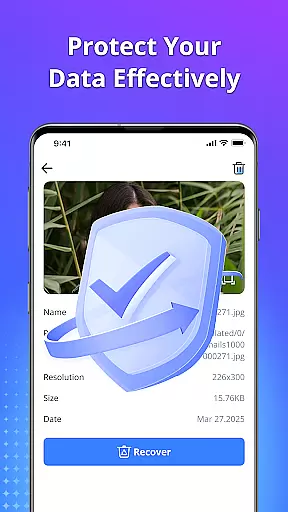
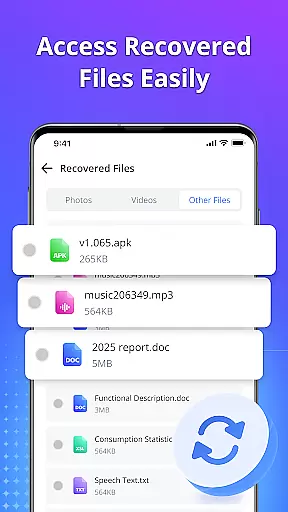
Restore Photo is a mobile app designed to enhance and repair old or damaged photographs. The app uses advanced algorithms to automatically detect imperfections in images and offers tools to restore them to their original quality. With its user-friendly interface, this Android app allows users to easily upload photos and apply restoration features with just a few taps.
The primary purpose of Restore Photo is to provide an accessible solution for photo restoration. It supports various image formats and includes features such as color correction, scratch removal, and resolution enhancement. Whether restoring cherished memories or working on professional photo editing, the app experience ensures high-quality results without requiring extensive technical knowledge.
Restore Photo is ideal for individuals who wish to preserve family memories by restoring old photographs. It appeals to a wide audience, from young adults digitizing printed photos to seniors aiming to safeguard their personal history. Additionally, freelance photographers and small business owners in the creative industry can benefit from the app's professional-grade features.
This mobile app is particularly useful in scenarios where physical copies of photos are deteriorating. For example, users can restore wedding pictures or childhood photographs that hold sentimental value. Moreover, it serves as an app-based solution for local photo studios that lack access to expensive photo editing software but still need reliable restoration tools.
Restore Photo stands out due to its combination of powerful features and ease of use. The app provides professional-level restoration tools without overwhelming users with complex settings. Its automated processes ensure quick yet precise results, making it suitable for both beginners and experienced editors. Furthermore, regular updates introduce new app features that keep the tool competitive in the market.
One key advantage is its ability to solve common pain points in photo restoration, such as handling severe damage or poor lighting conditions. Unlike other apps, Restore Photo maintains image authenticity while improving quality. This makes it a preferred choice over alternatives that may overly process images or lack essential functionalities like batch editing or cloud integration.
Easy-to-use interface
Fast processing speeds
High-quality restoration
Affordable pricing model
Regular feature updates
Limited advanced tools
Occasional ads in free version
Internet required for cloud saves
Subscription needed for full access
Learning curve for beginners

 4.50
4.50
pdf merge, word to pdf, jpg to pdf, edit pdf, convert to pdf and much more!
4.20
Quickly switch to an encrypted DNS server on Android TV
4.50
eXtended Permission Manager - a small app to manage permissions and AppOps
4.50
Small and simple app to Verify Root Access and BusyBox Install!
4.70
Create your own live wallpaper or check out thousands already made presets
3.90
The ultimate tool for network analysis, wifi scanning and problem detection.
4.90
Game Booster, GFX Tool is now compatible with newer game update
4.50
Automate everything from settings to photos, SMS to speech. ADC2 prize winner.
4.10
Enjoy smooth gameplay with Game Booster
4.90
Remote Play with FSR upscaling, low latency & full controller support
4.80
Creation, Learning, Entertainment & More — The All-in-One AI Search Engine
4.70
HD Camera captures every special moment.
4.60
Screen Mirroring for Roku Sticks, Roku TCL TV and Roku Hisense TV
4.50
Quickly check the frequency of the Earth
4.30
App that Recover your pictures, videos or files after you delete them.
4.20
Detect hidden spy camera with advanced scanning {{ Premium version }}
4.00
Unlock your Essential Key. Create custom shortcuts to your favorite apps!
4.5
Save any video in HD - paste the link, download fast and watch offline.
4.0


User Reviews