
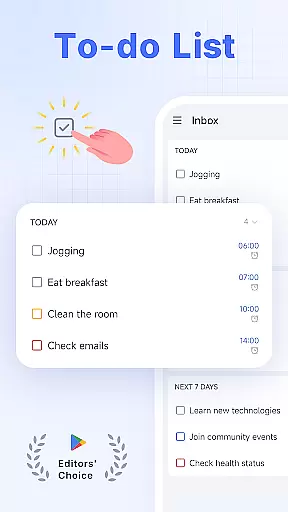
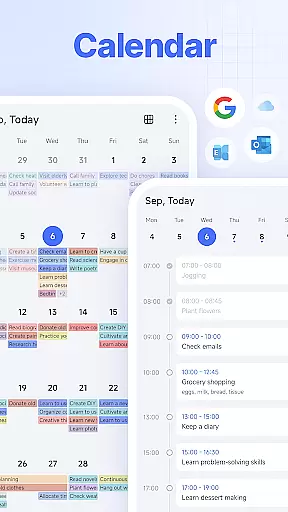

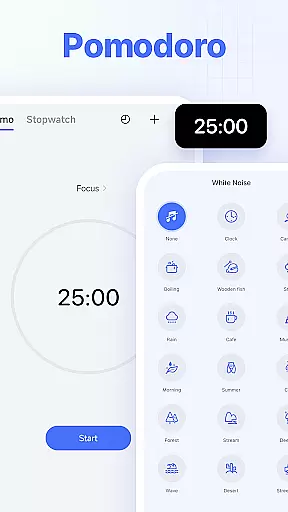
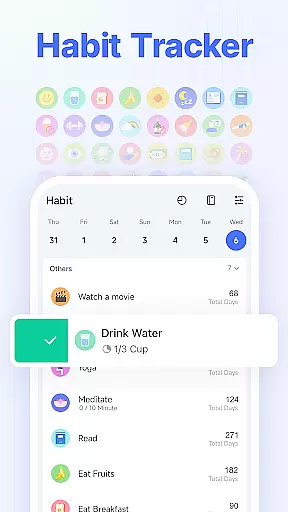
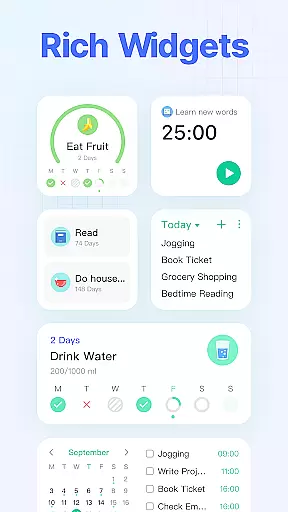
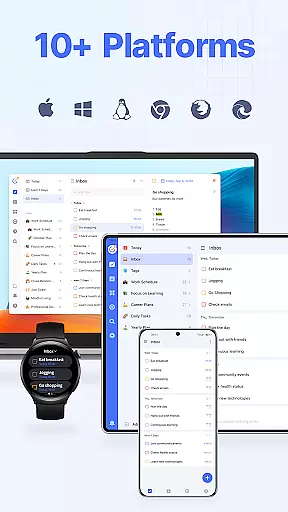
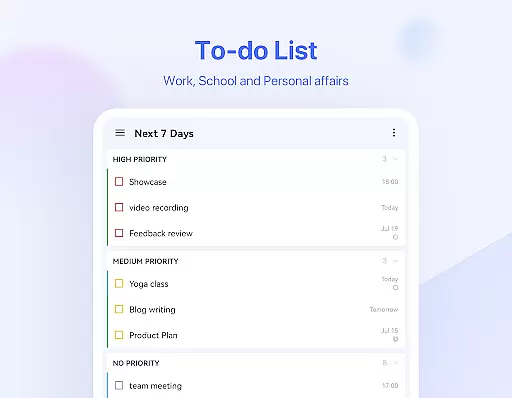
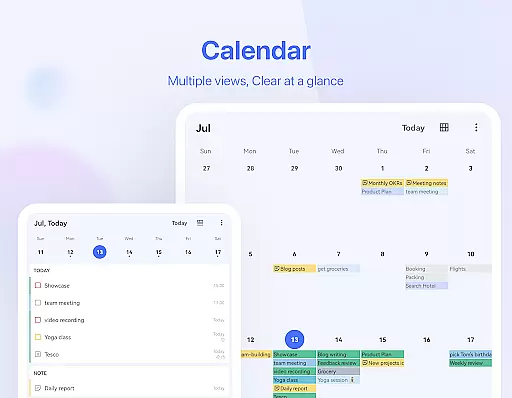
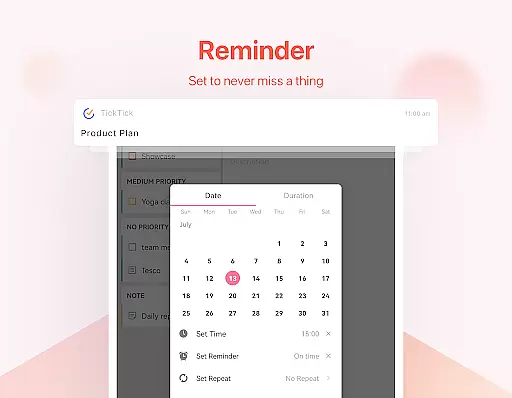
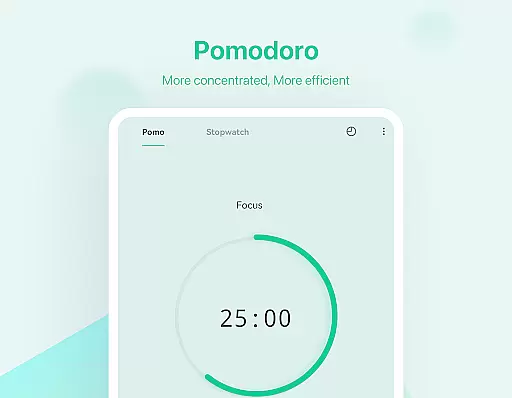
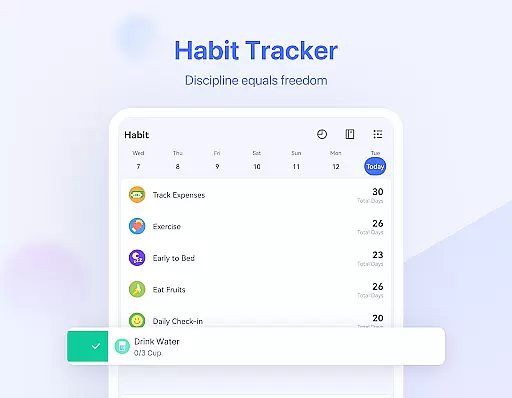
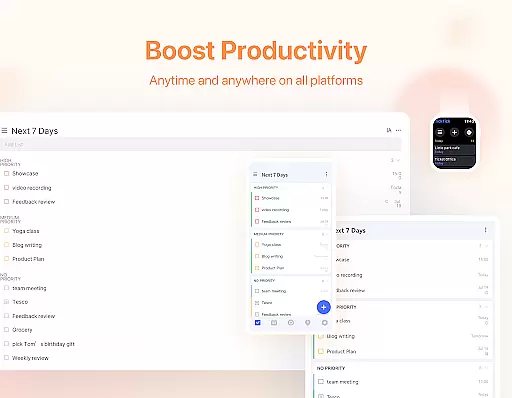
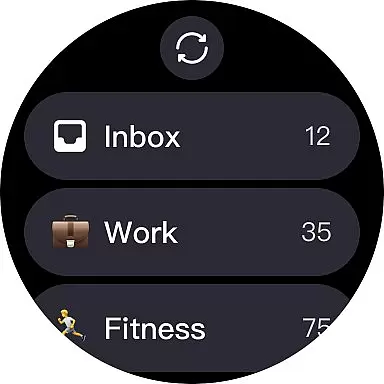
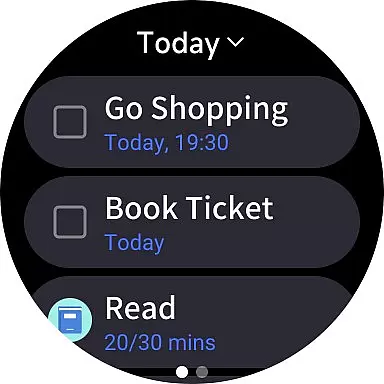
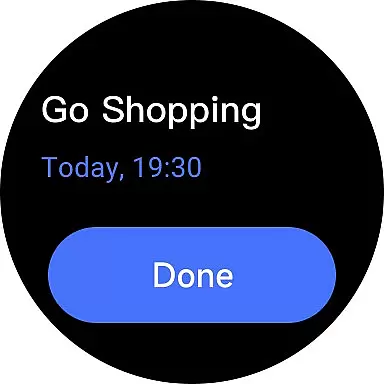
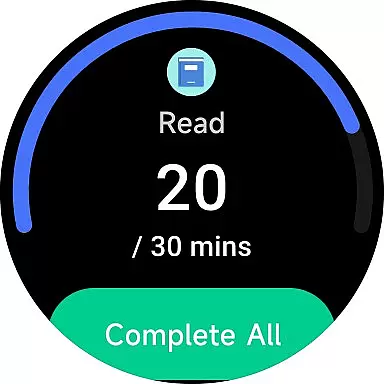
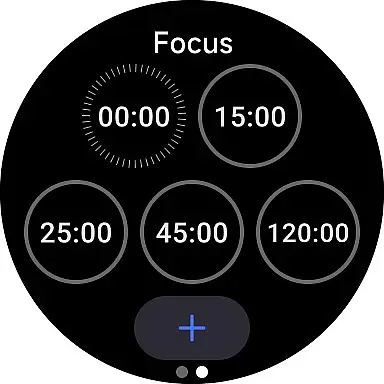
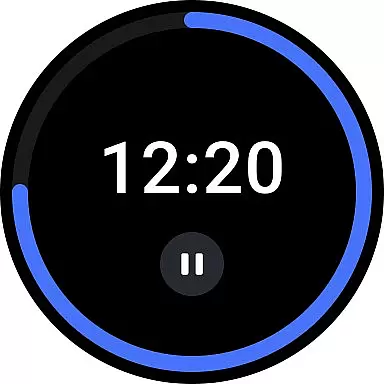
TickTick is a productivity-focused mobile app designed to help users manage tasks and schedules efficiently. As an Android app, it offers seamless synchronization across devices, ensuring that task lists and reminders are always up-to-date. The app experience centers around simplicity and functionality, making it easy for users to organize their daily routines.
The primary purpose of TickTick is to provide an all-in-one solution for task management. Its core features include to-do lists, calendar integration, and reminders. Additionally, the app supports habit tracking and team collaboration, which enhances its versatility. With its intuitive interface, this app-based solution caters to both personal and professional needs.
TickTick is ideal for busy professionals, students, and anyone seeking better organization tools. The target audience includes individuals aged 18 to 45 who value efficiency and rely on digital solutions for task management. People who prefer structured planning and need cross-device accessibility will find this app particularly beneficial.
This app-based solution fits various scenarios, such as managing work projects, tracking study schedules, or organizing household chores. Users can create detailed task lists before starting their day or set reminders for important deadlines. It also serves teams that require collaborative tools to assign tasks and monitor progress. Overall, TickTick suits those who seek a reliable productivity tool.
TickTick stands out by offering a comprehensive suite of app features that cater to diverse productivity needs. Its ability to sync data across devices ensures users can access their information anytime, anywhere. The app's focus on user-friendly design makes it accessible even to those new to task management solutions. Furthermore, its customization options allow users to tailor the app experience to their preferences.
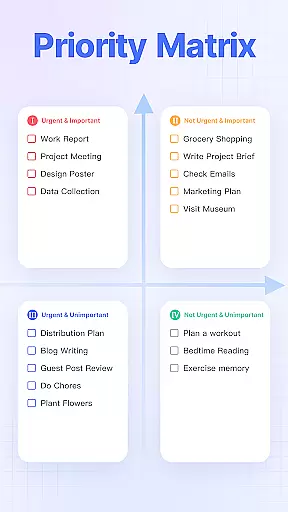
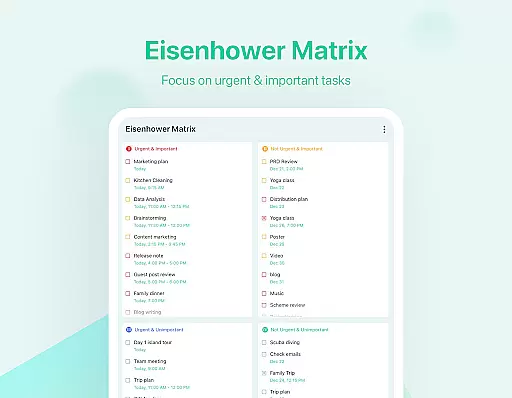
What sets TickTick apart from similar apps is its combination of simplicity and power. It solves common problems like missed deadlines and disorganized workflows by providing clear task prioritization and timely reminders. Additionally, its support for team collaboration adds significant value for group projects. Compared to alternatives, TickTick delivers a balanced mix of essential features and advanced tools, making it a top choice for enhancing productivity.
Easy-to-use interface
Reliable cross-device sync
Comprehensive task management
Customizable themes
Offline functionality
Premium subscription required
Occasional sync delays
Limited free version features
Notifications may be inconsistent
Steep learning curve for beginners

Watch the sharpness of the sky on your wrist..
 3.70
3.70
Christmas is near, let's count together the days left until Santa comes
4.0
A watch face that fuses motorsport precision with contemporary smartwatch design
4.2
Stunning modern digital watch face with 7 complications and strong contrast
4.2
A modern premium sporty hybrid watch face for Wear OS by Ballozi
4.70
Structured watch face with seven complications and modular UI elements
3.90
Nutrition, Macro tracker: Food, fitness & healthy diet tracking for weight loss
4.60
Funny animated watch face for Thanksgiving
4.0
Daily Weather forecast with 15 weather images for Day & Night plus Big Bold time
4.10
Digital, flexibly customizable watch face. For Wear OS 5.0, API 34+ and later.
5.00
The most customizable minimal watch face. For Wear OS 5.0, API 34+ and later
4.70
Rose gold watch face with festive lights & customizable features.
4.60
Current temperature, weather hourly, weather radar by the weather forecast app
4.40
Beautiful artistic animated digital watch face, with a customizable layout!
4.40
Digital watch face with big numbers and many customization for Wear OS devices
4.40
Digital watch face. For Wear OS devices.
4.40
A digital watch face that celebrates Christmas.
4.00
Get helpful reminders, take progress photos and find answers to your questions.
3.90
Sleek, highly customizable watch face inspired by Galaxy Watch Circle Dashboard.
4.1


User Reviews