
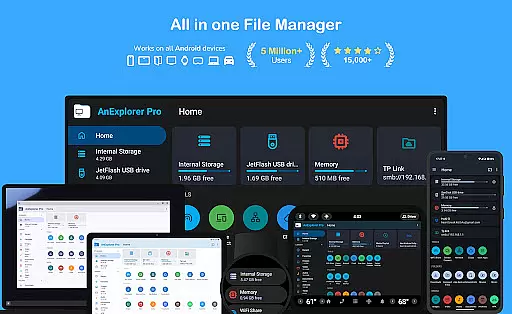
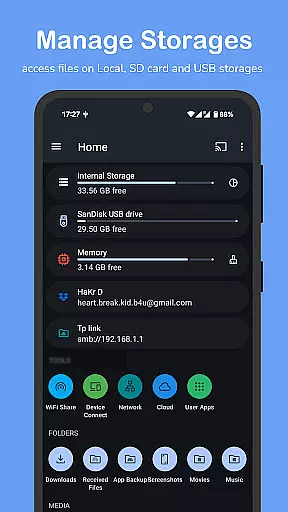
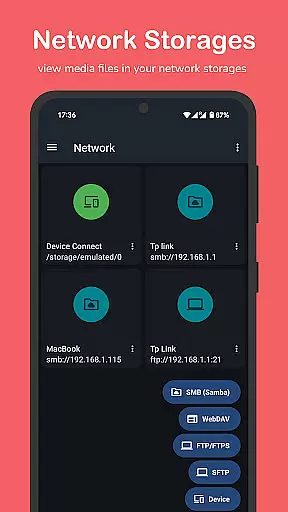
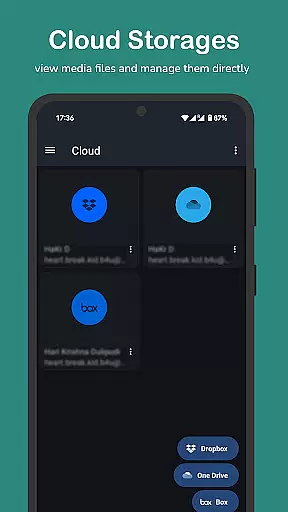
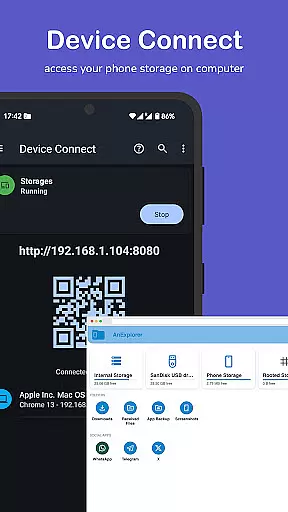
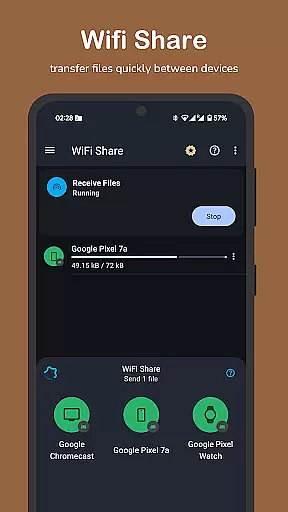

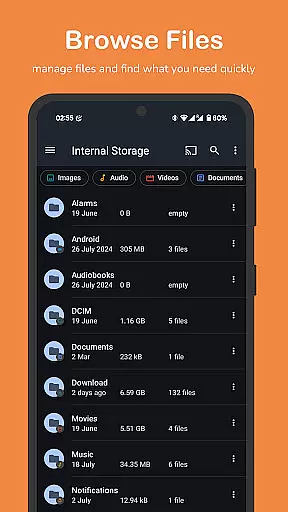
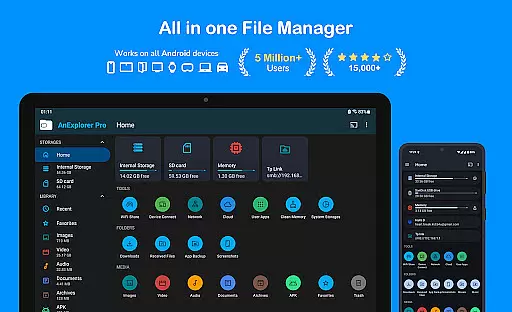
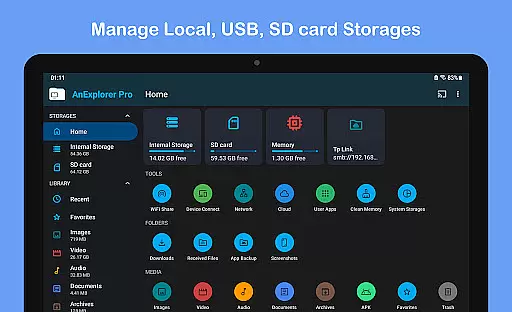
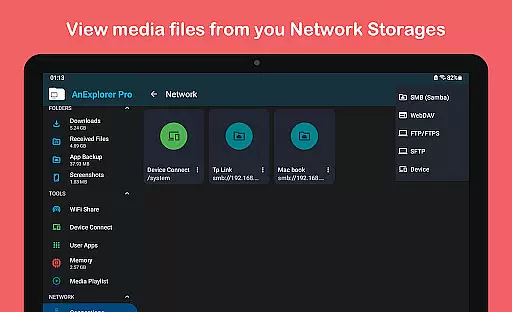
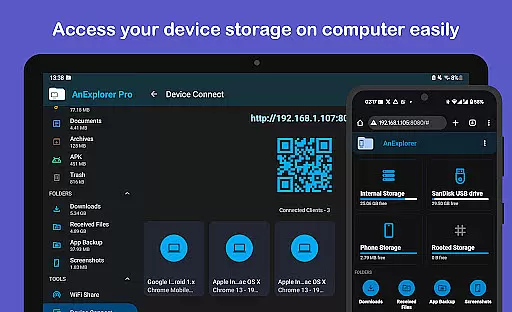
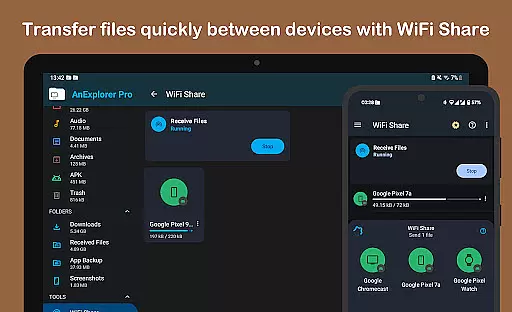

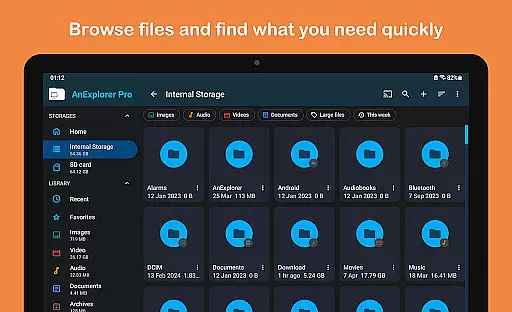
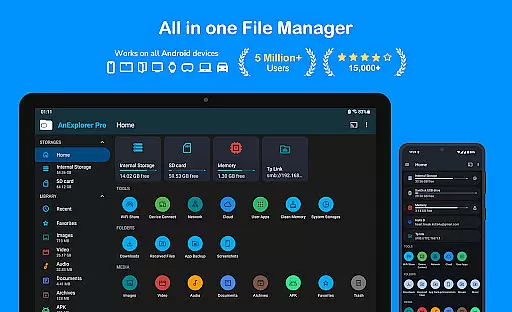
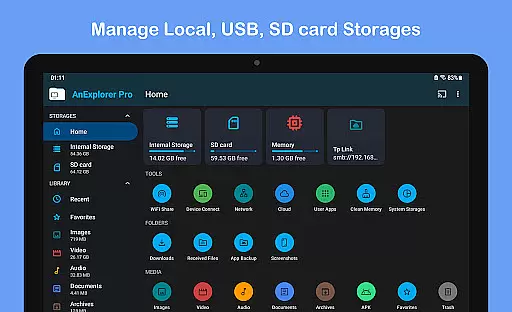
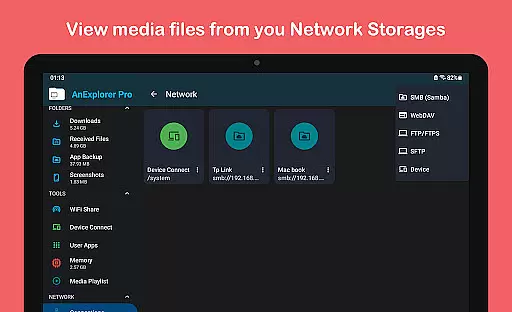

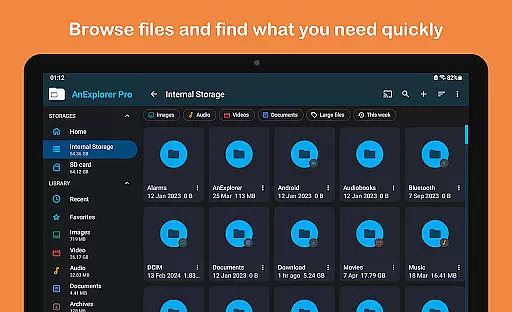
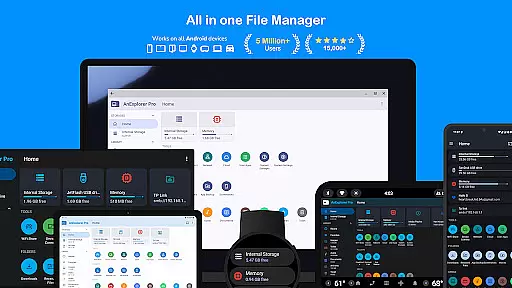
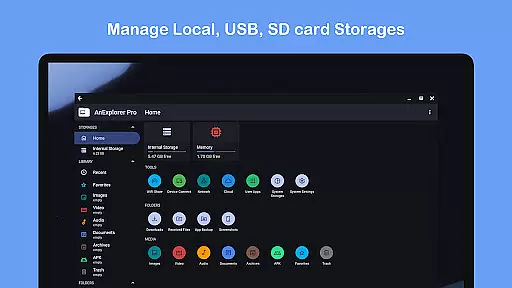
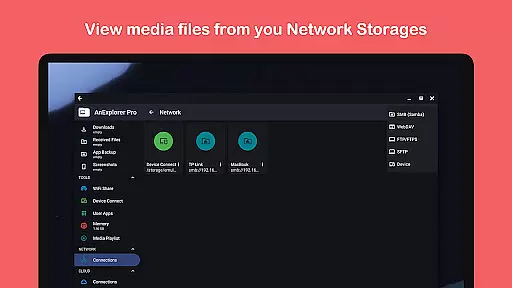
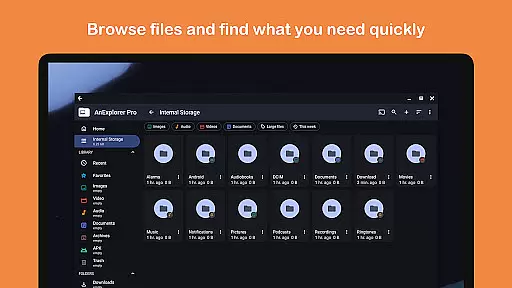
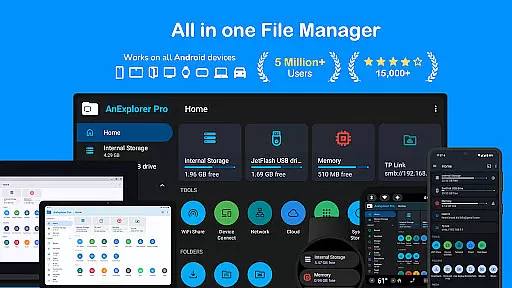
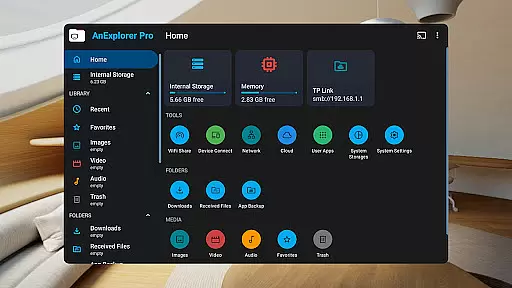
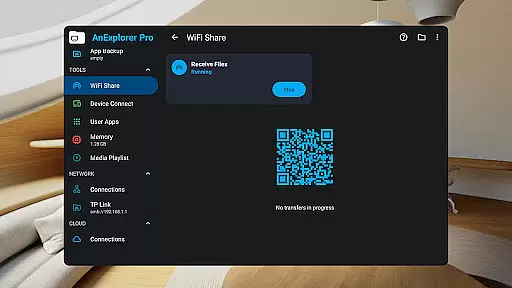
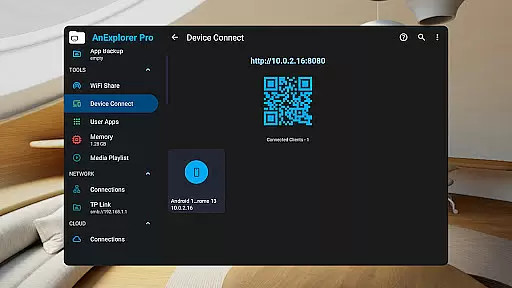
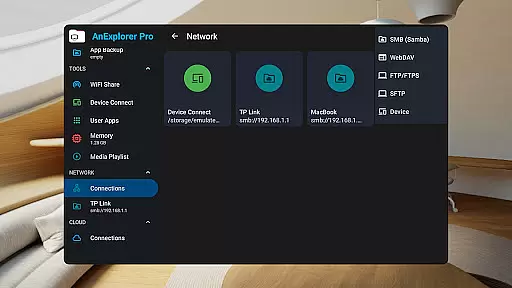
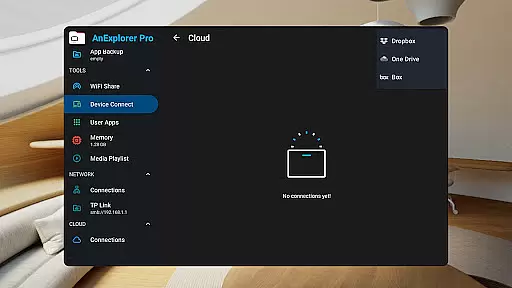
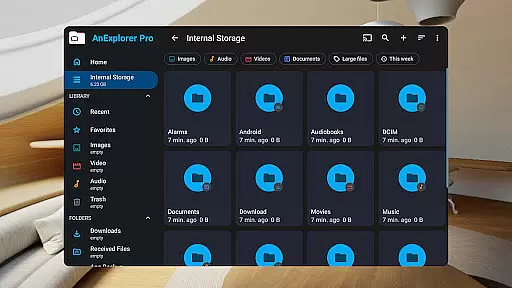
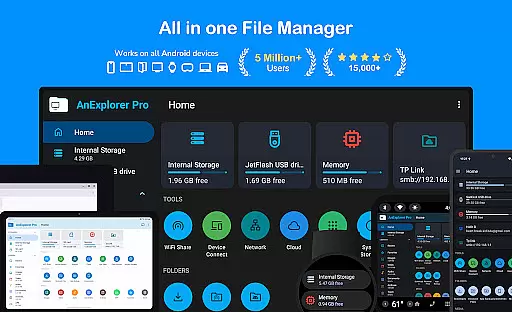
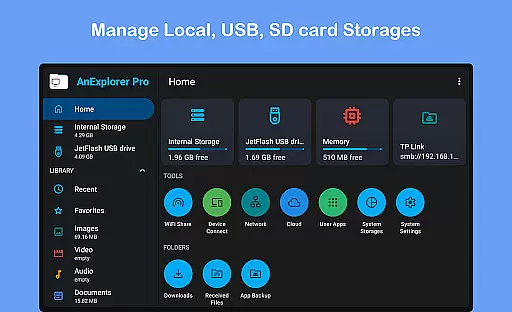
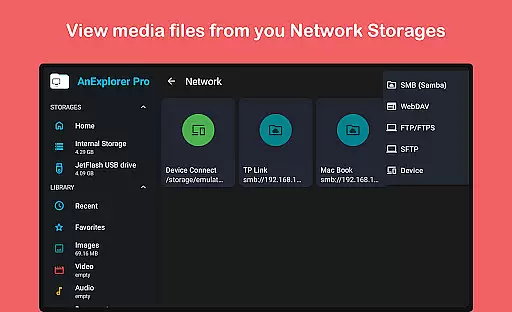

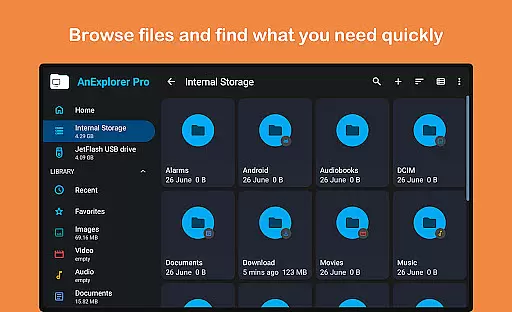
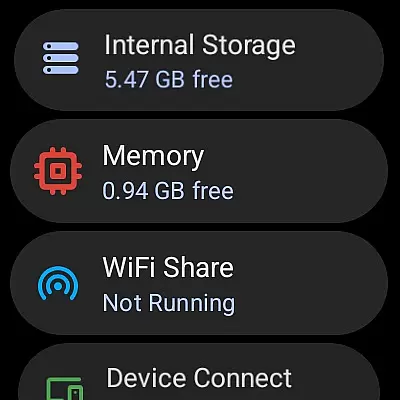
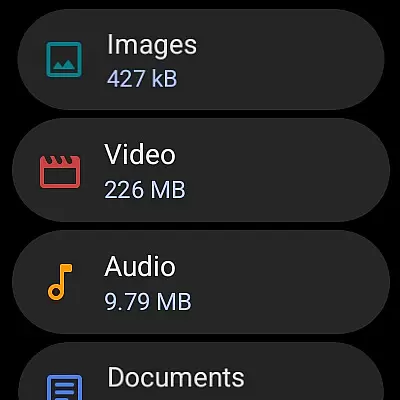
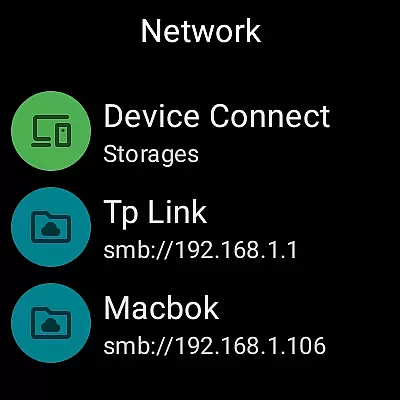
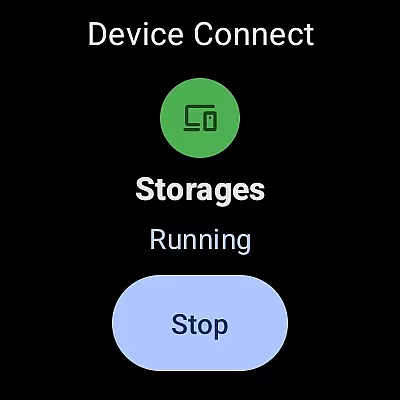



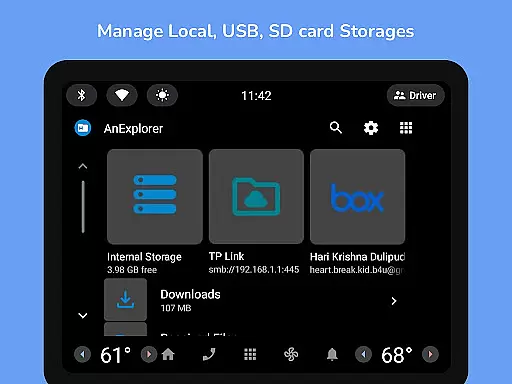
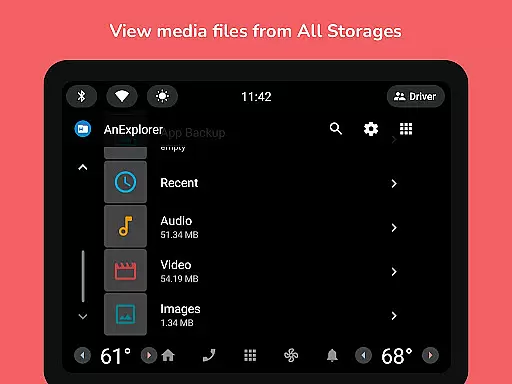
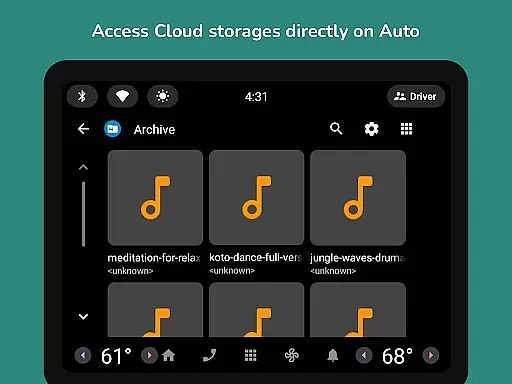

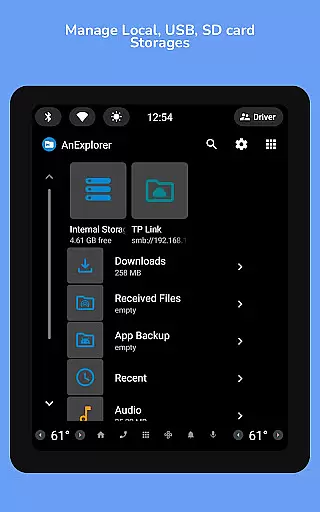
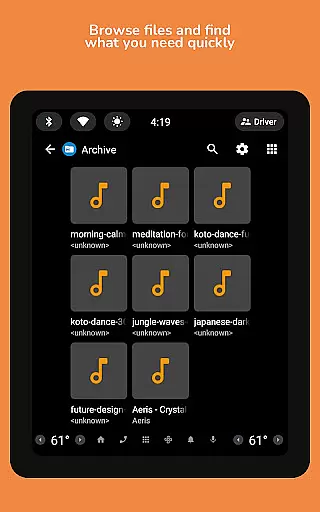
AnExplorer Pro File Manager is a premium mobile app designed to help users efficiently manage files on their Android devices. This app offers a clean and intuitive interface that simplifies file organization, making it easy for anyone to locate and manage documents, images, and other file types. With its focus on speed and reliability, the app ensures smooth navigation through folders and drives.
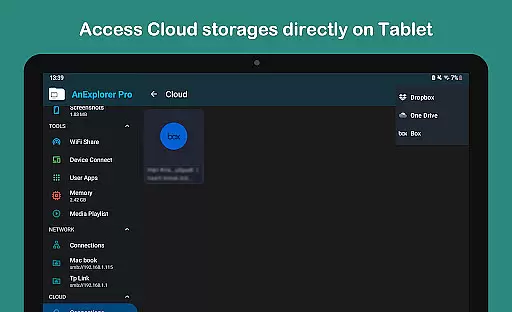
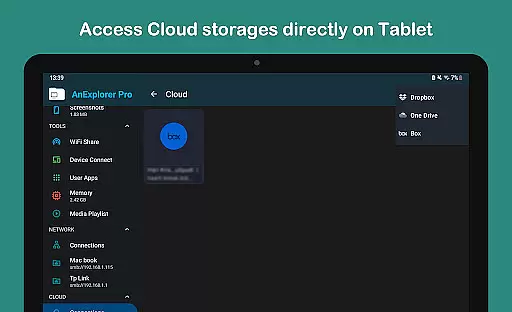
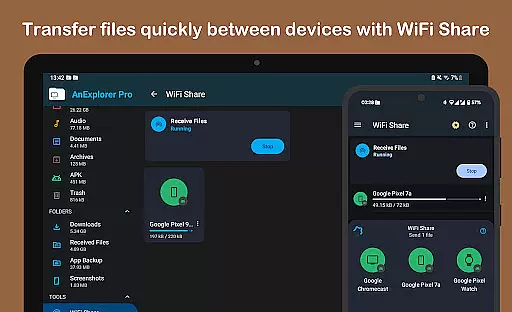
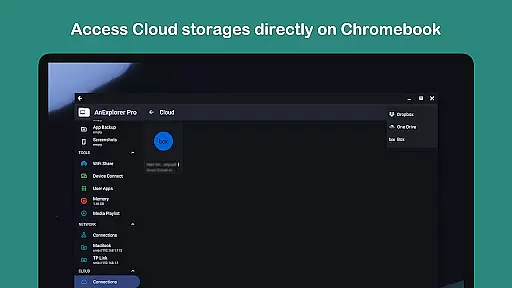
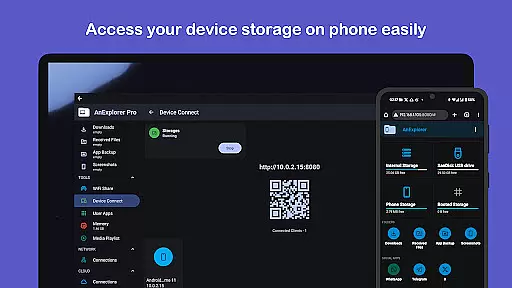
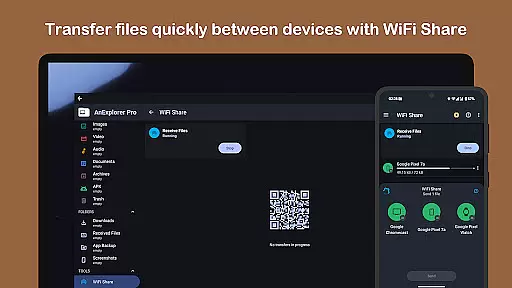
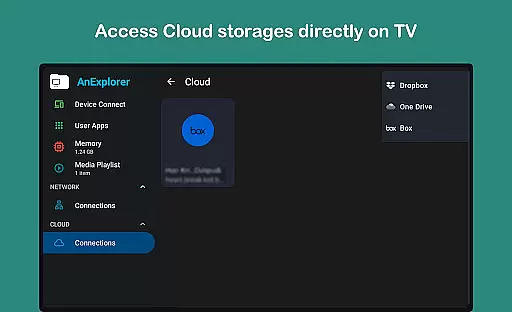
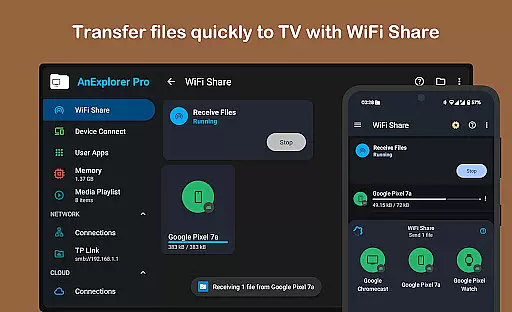
The primary purpose of this Android app is to provide users with advanced tools for file management while maintaining ease of use. Key features include cloud storage integration, root explorer functionality, and customizable themes. Whether transferring files between devices or organizing internal storage, AnExplorer Pro delivers an optimized app experience tailored to both casual users and power users alike.
This app is ideal for individuals who require a reliable file management tool on their Android devices. It caters to a wide range of users, from business professionals needing quick access to important documents to tech-savvy individuals managing large volumes of data. The app experience is particularly beneficial for those aged 25 to 45 who value productivity and organization in their daily routines.
Specific use cases include transferring files between cloud services, organizing media libraries, and managing system files on rooted devices. For example, a user can employ the app to back up important documents to Google Drive or sort through thousands of photos by date. Its versatility makes it a practical app-based solution for anyone seeking to streamline their digital workflow.
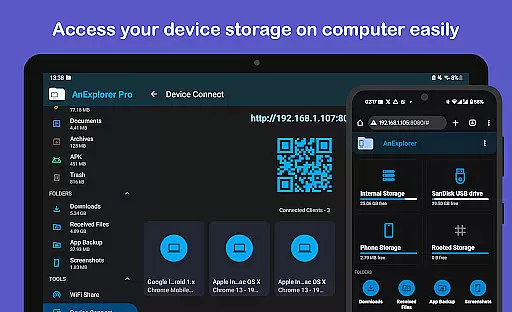
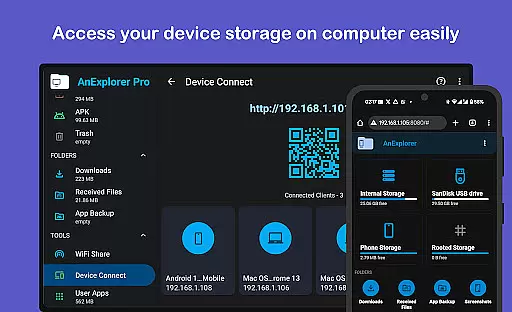
AnExplorer Pro File Manager stands out due to its combination of powerful features and user-friendly design. The app provides tools that cater to both casual users and advanced users, ensuring broad appeal. Features such as root explorer and LAN connectivity are not commonly found in standard file managers, offering added value for those with specific needs. Additionally, regular updates ensure compatibility with the latest Android versions.
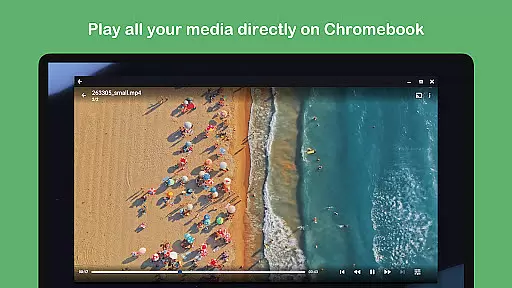
The app solves common pain points associated with file management, such as slow navigation and limited functionality. By integrating cloud storage options and supporting various file formats, it eliminates the need for multiple apps. Compared to alternatives, AnExplorer Pro delivers a polished app experience with a focus on customization and performance, making it a top choice for users seeking a comprehensive file management solution.
Fast and responsive performance
Intuitive user interface design
Regular feature updates
Advanced root explorer
Customizable themes
Occasional performance lag
Limited offline documentation
Steep learning curve for beginners
Premium price point
Requires account for cloud sync

VSD Viewer - Visio Drawings Viewer for Android Preview VSD, VDX, VSDX drawings
 4.10
4.10
Your employer must have UKG Ready software configured for Mobile.
4.60
Take the stress out of storage with the all-in-one app to manage your space.
3.70
Employee Management Made Easy
4.80
Paychex Flex - Save Time and Stay Connected
4.60
One marketplace. Hundreds of services. Unlimited possibilities. All on Fiverr.
4.40
Grow your business and connect with more people with Meta Business Suite.
4.60
On the go? Take FedEx with you.
4.00
We help people get jobs
4.70
Start earning fast. Apply Today.
4.80
TurboScan turns your phone into a full-featured PDF document scanner.
4.80
Recover what matters — quickly and easily.
4.70
Use Generative Summary to understand your rental or insurance docs in seconds.
4.70
The app that lets you deliver with Amazon.
4.50
Say hello to the mobile work experience built to help you thrive at work.
4.30
The Penny Puss app with DG penny finder
4.10
Shop, deliver, and earn with the Spark Driver™ App
4.10
Delivery Track App - Tracking with Fedex, USPS, UPS, DHL. Monitor your Orders.
3.20
Completed Course Lectures on how to use IBM Maximo in Maintenance issues
4.4


User Reviews