
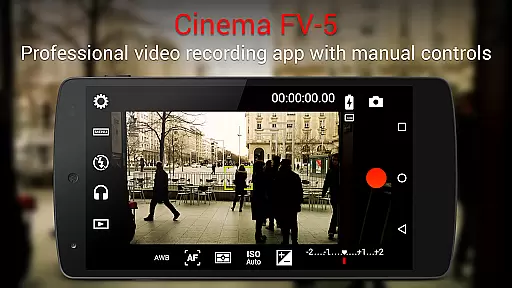
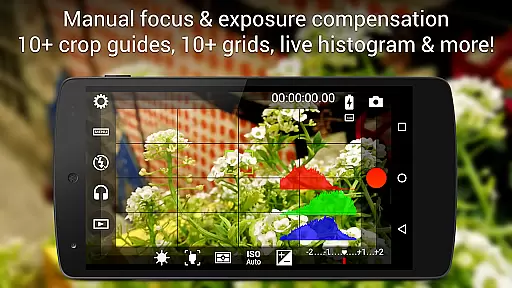
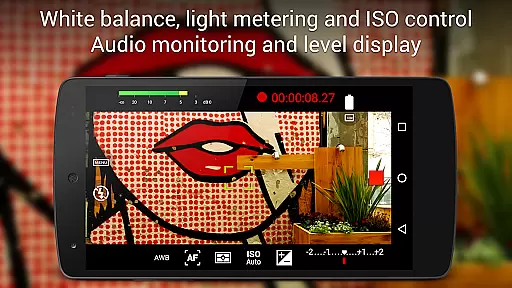
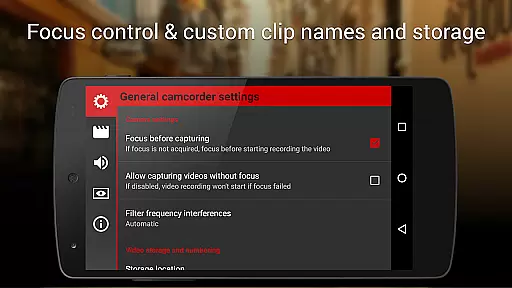
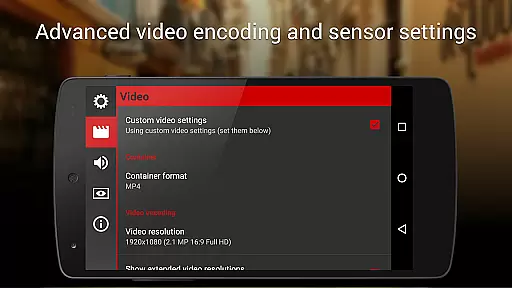
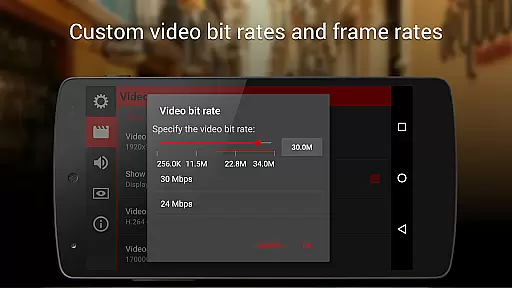
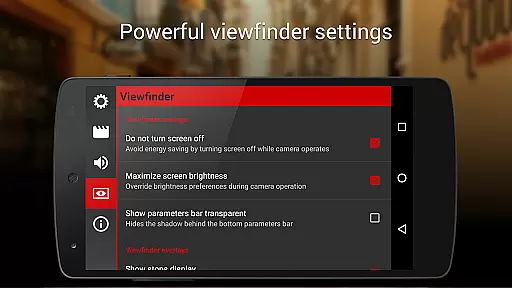
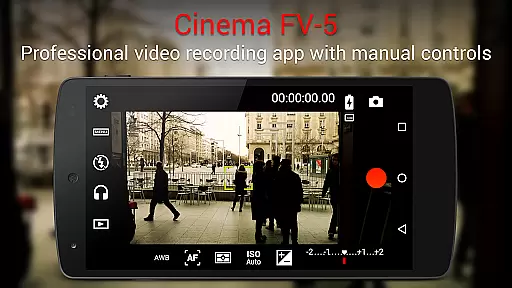
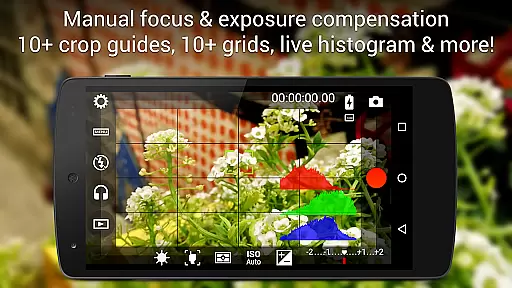
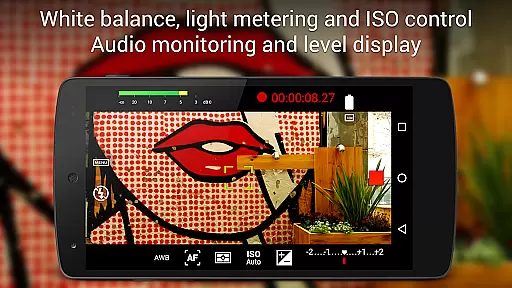
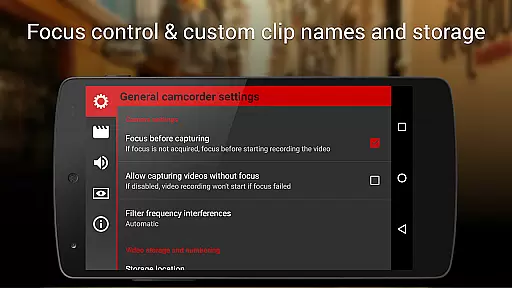
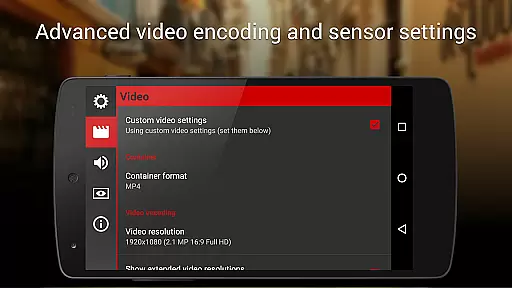
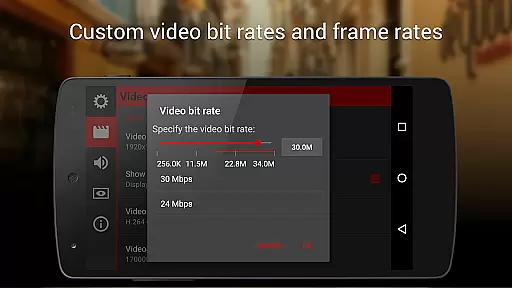
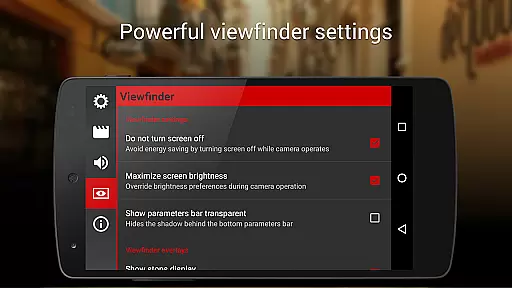
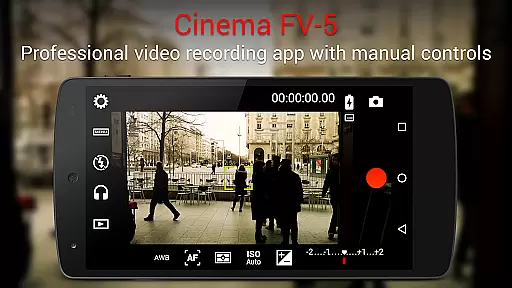
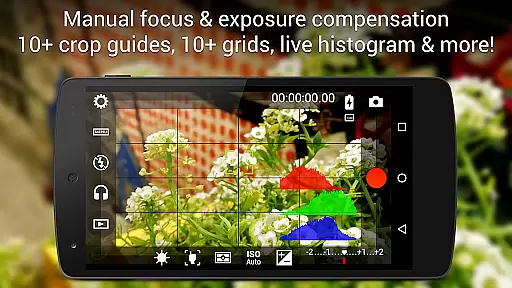
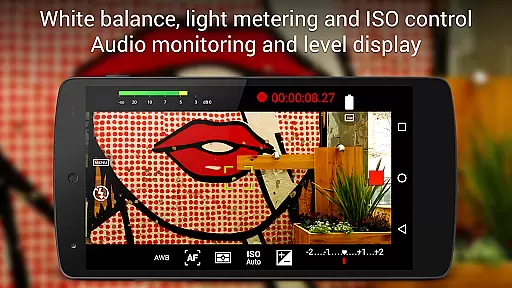
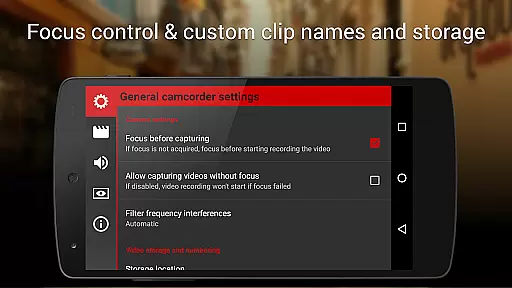
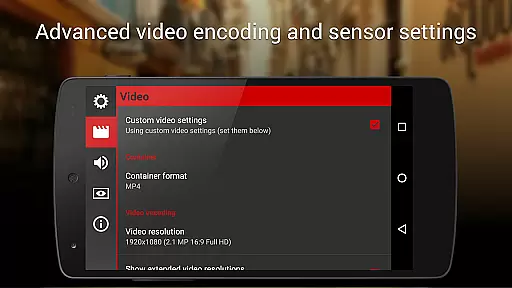
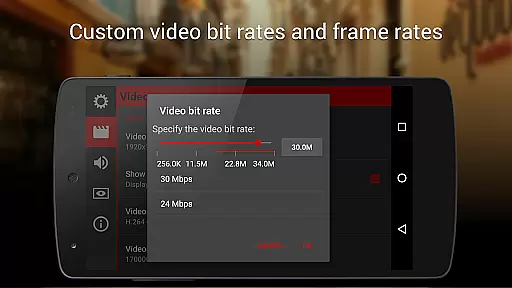
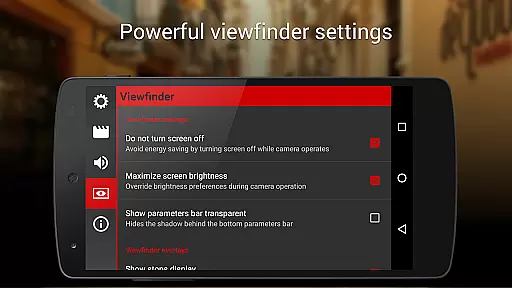
Cinema FV-5 is a feature-rich mobile app designed for photography enthusiasts who want to capture professional-grade videos on their Android devices. This app places the power of advanced video recording directly into the hands of users, offering extensive manual controls over settings like exposure, focus, and white balance. The interface mimics that of professional video cameras, making it an intuitive tool for videographers.
The primary purpose of Cinema FV-5 is to provide users with complete creative control over video recording. It supports high-quality formats and resolutions, ensuring the final output meets industry standards. With its robust set of app features, this Android app caters to both amateur and professional videographers looking to enhance their app experience through precise adjustments and customization options.
This app is ideal for photography enthusiasts, independent filmmakers, and content creators who rely on portable yet powerful tools to produce high-quality videos. Users aged between 18 and 45, particularly those familiar with technical aspects of videography, will find Cinema FV-5 most beneficial. Its advanced features cater to individuals seeking a professional-grade app-based solution without investing in expensive equipment.
Practical use cases include capturing documentaries, creating YouTube content, or recording events where mobility and flexibility are crucial. For instance, freelance videographers can use this app to record interviews with adjustable settings for varying lighting conditions. Similarly, hobbyists can experiment with cinematic techniques using manual controls, enhancing their storytelling capabilities while maintaining creative freedom.
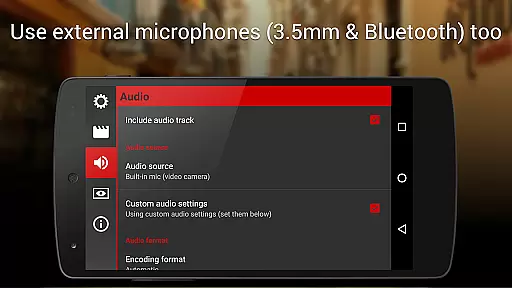
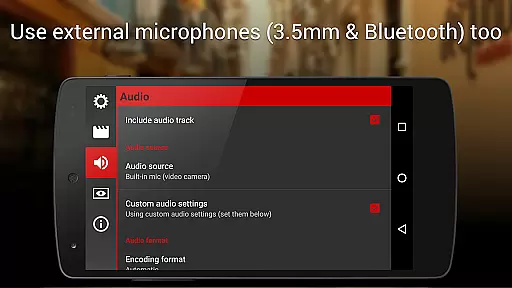
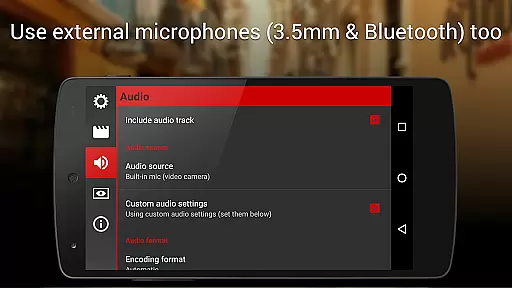
Cinema FV-5 stands out by offering unparalleled control over video recording parameters, making it a top choice for users who value precision and quality. Unlike many other apps in the photography category, this app provides professional-level features such as focus peaking and real-time audio monitoring, which are essential for producing polished videos. These tools ensure that users can achieve consistent results even in challenging environments.
The app solves common pain points faced by videographers, such as limited customization options and lack of support for high-resolution formats. By addressing these issues, Cinema FV-5 enhances the overall app experience. Additionally, its compatibility with a wide range of Android devices makes it accessible to a broader audience. Frequent updates and active community support further solidify its position as a reliable app-based solution for video professionals.
Advanced manual controls
High-quality video output
User-friendly interface
Regular feature updates
Wide device compatibility
Steep learning curve
Limited free version
No built-in editing tools
Occasional performance lag
Requires compatible hardware

Create & Edit with AI: AI Remove, Enhance, Retouch, Filter
 4.10
4.10
Transform photos into videos! Create realistic or anime-style images easily!
4.50
Over 800 film simulation recipes for Fujifilm. Black Friday Offer!
4.2
Amazing Photo Effects - The most fun you can have with your photos!
4.70
Create AI photos & videos with Enhancer; restore, fix, beautify, enhance photos
4.50
AI photo enhancer with Sora 2! Enhance, descratch, and colorize your old photos.
4.50
Transform Photos: Edit, Beautify and Craft Memories & Make Collages!
4.10
Enhance, upscale, and transform your images — on your device, without limits
4.70
A unique animation app. Powerful, easy to use, and lots of fun.
4.30
Perfect body tune & face app - photo retouch, makeup, slim body & beautify face.
4.80
Photo prints, cards, & gifts at Walgreens. Easy ordering & fast local pickup !
4.80
AI Photo Editor with 100+ Filters, Effects! Remove BG, Retouch & Photo Enhancer.
4.80
Movie camera, supports pro recording settings for filming. Try it and be amazed!
4.50
How would you look like with a differently shaped nose, chin or lips?
3.90
Perfect photos with body shaping, BG changer and object remover.
3.70
Pet Camera
3.70
Remote control the phone camera shutter from your smartwatch and take a picture
1.60
HD Photo gallery and photo manager to edit, hide private photos, videos & albums
4.5
Add a dreamy vibe to your selfies and videos with soft style filters
4.1


User Reviews