
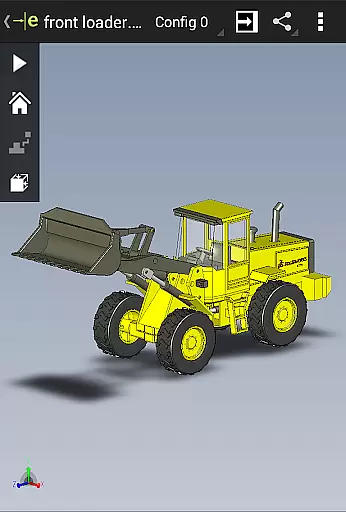
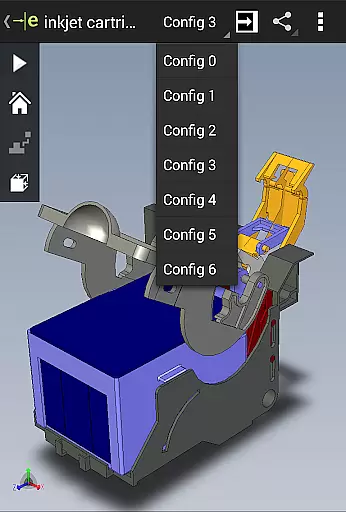
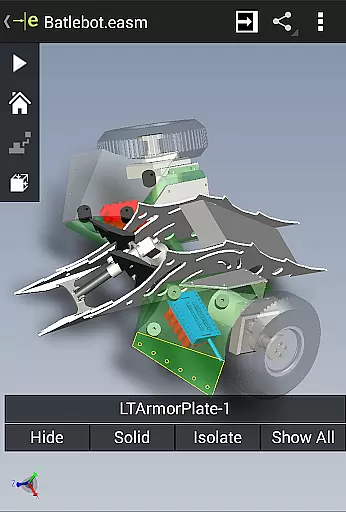
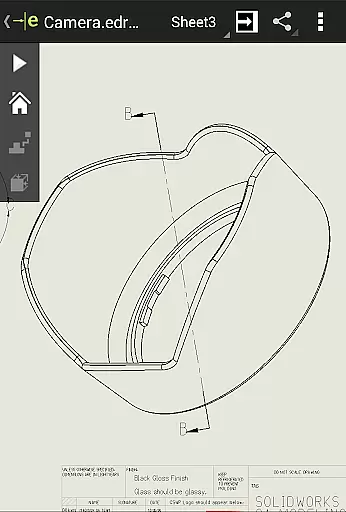
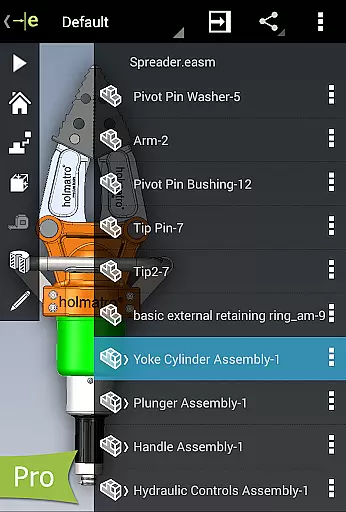
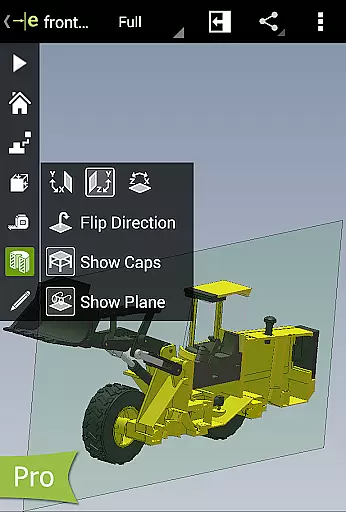
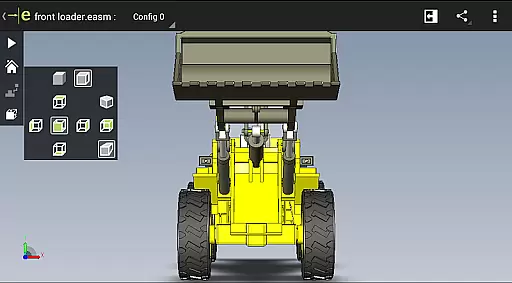
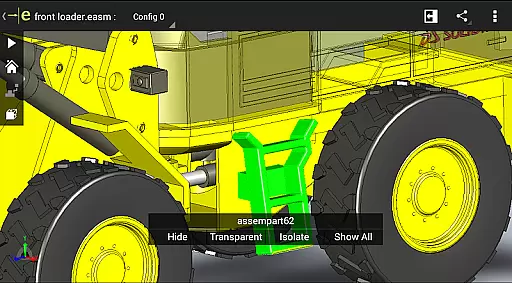
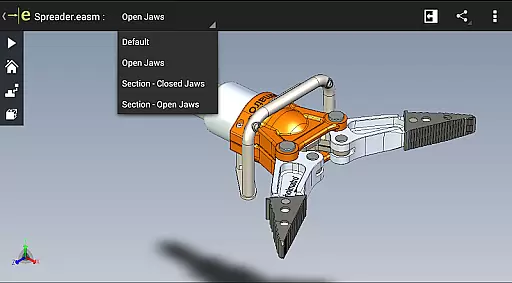
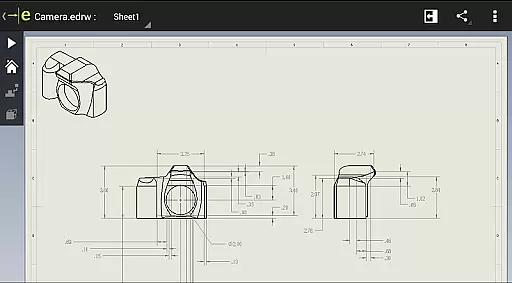
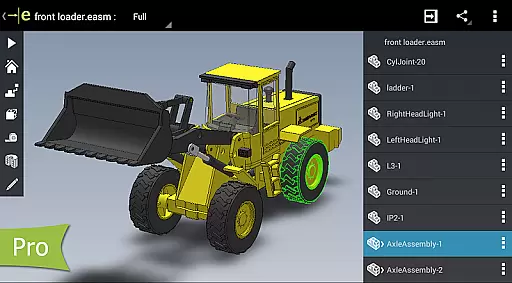
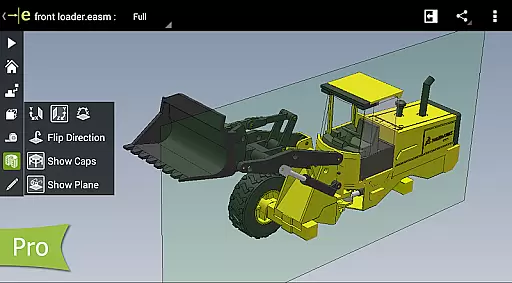
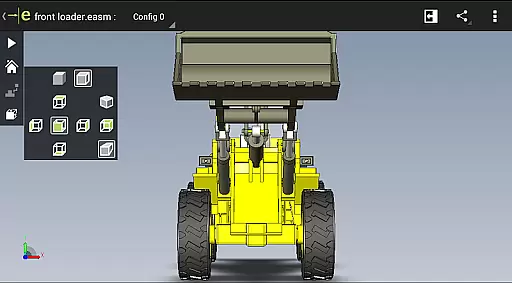
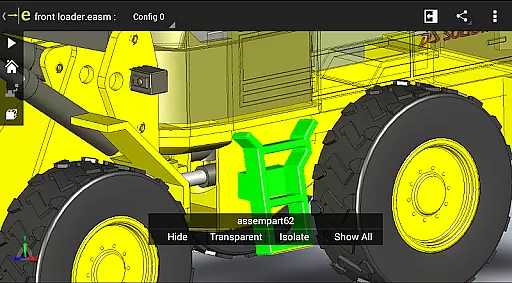
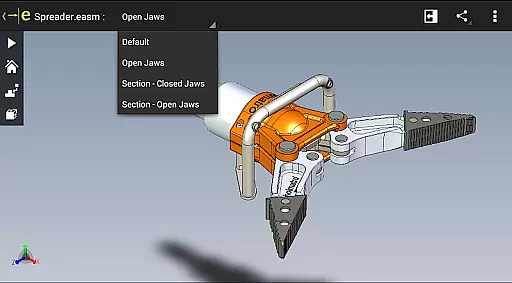
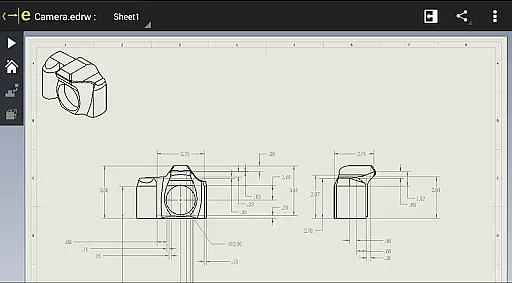
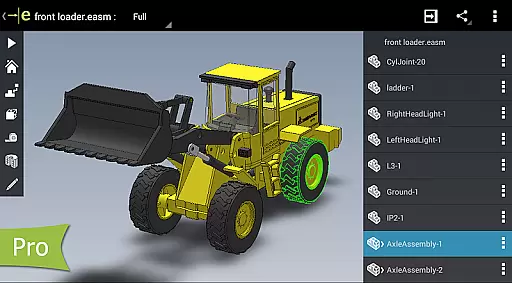
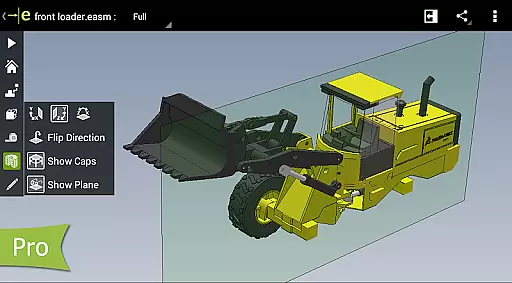
eDrawings is a productivity-focused mobile app designed to simplify the viewing and sharing of 3D models and 2D drawings. This Android app offers an intuitive platform for engineers, designers, and architects to collaborate effectively. With support for native file formats like SolidWorks, DWG, and DXF, it ensures compatibility across various design tools.
The app experience centers around enhancing accessibility and communication in technical projects. Users can annotate designs, take measurements, and share feedback effortlessly. Its ability to render complex models with precision makes it a reliable app-based solution for professionals who require accuracy and efficiency in their workflows.
This app is ideal for professionals working in engineering, architecture, and manufacturing industries. It caters to individuals who frequently handle CAD files and need a reliable mobile app for design visualization. The target audience includes mechanical engineers, product designers, and project managers aged 25 to 50 who value precision and efficiency.
Use cases include reviewing 3D prototypes during client meetings, collaborating on design changes at job sites, and presenting architectural plans to stakeholders. The app features make it particularly useful for remote work scenarios where access to desktop software is limited. Its compatibility with widely-used design tools ensures it integrates smoothly into existing workflows.
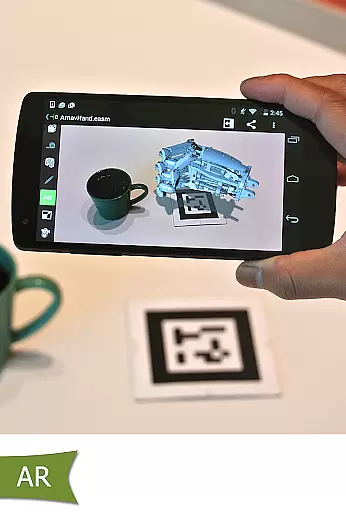
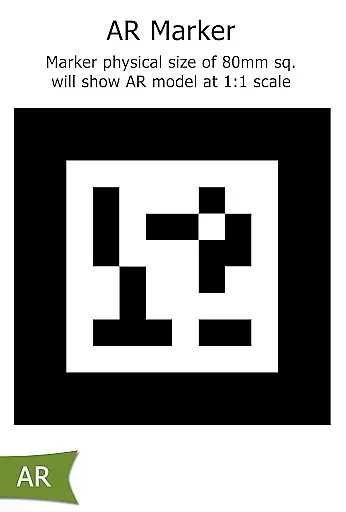
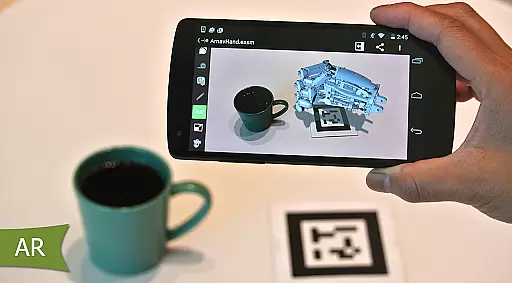
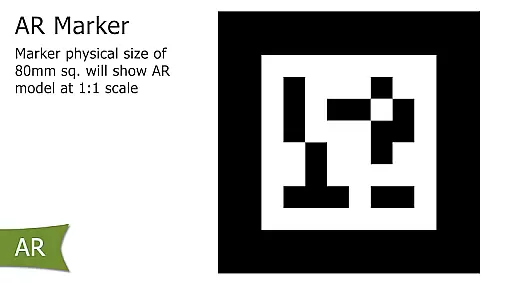
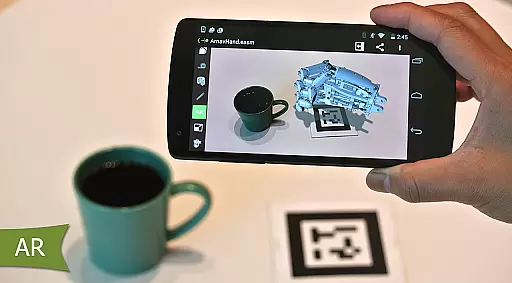
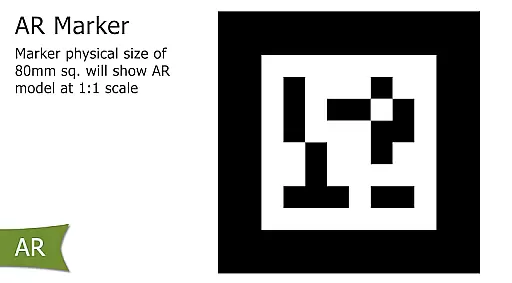
eDrawings stands out due to its ability to streamline collaboration and improve the app experience for technical professionals. By providing accurate rendering of complex models, it eliminates the need for physical prototypes, saving both time and resources. The inclusion of augmented reality enhances understanding by allowing users to place designs in real-world contexts.
What sets this Android app apart is its focus on accessibility and ease of use. Unlike other apps in its category, eDrawings supports multiple file formats while maintaining a lightweight footprint. Its intuitive interface ensures that even those unfamiliar with CAD software can navigate effortlessly. These advantages make it a preferred app-based solution for teams seeking efficient design communication.
Fast and responsive performance
Wide file format compatibility
Easy-to-use annotation tools
Precise measurement capabilities
Augmented reality integration
Limited advanced editing tools
Occasional file import errors
Subscription fees required
No offline help documentation
Interface may feel outdated

Take control of your clipboard with Clipper!
 3.90
3.90
Total remote control for your Android device, PC and cloud services (IFTTT)!
4.20
Unlock AutoNotification
4.00
Mega cloud explorer plugin for Solid Explorer
3.80
Secure, fast, open-source, Remote Desktop Client for Windows and Linux with SSH
4.60
Activate Two Factor Authentication (2FA or Multi OTP), Password manager and more
4.10
All document reader, all in one file viewer read PDF, DOCX, XLS, PPT, TXT files.
4.60
A simple Whisper AI keyboard for reliable speech transcription and rewording
4.60
To do list widget with a notebook organizer, checklist, simple shopping list
4.60
Native client for Forgejo and Gitea
5.00
Simple notepad & memo. Take notes, to-do list, shopping list with reminders.
4.80
A beautiful digital clock with autostart and many other functions
4.70
App Lock with fingerprint, password: Lock apps & hide photos with lock screens
4.60
Functional QR scanner and barcode reader that requires little storage space.
4.60
Experience Reading - Night Mode for Documents
4.40
A lightweight JSON & XML files creator, editor and viewer (Premium Version)
4.40
ID.me Authenticator is a simple and free Two Factor Authentication solution
3.50
Easiest event planning, volunteer signups & parent teacher conference scheduling
2.20
AI Video AI Image Private LLM AI Browser Llama Gemma Ollama Connect LLM Studio
4.1


User Reviews