
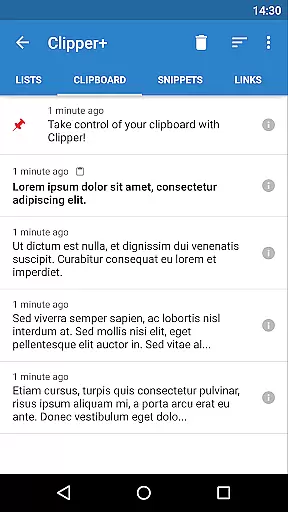
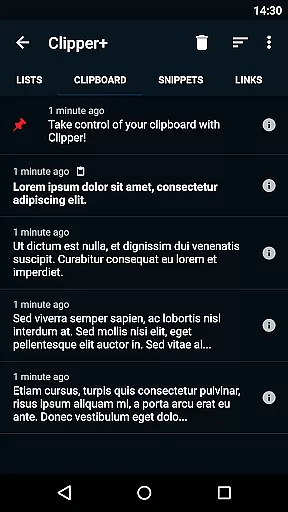
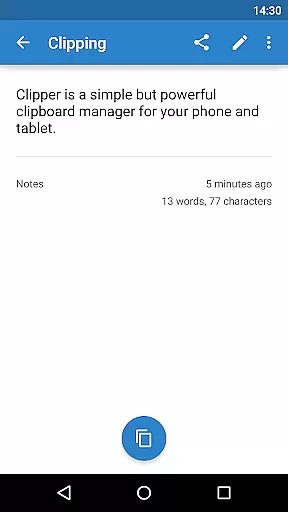
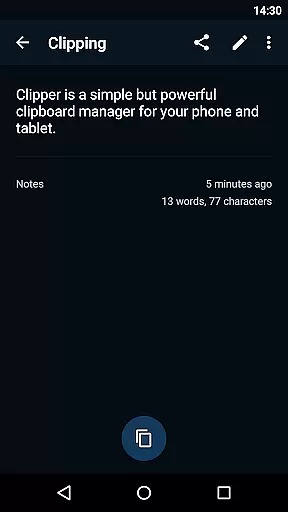
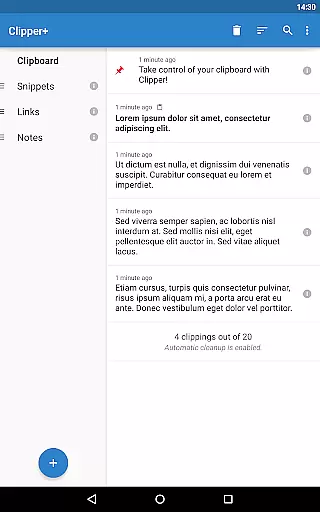
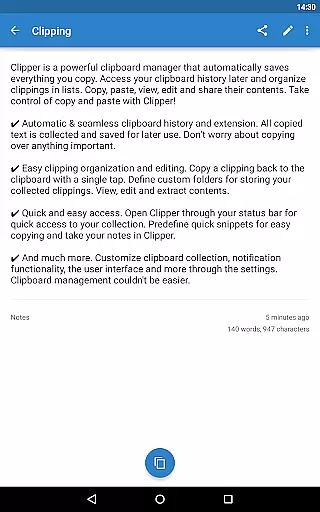
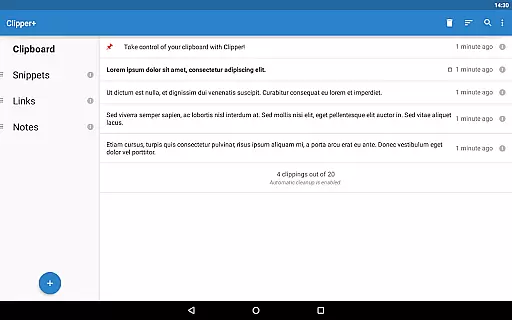
Clipper+ is a productivity-focused mobile app designed to enhance clipboard management on Android devices. This app allows users to store, organize, and retrieve multiple clipboard items efficiently. With its user-friendly interface, Clipper+ ensures that copying and pasting text or data becomes a seamless part of the workflow.
The primary purpose of this app is to solve the common issue of losing copied content when new data is added to the clipboard. It offers an app-based solution by maintaining a history of clipboard entries, making it easier for users to access previously copied text, links, or images. The app experience is smooth, with features that cater to both casual users and professionals who rely on efficient data handling.
This app is ideal for individuals who frequently work with large amounts of text or data on their Android devices. It caters to professionals such as writers, developers, and researchers, as well as students and everyday users who need an efficient way to manage copied content. Users looking for a reliable clipboard manager will find Clipper+ particularly useful.
Clipper+ can be used in various scenarios where multitasking is essential. For instance, users switching between apps for research or project work will benefit from its ability to retain multiple clipboard entries. Additionally, those needing to organize snippets of text or code will appreciate the app's categorization options. The app experience is tailored to streamline workflows and improve productivity across different tasks.
Clipper+ stands out due to its comprehensive approach to clipboard management. The app provides users with a reliable way to handle multiple pieces of information without losing important data. Its value proposition lies in enhancing productivity by ensuring that all copied content is stored securely and retrievable at any time. This makes it an invaluable tool for anyone who regularly works with text or data.
What sets Clipper+ apart from other clipboard managers is its combination of functionality and ease of use. The app solves the problem of clipboard limitations by offering features like cloud sync and offline access. Furthermore, its customization options allow users to tailor the app experience to their specific needs. With regular updates and a focus on user feedback, Clipper+ continues to evolve as a top choice for managing clipboard content.
Efficient clipboard storage
User-friendly interface
Cloud sync functionality
Customizable categories
Offline mode available
Limited free storage
Occasional sync delays
No cross-platform support
Basic image handling
Premium feature costs

Secure, fast, open-source, VNC and SSH Remote Desktop for Windows, Linux and Mac
 4.70
4.70
Mega cloud explorer plugin for Solid Explorer
3.80
Wake up & get tasks done! Add alarms & reminders on the Clock Launcher.
4.00
Customizable calendar widget for seamless event sync, planning & scheduling.
4.00
Stay on top of your to-dos with Google Tasks, part of Google Workspace.
4.60
Enjoy classic gameplay with customizable features and retro-style graphics.
4.30
Create and edit presentations with Google Slides, part of Google Workspace.
4.00
* block pre-roll ads, pop-up and forced redirect ads * Samsung certification app
4.00
The ultimate file manager for rooted devices. The original and still the best.
4.00
QuickBooks Workforce lets teams view pay info and track time in one place.
4.70
The AI assistant that thinks with you - write, code, and solve complex tasks
4.60
Lightweight PDF, Word, Excel reader.
4.60
Secure your apps with lock screens, use custom themes and different features.
4.40
All in One PDF Reader: Manage, Read and Edit your Documents
4.20
Todo reminder
4.10
Make apps & sites with natural language prompts
4.10
Access your phone's notifications, calls, apps, photos & texts on your PC
3.90
Find and delete junk files & block unwanted notifications & manage files
3.70
Simple and reliable communication between inmates, friends and family
3.20


User Reviews