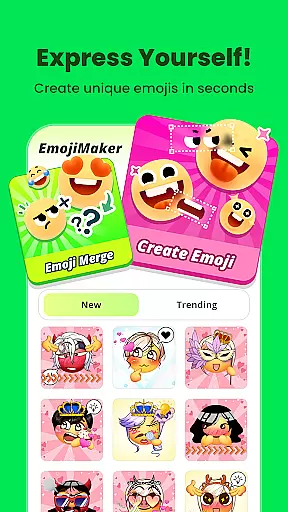
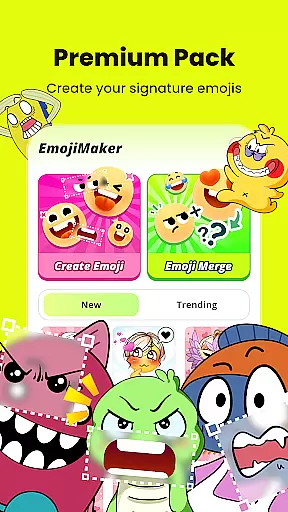
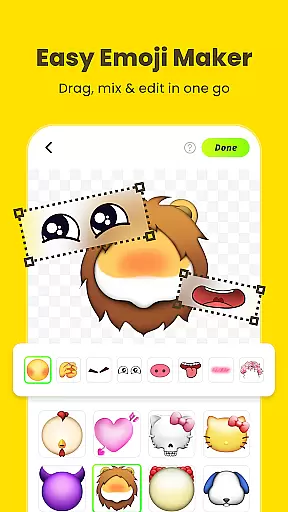
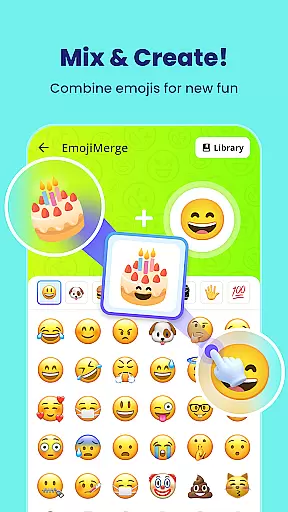
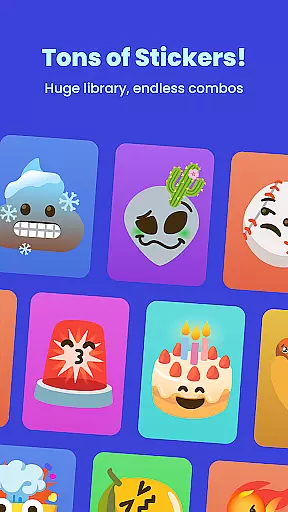
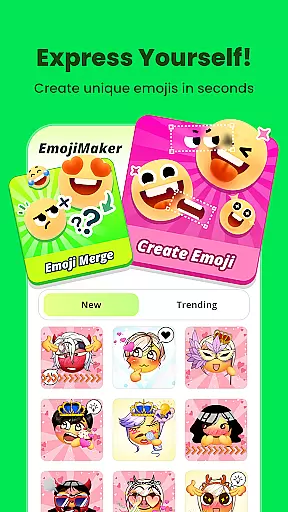
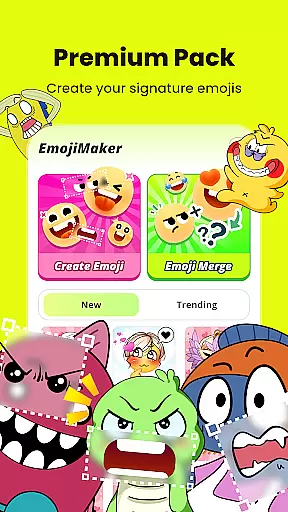
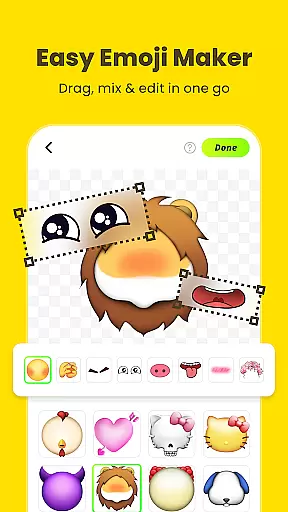
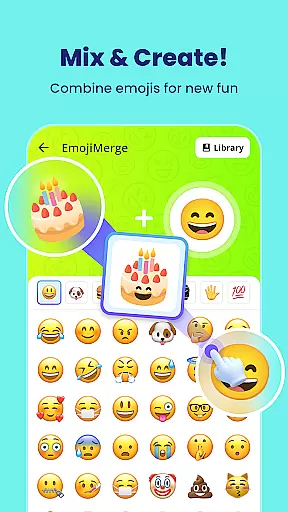
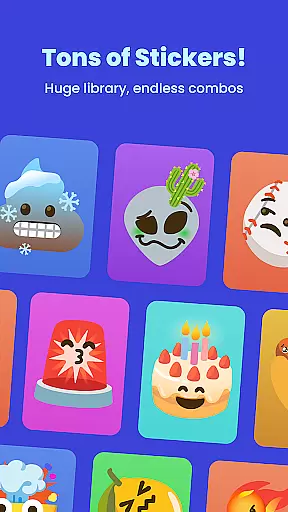
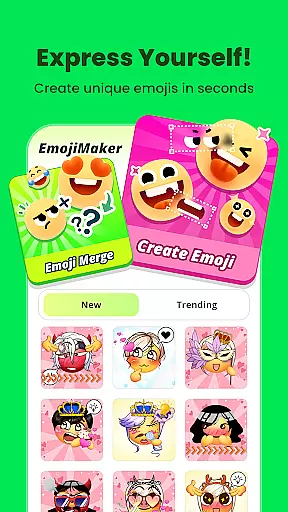
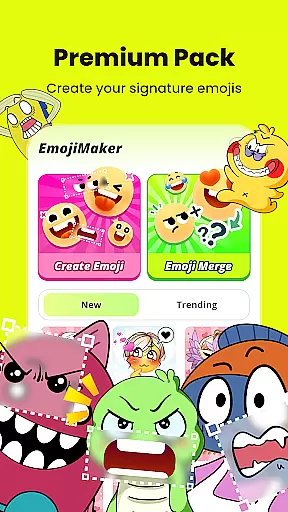
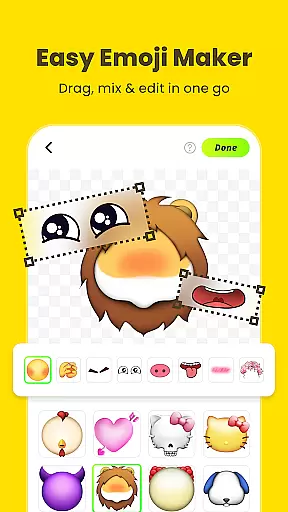
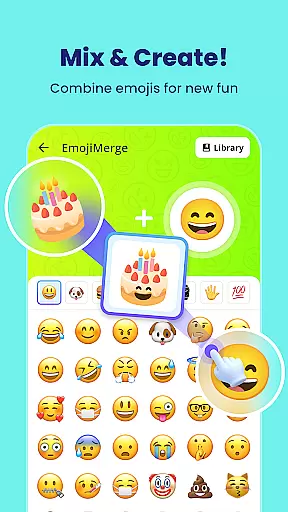
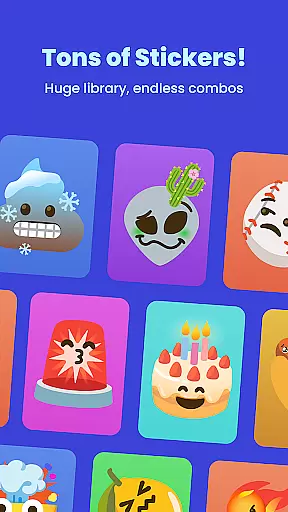
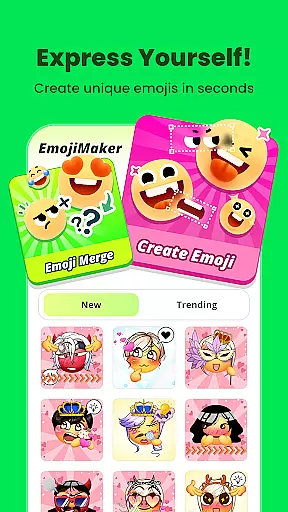
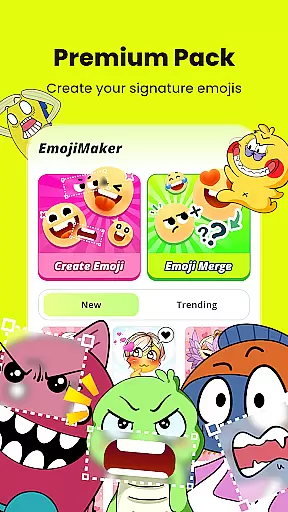
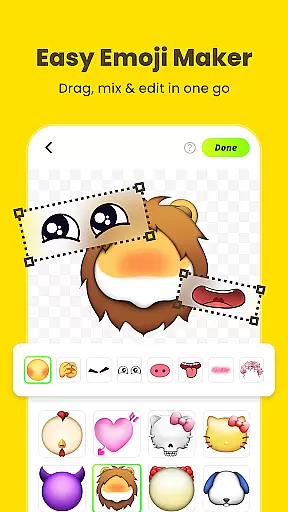
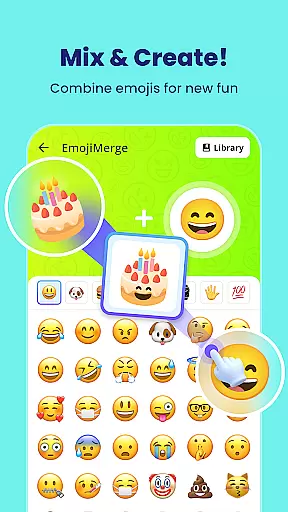
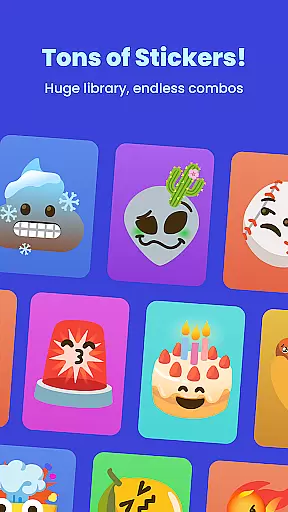
Gemoji is a mobile app designed to enhance personal expression through customizable emoji creation. This Android app allows users to design unique emojis by combining various elements such as facial features, accessories, and colors. The app experience focuses on creativity and fun, making it suitable for messaging, social media, and personal entertainment.
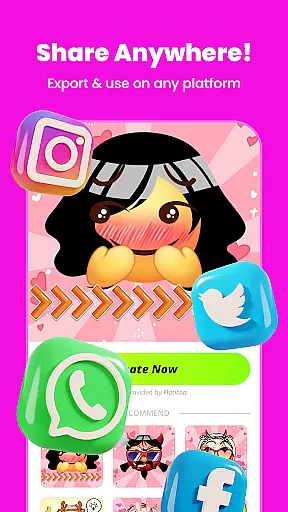
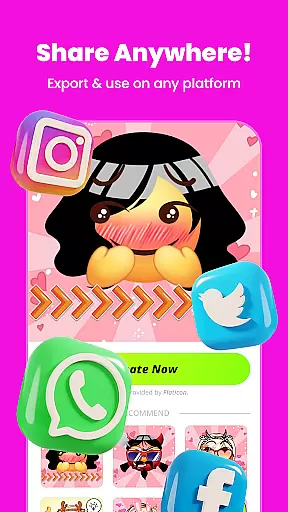
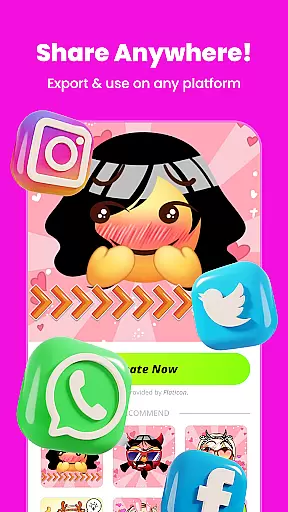
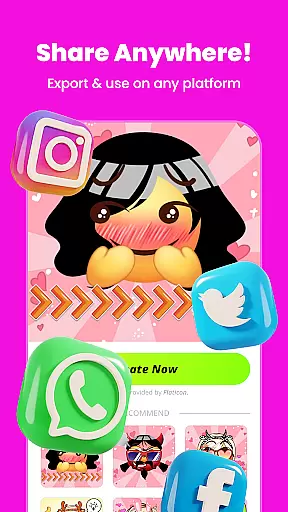
The primary purpose of Gemoji is to provide an app-based solution for users seeking more personalized communication tools. With its intuitive interface, the app ensures that even beginners can create detailed and expressive emojis. Users are able to save their creations locally or share them instantly across different platforms, enhancing both functionality and user engagement.
Gemoji appeals primarily to younger audiences who value personalization in their digital interactions. Teenagers and young adults aged 13 to 25 are likely to find this app engaging due to its creative freedom and playful nature. Additionally, those interested in graphic design or digital art may appreciate the app's attention to detail and customization capabilities.
Users can benefit from Gemoji in various scenarios such as enhancing text conversations with bespoke emojis, creating unique avatars for gaming profiles, or designing stickers for group chats. It also serves as a tool for small content creators looking to produce distinctive visuals without needing advanced software skills. The app experience caters to anyone seeking a fun way to express themselves digitally.
Gemoji stands out by offering a unique blend of creativity and practicality in emoji creation. The app features enable users to craft highly personalized emojis that reflect individual styles and moods. This level of customization is not commonly found in standard emoji keyboards, providing a significant advantage over competitors. Furthermore, the app's frequent updates ensure that users always have fresh content to work with.
By addressing the need for more expressive digital communication tools, Gemoji solves a common problem faced by many mobile app users. Its intuitive design makes it accessible even to those with minimal technical skills while still offering depth for more experienced creators. Compared to other personalization apps, Gemoji maintains a balance between ease of use and feature richness, making it a compelling choice for anyone interested in enhancing their digital interactions.
Highly customizable options
User-friendly interface
Regular content updates
Seamless sharing capabilities
Vibrant color selections
Limited free features
Occasional ads display
Advanced tools require purchase
Learning curve for beginners
Performance varies on older devices

Stunningly Different look with Line Icons and Neon Colors
 4.60
4.60
Glass style colourful icons with a One UI look and feel
4.60
A launcher for Samsung Good Lock and Good Guardians modules without ads
4.70
Design your screen with unique, vibrant clocks
3.80
Icons made of colorful linear lines
4.60
Your go to Weather App & Home Screen. Get your weather at a swipe of a finger!
3.80
Create stunning widgets with Widget 2026: Aesthetic Widgets for Android!
4.60
Install amazing sticker packs: endless styles, always cool.
4.70
Cool custom fonts & keyboard themes! Symbols & font changer for Instagram
4.50
Sparkle your screen with Glitter Wallpapers For Girls and Cute Backgrounds!
4.80
Customizable Glass widgets. Over 360+ stunning widgets and more!
4.70
Beautiful realistic hybrid watch face with numerous customization options.
4.50 4.50
4.50
200+ Material Inspired Widgets
4.50
AI-powered Copilot. Personalized keyboard with gifs, stickers & themes
4.40
Art & Emoji Keyboard with Cool Fonts, Cute Themes and Custom Designs.
4.40
Themes - Widget & Wallpaper: Customize home screen, icon changer w unique themes
4.30
Interactive Miniature Painting Catalogue
3.30
Turn your lock screen into fun with smile live wallpapers & animated wallpapers!
2.50


User Reviews