
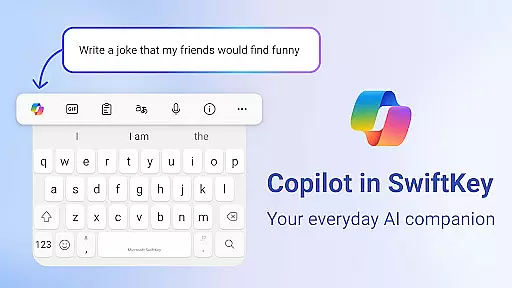
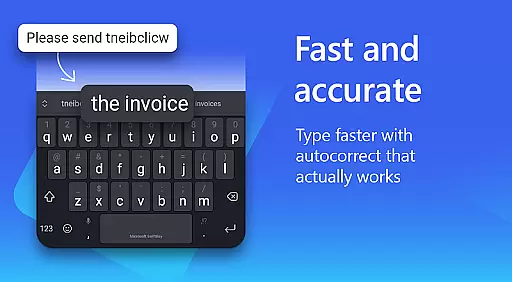
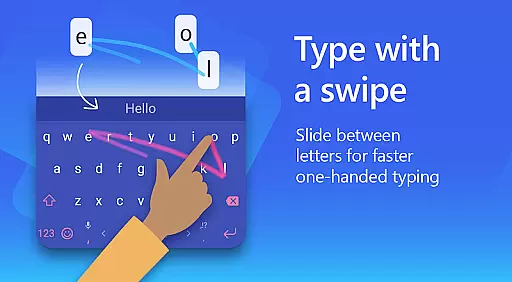
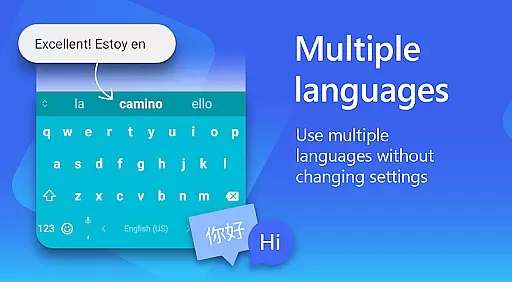
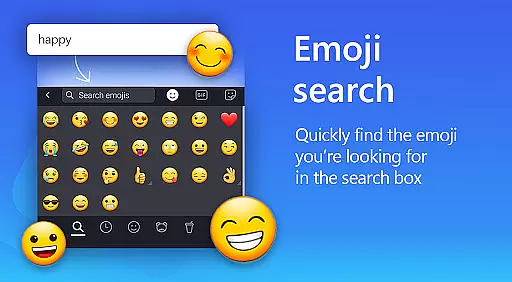
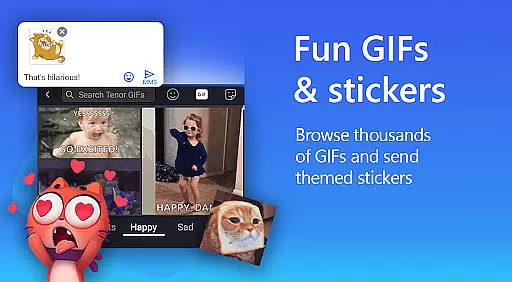
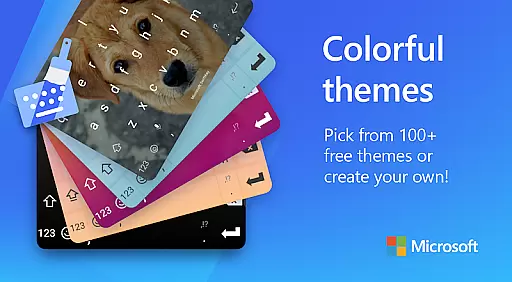
Microsoft SwiftKey AI Keyboard is a mobile app designed to enhance typing efficiency and accuracy on Android devices. This app-based solution uses artificial intelligence to predict and correct text input in real time. The app supports multiple languages and offers features like autocorrect, next-word prediction, and customizable themes.
The primary purpose of this Android app is to provide users with a seamless typing experience. It achieves this by learning from the user's writing style over time. With its intuitive interface, the app ensures that even those new to smartphone typing can adapt quickly. Its core functionality revolves around improving speed and reducing errors during text input.
This app is ideal for individuals who frequently type on their smartphones and want to minimize errors while maximizing speed. It caters to a broad audience including professionals, students, and casual users. Those who communicate in multiple languages will find this app particularly beneficial due to its extensive language support.
Specific use cases include drafting emails, chatting with friends, or taking quick notes. The app's ability to learn from past interactions makes it suitable for anyone looking to streamline their daily communication tasks. Additionally, users seeking a personalized app experience through customizable themes will appreciate the flexibility it offers.
Microsoft SwiftKey AI Keyboard stands out due to its advanced AI capabilities which significantly reduce typing effort. The app provides a reliable app-based solution for those tired of manual corrections and slow input speeds. Its multi-language support and learning algorithm ensure that suggestions become more accurate over time.
What sets this app apart is its combination of functionality and personalization. Users benefit from both practical features like autocorrect and creative options such as theme customization. Compared to other keyboard apps, Microsoft SwiftKey offers a balanced mix of utility and user engagement, making it a top choice for enhancing the overall app experience.
Highly accurate predictions
Multi-language support
User-friendly interface
Customizable themes
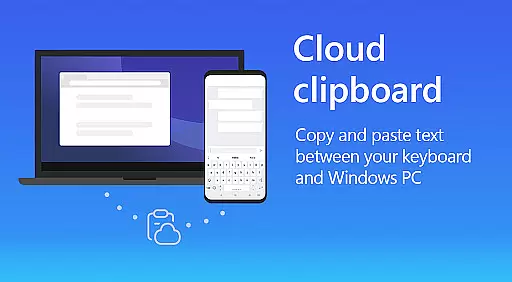
Secure cloud sync
Occasional lag in typing
Limited free themes
Requires constant updates
Privacy concerns with data
Learning curve for new users

A light in the dark, a unique style and an andless cutomization!
 4.30
4.30
Beautiful realistic hybrid watch face with numerous customization options.
4.50
A retro cartoon style watch face and a punch right in the face of the copyright
4.60
Organize and manage your photos and videos effortlessly with Photo Gallery
4.20
HappyLighting is a Bluetooth lamp control software.
3.40
One 8 icons glass color version
4.80
350+ widgets with a premium glass-style finish, perfect for home & lock screens.
4.70
Amazing letter fonts in your messages and social statuses
4.70
Your home screen, just the way you like it.
3.80
Winter's Journey: digital watch face for Galaxy Watch & Wear OS
4.80
Vertically oriented rectangular icons
4.70
Icons made of colorful linear lines
4.60
Transform your phone with Launcher iOS 26 - Smooth & elegant iOS experience
4.50
Aesthetic Widgets, HD Wallpapers, Themes in Mico Widget for Home and Lock Screen
4.50
Themes - Widget & Wallpaper: Customize home screen, icon changer w unique themes
4.30
Launcher OS™ Pro without ads help make your phone simple and pretty
4.30
Unique Fonts, typefaces and stylish text. Fonts for Instagram, Whatsapp & others
4.20
Unleash Your Creativity and Connect with Loved Ones with Lockscreen Drawing!
4.20
Ultimate widget creator. Design custom widgets for a truly unique home screen!
3.90


User Reviews