
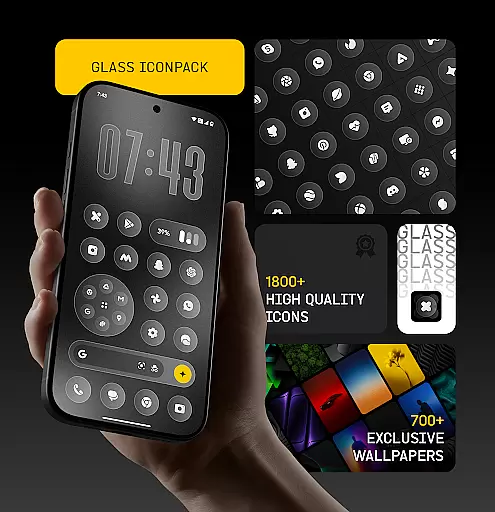
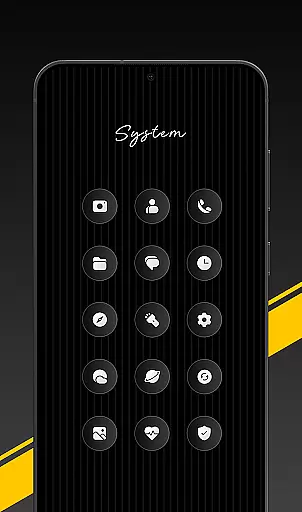
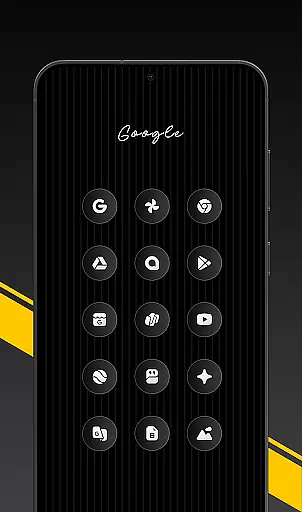
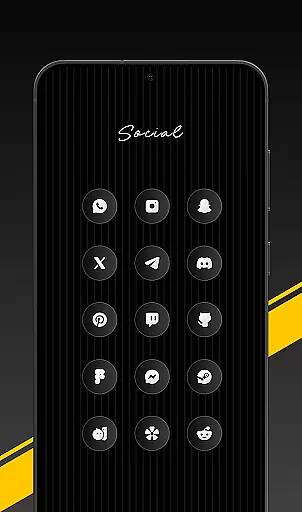
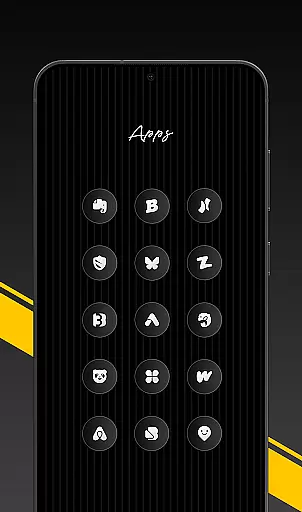
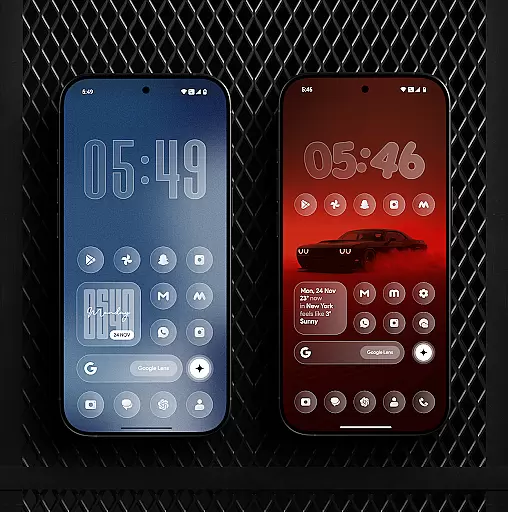
Glass Icon Pack is a mobile app designed to enhance the visual experience of Android devices through sleek and modern iconography. This app falls under the Personalisation category and offers users a unique set of icons that can transform their device's appearance. The design language focuses on transparency and minimalism, providing a fresh look for those who appreciate clean aesthetics.
The primary purpose of this app is to allow users to customize their home screens with distinctive glass-themed icons. It works seamlessly with various launcher apps, giving users the flexibility to personalize their Android experience. With regular updates and compatibility with popular launchers, Glass Icon Pack ensures an engaging app experience while maintaining functionality.
This app is ideal for individuals aged 18-45 who are tech-savvy and enjoy customizing their mobile devices. Users who prefer minimalist design principles and appreciate attention to detail will find Glass Icon Pack particularly appealing. The target audience includes designers, creatives, and anyone looking to enhance their Android app experience through personalization.
Specific use cases include scenarios where users want to refresh their device's appearance without changing its core functionality. For example, professionals seeking a polished look for work presentations or students wanting a modern interface for study apps. Additionally, users switching to a new launcher app often seek complementary icon packs like this one to complete their customization process.
Glass Icon Pack stands out due to its commitment to quality and aesthetic consistency. Each icon is meticulously crafted to ensure visual harmony across different apps and system interfaces. The app solves common issues such as mismatched or outdated icons by providing a cohesive set that works seamlessly together. Its focus on transparency effects gives devices a futuristic appearance not commonly found in other icon packs.
What makes this app-based solution unique is its combination of form and function. While many icon packs sacrifice usability for style, Glass Icon Pack maintains intuitive recognition cues in its designs. Regular updates and active developer support ensure that users always have access to the latest app icons. Furthermore, compatibility with numerous launchers makes it a versatile choice for Android users seeking both beauty and practicality in their customization options.
Visually stunning icons
Wide launcher compatibility
Frequent content updates
Easy-to-use interface
High-resolution support
Limited widget options
No live icon support
Occasional update delays
Some icons less distinctive
Paid premium features

AI-powered Copilot. Personalized keyboard with gifs, stickers & themes
 4.40
4.40
Unique Fonts, typefaces and stylish text. Fonts for Instagram, Whatsapp & others
4.20 4.50
4.50
Vibrant Adaptive Icons with Material You and Enhanced Monet Colors.
4.50
Embrace the Night. Unleash the power of darkness with Raven Dark Icon Pack
4.60
HappyLighting is a Bluetooth lamp control software.
3.40
A minimalist productivity launcher. One-hand-friendly. Zero ads.
4.70
Transform your phone with stunning video wallpapers and a unique, personal touch
3.80
Transform your phone with stylish zipper lock themes and 4D live wallpaper
4.10
400+ Beautifully crafted widgets inspired by NOTHING.
4.70
Shimeji adds cute animated characters to your screen, lively and fun.
4.70
350+ widgets with a premium glass-style finish, perfect for home & lock screens.
4.70
Over 28,000 high quality icons to bring color & homogeneity to your phone.
4.60
Try creating your own keyboard with "Keyboard theme for android" app now!
4.50
Fingerprint Lock Screen & Live Animations with 4K Wallpapers as Live Wallpaper
4.40
Launcher OS™ Pro without ads help make your phone simple and pretty
4.30
Wear Os Watch Face - Seasonal - Animated Snow Effect - 9 Animals
4.20
Turn your lock screen into fun with smile live wallpapers & animated wallpapers!
2.50
Prank your friends with realistic broken screen and cracked HD effects!
4.3


User Reviews