
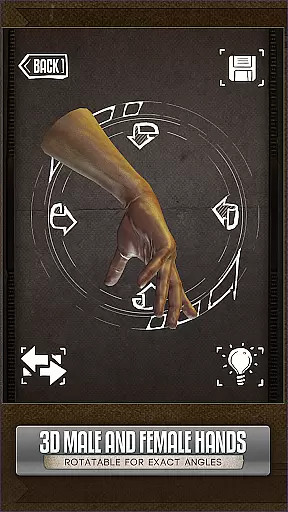
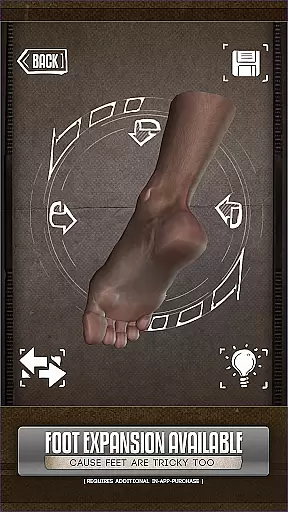
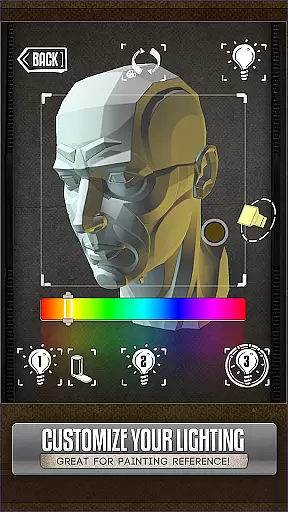
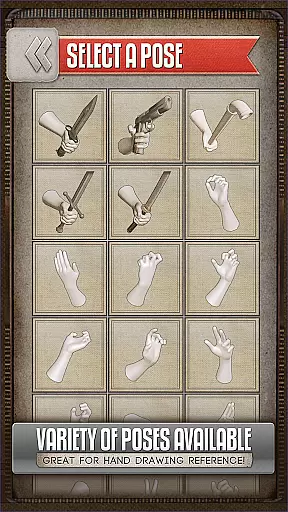
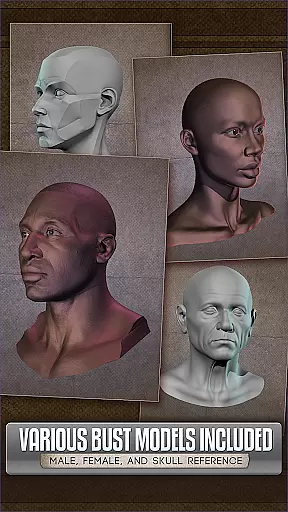
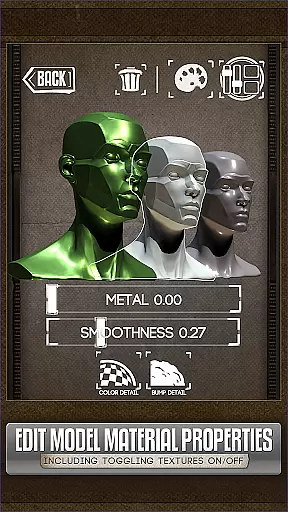
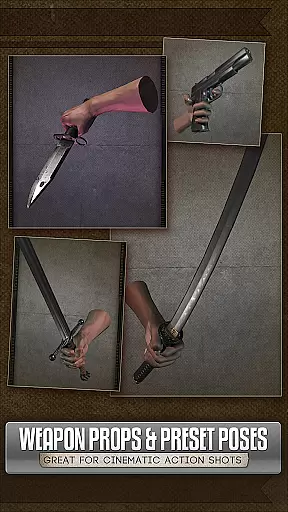
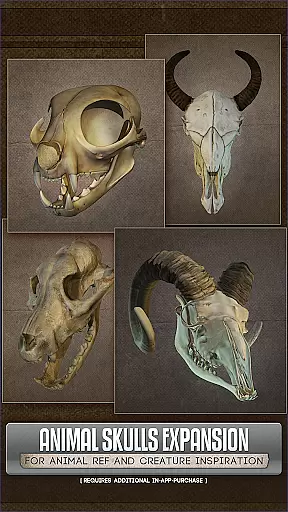
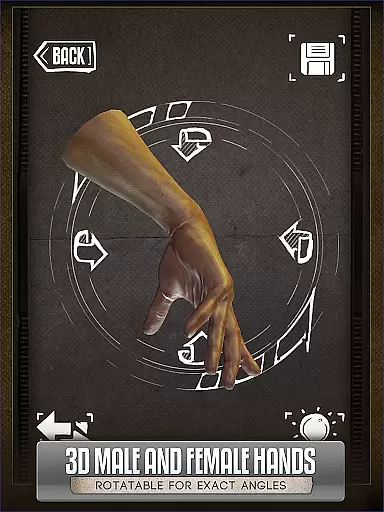
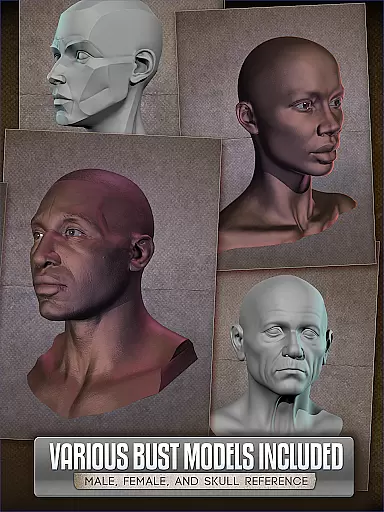
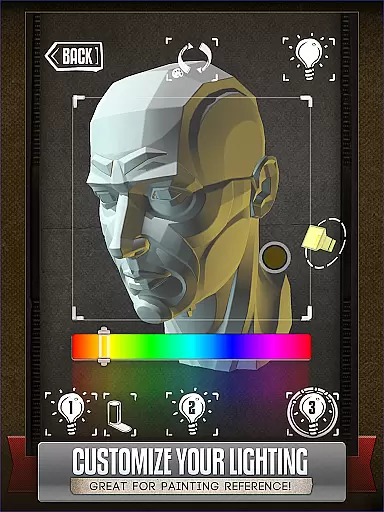
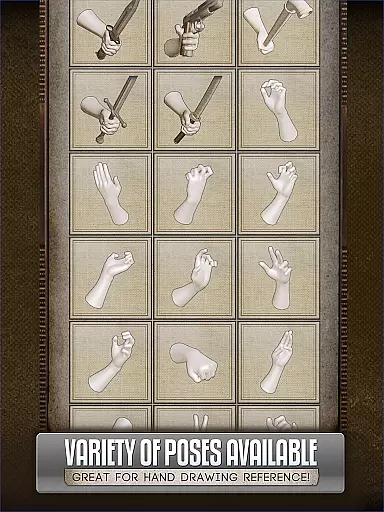
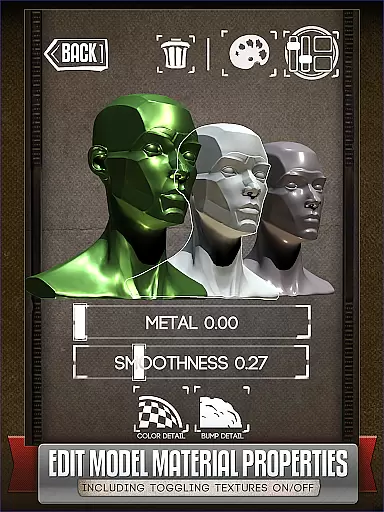
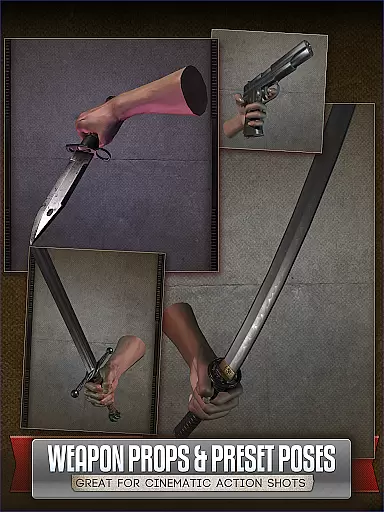
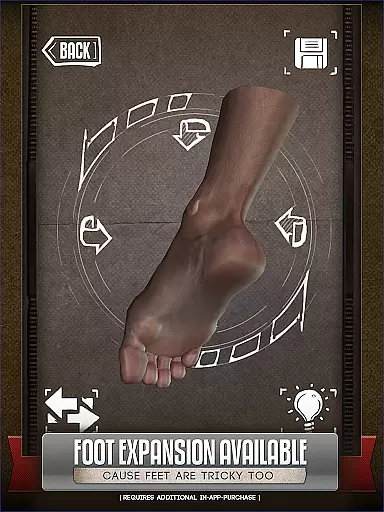
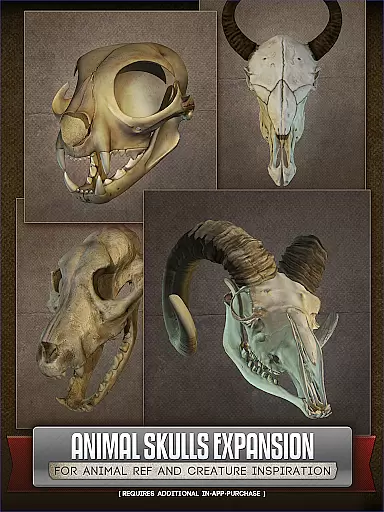
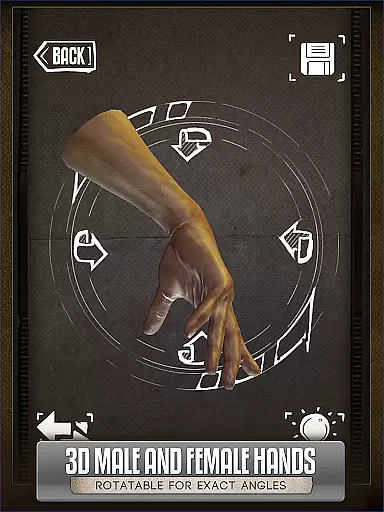
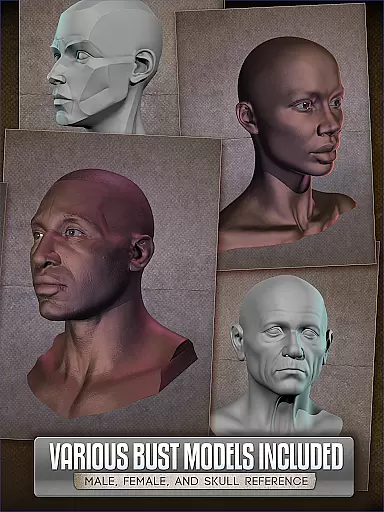
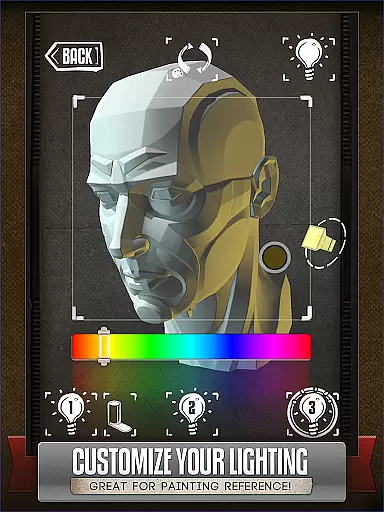
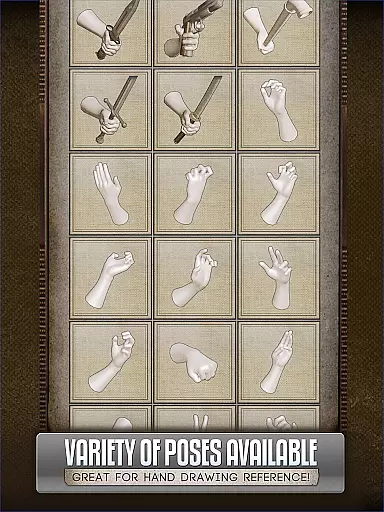
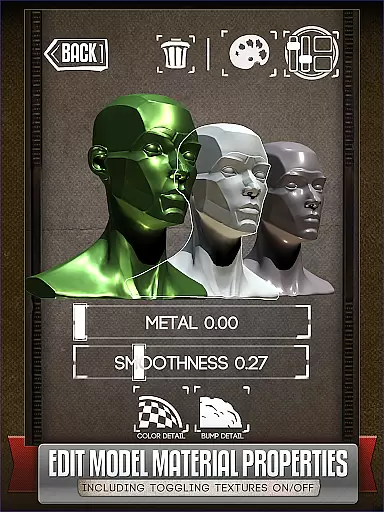
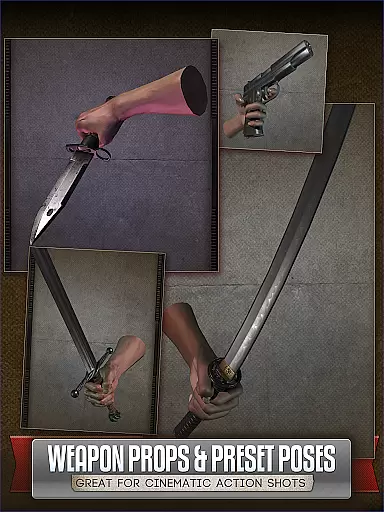
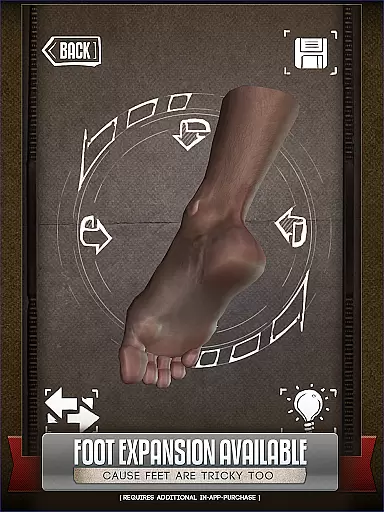
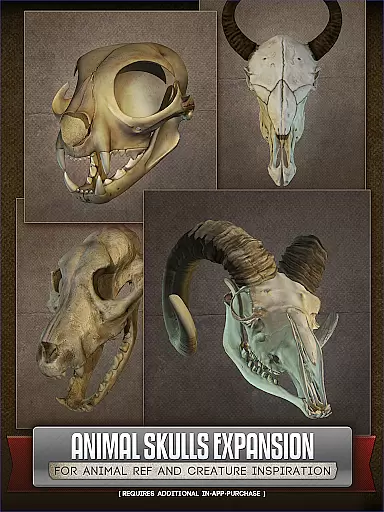
Handy Art Reference Tool is a mobile app designed to assist artists in creating digital art with precision and ease. This Android app provides users with a variety of tools tailored for comic creation, character design, and general artistic projects. Its features include customizable mannequins, gesture drawing exercises, and perspective grids, all aimed at enhancing the app experience.
The primary purpose of this app is to serve as an all-in-one reference tool for artists who need quick access to resources while working on their projects. With its intuitive interface, users can easily manipulate 3D models, adjust lighting conditions, and experiment with different poses. The app's focus on usability ensures that both amateur and professional artists can benefit from its comprehensive set of features.
This app is ideal for aspiring and professional artists who focus on comics, illustrations, or character design. It caters particularly to those aged 16 and above who are serious about improving their artistic abilities. Users who enjoy digital art platforms will find this app especially beneficial due to its specialized tools and functionalities.
Art students and freelance illustrators often use this app to refine their techniques and complete projects efficiently. For instance, an artist working on a comic book can utilize the app's perspective grids to ensure accurate backgrounds. Similarly, someone practicing figure drawing can take advantage of the gesture exercises to enhance their skills over time.
Choosing Handy Art Reference Tool means gaining access to a comprehensive suite of features that streamline the creative process. The app offers unique tools like customizable mannequins and advanced lighting settings, which are not commonly found in other art apps. These features provide a distinct advantage by allowing users to create more realistic and dynamic artwork.
The app solves common challenges faced by artists, such as mastering perspective and anatomy. By offering an app-based solution that combines multiple tools in one place, it eliminates the need for separate references and resources. Its regular updates and active community support further enhance its value, making it a standout choice among similar offerings in the market.
Comprehensive art tools
User-friendly interface
Regular feature updates
Offline functionality
Active community support
Occasional performance lag
Limited free content
Steep learning curve
Subscription fees apply
Device compatibility issues

Scan comics instantly! Find comic value, price, and key collector details fast.
 4.50
4.50
Anime TV App: Watch all anime online,anime tv subtitles online with big anime tv
3.80
Draw the comics with glow brushes! Easy and relax!
4.40
The best app for digital comics - Welcome to Lezhin!
3.10
Discover manga stories & stream anime series with unlimited entertainment access
4.40
Read officially manga titles from Japan including Attack on Titan
3.80
Comic Scanner - Book Value - Identify and sell your comic collection with AI.
3.80
Welcome to SnapSaga - your ultimate manga and novel destination!
4.2
The most popular comic book reader.
4.80
This application will enable donated users only function in Perfect Viewer.
4.90
Joke book collection with the funniest dad jokes and riddles for you to enjoy!
4.60
Comics and stories from Japan
4.60
Follow your favorite manga and get notifications for new chapters!
4.50
TMOLector is an app to read all kinds of manga and stories!
4.50
Read your favorite mangas for free
4.50
Browse and read all your comics and mangas from YACReaderLibrary
4.20
Instantly create comic-style art with AI.
3.90
Your key to unlocking manga and webtoons on the go
3.50
Goat sound simulator. This app makes for fun.
4.1


User Reviews