
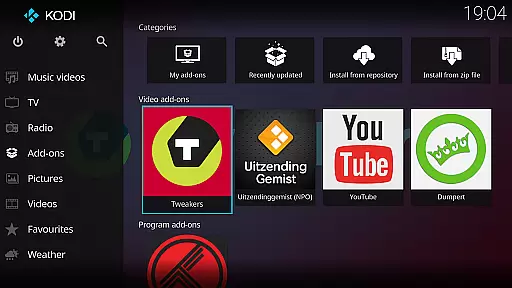
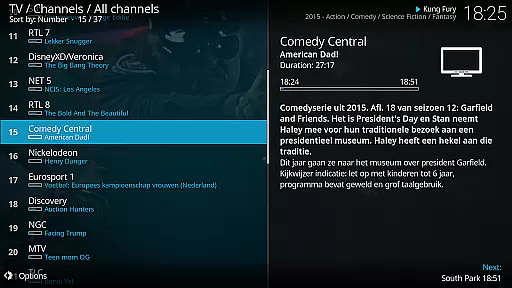
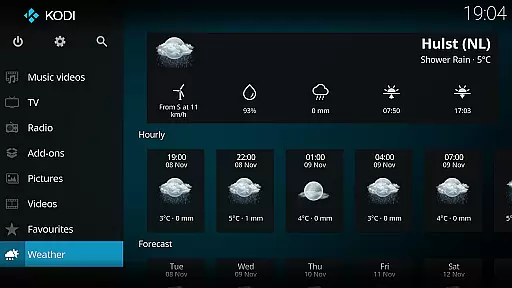
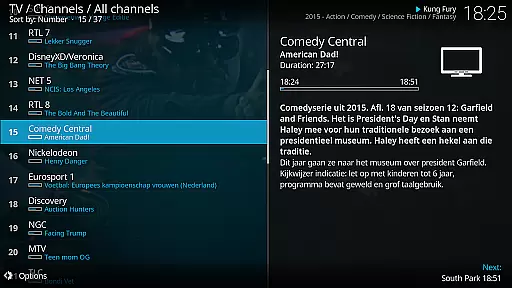
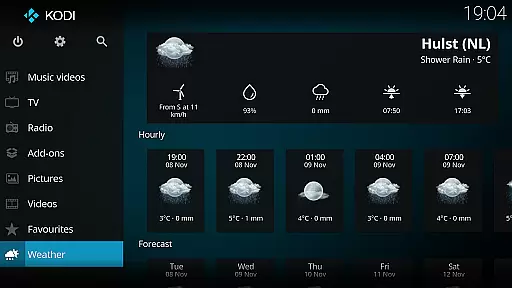
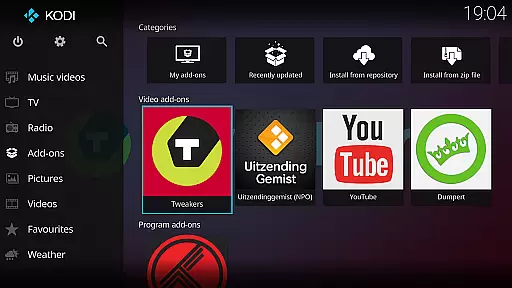
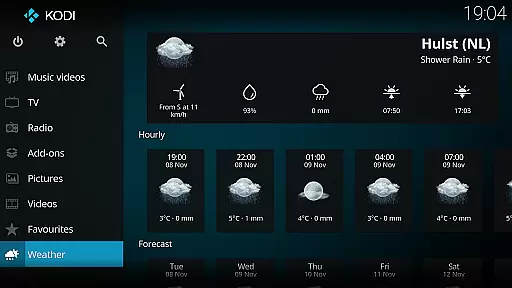
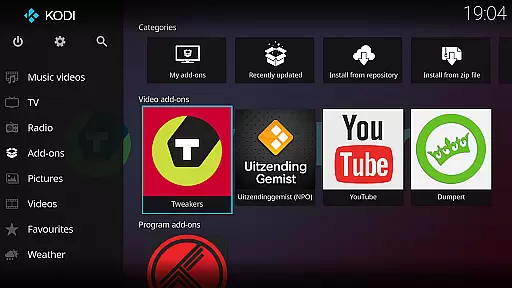
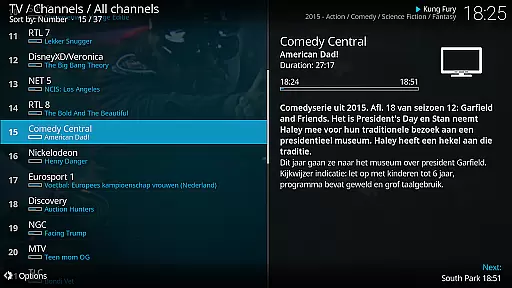
Kodi is a versatile media player app designed to organize and stream digital media content across various devices. As an Android app, it supports videos, music, podcasts, and even games from local storage or online sources. Its open-source nature allows users to customize their experience with add-ons and skins.
The main purpose of Kodi is to provide a centralized platform for all entertainment needs. It features a user-friendly interface that can be navigated easily using a remote control. With support for thousands of channels and streaming services, the app-based solution ensures seamless access to personalized media libraries.
Kodi is ideal for tech-savvy individuals who manage large media libraries and prefer a customizable streaming experience. The app appeals to users aged 18-45 who enjoy exploring niche content and are comfortable with configuring settings. It also suits families looking for a centralized entertainment hub at home.
Common use cases include streaming movies during family nights, organizing extensive music collections, and accessing niche podcasts or live TV channels. Kodi's flexibility makes it suitable for home theaters and portable setups alike, ensuring a tailored app experience for diverse audiences.
Kodi stands out due to its open-source framework, which allows users to modify and enhance the app features according to their preferences. Unlike many proprietary video players, this mobile app offers unparalleled customization options, making it a top choice for those seeking a unique app experience. Its ability to integrate with third-party plugins adds further value.
The app solves common issues like scattered media files and limited streaming options by consolidating all content into one accessible platform. Frequent updates and an active community ensure reliability and innovation. Compared to alternatives, Kodi provides a more comprehensive app-based solution for managing and enjoying digital media libraries.
Highly customizable interface
Wide format compatibility
Active developer community
Regular feature updates
Cross-platform support
Steep learning curve
Requires manual setup
Limited offline help
Occasional bugs
Ads in some add-ons

Save photos and videos from social apps in one tap.
 3.60
3.60
Cast Videos from Web Browser, IPTV to Roku, Chromecast, DLNA, Smart TV +more
4.60
Snaptubè Video Downloader app allows to download videos and music in Snaptube. .
4.60
AI Video Editor:AI Music, Text to Video,Text to Speech,Auto Caption,Video Effect
4.00
Mix with Virtual DJ directly from your phone or tablet !
3.10
Connect EasyCap or UVC devices for recording and broadcast video/audio stream
3.60
Watch IPTV on your Android device
4.60
AI Video Editor with Music, Filter, Slideshow, Effect, Merge & Trim Video.
4.80
Make videos you’re proud to share with Edits, a video editor for creators.
4.70
Flud is a simple and beautiful BitTorrent client for Android.
4.80
All in one HD video downloader & player for multiple formats with full privacy
4.70
Find, download, and play torrents with the official BitTorrent® Pro app
4.70
Fast, private downloading, video saving, social media
4.50
Fast & Private HD Video Downloader with Built-in Proxy Browser and Video Player.
4.50
Browser for Fire TV to stream webvideos, online movies, livestreams in HD
4.40
Fast private browser with secure, seamless access & supported video downloads!
4.00
Live TV, anywhere in your home
3.80
IPTV Player - Watch live TV from m3m & m3u8 playlist, stream IPTV on mobile
3.30
Browser for Sony TV to stream web videos, online movies and live tv
3.20


User Reviews