

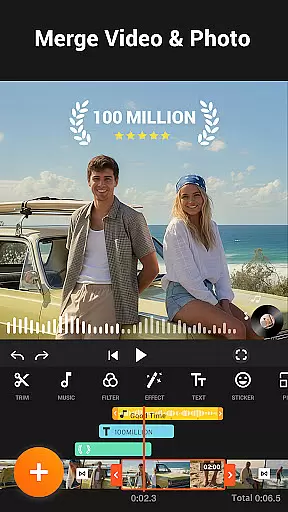
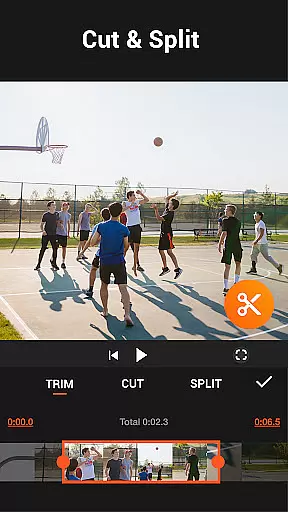
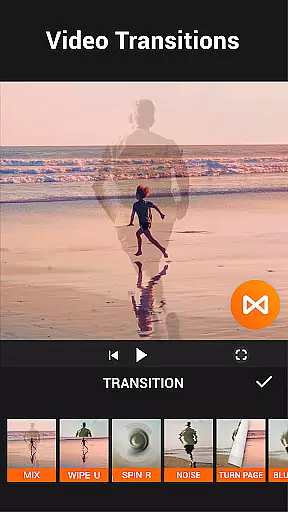

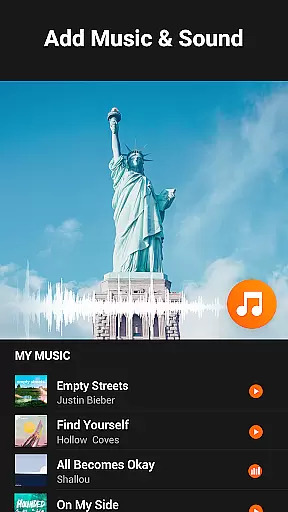
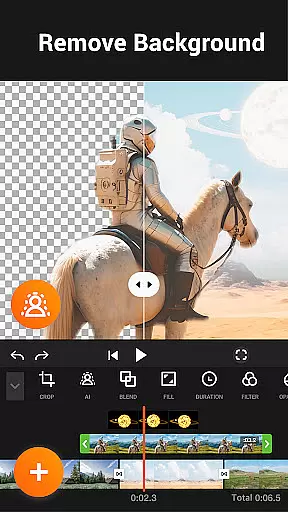
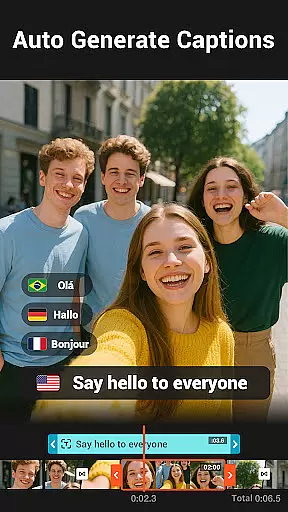
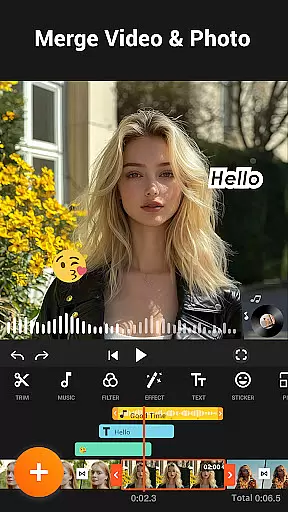
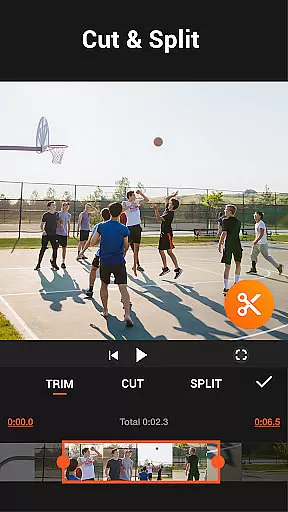
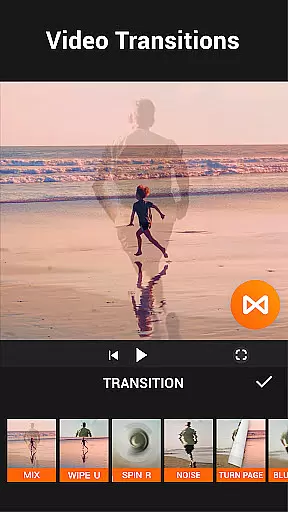

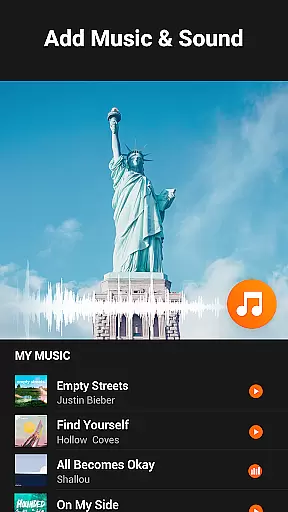
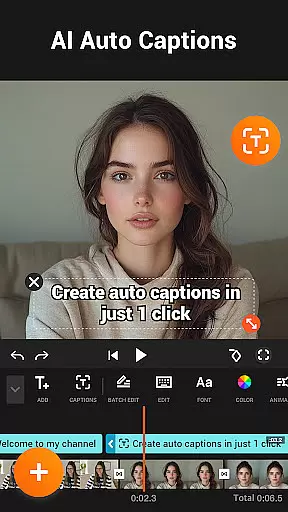
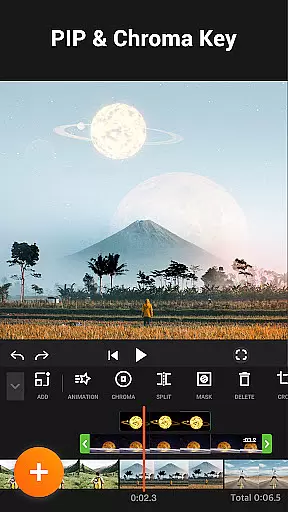

YouCut is a versatile mobile app designed for video editing on Android devices. It offers a comprehensive suite of tools to create professional-quality videos without watermarks. The app provides features such as trimming, merging, and adding music or effects, making it ideal for content creators.
The primary purpose of YouCut is to simplify video editing for users who need an accessible yet powerful solution. With its intuitive interface and robust functionality, the app ensures that even beginners can achieve polished results. Users can export high-resolution videos while leveraging advanced options like speed adjustment and color grading.
YouCut appeals to a wide range of users, including young adults and professionals involved in content creation. Teenagers interested in social media trends may find the app useful for creating engaging videos. Freelancers and small business owners also benefit from its ability to produce marketing materials efficiently.
Ideal scenarios include editing vlogs, promotional videos, or personal memories. For instance, a user might trim footage from a vacation to share highlights with friends. Another example involves entrepreneurs crafting ads to promote products online. These practical applications highlight the app's versatility across different contexts.
YouCut stands out by offering a free yet feature-rich app experience without ads disrupting workflow. Its no-watermark policy ensures professional-looking outputs, which many competing apps lack unless paid upgrades are purchased. Additionally, frequent updates introduce new tools, keeping the app competitive within the video editing space.
The app solves common pain points like complicated interfaces and limited export options. By providing an intuitive design coupled with advanced functionalities, it bridges the gap between amateur and professional editing software. This combination makes YouCut a preferred choice over other Android apps in its category.
Free to use with no ads
High-quality export options
User-friendly interface design
Frequent feature updates
Wide range of editing tools
Occasional performance lag
Limited advanced color tools
No desktop version available
Basic audio editing only
Some features require learning

The smartest M3U IPTV Player your playlists have ever seen.
 4.4
4.4
Create & edit videos with AI
4.30
Powerful HD video player with support for all formats & subtitles.
4.0
Capture images & record videos for USB Camera, Webcam, Microscopes, Endoscopes
3.80
Download website videos fast&privacy
4.40
GENRAL PRO - General Pro is the best video player that fully supports all formats.
4.70
Fast & easy HD video downloader for all formats, support 4K playback & download.
4.60
IPTV Loader, loads your own Playlist. DOES NOT CONTAIN ANY LIST OR CHANNELS
4.60
Fast & Private HD Video Downloader with Built-in Proxy Browser and Video Player.
4.50
Video Trimmer, Video to MP3 Converter. Extract music from video, Easy & Fast.
4.80
?100% FREE! Download & save videos? safely in this app. All formats supported.
4.60
Fast video downloader & private browser. Save HD clips to watch offline.
4.40
Full HD Video mp3 Player, MP4 player play 1080p, File manager, Video Downloader
4.40
Video player, file manager for all formats, 4K/HD media player supports subtitle
4.30
This app was created to edit the metadata of music files.
4.20
Browser for Samsung TV to stream webvideos, online movies and livestreams in HD
4.10
VLC for Android is the best open source video and music player, fast and easy!
4.10
Cast to Smart TV, Fire TV. Cast video, photo - Fast & Stable!
3.90
Download videos easily & play them all in one smart, powerful video manager.
3.40


User Reviews