
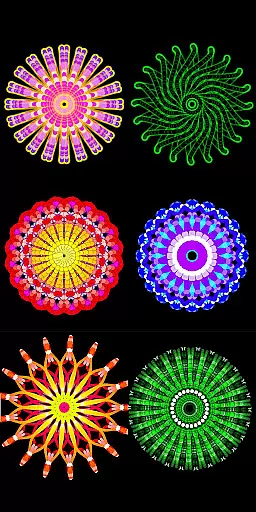
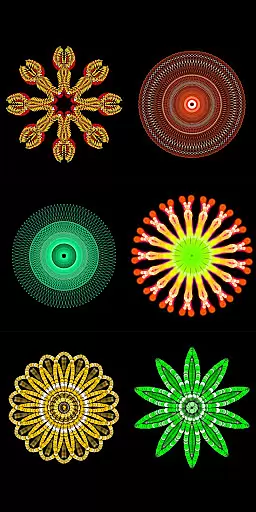
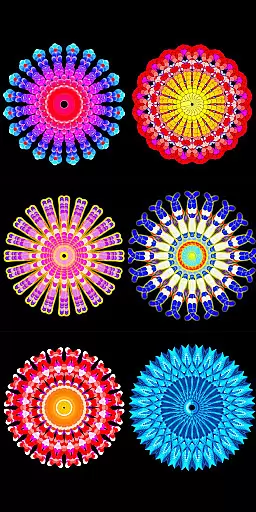
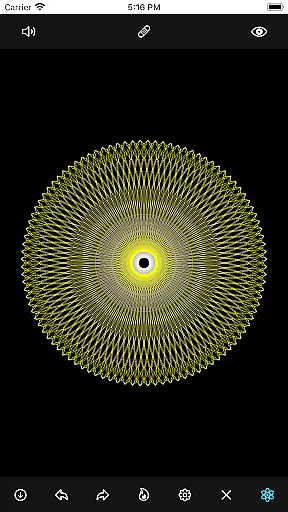
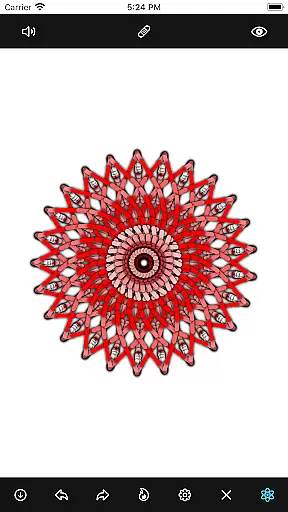
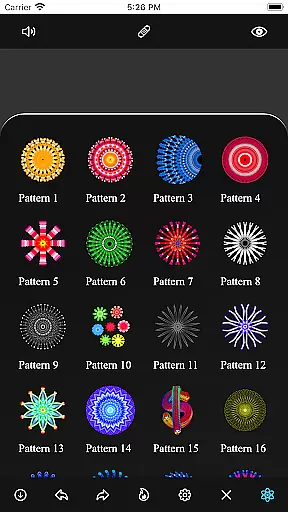
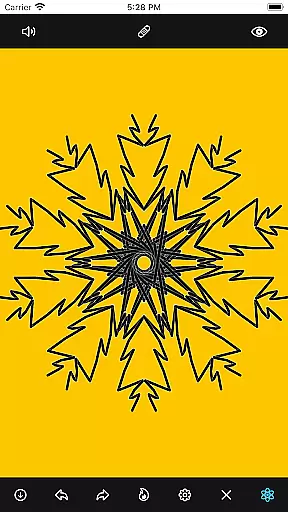
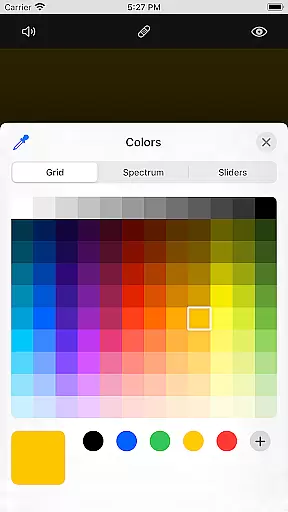
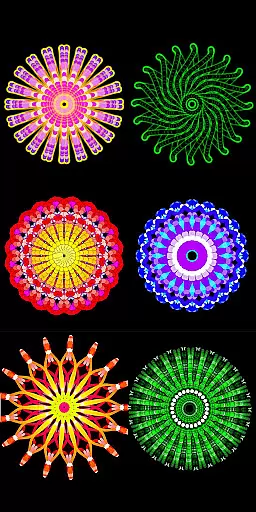
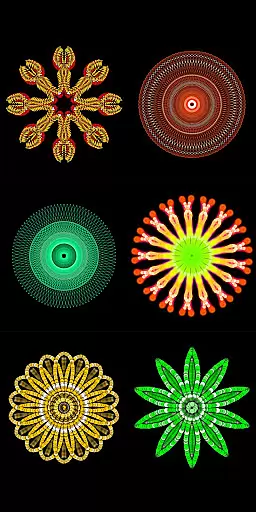
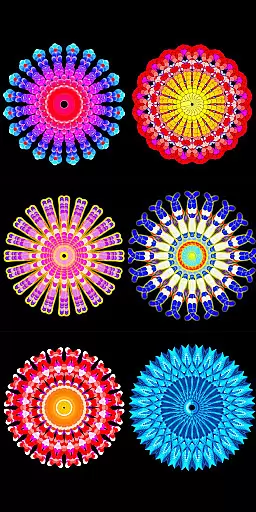
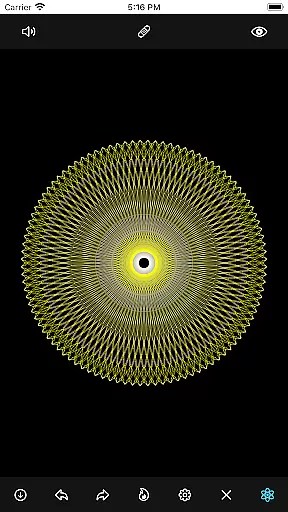
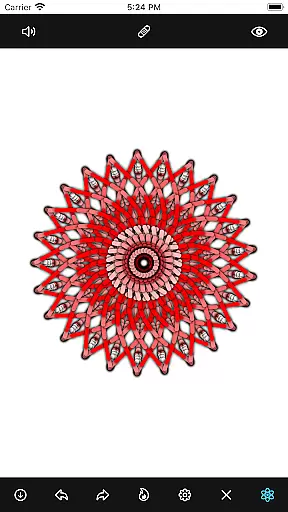
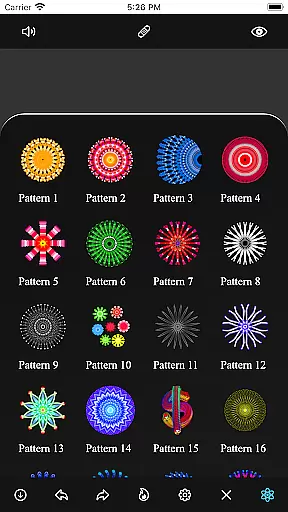
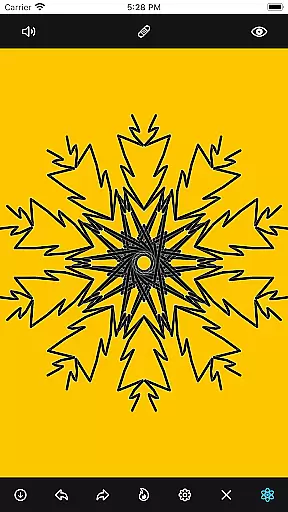
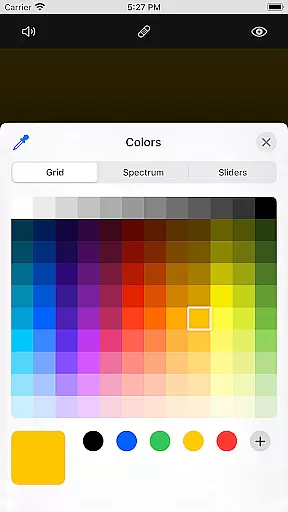
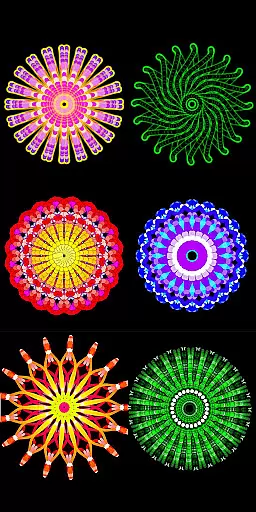
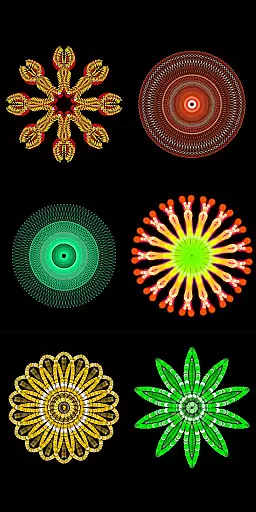
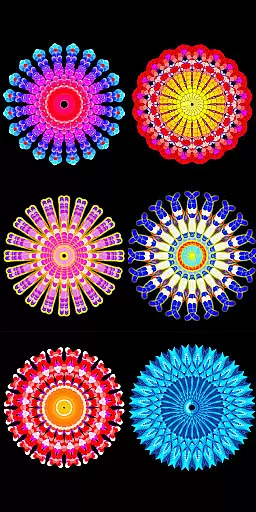
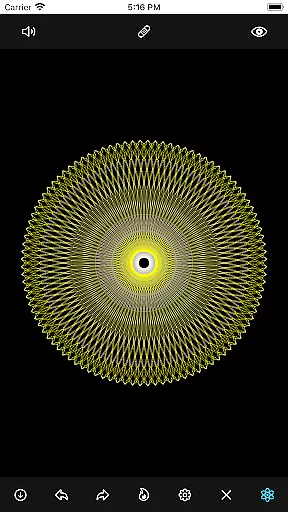
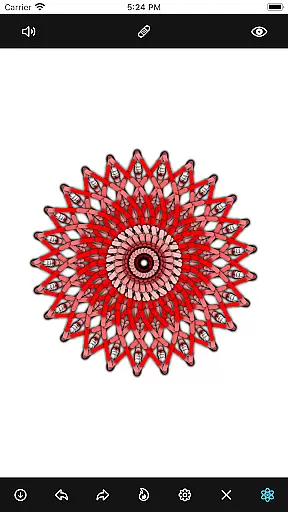
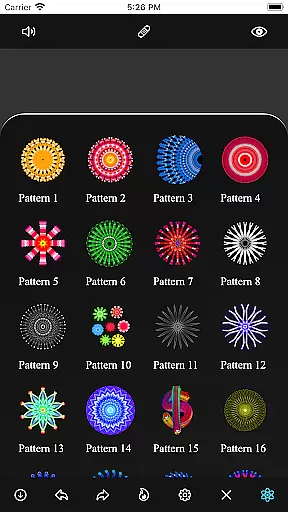
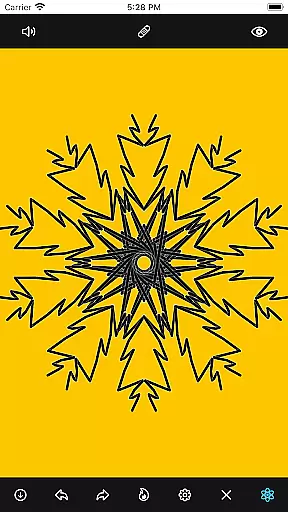
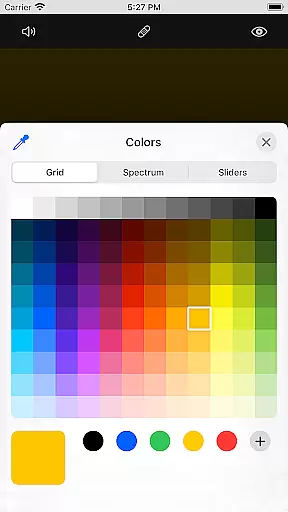
Mandala Maker 360 is a creative mobile app designed for users who enjoy art and design. This Android app provides an engaging platform to create intricate mandalas with ease. The app offers a variety of tools that allow for detailed customization, making it suitable for both beginners and experienced artists. With its user-friendly interface, Mandala Maker 360 ensures a seamless app experience while exploring the art of mandala creation.
The primary purpose of this app is to enable users to design unique mandalas using a wide range of patterns and colors. It includes features such as symmetry settings, color palettes, and brush options, which enhance the creative process. By focusing on accessibility and functionality, the app-based solution caters to those looking to express their artistic skills through digital means. Its intuitive controls ensure that users can focus on their designs without any hassle.
This app is ideal for individuals aged 12 and above who have an interest in art and design. It appeals to creative hobbyists, students learning about patterns, and professional designers seeking inspiration. Users who enjoy mindfulness activities such as coloring or drawing will find Mandala Maker 360 particularly beneficial. The app's versatility makes it suitable for anyone wanting to explore their artistic side.
Practical use cases include designing mandalas for personal projects, educational purposes, or even small business ventures. Teachers can incorporate the app into art classes to demonstrate symmetry and geometry. Artists might use it to draft ideas before moving to physical mediums. Additionally, the app serves as a calming activity for those practicing meditation through art. Its diverse applications make it a valuable tool across various scenarios.
Mandala Maker 360 stands out due to its combination of powerful features and ease of use. The app offers a comprehensive set of tools that cater to different skill levels, ensuring that every user can achieve professional-looking results. Its attention to detail in design options allows for endless creativity, making it a top choice for artistic expression. Furthermore, regular updates keep the app experience fresh and engaging over time.
One key advantage is how the app simplifies complex design processes without compromising quality. Users struggling with traditional mandala drawing will appreciate the guided symmetry settings and customizable brushes. Compared to similar apps, Mandala Maker 360 provides a more intuitive interface and reliable performance. These factors contribute to a superior app-based solution for anyone interested in creating stunning mandala artwork.
Easy-to-use interface
Variety of design tools
High-quality exports
Regular feature updates
Wide color selection
Limited free features
Occasional ads
Advanced tools require payment
Minor learning curve
Export resolution limits

The ultimate tool for creating animations
 4.60
4.60
Floor Plan Creator lets you create, edit and share floor plans.
4.00
Art of Combination Wear OS Watch faces (for Wear OS 5+ devices)
3.00
Sketch, plan, take notes and illustrate on an infinite canvas.
4.20
Art of Combination Wear OS Watch faces
4.0
Unleash Your Creativity with Draw Cartoon - AR Drawing App
4.10
Powerful home decoration & house design that allows you to design dream home.
3.80
Beauty Camera - Selfie Camera is the ultimate beauty camera and selfie app
4.30
Unleash your inner artist! Sketchar: AR Drawing for Limitless Creativity
4.40
Mobile pixel art editor. Simple. Fast. Portable.
4.80
Image resizer to resize, crop, rotate, flip, change dpi photo or picture in bulk
4.60
Draw Trace image sketch by, AR art projector app, Easy to trace any image.
4.50
Kling AI is an image and video generation and editing studio powered by AI.
4.50
Stylish letters, Stylish Keyboard, Symbols, Emojis, Cool nickname
4.40
OneUI 8.5 icons ✨ Smooth, modern & based on the latest Play Store design ??
4.10
Easy 3D drawing design maker & creator. Model designing, Sculpting. Create&paint
4.00
Sketch and paint on your device with the feel and freedom of drawing on paper
4.00
Retouch photos. Create or edit images. Endless capabilities.
2.70
Premium version of Shimeji-ee app with no ads & no limit active shimeji
4.5


User Reviews