

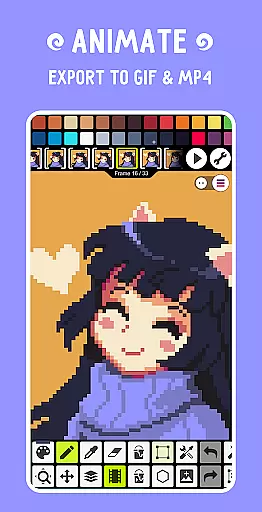
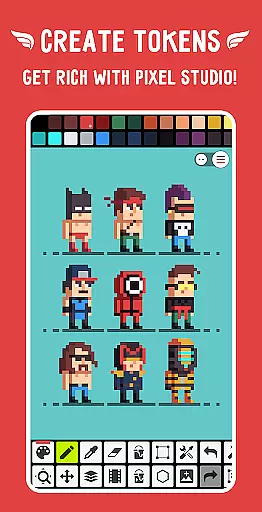
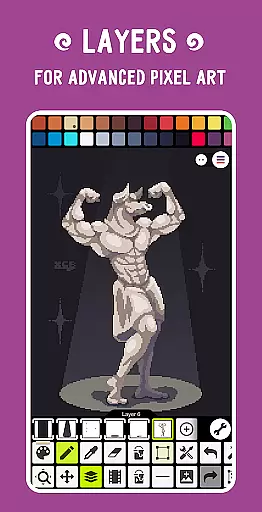
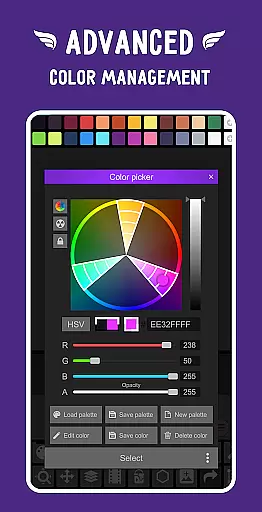
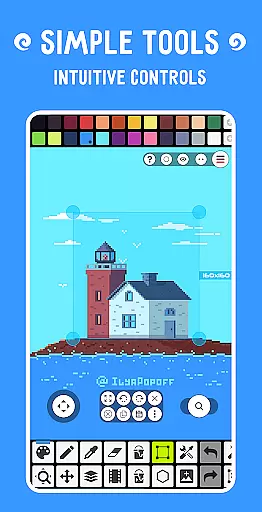
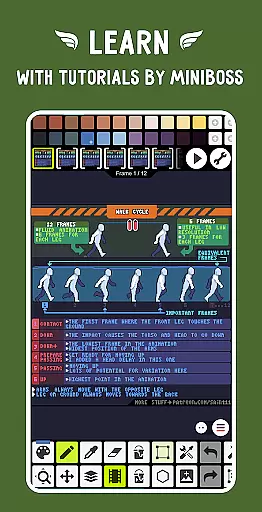
Pixel Studio PRO is a mobile app designed for digital artists and designers who need professional-grade tools on their Android devices. This app provides a comprehensive suite of features tailored to creating pixel art, illustrations, and animations. With its intuitive interface and robust functionality, it caters to both beginners and experienced artists looking for a versatile design tool.
The primary purpose of Pixel Studio PRO is to offer an all-in-one platform for digital art creation. It includes layers, brushes, and color palettes that allow users to produce high-quality artwork directly on their mobile devices. The app experience is enhanced by seamless integration with cloud storage, enabling easy access to projects across multiple devices. Artists can also export their work in various formats, making it suitable for both personal and professional use.
Pixel Studio PRO is ideal for digital artists, illustrators, and animators seeking a powerful yet accessible app-based solution for their creative needs. It appeals to a wide range of users, from teenagers exploring digital art for the first time to professional designers requiring advanced tools. The app's versatility makes it suitable for hobbyists and freelancers alike, particularly those who prefer working on mobile devices.
This app is commonly used for creating pixel art for video games, designing graphics for websites, or producing animated content for social media. Users often turn to it when working on projects that require precision and flexibility, such as character design or UI mockups. Its compatibility with both Android tablets and smartphones ensures that creatives can work comfortably regardless of their preferred device.
Pixel Studio PRO stands out due to its combination of professional-grade features and ease of use. The app offers tools that rival desktop software while maintaining a streamlined interface optimized for touchscreens. Artists benefit from features like layer management, customizable brushes, and advanced animation tools, which collectively enhance productivity and creativity. These capabilities make it a top choice for anyone seeking a reliable app-based solution for digital art.
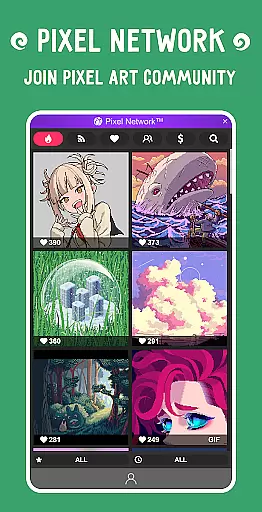
One key advantage is its offline functionality, allowing users to work without an internet connection. Additionally, frequent updates ensure that the app remains up-to-date with the latest design trends and technologies. Compared to similar apps, Pixel Studio PRO provides a more affordable alternative to subscription-based models while delivering comparable quality. Its active community and responsive support further reinforce its position as a leading choice in the digital art space.
Powerful design tools
User-friendly interface
Regular feature updates
Offline functionality
Active user community
Occasional performance lag
Limited free features
Steep learning curve
Subscription required
Large file size

Learn how to draw with step-by-step tutorials, fun lessons & multiplayer drawing
 4.70
4.70
Sketch, plan, take notes and illustrate on an infinite canvas.
4.20
Trace, draw, and create art with AR - from memes to masterpieces!
4.30
Art of Combination Wear OS Watch faces
4.3
Draw beautiful mandala's very easily
4.60
2D animation studio for Android tablets - unlimited layers, infinite timeline
4.70
Inky runs Inkscape on Android devices and Chromebooks
2.90
Turning simple sketches into captivating tales filled with life and motion
3.90
Draw, make movies & animate cartoons easily with our 2D animation maker app
4.40
Passport size photo maker, create ID photo and visa photo in seconds
4.80
Draw on screen: FP sDraw is a simple and lightweight drawing app
4.70
Turn your drawings into flipbook-style animations with simple creative tools
4.60
Create and Design Custom Logos in Seconds with AI-Powered Tools!
4.40
Create Logos, Tattoos, AI Art & more with our AI Photo Generator & Design Editor
4.20
Unleash the artist in you with our AR drawing and tracing tool for photo drawing
4.10
Your homescreen as an elegant glass with customized blur, lighting, and visuals.
3.70
Apply cartoon, caricature, and portrait effects to make your photos stand out!
3.60
Transform photos into amazing monochrome dither art with professional algorithms
4.3
Art of Combination Wear OS Watch faces
4.0


User Reviews