
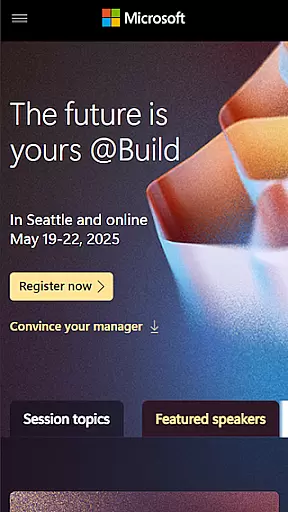
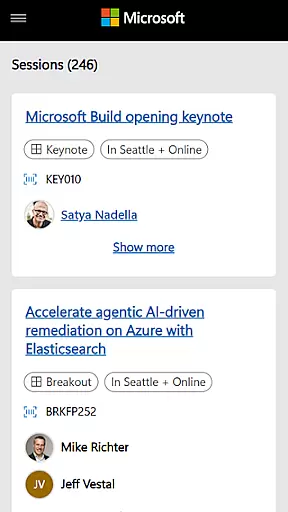
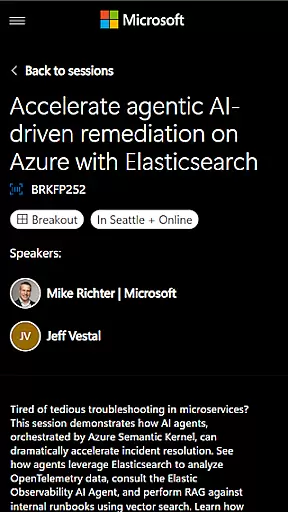
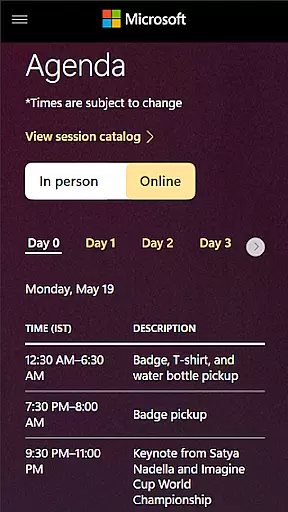
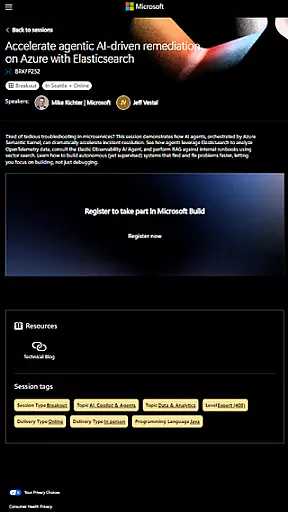
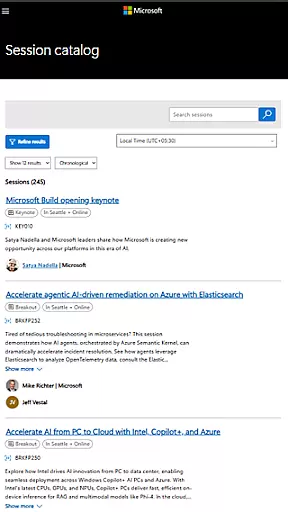
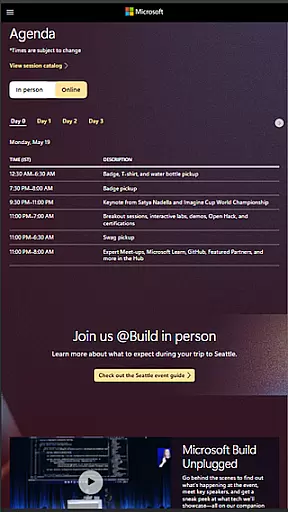
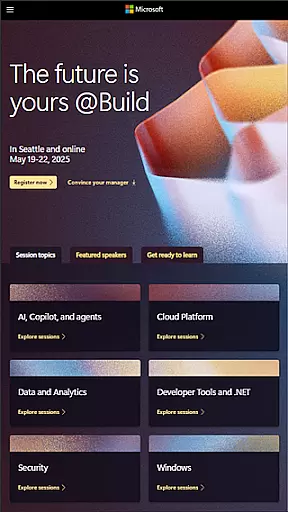
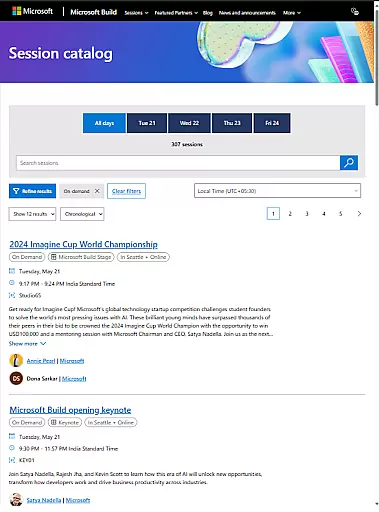
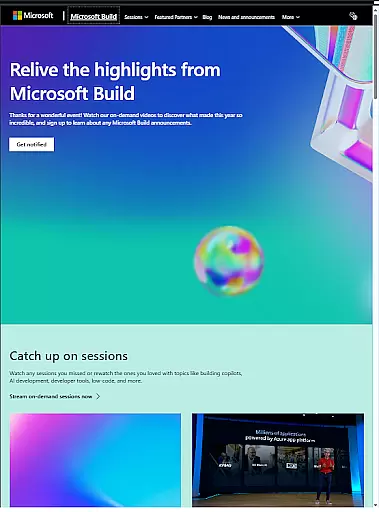
Microsoft Build is an Android app designed to enhance the experience of attendees at Microsoft's annual developer conference. This mobile app serves as a comprehensive guide, offering schedules, session details, speaker information, and venue maps. Its purpose is to streamline event navigation while keeping users informed and engaged throughout the conference.
The app features tools that allow users to create personalized schedules by bookmarking sessions of interest. It also provides real-time updates and notifications about any changes in session timings or locations. With its user-friendly interface, the app ensures seamless accessibility to essential event resources, making it a valuable app-based solution for conference participants.
This app is ideal for developers, IT professionals, and tech enthusiasts attending Microsoft Build conferences. Users who benefit most from this app are typically aged 20 to 50, with a strong interest in software development, cloud computing, and emerging technologies. The app experience caters to both in-person attendees and virtual participants seeking up-to-date event information.
Professionals attending the conference use the app to optimize their schedules and ensure they do not miss key sessions. For remote users, the app provides live streaming capabilities and access to session recordings. Additionally, the app supports networking by enabling users to connect with speakers and other attendees through integrated messaging features, enhancing collaboration during the event.
Microsoft Build stands out due to its ability to consolidate all essential event resources into one accessible platform. The app features are tailored specifically for the needs of conference attendees, ensuring timely access to schedules, session details, and interactive maps. By addressing common pain points such as last-minute schedule changes, it enhances the overall app experience.
What makes this app unique is its focus on delivering a seamless blend of onsite and virtual participation. Push notifications keep users informed about critical updates while offline functionality allows access to downloaded content without an internet connection. Compared to generic event apps, Microsoft Build offers specialized tools that cater directly to the technical audience of the conference, making it a reliable app-based solution.
Real-time updates
User-friendly design
Offline functionality
Live streaming options
Interactive maps
Limited to Microsoft events
Occasional sync delays
No third-party integrations
Heavy on data usage
Complex navigation

Create Birthday Cards in Birthday Invitation Maker and Birthday Card Creator App
 3.00
3.00
TV.Garden is a video player to play your own TV streams from around the world!
3.40
For weddings, parties & events
4.60
Everything you need for the Best Thursday Ever.
4.40
Invitation Card Maker, Design & share wedding, birthday & party invites fast
4.40
Meet people over dinner
4.40
Octrober 2025: We've updated the MyGenMobile App with a new look and feel!
4.40
Freebie Games for Epic Games, Steam, Amazon, Rockstar etc.
4.40
Find Live Event Ticket Deals to Sports, Concerts, Festivals, & Comedy For Less!
4.80
Find EDM shows near you! See your favorite artists live, and discover new music.
4.90
Plan your wedding for free on the go: vendors, budget, website and checklists!
4.80
Buy and Sell Tickets for Concerts, Sports, and Theater.
4.70
Discover events & experiences in NYC, LA, Chicago, DC, Miami and more!
4.70
Here you can choose tickets for films, performances, concerts and other events
4.60
Connect with an ecosystem of 5M+ eventgoers and organizers.
4.50
The official app for Sched events! View your event schedule here.
4.20
Introducing the official Magic: The Gathering app for mobile.
4.20
No invest, Easy way to earn USDT through crypto cloud mining
3.80
Community for Mods, Addons, Melsaves, Melmods for Melon Playground
4.5


User Reviews