
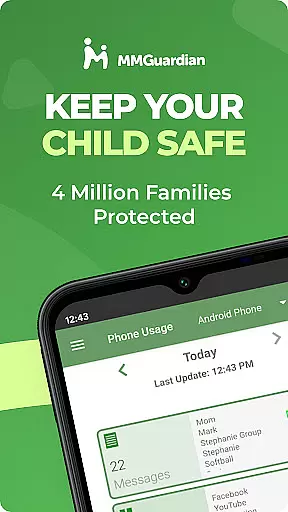
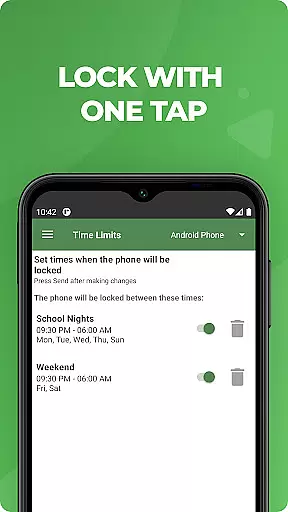
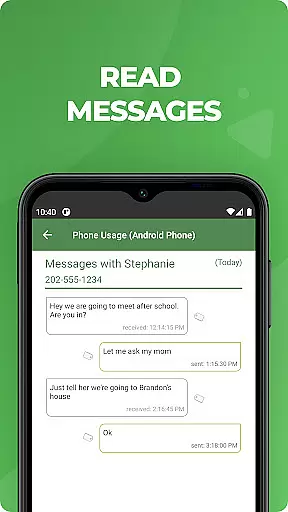
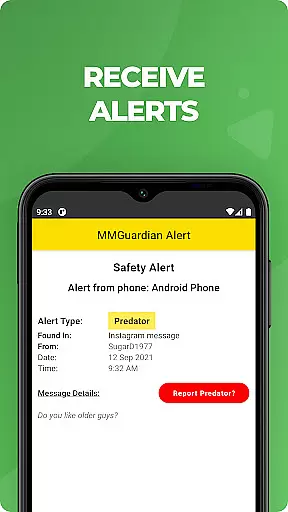
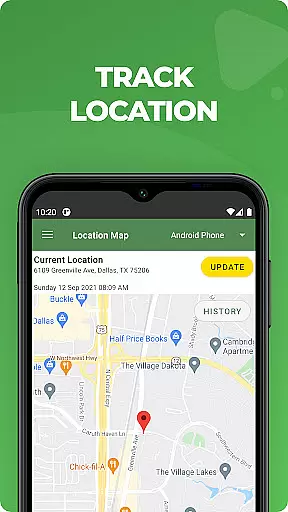
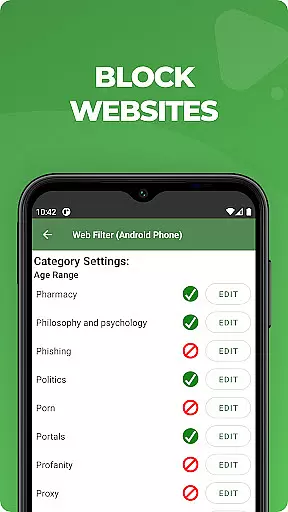
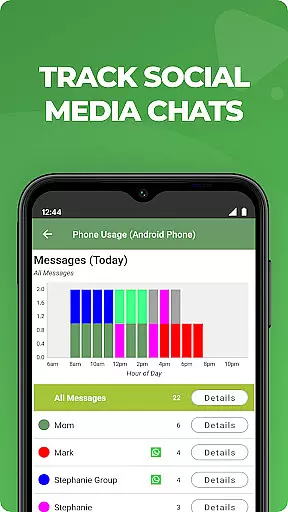
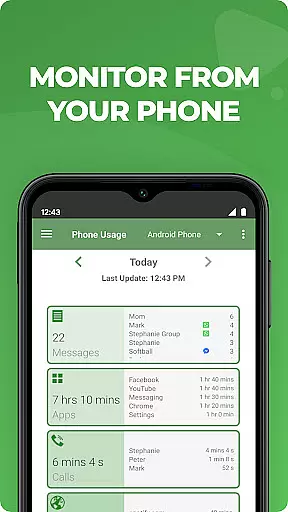
MMGuardian Parental Control is a mobile app designed to help parents manage and monitor their children's smartphone usage. This Android app provides tools for setting screen time limits, blocking inappropriate content, and tracking location. With its focus on safety and control, the app experience ensures peace of mind for families.
The primary purpose of MMGuardian Parental Control is to empower parents with an app-based solution that promotes responsible device use among children. Core features include remote device management, app blocking, and real-time alerts. These functionalities work together to create a secure digital environment for kids while maintaining flexibility for parental oversight.
This app is ideal for parents seeking greater control over their children's smartphone activities. Families with kids aged 6 to 18 who own Android devices will benefit most from this app-based solution. The target audience includes tech-savvy parents as well as those new to mobile app management tools.
Parents can use this app to enforce bedtime routines by limiting screen time or ensure online safety by filtering web content. It also serves households where both parents work and need a reliable way to monitor their child's digital interactions. The app experience supports busy families aiming to balance technology use responsibly.
MMGuardian Parental Control stands out due to its comprehensive approach to digital safety. The app features are designed to address multiple concerns, from screen addiction to online threats. By combining monitoring tools with parental controls, it offers a complete solution for modern families navigating the digital landscape.
What makes this app unique is its ability to solve problems like unauthorized app downloads or exposure to harmful content. Unlike other parental control apps, MMGuardian provides real-time updates and actionable insights. Parents can trust this app to keep their children safe while fostering healthy device habits. Its reliability and ease of use make it a top choice in the parenting category.
Comprehensive feature set
User-friendly interface
Real-time notifications
Flexible scheduling options
Reliable GPS tracking
Premium version required
Limited iOS compatibility
Occasional setup complexity
Subscription fees apply
Learning curve for beginners

AI Motion Video Maker & Ideas
 4.1
4.1
Parental Control including Screen time control, GPS tracking, App/Game blocker.
3.90
A Coloring for the Whole Family! Discover the Joy of Family Love Through Colors!
3.60
Real-time family location with consent, check-ins & SOS—private by default.
4.40
3D Baby size, Fruit comparisons, Smart Checklist, Trending Names & Training.
4.90
Limit screen time, Block Apps & Games, Monitor with Parental control app
4.20
The 10 development leaps of your baby | newborn milestones & leap days tracker
4.10
Track your labor contractions
4.90
App/Game blocker & GPS tracker
4.50
FamilyAlbum helps you share, save, and remember your child's special moments.
4.80
Parental control App for Location, Remote Camera, Screen Mirroring, Block Apps.
4.60
GPS phone tracker: find kids on map. Location tracking and parental control.
4.50
Babysitting video camera - Turn your two phones or tablets into a single nanny.
4.40
GeoLog - Real-Time Location Tracker
4.40
Learn according to the age of your child and consult with other moms.
4.20
Findnumber: Real-time location tracker for ultimate family security
4.20
Keep Your Family Safe with Pollog Family Assistants
4.10
Watching baby, helping parents
4.10
Educational resource for parents to inspire creativity in their children.
4.00


User Reviews