
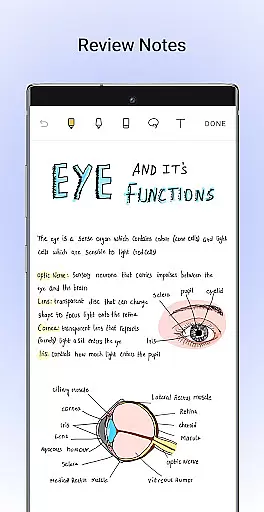
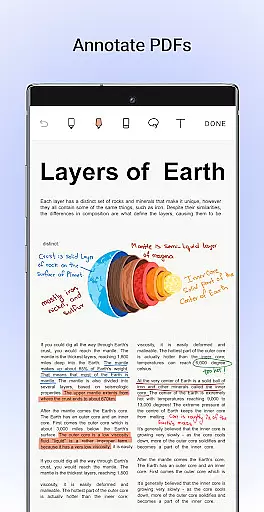
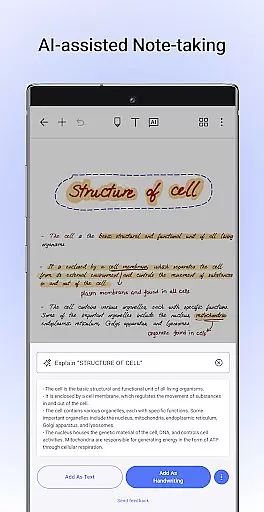
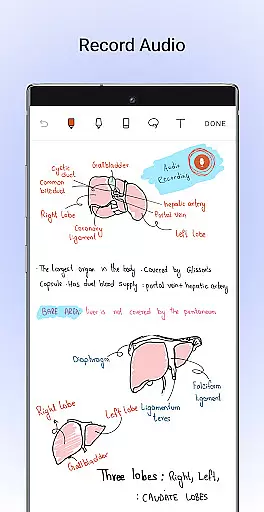
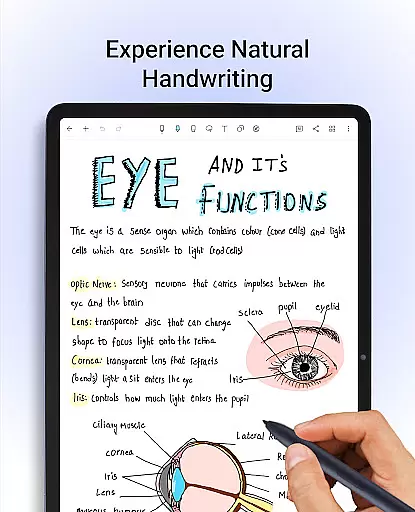
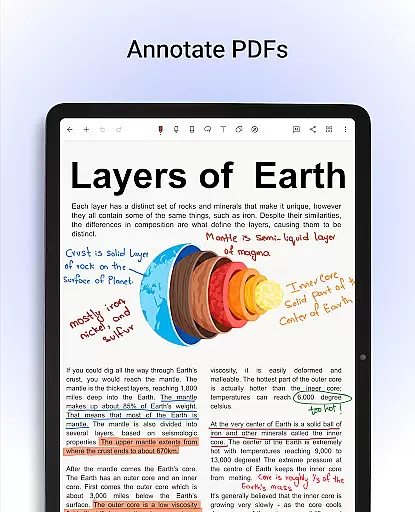
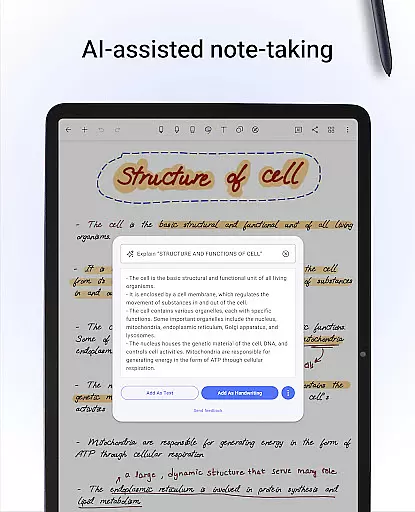
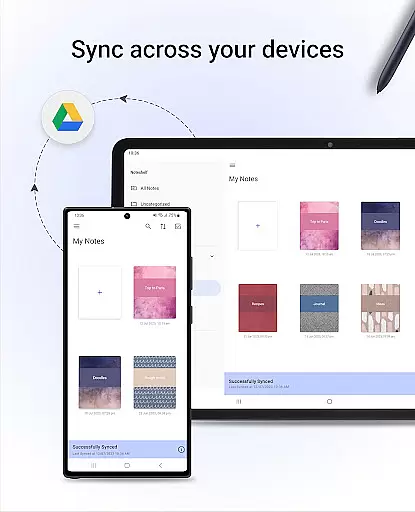
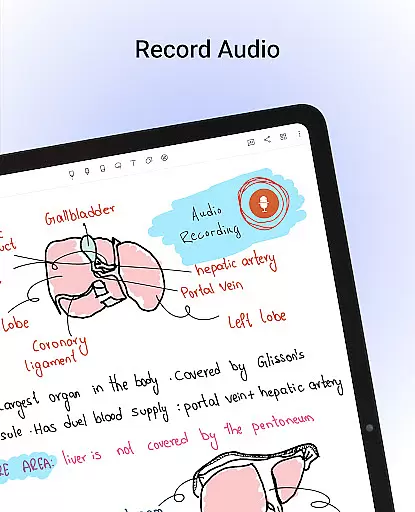
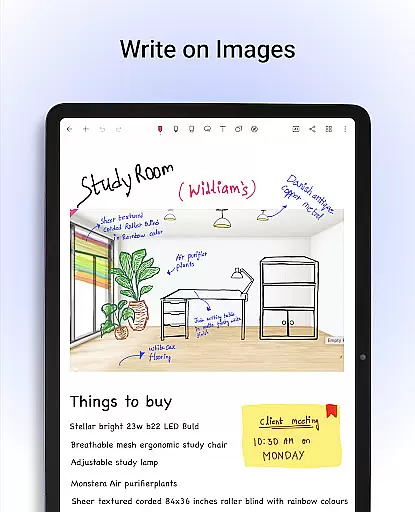
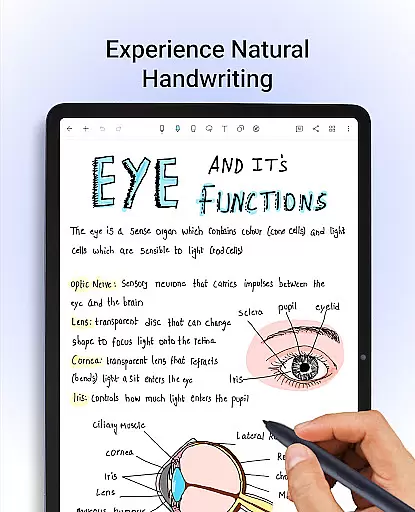
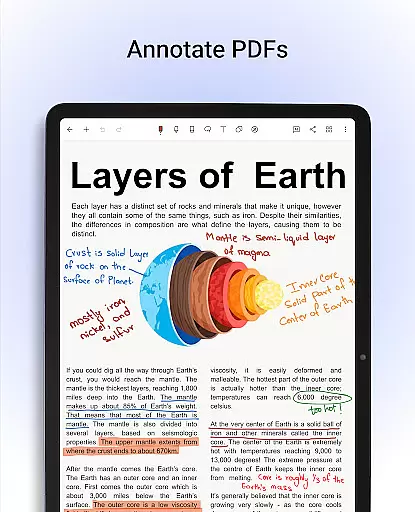
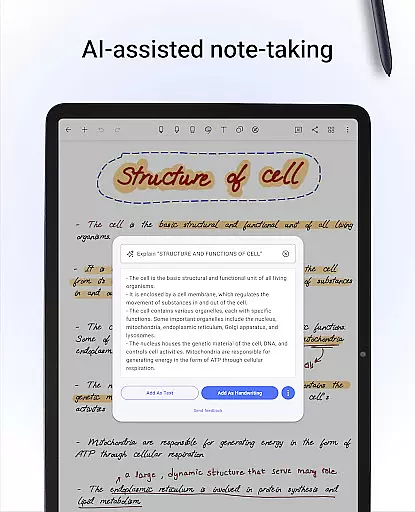
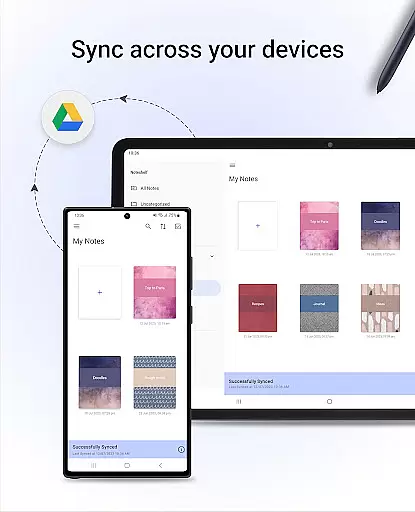
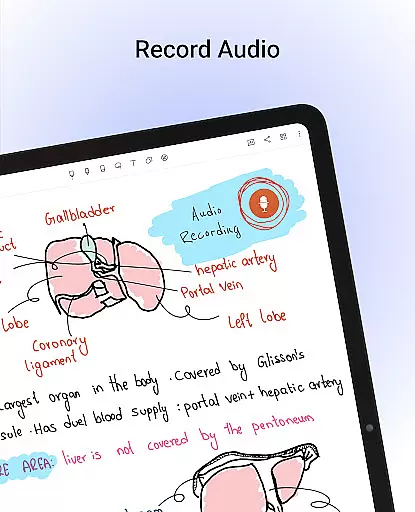
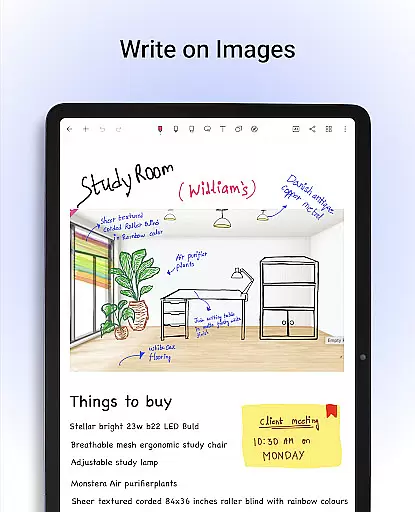
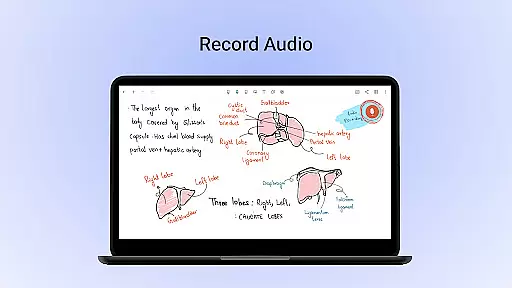
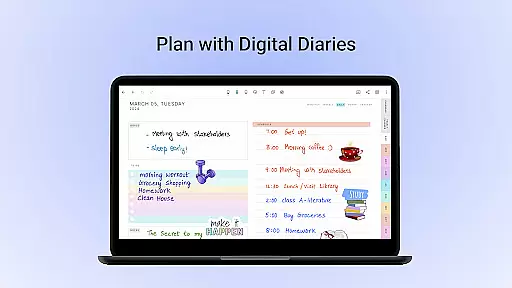
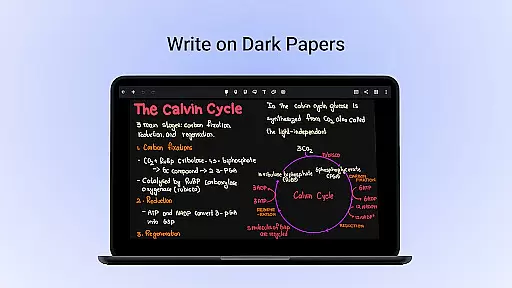
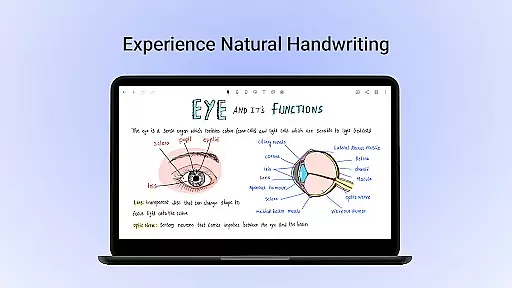
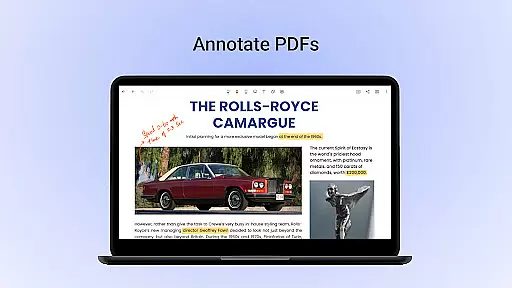
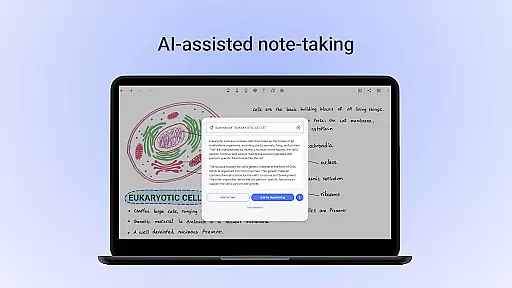
Noteshelf is a productivity-focused mobile app designed to replace traditional note-taking with a digital solution. This Android app offers users the ability to create, organize, and manage notes in a highly customizable environment. With its intuitive interface, Noteshelf makes it easy for anyone to transition from paper to a digital note-taking experience.
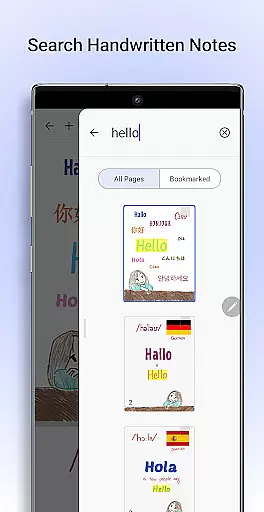
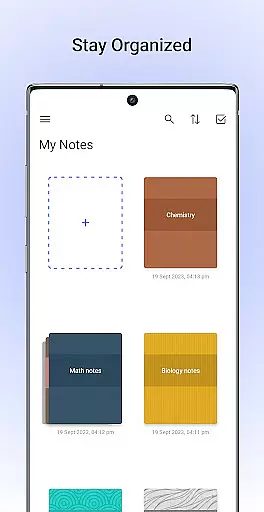
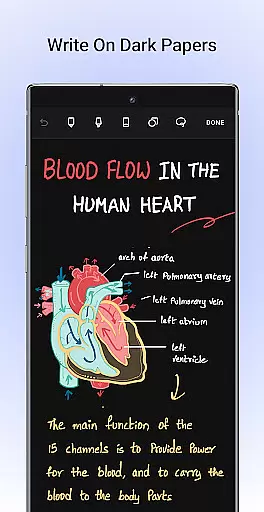
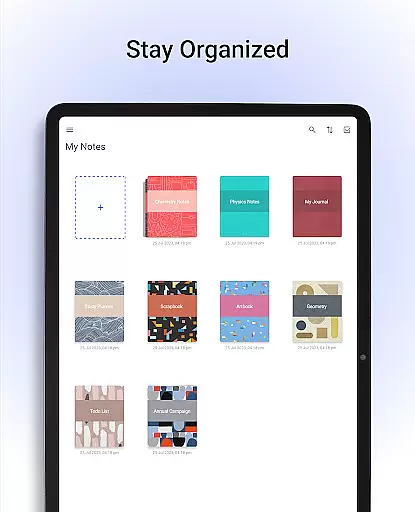
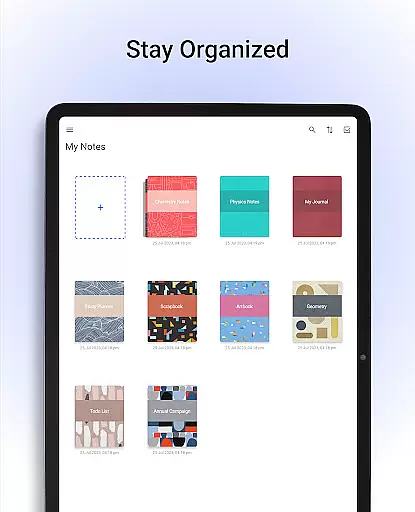
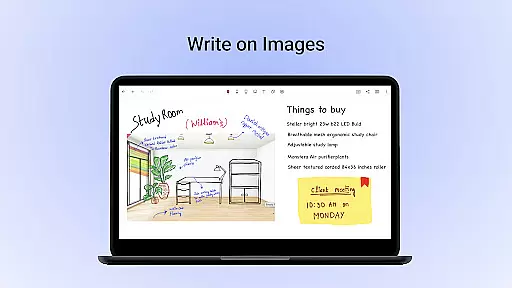
The primary purpose of this app is to provide a versatile platform for note-taking, annotation, and document management. Users can write or draw using various tools, import PDFs for annotation, and organize their work into categories. The app features cloud integration, handwriting recognition, and multiple export options, ensuring that users have flexibility and control over their data.
This app is ideal for students, professionals, and educators who need an efficient way to take notes digitally. It caters particularly to those aged 18 to 45 who are tech-savvy and comfortable using mobile apps. Users who prefer organizing their work digitally while maintaining a personalized touch will find this app especially useful.
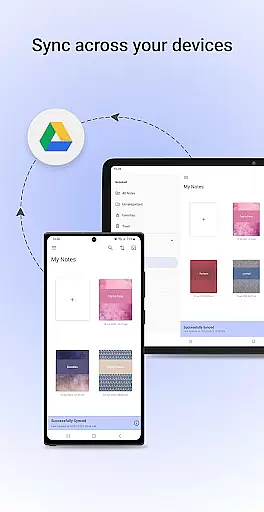
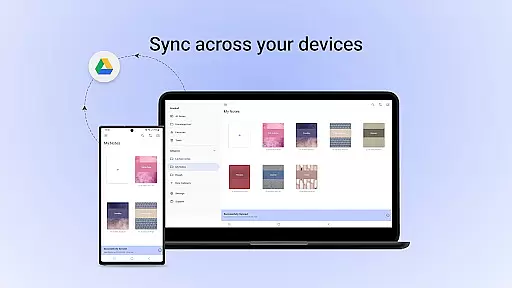
Noteshelf is well-suited for scenarios such as classroom lectures, business meetings, and personal journaling. Students can use it to annotate study materials, while professionals may rely on it during presentations or brainstorming sessions. Its ability to sync across devices ensures that notes are accessible wherever needed, making it a reliable app-based solution for productivity.
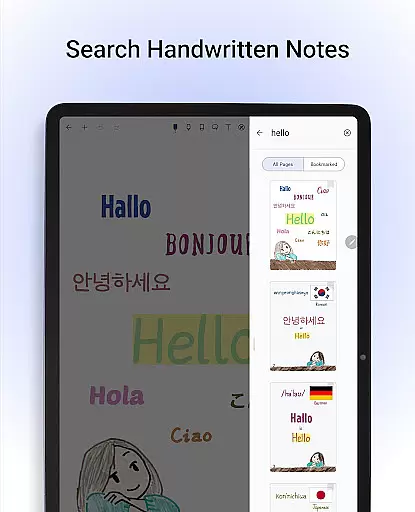
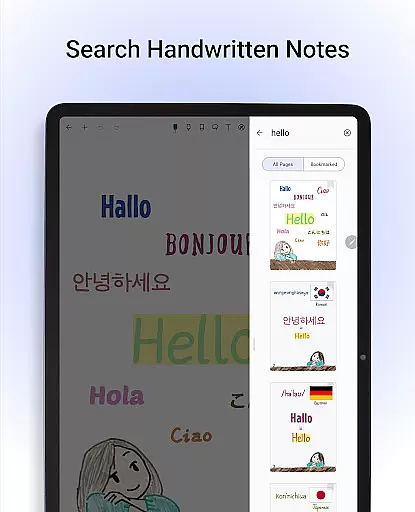
Noteshelf stands out due to its combination of versatility and user-friendly design. The app provides a seamless note-taking experience by offering customization options that cater to individual preferences. Its ability to convert handwriting into typed text enhances accessibility, making it suitable for both casual and professional use.
What sets this app apart is its focus on solving common pain points in digital note-taking. By integrating features like cloud sync and cross-device compatibility, it ensures that users' notes are always up-to-date and accessible. Compared to similar apps, Noteshelf's attention to detail in replicating the feel of real-world writing tools gives it an edge in delivering a satisfying app experience.
Highly customizable interface
Accurate handwriting recognition
Seamless cloud integration
Variety of annotation tools
User-friendly design
Subscription fees required
Limited free features
Occasional sync issues
Learning curve for new users
No collaboration tools

A Revolutionary All-in-One Artificial Intelligence Tools
 3.80
3.80
Customizable calendar widget for seamless event sync, planning & scheduling.
4.00
Todo reminder
4.10
Find and delete junk files & block unwanted notifications & manage files
3.70
To do list widget with a notebook organizer, checklist, simple shopping list
4.60
This small app MUST BE INSTALLED after purchase, else license won't work
4.40
AT&T Internet customers can use this app to personalize their Wi-Fi network.
4.40
Set up, print, and get support—in one place
4.20
Put a lock on your cloud: Take the security of your data into your own hands
3.70
Great calculator for Android named one of USA TODAY's "25 Essential Apps".
4.90
Absolutely the best CNC machinist speed and feed calculator around. fswizard.com
4.60
Secure, fast, open-source, Remote Desktop Client for Windows and Linux with SSH
4.60
App Lock with fingerprint, password: Lock apps & hide photos with lock screens
4.60
Tally and goal counter for Wear OS & mobile
4.50
A Pixel Art watchface inspired by other iconic 90s designs for Wear OS devices!
4.40
Access, manage and transfer files on Android, PC, Mac, NAS and cloud storages.
4.30
Activate Two Factor Authentication (2FA or Multi OTP), Password manager and more
4.10
Create and edit presentations with Google Slides, part of Google Workspace.
4.00
A comprehensive suite of tools designed specifically for Lactation Consultants
4.4


User Reviews