
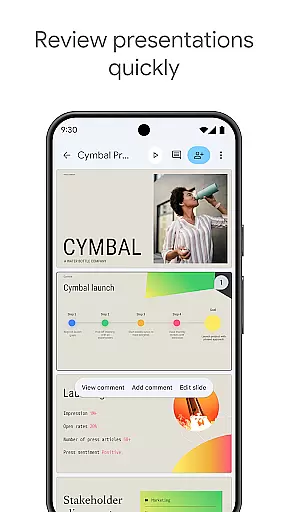
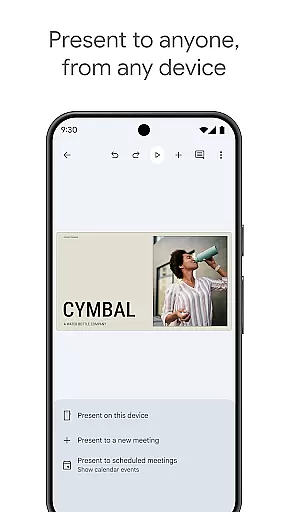
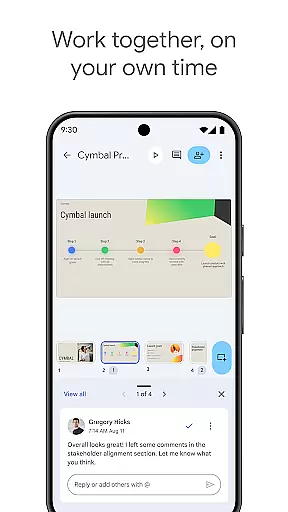
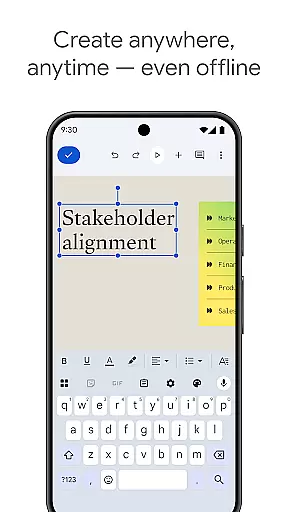
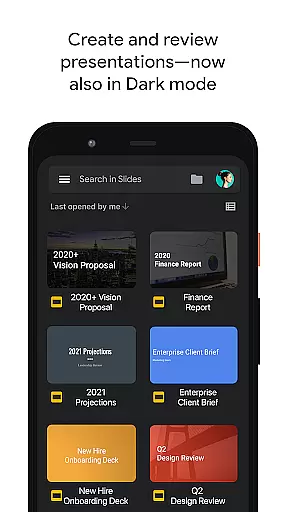
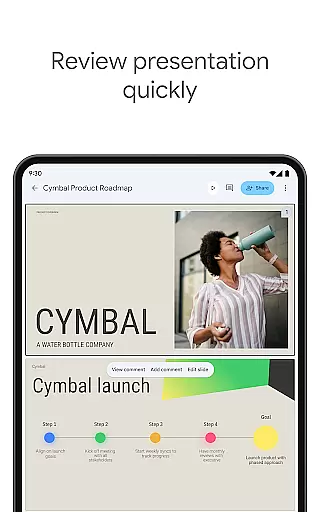
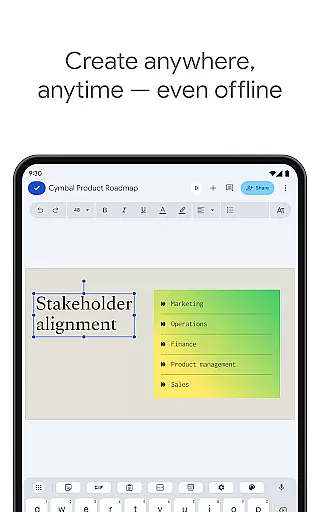
Google Slides is a productivity mobile app designed to create and edit presentations directly from Android devices. As part of the Google Workspace suite, this app allows users to build professional slideshows with features like real-time collaboration and cloud saving. The app experience focuses on simplicity and accessibility, making it easy for anyone to design visually appealing presentations.
The primary purpose of Google Slides is to provide an app-based solution for creating and managing slide decks without needing a desktop. Users can add text, images, charts, and transitions while collaborating with others in real time. With seamless integration into Google Drive, all presentations are automatically saved and can be accessed from any device, ensuring flexibility and reliability for both personal and professional use.
Google Slides is ideal for students, professionals, and educators who need a reliable app-based solution for creating presentations. It caters to individuals and teams looking for collaborative tools that work across devices. The app experience is particularly beneficial for those familiar with Google's ecosystem, as it integrates seamlessly with other services like Docs and Sheets.
This mobile app is commonly used in educational settings where teachers and students prepare slideshows for lectures or assignments. In professional environments, teams rely on its real-time collaboration feature to work together efficiently. Additionally, small business owners appreciate its cost-effectiveness since it provides robust functionality without requiring expensive software licenses.
Choosing Google Slides means opting for a versatile and accessible productivity tool. Its key advantage lies in the ability to collaborate in real time, which enhances teamwork and speeds up project completion. The app features ensure that even users with minimal design experience can create polished and engaging presentations. Furthermore, its integration with Google Drive simplifies file management and storage.
What sets Google Slides apart is its focus on solving common pain points associated with traditional presentation software. By offering a free yet powerful alternative, it eliminates the need for costly subscriptions. The app also addresses compatibility issues by allowing exports in widely-used formats like PowerPoint and PDF. These benefits make it a standout choice among similar Android apps in the productivity category.
Free to use
Real-time collaboration
Cloud-based storage
User-friendly interface
Regular updates
Limited advanced features
Requires internet for full functionality
Basic design templates
Occasional sync delays
No offline export options

Secure, fast, open-source, VNC and SSH Remote Desktop for Windows, Linux and Mac
 4.70
4.70
AI Video AI Image Private LLM AI Browser Llama Gemma Ollama Connect LLM Studio
4.3
Ads Free App! Editor, Hide File, Copy, Move, Delete and Rename.. all facility av
1.70
The upgraded version of Name Wheel with AI and the power to add your own wheels.
4.2
A simple, portable logger for POTA, SOTA, Field Day, and more
4.0
Calendar 2023 widget for Android. Appointment scheduler, planner, and reminder
4.60
* block pre-roll ads, pop-up and forced redirect ads * Samsung certification app
4.00
Intelligent AI Assistant
4.10
Lightweight PDF, Word, Excel reader.
4.60
Scientific calculator for Android - looks and operates like the real thing!
4.90
The long-awaited modern gallery app for your Nextcloud server
4.70
Stay on top of your to-dos with Google Tasks, part of Google Workspace.
4.60
To do list widget with a notebook organizer, checklist, simple shopping list
4.60
Planet Free VPN - The best Fast Unlimited and Secure VPN Without Logs
4.50
Subscribe to Webcal & .ics calendars and keep them up-to-date!
4.50
Total remote control for your Android device, PC and cloud services (IFTTT)!
4.20
Todo reminder
4.10
Customizable calendar widget for seamless event sync, planning & scheduling.
4.00
Access your phone's notifications, calls, apps, photos & texts on your PC
3.90


User Reviews