
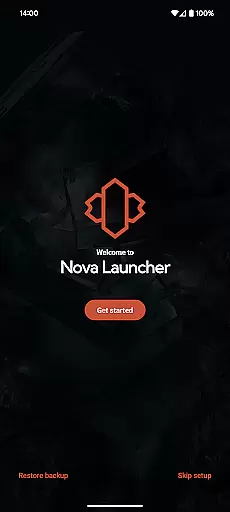
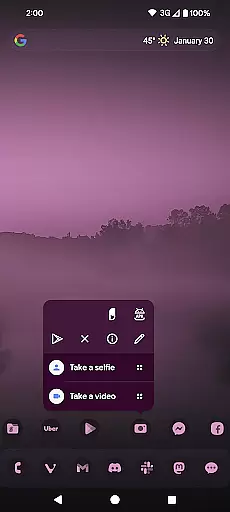
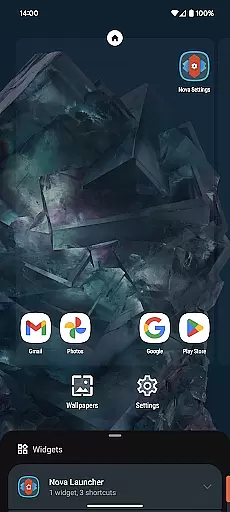
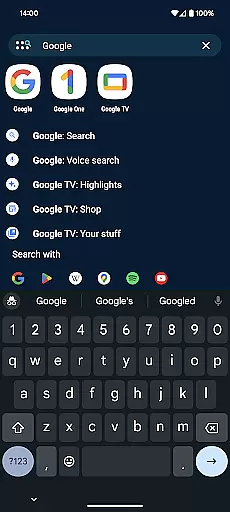
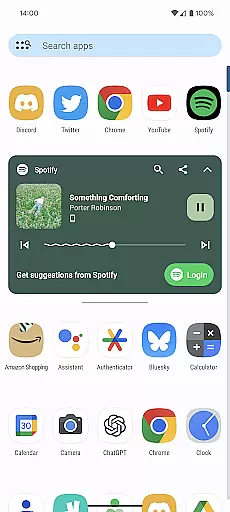
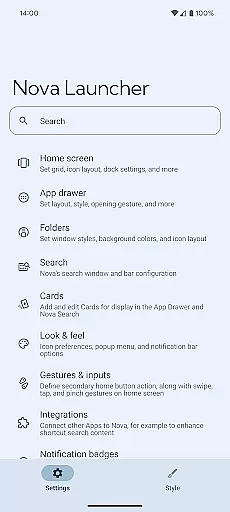
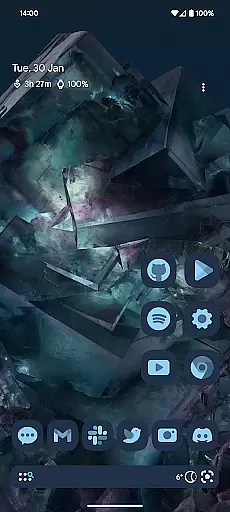
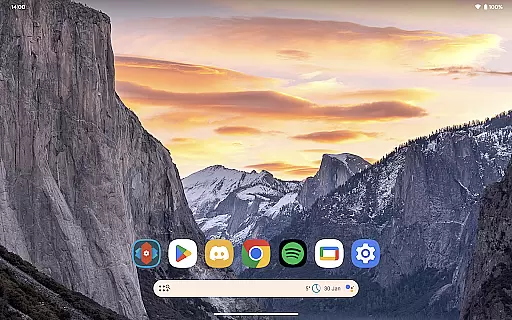
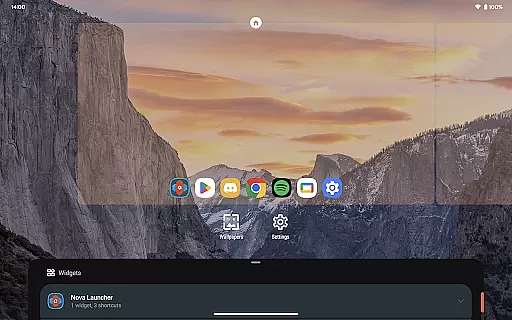
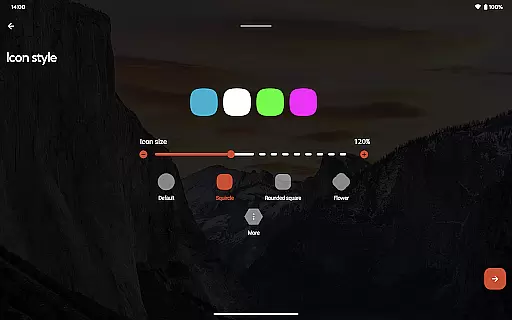
Nova Launcher is a highly customizable Android app designed to enhance the user experience on mobile devices. As one of the most popular launcher apps available, it allows users to personalize their home screens with unique layouts, icon packs, and gestures. The app's flexibility makes it an ideal choice for those seeking a tailored app experience.
The primary purpose of Nova Launcher is to provide users with complete control over their device's interface. Key features include options to adjust grid sizes, create custom folders, and apply various scroll effects. With its smooth performance and frequent updates, this mobile app ensures both functionality and aesthetic appeal are prioritized.
This app appeals primarily to tech-savvy individuals aged 18-45 who value customization and organization. Users who prefer a personalized app experience will find Nova Launcher particularly beneficial. It suits those who enjoy experimenting with design elements and seek efficient ways to manage their digital space.
Ideal scenarios include professionals organizing work-related apps or students categorizing educational tools. The app-based solution also supports creative users in designing visually appealing interfaces. Whether setting up productivity shortcuts or optimizing screen real estate, this Android app serves diverse needs effectively.
Nova Launcher stands out due to its unparalleled customization options and consistent performance. The app features ensure that users can tailor every aspect of their home screen while maintaining stability and speed. Its active development community regularly introduces new functionalities, enhancing long-term usability.
What sets this app apart is its ability to solve common interface limitations found in default launchers. Users gain access to advanced tools like icon normalization and folder customization, addressing specific pain points. Compared to alternatives, Nova Launcher offers a balanced combination of power and ease of use, making it a top choice for those seeking a refined mobile app experience.
Highly customizable
Regular feature updates
Smooth performance
Intuitive interface
Active user community
Paid premium version
Occasional bugs
Complex for beginners
Limited built-in icons
Requires setup time

Fingerprint Lock Screen & Live Animations with 4K Wallpapers as Live Wallpaper
 4.40
4.40
Wallpaper HD 4K Live - Thousands of high-quality Anime backgrounds for you.
4.80
Ultimate Gallery Lock App - Hide Pictures, Videos and Lock Apps Instantly!
4.60
Customize glowing edges, wallpapers, and caller screen with EdgeAura.
3.50
Nothing Icon pack with more than 3750+ highly crafted icons.
4.70
Customize your home screen with stunning themes, blur, widgets & icons.
4.60
Crystal-clear, square icon provides a sleek and sophisticated visual upgrade
4.00
400+ Beautifully crafted widgets inspired by NOTHING.
4.70
Transform your phone with stunning video wallpapers and a unique, personal touch
3.80
Only for Wear OS devices!
4.90
Winter's Journey: digital watch face for Galaxy Watch & Wear OS
4.80
Shimeji adds cute animated characters to your screen, lively and fun.
4.70
Classic analogue watch face. For wear os devices.
4.60
Make your phone look simple & luxury, like iDevice
4.60
Over 28,000 high quality icons to bring color & homogeneity to your phone.
4.60
Color phone with cool effects for call screen, flash alert & ringtones music
4.50
A light in the dark, a unique style and an andless cutomization!
4.30
Turn your lock screen into fun with smile live wallpapers & animated wallpapers!
2.50
Capture moments that pass like a storm, second by second.
4.0


User Reviews