
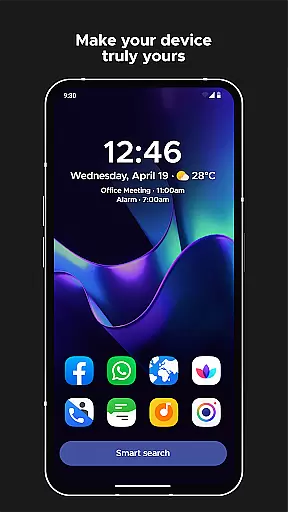
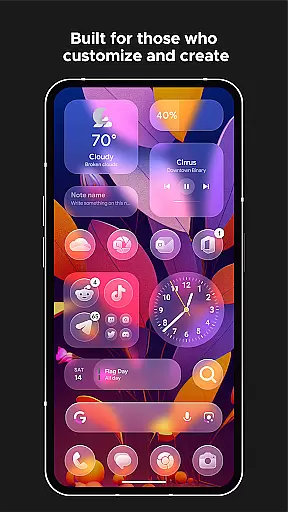
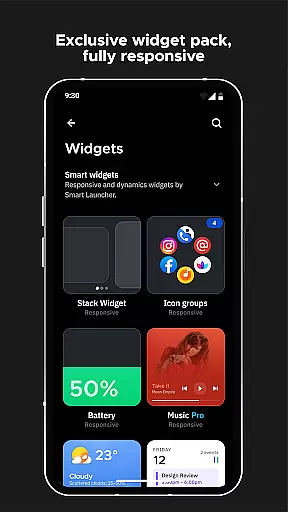
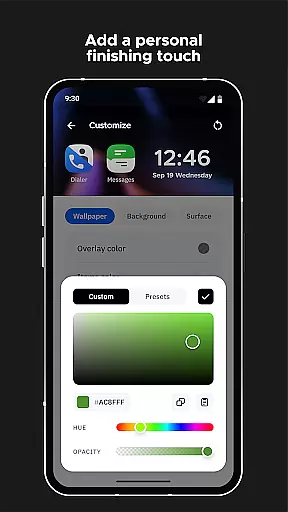
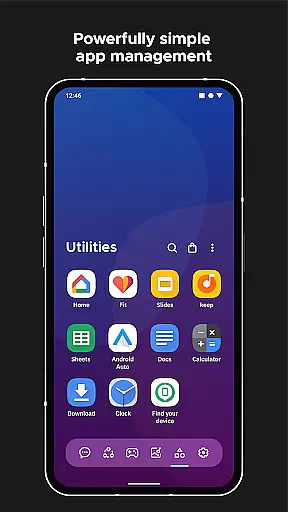
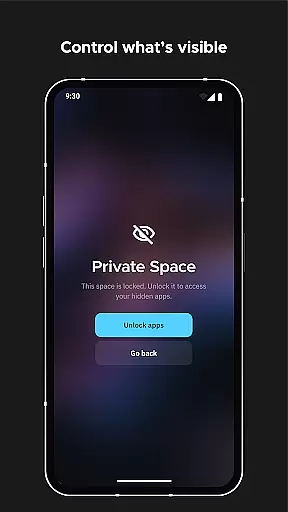
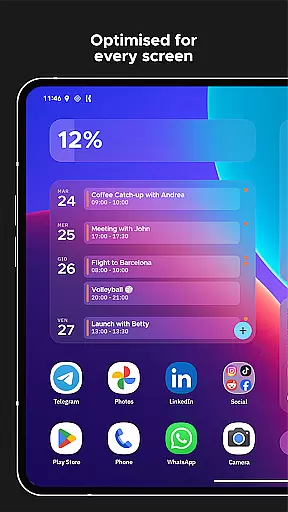
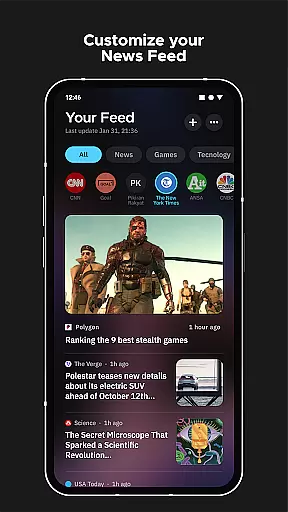
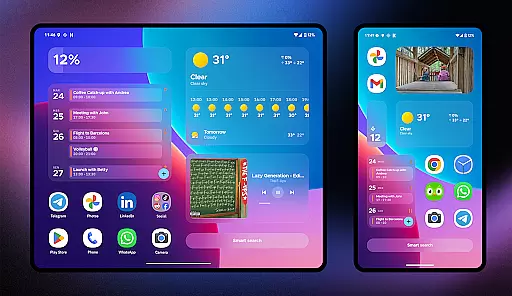
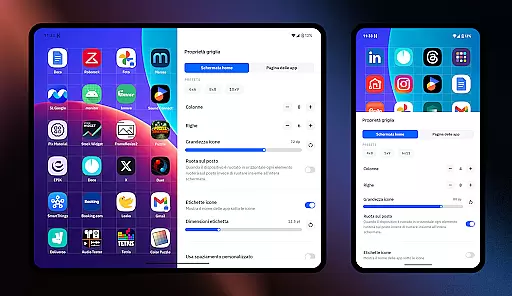
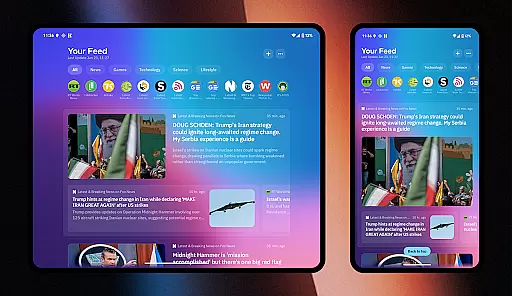
Smart Launcher 6 is a highly customizable Android app designed to enhance the mobile experience by offering an intuitive and visually appealing home screen. This launcher app allows users to organize apps dynamically, using an innovative layout that minimizes clutter and maximizes accessibility.
The primary purpose of this app is to provide a seamless app-based solution for users who value both aesthetics and functionality. With features like automatic app categorization, minimalist design options, and advanced customization tools, it ensures a personalized and efficient app experience.
This mobile app is ideal for individuals seeking a balance between simplicity and customization in their Android device's home screen. It appeals to tech-savvy users, professionals, and even casual smartphone users aged 18-45 who appreciate organized and visually pleasing interfaces.
Specific use cases include professionals organizing work-related apps efficiently or students customizing their devices for better productivity. The app also suits users who prefer lightweight solutions that maintain strong performance without unnecessary bloat.
Smart Launcher 6 stands out due to its unique combination of ease-of-use and powerful customization options. Users benefit from an uncluttered home screen, automatic app organization, and regular feature updates that keep the app experience fresh and reliable.
It solves common frustrations like app overload and messy layouts while offering exclusive features such as gesture controls and adaptive icon support. Compared to other launchers, this app provides a more polished and thoughtful approach to personalization, making it a top choice for those seeking a refined mobile app experience.
Highly customizable interface
Lightweight and fast performance
Regular feature updates
Intuitive app categorization
Visually appealing design
Limited default widget options
Occasional plugin compatibility issues
Advanced settings may overwhelm beginners
Some features require additional plugins
Not all themes are free

Customizable Glass widgets. Over 360+ stunning widgets and more!
 4.70
4.70
Shimeji adds cute animated characters to your screen, lively and fun.
4.70
Ultimate widget creator. Design custom widgets for a truly unique home screen!
3.90
Aesthetic Widgets, HD Wallpapers, Themes in Mico Widget for Home and Lock Screen
4.50 4.50
4.50
Unleash Your Creativity and Connect with Loved Ones with Lockscreen Drawing!
4.20
Crystal-clear, square icon provides a sleek and sophisticated visual upgrade
4.00
One 8 icons glass color version
4.80
Create unique, fun emojis with Funny Emoji Maker! Unlimited creativity!
4.00
Winter's Journey: digital watch face for Galaxy Watch & Wear OS
4.80
Ultimate Gallery Lock App - Hide Pictures, Videos and Lock Apps Instantly!
4.60
Embrace the Night. Unleash the power of darkness with Raven Dark Icon Pack
4.60
Stylish Pink Cute Hippo keyboard with 10000+ customized keyboard themes!
4.60
300+ widgets inspired by Material You and Material 3 expressive design.
4.60
Turn text & photos into stunning AI videos, art, and creative visual stories.
4.50
Adult video chat, dating, making friends, random matching
4.20
Customizable flower power digital watch face for Wear OS watches.
4.00
Capture moments that pass like a storm, second by second.
4.2
Prank your friends with realistic broken screen and cracked HD effects!
4.4


User Reviews