
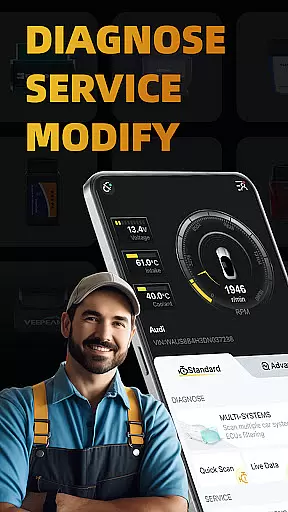
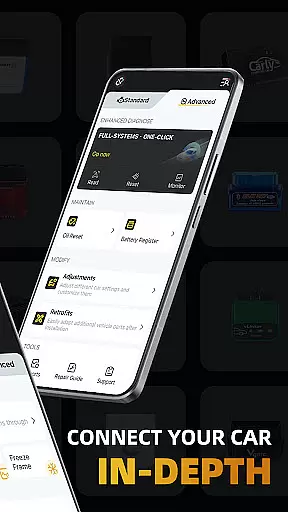
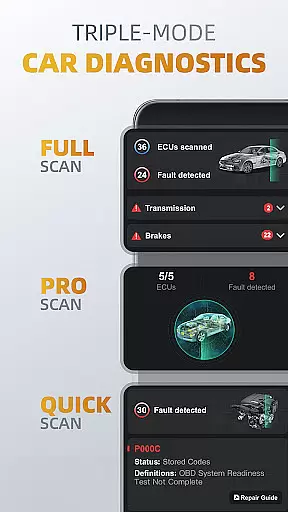
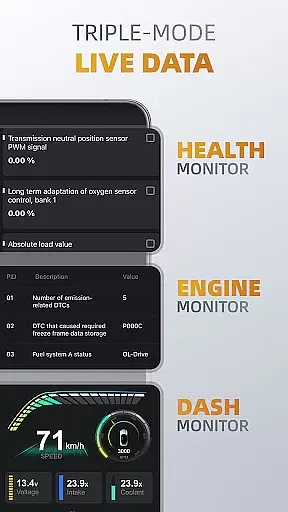
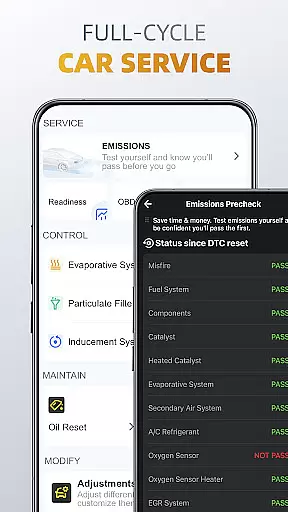
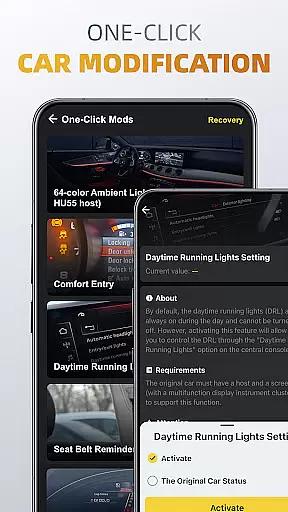
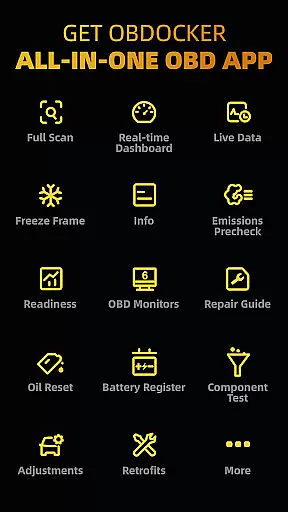
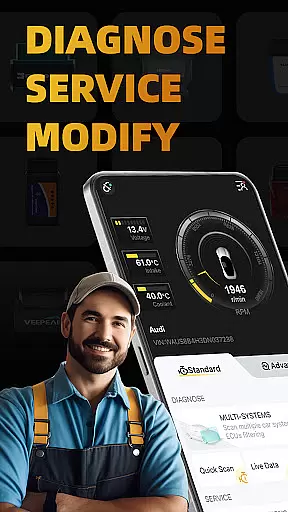
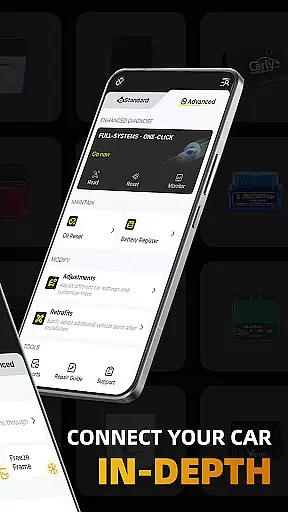
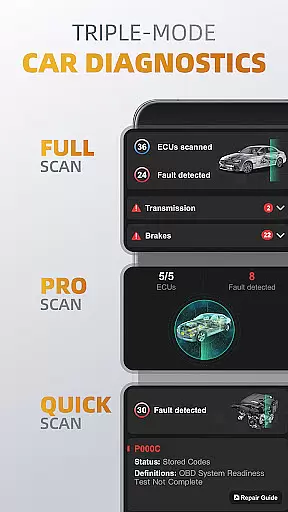
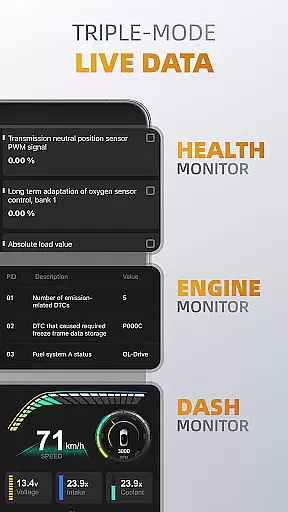
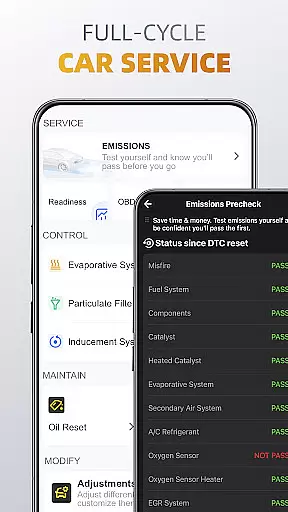
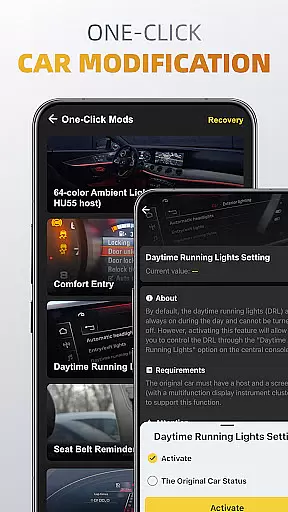
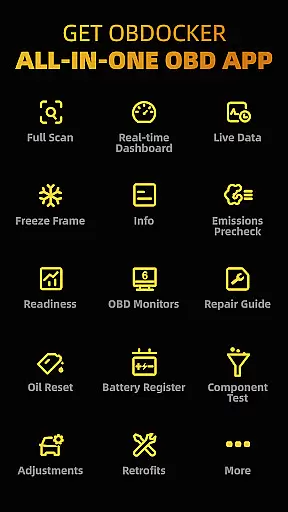
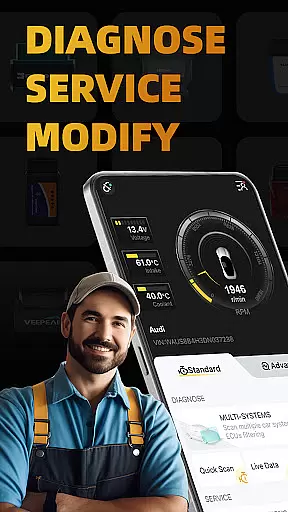
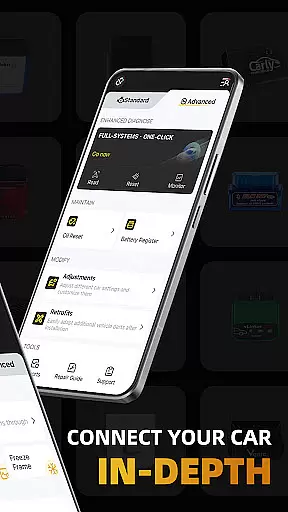
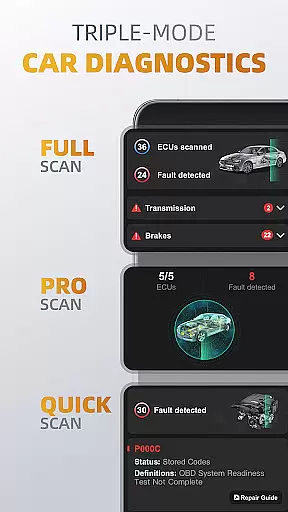
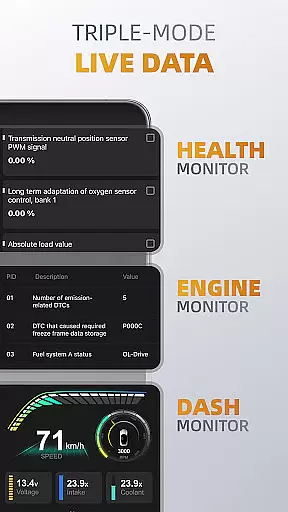
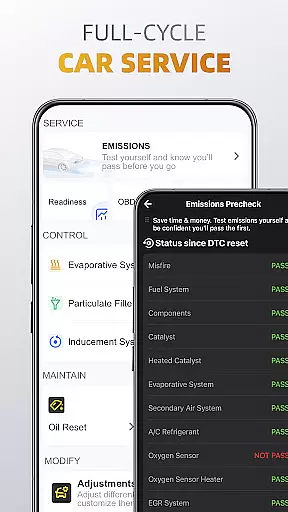
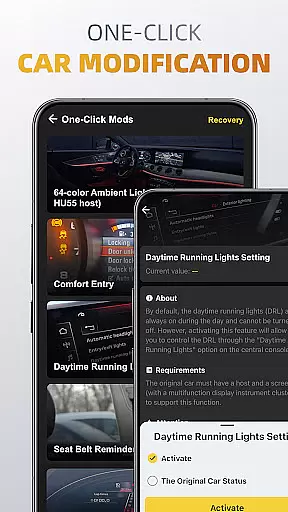
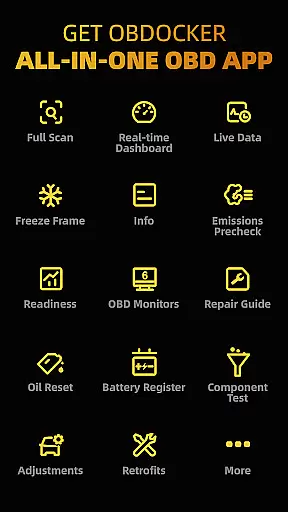
OBDocker is a mobile app designed to turn Android devices into powerful OBD2 car scanners. By connecting to a compatible OBD2 adapter, the app provides real-time diagnostics and data about a vehicle's performance. This includes engine parameters, fault codes, fuel efficiency, and more. The app experience is tailored for car enthusiasts and professionals who need quick access to detailed vehicle information.
The primary purpose of this Android app is to simplify vehicle diagnostics. It supports a wide range of OBD2 protocols, ensuring compatibility with most vehicles. Users can monitor live data, clear error codes, and generate reports. With its intuitive interface, the app ensures that even those new to car diagnostics can navigate and utilize its features effectively.
This app is ideal for car owners, mechanics, and automotive enthusiasts who want to understand their vehicle's health better. It appeals to users aged 18 to 60 who are tech-savvy and interested in car maintenance. Professionals in the auto repair industry will also find it useful due to its advanced diagnostic capabilities and reporting tools.
Common scenarios include diagnosing issues before visiting a mechanic, tracking fuel efficiency for budget-conscious drivers, and monitoring engine performance during long trips. The app-based solution is especially valuable for small repair shops needing affordable diagnostic tools. Its accessibility makes it suitable for both personal and professional use.
OBDocker stands out by offering a comprehensive yet user-friendly diagnostic tool. The app provides accurate real-time data which helps users make informed decisions about vehicle maintenance. Its ability to clear error codes and generate reports adds significant value for both casual users and professionals. These features save time and money by reducing reliance on third-party diagnostic services.
The app solves common pain points such as expensive diagnostic tools and complex interfaces. It offers an app experience that combines functionality with simplicity. Compared to alternatives, OBDocker supports more OBD2 protocols and provides regular feature updates. This commitment to improvement ensures that users always have access to cutting-edge tools for vehicle diagnostics.
Wide protocol compatibility
User-friendly interface
Real-time data monitoring
Error code clearing
Regular updates
Requires compatible adapter
Limited free features
Occasional connection issues
Advanced tools need subscription
Learning curve for beginners

OBDII - ELM327 Terminal tool for 96-00 Volvos
 4.50
4.50
View your car’s service records and find out when maintenance is due.
4.70
Take state-specific DMV permit tests and ace the exam.
3.90
Shop cars & see your financing
4.60
Find, search, and browse 40,000+ used cars, SUVs, and trucks.
4.50
Find Your Local Store or Shop Online for the Car, Truck, or SUV Parts You Need
4.70
7-Day Returns on All Cars
4.80
Marathon ARCO Rewards members earn rewards & apply the rewards for fuel savings!
4.80
Shop, finance, or sell today.
4.80
Get more out of your AAWireless adapter with this companion app | aawireless.io
4.80
OBD1 ECMs application. Data log or tune directly from your phone or tablet!
4.60
OBD2 car scanner and diagnostics: read Check Engine, DTC, economy....
4.30
A full featured, real-time transit locator system
4.30
Get your personalized financing options and shop for used cars today!
4.20
Car Sounds Engine Sounds app welcomes Auto Lovers to feel Car Simulator Sound
4.20
Monitor your behind-the-wheel behavior to become a safer driver and save.
4.10
Boost profits and hit your goals faster with GigU's amazing tools for gigworkers
4.00
Simplify your drive
3.90
The Smarter Way Forward
3.30


User Reviews