
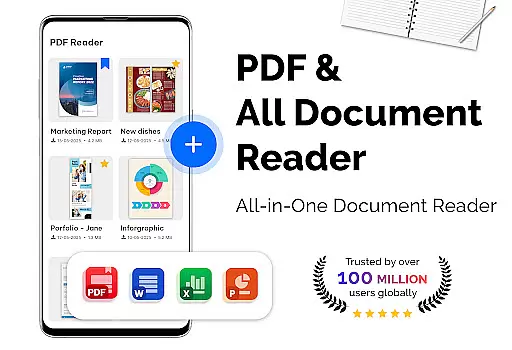
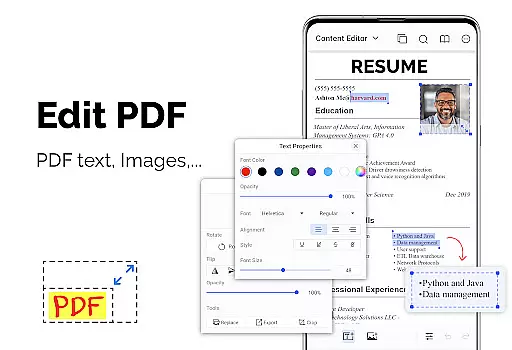
PDF Reader - PDF Viewer is a productivity-focused mobile app designed to simplify the way users interact with PDF files. As an Android app, it provides tools for viewing, editing, and managing PDF documents efficiently. The app experience centers around accessibility and functionality, ensuring that users can handle PDFs without requiring a computer.
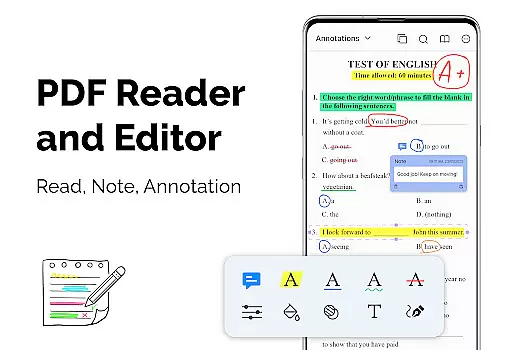
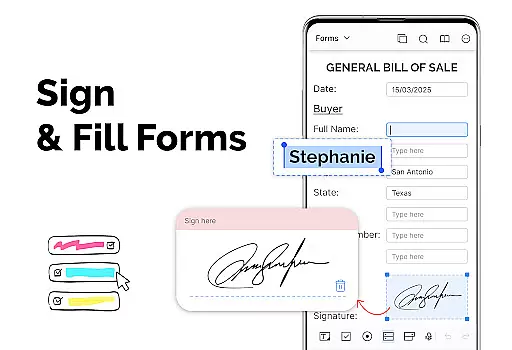
The primary purpose of this app is to offer a reliable app-based solution for all PDF-related tasks. Core features include reading PDFs, annotating documents, adding signatures, and extracting text through OCR technology. With its user-friendly interface, the app ensures that even those unfamiliar with complex software can easily navigate and utilize its functions.
This app is ideal for students, professionals, and anyone who frequently handles PDF documents. Users within the age range of 18 to 50 are most likely to benefit from its features. Students can use it for study materials while professionals may rely on it for work-related document management.
Specific use cases include reviewing lecture notes in PDF format, signing contracts digitally, and sharing reports via email. The app experience is tailored for individuals seeking a portable and efficient solution for PDF management. Its intuitive design makes it accessible even for those with minimal technical expertise.
PDF Reader - PDF Viewer stands out due to its comprehensive app features and ease of use. The app offers a complete suite of tools for handling PDFs, eliminating the need for multiple apps. Its value proposition lies in providing both basic and advanced features without compromising performance or simplicity.
One key advantage is its ability to solve common pain points like file size reduction and secure document sharing. Compared to alternative solutions, this app provides a more streamlined experience by combining functionality with an intuitive interface. Regular updates ensure compatibility with the latest Android versions, enhancing the overall app experience.
Easy-to-use interface
Fast document loading
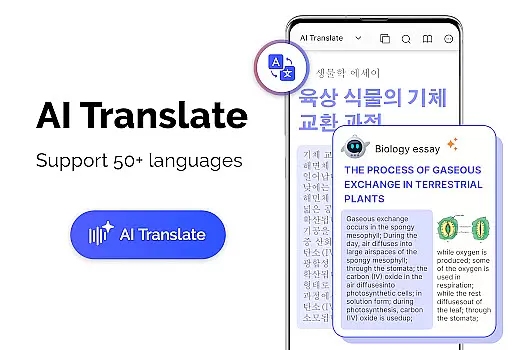
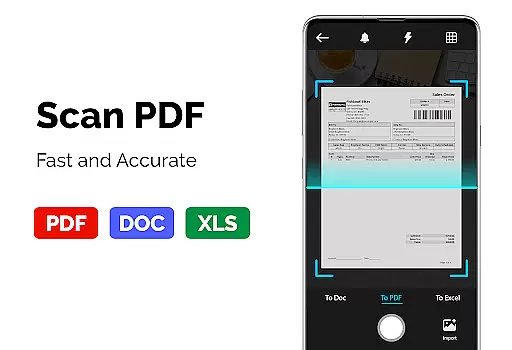
Advanced OCR support
Regular feature updates
Offline functionality
Occasional ads in free version
Limited advanced tools
Subscription required
Large file processing slow
No collaboration features

A Revolutionary All-in-One Artificial Intelligence Tools
 3.80
3.80
AI Video AI Image Private LLM AI Browser Llama Gemma Ollama Connect LLM Studio
4.3
QuickBooks Workforce lets teams view pay info and track time in one place.
4.70
Unlock AutoNotification
4.00
Device's storage information in a simple and clear graphical form (infographics)
4.10
Pwnagotchi companion app
4.20
Cloud storage, automatic phone backup, and more.
4.10
To do list widget with a notebook organizer, checklist, simple shopping list
4.60
Okta MFA
4.70
Simple notepad & memo. Take notes, to-do list, shopping list with reminders.
4.80
The AI assistant that thinks with you - write, code, and solve complex tasks
4.60
Stay on top of your to-dos with Google Tasks, part of Google Workspace.
4.60
A simple Whisper AI keyboard for reliable speech transcription and rewording
4.60
Translate text/voice/photos in 150+ languages. Offline & fast translator app.
4.50
Send files, sync SMS, notifications & clipboard across devices via local network
4.40
Easily read and manage all your PDF files
4.10
Wake up & get tasks done! Add alarms & reminders on the Clock Launcher.
4.00
Remotely view listen control and record cameras.
3.70
Create study competitions, track your hours, and stay consistent with friends
4.4


User Reviews