
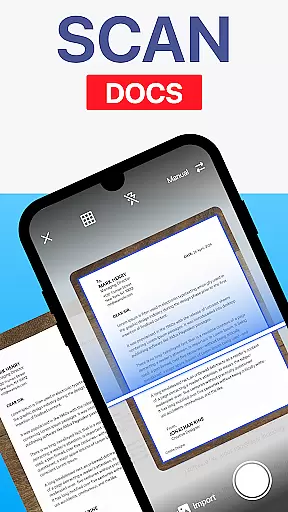
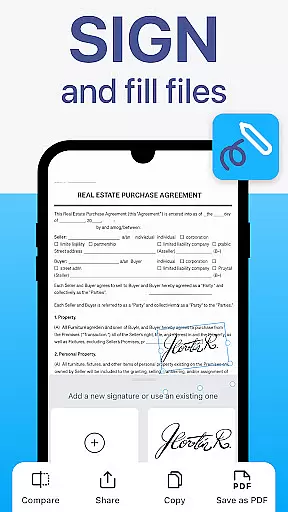
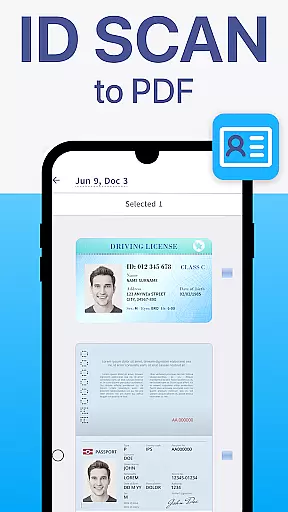
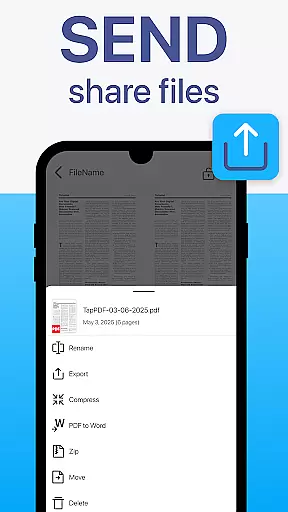
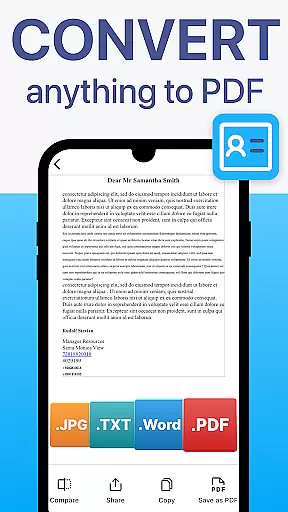
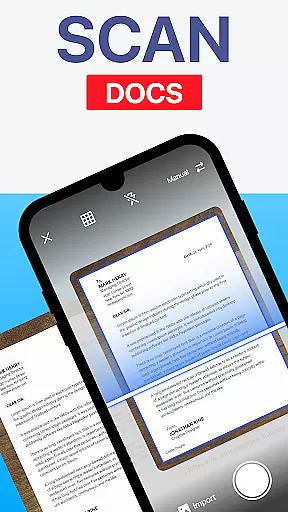
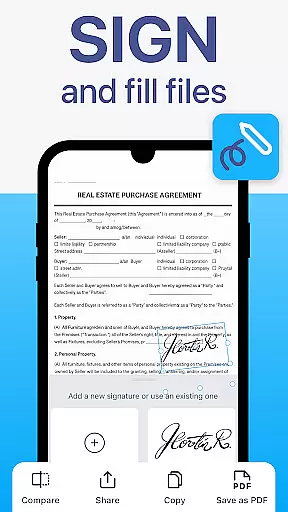
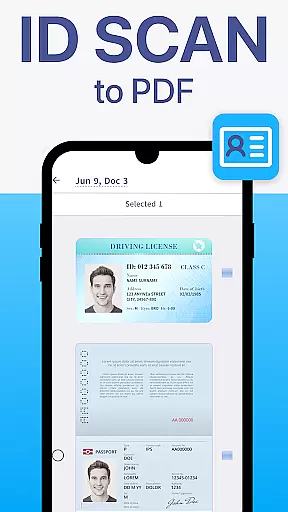
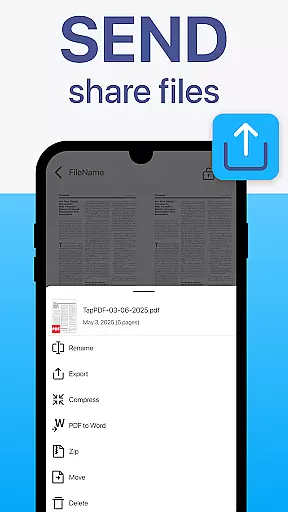
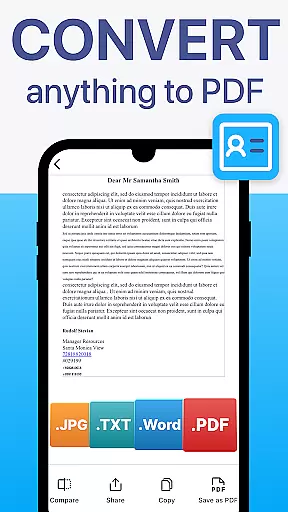
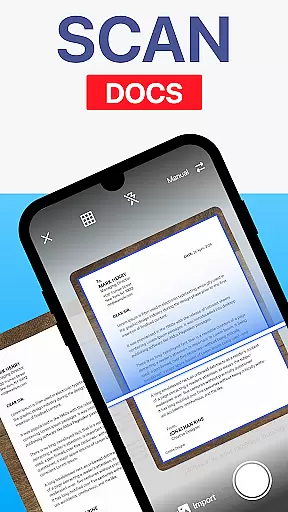
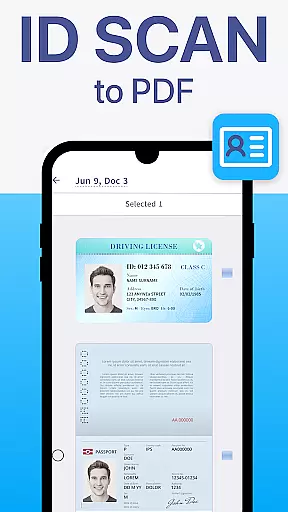
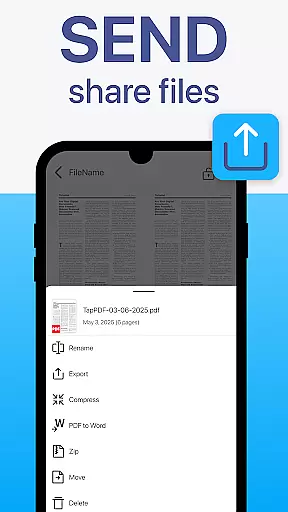
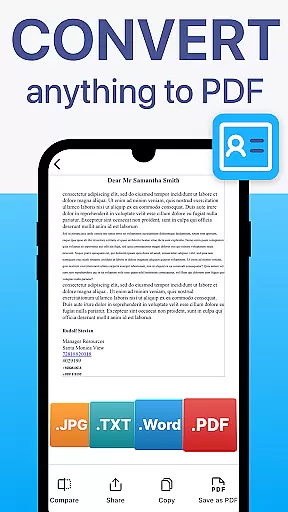
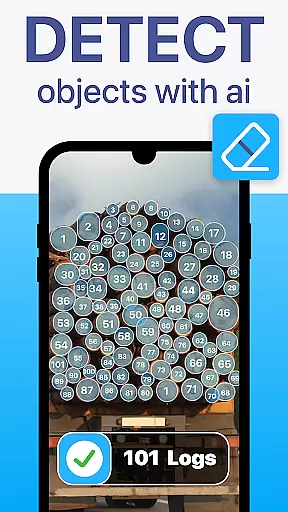
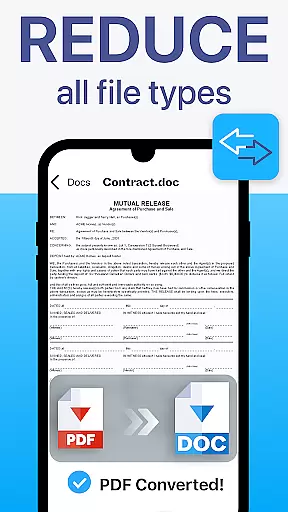
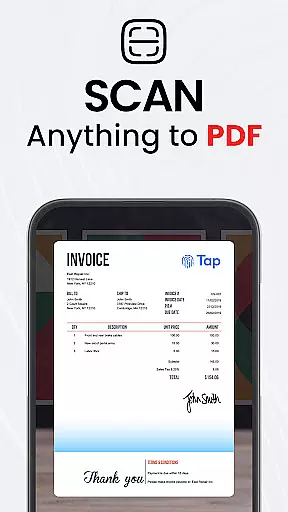
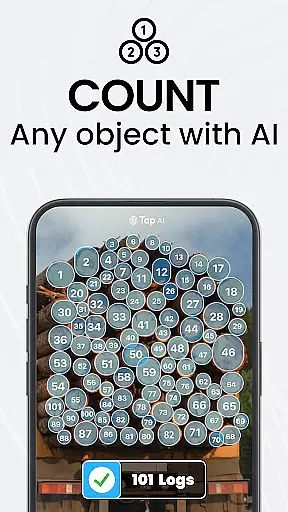
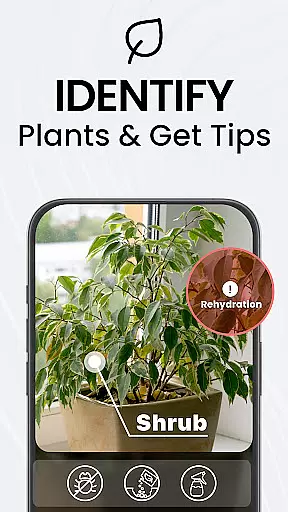
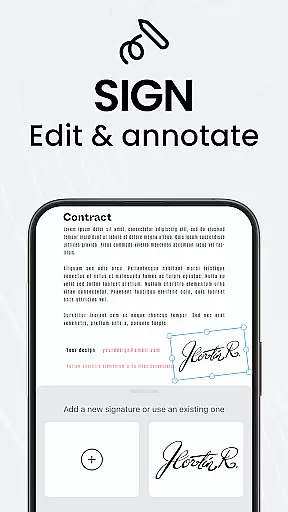
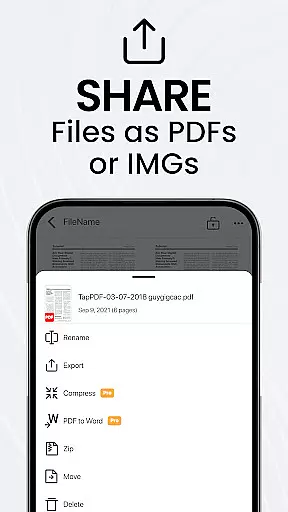
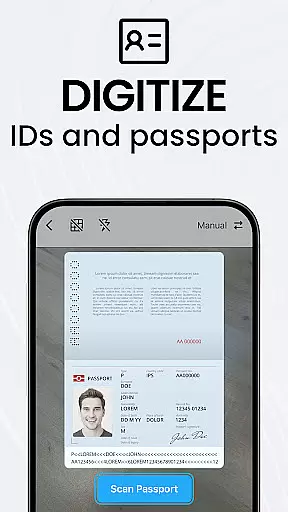
TapScanner is a mobile app designed to transform any smartphone into a portable PDF scanner. This Android app focuses on simplicity and functionality, allowing users to scan documents and instantly convert them into high-quality PDFs or JPEG files. With its intuitive interface, the app ensures that even those unfamiliar with scanning technology can easily navigate and utilize its features.
The primary purpose of TapScanner is to provide an efficient solution for digitizing documents. Whether it is receipts, invoices, or notes, the app offers tools such as automatic edge detection and enhanced image quality. These core features make it easier for users to produce professional-grade scans without needing additional hardware.
TapScanner is ideal for professionals who frequently handle paperwork and need a reliable app-based solution for managing documents. Small business owners, freelancers, and students are among the key demographics that benefit from this app. Its ease of use makes it accessible to users of all ages, particularly those aged 18 to 50 who require quick and efficient scanning solutions.
This app proves useful in scenarios where portability and convenience are essential. For instance, business travelers can use it to digitize contracts on the go, while students might scan lecture notes for future reference. Additionally, remote workers often rely on TapScanner to streamline administrative tasks by converting physical documents into digital formats.
TapScanner stands out due to its combination of advanced app features and user-friendly design. The app experience is smooth, thanks to its responsive performance and minimal learning curve. Users value the ability to generate high-resolution scans without requiring bulky equipment or technical expertise. Furthermore, the inclusion of multi-language OCR adds a layer of versatility unmatched by many competitors.
One of the main problems TapScanner solves is the inefficiency associated with traditional scanning methods. By offering cloud integration and encryption, it addresses concerns about both accessibility and security. Compared to similar apps, TapScanner's offline functionality and customizable settings make it a more versatile choice for individuals seeking flexibility in their mobile app usage.
Easy-to-use interface
Fast processing speeds
Reliable cloud sync
Free version available
Regular updates
Limited free features
Ads in basic plan
Premium subscription cost
Occasional bugs
Large file size

 4.70
4.70
GoTo Mobile is a simple & secure calling, messaging & meetings solution
4.80
ANDROID'S TOP MOBILE OFFICE - Word, Excel, PowerPoint and PDF at your fingertips
4.50
Create curriculum vitae, a professional cover letter creator and resume designer
4.80
BuildCalc - the easiest AND the most advanced construction calculator app.
4.80
Deliver and earn money
4.30
Find part-time earning opportunities near you that pay within days.
3.20
Make invoices, bills, receipts & estimates on the go with Invoice Generator.
4.70
Make money as a delivery driver with DoorDash and work when you want as a Dasher
4.30
Start earning fast. Apply Today.
4.80
All your team communication in one place
4.70
The revolutionary flexible staffing platform
4.40
Build a store in minutes with our full suite of AI tools. Start for free!
4.20
The Penny Puss app with DG penny finder
4.10
The All-in-One File Manager for Phone, TV, Watch, Cars, XR / VR, Chromebook
4.10
Shop, deliver, and earn with the Spark Driver™ App
4.10
Work happy with AI Companion
4.10
enjoy effortless PDF reading anytime, anywhere
3.90
view, manage, and share every PDF file you have
3.60


User Reviews