
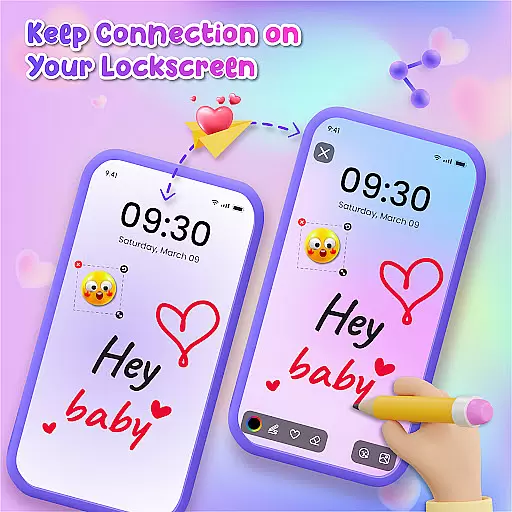
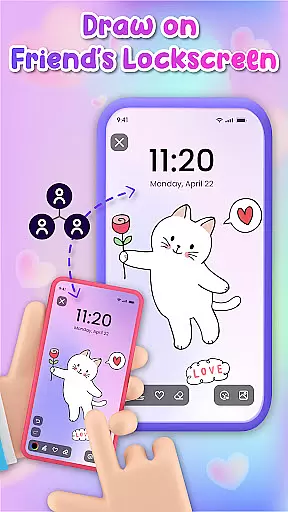
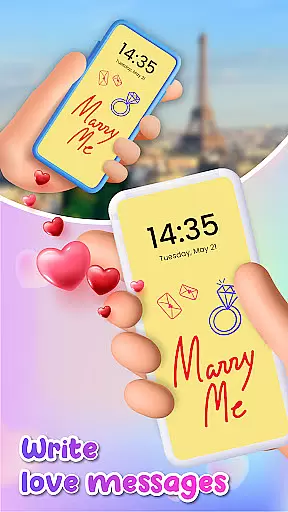
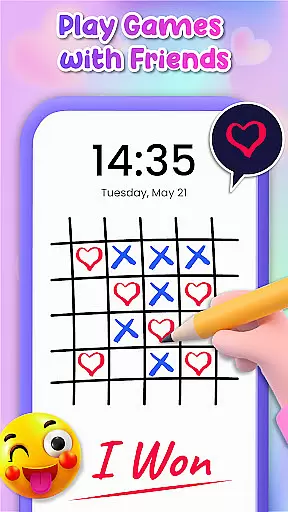
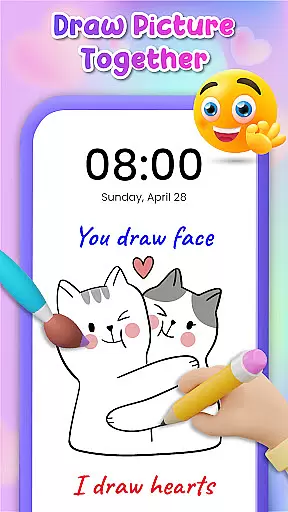
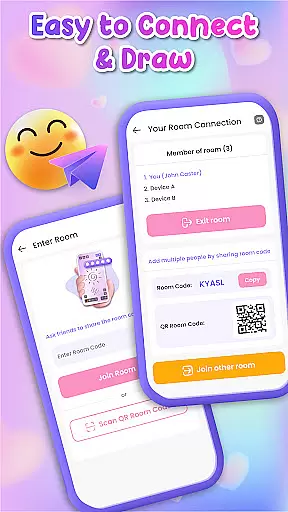
Lockscreen Drawing is a mobile app designed to enhance the lock screen experience on Android devices. This app allows users to draw or write directly on their lock screens, offering a creative and personalized way to interact with their phones. The app features a simple interface that makes it easy for anyone to use while providing enough customization options to suit individual preferences.
The primary purpose of Lockscreen Drawing is to provide an engaging and functional alternative to traditional lock screens. Users can create drawings or leave notes that appear on their lock screens, making their devices uniquely theirs. With its focus on personalization and creativity, this app-based solution transforms the often overlooked lock screen into a canvas for self-expression.
Lockscreen Drawing appeals primarily to younger audiences who value personalization and creativity in their mobile app experiences. Teenagers and young adults who enjoy expressing themselves through art or unique designs will find this app particularly appealing. Additionally, individuals looking for an app-based solution to make their devices stand out from others might benefit from using this app.
This app is useful in scenarios where users want to leave reminders or messages on their lock screens. For instance, students can jot down quick notes before heading to class, or professionals can sketch ideas during meetings. The ability to save drawings also makes it suitable for artists who wish to capture spontaneous inspiration. Furthermore, those seeking additional security through custom patterns will appreciate the enhanced protection offered by this Android app.
Choosing Lockscreen Drawing means embracing a unique blend of functionality and creativity. The app offers a distinctive way to interact with devices, transforming mundane lock screens into personalized works of art. By allowing users to express themselves visually, it enhances the overall app experience while maintaining practicality. The intuitive design ensures that even those new to digital art can create impressive designs with minimal effort.
This app solves the problem of boring and impersonal lock screens by providing tools for creative expression. Unlike other personalization apps, Lockscreen Drawing focuses specifically on the lock screen area, ensuring optimized performance and reliability. Regular updates introduce new features and improve existing ones, demonstrating a commitment to quality. When compared to similar solutions, this app stands out through its combination of artistic freedom and practical security enhancements, making it a compelling choice for those seeking a more engaging mobile experience.
Easy to use interface
Highly customizable options
Regular feature updates
Secure password integration
Variety of drawing tools
Limited free features
Occasional performance lag
Requires frequent updates
Consumes additional storage
Learning curve for beginners

Capture moments that pass like a storm, second by second.
 4.5
4.5
Ninja Turtles Cowabunga SE watch face for Wear OS
4.50
Adult video chat, dating, making friends, random matching
4.20
Personalize your phone with stunning HD and 4K wallpapers!
4.70 3.50
3.50
Stylish Pink Cute Hippo keyboard with 10000+ customized keyboard themes!
4.60
Struggling to find apps? Use this app to locate and open any app on your phone!
2.20
350+ widgets with a premium glass-style finish, perfect for home & lock screens.
4.70
Install amazing sticker packs: endless styles, always cool.
4.70
Only for Wear OS devices!
4.90
Winter's Journey: digital watch face for Galaxy Watch & Wear OS
4.80
Shimeji adds cute animated characters to your screen, lively and fun.
4.70
Customize your home screen with stunning themes, blur, widgets & icons.
4.60
200+ Material Inspired Widgets
4.50
AI-powered Copilot. Personalized keyboard with gifs, stickers & themes
4.40
Romantic Kiss Stickers App. Start romantic messaging now!
4.30
Organize and manage your photos and videos effortlessly with Photo Gallery
4.20
Create unique, fun emojis with Funny Emoji Maker! Unlimited creativity!
4.00
Customize glowing edges, wallpapers, and caller screen with EdgeAura.
3.50


User Reviews