
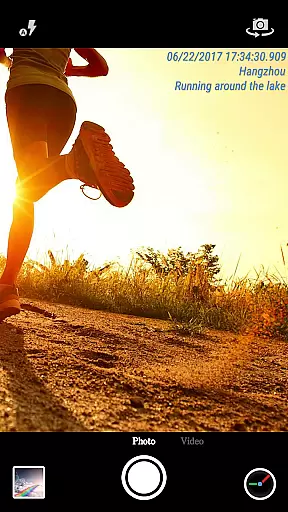
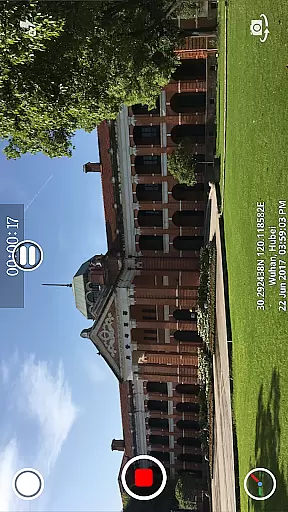
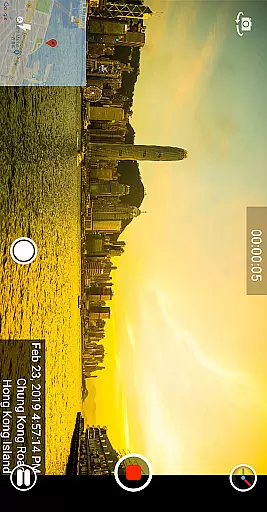
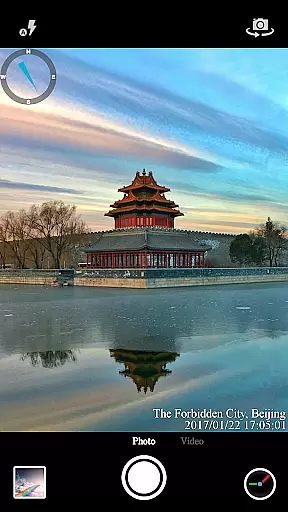
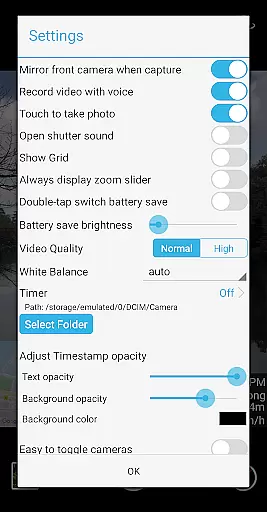
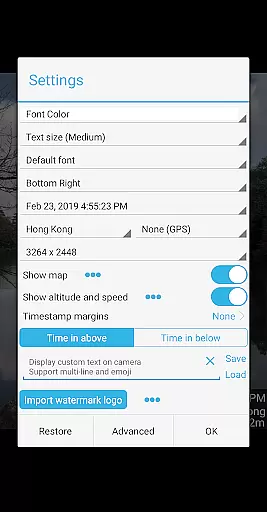

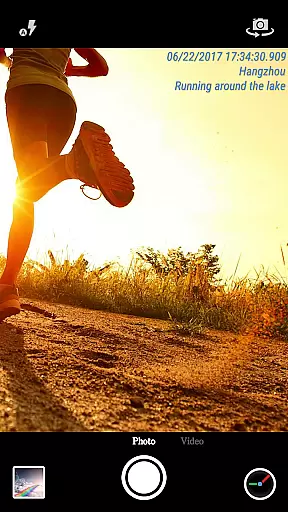
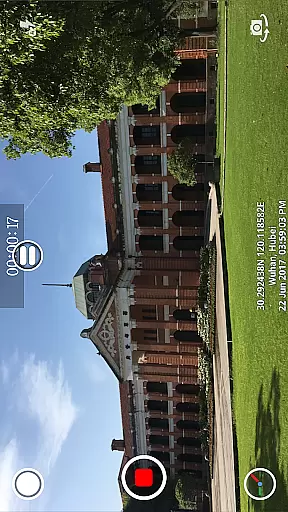
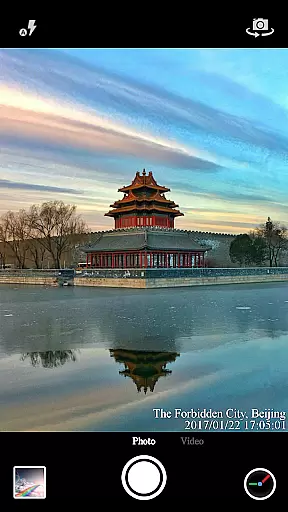
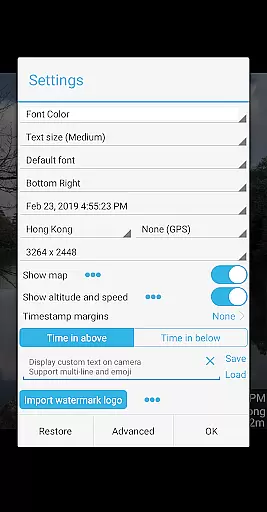
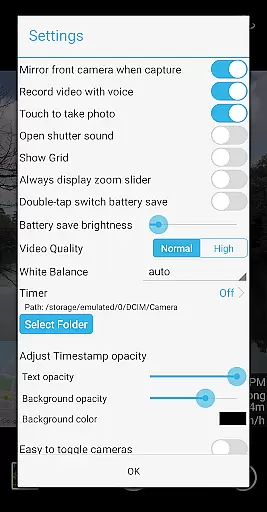

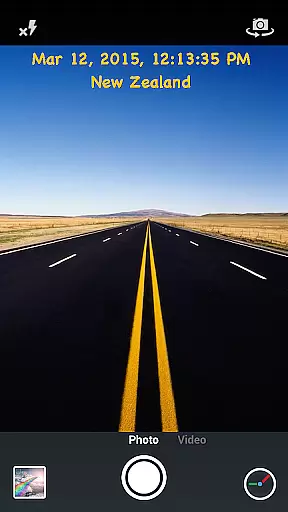
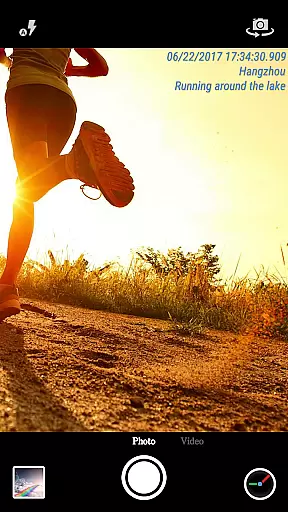
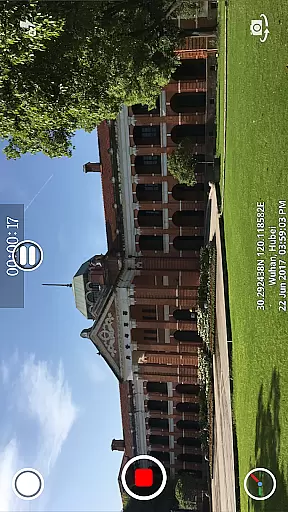
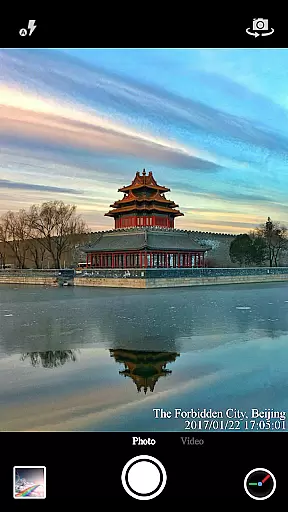
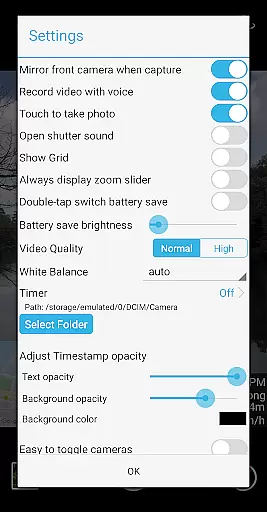
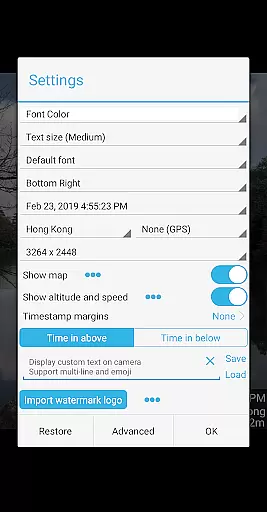

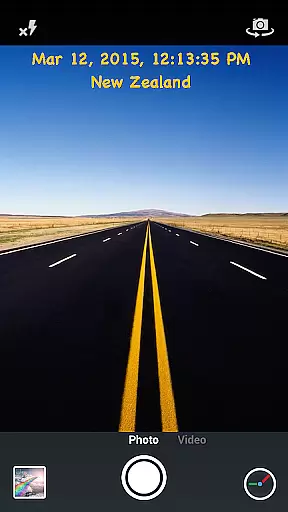
Timestamp Camera Pro is a mobile app designed for users who need to capture photos and videos with precise timestamp overlays. This Android app caters to professionals and hobbyists alike by providing an easy way to add accurate date and time stamps to media files. The app experience is enhanced through customization options that allow users to adjust the timestamp format, font size, and position.
The primary purpose of Timestamp Camera Pro is to ensure accountability and traceability in visual documentation. Its core features include real-time timestamping, watermark customization, and support for multiple file formats. Users can rely on this app-based solution for work-related tasks or personal projects where time tracking is essential. With its intuitive interface, the app offers both functionality and convenience.
Timestamp Camera Pro is ideal for professionals such as field researchers, construction site managers, and law enforcement officers who require reliable visual documentation. It also appeals to hobbyists like travel enthusiasts or event photographers who want to track their experiences. The app's versatility makes it suitable for users aged 25 to 60 who value precision and organization in their work or personal projects.
This app-based solution is particularly useful in scenarios where accountability is critical. For example, inspectors can use it to document evidence with timestamps during site visits. Similarly, travelers can capture memories while keeping a chronological record of their journeys. The app's ability to function offline adds to its practicality in remote areas or locations with limited connectivity.
Timestamp Camera Pro stands out due to its ability to provide accurate and customizable timestamp overlays, making it a valuable tool for enhancing credibility in visual documentation. The app features are designed to cater to both professional and casual users, ensuring flexibility and ease of use. By offering offline functionality and high-resolution output, it addresses common pain points associated with similar apps.
Users choose this app because it solves the problem of inaccurate or missing timestamps in photos and videos. Unlike other apps that may lack advanced customization options, Timestamp Camera Pro allows full control over the appearance of watermarks. Its lightweight design and regular updates further enhance the overall app experience, setting it apart from competitors in the Video Players & Editors category.
Accurate timestamping
Highly customizable options
User-friendly interface
Offline functionality
Regular feature updates
Limited free version
Occasional bugs reported
No cloud backup option
Ads in basic plan
Learning curve for new users

HD video & music player - All format support with floating & PIP mode!
 3.80
3.80
Search & download videos from net with all video downloader, auto-detect & safe.
4.60
Create & edit videos with AI
4.30
Fast video downloader & private browser. Save HD clips to watch offline.
4.40
Capture images & record videos for USB Camera, Webcam, Microscopes, Endoscopes
3.80
Play and download HD videos from all sources — fast, simple, and all-in-one.
4.2
Mix with Virtual DJ directly from your phone or tablet !
3.10
Web Browser for LG TV to stream webvideos, online movies and livestreams in HD
4.20
Fast & Private HD Video Downloader with Built-in Proxy Browser and Video Player.
4.50
High-Quality USB Camera Viewer & HDMI Display
4.70
Auto video maker with music & exclusive filters. Video editing made simple.
4.50
Fast, private downloading, video saving, social media
4.50
Cast to Chromecast, Xbox, Fire Stick, Roku, DLNA, Smart TV & No Feature Limited!
4.50
Your media, on your terms.
4.10
Stream Web Videos to Chromecast, Samsung, LG, Sony, Roku, Fire TV, DLNA + more
4.00
Make your own Animations, Video and Photo Edits, Visual Effects, and more!
4.00
Fast private browser with secure, seamless access & supported video downloads!
4.00
Online Videos Player
3.90
Stream high quality video from your camera over NDI protocol
4.1


User Reviews