
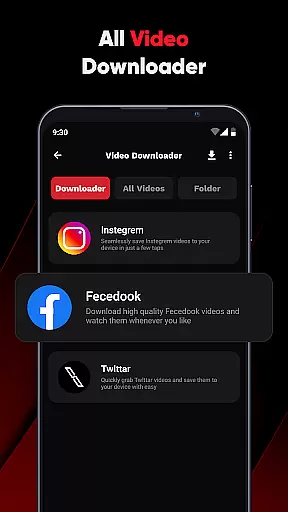
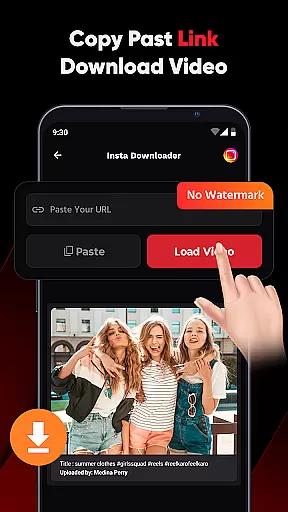
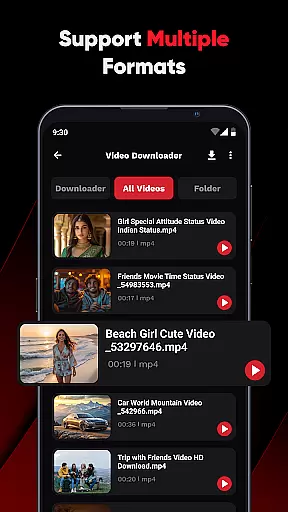
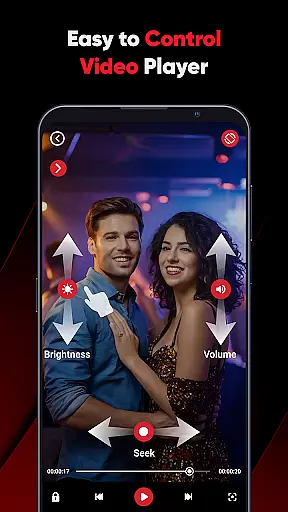
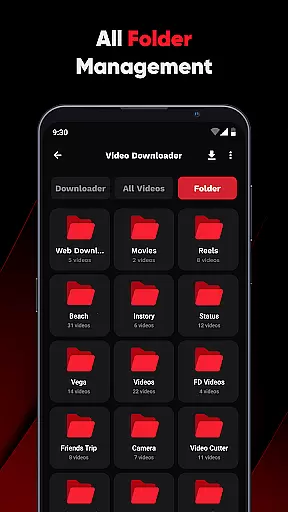
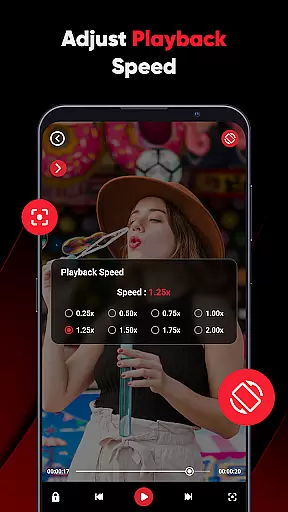
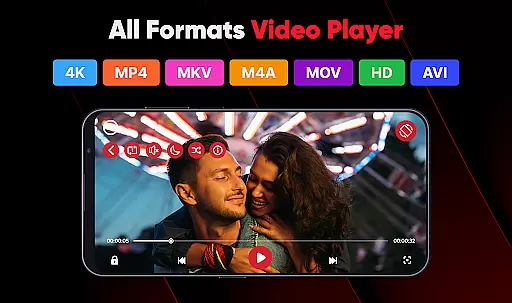
ViPlayer is a versatile mobile app designed for video playback and editing. This Android app supports a wide range of video formats, making it an ideal choice for users who need flexibility in handling multimedia files. The app experience is enhanced by its user-friendly interface, which simplifies navigation and ensures accessibility even for beginners.
The primary purpose of ViPlayer is to provide a reliable solution for playing and managing videos on the go. Its core features include advanced playback controls, support for subtitles, and basic editing tools. Users can adjust playback speed, crop videos, and apply filters, all within a single app-based solution. These capabilities make it a comprehensive tool for both casual viewers and content creators.
ViPlayer is well-suited for a diverse audience, ranging from teenagers to professionals in their thirties and beyond. It appeals to individuals who frequently consume or create video content on their mobile devices. Content creators, students, and casual viewers alike will find value in this app's ability to handle various video formats and provide editing capabilities.
In practical scenarios, ViPlayer serves as a go-to solution for watching downloaded movies during commutes or editing short clips for social media. For instance, a student might use it to review lecture recordings while a professional could rely on it to edit promotional videos. The app features cater to those needing both entertainment and productivity, ensuring broad usability across different contexts.
Choosing ViPlayer means gaining access to a robust set of tools that enhance video playback and editing. The app stands out due to its versatility, supporting numerous formats and offering features like subtitle customization and playback speed control. These functionalities address common pain points such as format incompatibility and limited editing options, providing a smoother app experience.
What sets ViPlayer apart from similar apps is its balance between simplicity and functionality. While other video players may lack essential features or overwhelm users with complexity, ViPlayer maintains an intuitive design. Regular updates ensure the app stays current with user needs, making it a dependable app-based solution for managing multimedia content efficiently.
Wide format compatibility
Intuitive user interface
Regular feature updates
Advanced playback controls
Offline functionality
Occasional performance lag
Limited advanced editing tools
Ads in free version
Large file size
Subscription required for premium features

Kodi media center, a free and open source cross-platform entertainment hub
 3.60
3.60
HD Video player all format, HD Videos, Cast & Subtitle. No annoying ads.
4.60
Cast Videos from Web Browser, IPTV to Roku, Chromecast, DLNA, Smart TV +more
4.60
Live TV, anywhere in your home
3.80
Video player with powerful streaming playback and various convenient features.
2.10
AirMirror Receiver - Screen mirroring/cast web videos to Android TV by AirPlay.
4.40
Movie maker & video editing app with AI effects and green screen
4.30
AI Video Editor:AI Music, Text to Video,Text to Speech,Auto Caption,Video Effect
4.00
IPTV Loader, loads your own Playlist. DOES NOT CONTAIN ANY LIST OR CHANNELS
4.60
Download Hub, easy and private way to download and enjoy your videos offline
4.80
AI Video Editor with Music, Filter, Slideshow, Effect, Merge & Trim Video.
4.80
Watch a large amount of high-definition short drama content
4.60
Video Downloader, Multiple Resolution Options, Video Player
4.50
Viddo: Generate Action Figure, AI Anime, AI kiss, AI hug Video from image & text
4.40
Powerful, professional, versatile teleprompter. Developed by an active film crew
4.00
Make your own Animations, Video and Photo Edits, Visual Effects, and more!
4.00
AirMirror is Receiver for Screen Mirroring and Casting from Apple Devices.
3.60
Connect EasyCap or UVC devices for recording and broadcast video/audio stream
3.60
You can play SWF format file!
2.50


User Reviews