
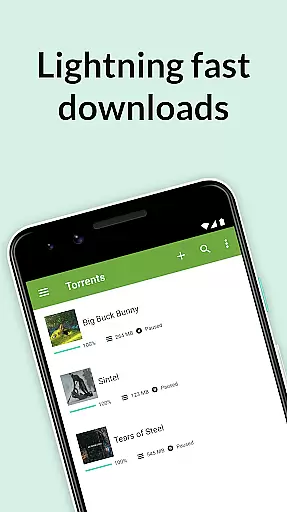
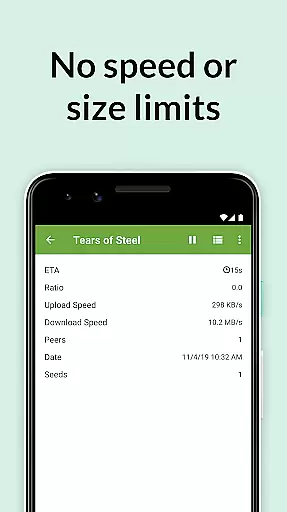
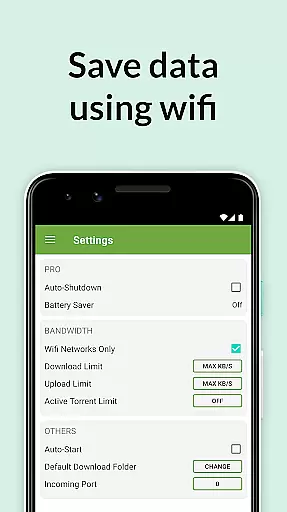
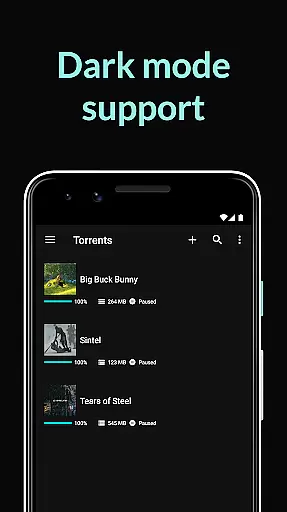
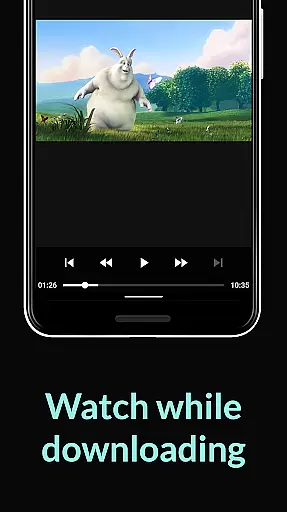
µTorrent Pro is a mobile app designed for managing torrent downloads on Android devices. As a premium version of the popular µTorrent client, it offers an ad-free experience and advanced features tailored for both casual users and power users. The app provides seamless integration with torrent files and magnet links, making it easy to download content directly to an Android device.
The primary purpose of µTorrent Pro is to simplify torrent management while offering enhanced functionality. Key features include high-speed downloading, file prioritization, and built-in media players for video and audio playback. Additionally, the app supports secure connections through its encrypted protocol, ensuring user privacy during downloads. With its intuitive interface, this Android app enhances the overall app experience for torrent enthusiasts.
u00b5Torrent Pro is ideal for individuals who frequently download torrents and need a reliable mobile app solution. It caters to tech-savvy users familiar with torrenting as well as beginners seeking simplicity. The target audience includes students, professionals, and hobbyists aged 18-45 who require offline access to media files. This Android app also appeals to those who value privacy and security in their digital activities.
Common use cases involve downloading movies, TV shows, music albums, or large software files while on the go. For example, commuters can preload entertainment content at home and enjoy it offline during travel. Similarly, professionals might use the app to obtain large work-related files without relying on unstable internet connections. These practical scenarios highlight how u00b5Torrent Pro serves as an app-based solution for efficient content management.
u00b5Torrent Pro stands out due to its combination of speed, security, and convenience. The app's ability to deliver high-speed downloads without ads makes it a top choice for torrent users. Its built-in media player eliminates the need for third-party apps, streamlining the app experience. Furthermore, the inclusion of advanced features like file prioritization and secure encryption ensures that users have full control over their downloads.
This Android app solves common problems such as slow download speeds and lack of privacy by offering robust tools tailored to user needs. Compared to alternatives, u00b5Torrent Pro provides a polished interface and consistent updates, maintaining its position as a leading torrent manager. The focus on accessibility and performance ensures that even those new to torrenting can achieve reliable results. By addressing key pain points, this app-based solution delivers unmatched value for torrent enthusiasts.
Fast download speeds
Ad-free interface
Built-in media player
Secure encryption
User-friendly design
Limited free features
Requires stable Wi-Fi
Premium subscription cost
Occasional bugs
No cloud backup

HD video & music player - All format support with floating & PIP mode!
 3.80
3.80
KineMaster, Your Ultimate Video Editor!
4.40
Support 1000+ Video Format, Subtitle Download, mp3 & Background Play, Cast On TV
4.60
IPTV Player - Watch live TV from m3m & m3u8 playlist, stream IPTV on mobile
3.30
Fast & Private Video Downloader App. Save all videos easily from the Internet.
4.40
Browser + Remote for Roku to stream webvideos, online movies and livestreams
4.60
Fast & Private HD Video Downloader with Built-in Proxy Browser and Video Player.
4.50
Create, Publish & Maximize
4.70
Make videos you’re proud to share with Edits, a video editor for creators.
4.70
Flud is a simple and beautiful BitTorrent client for Android.
4.80
Video player, file manager for all formats, 4K/HD media player supports subtitle
4.30
Browser for Samsung TV to stream webvideos, online movies and livestreams in HD
4.10
Online Videos Player
3.90
Explore the largest library of free GIFs, Stickers & Memes - or create your own!
3.90
Capture images & record videos for USB Camera, Webcam, Microscopes, Endoscopes
3.80
Livestream, news, & gaming content. Watch, chat, and upload. Join Rumble today!
3.80
This app is an emulator of some specific IPTV boxes
3.50
Client application for NextPVR software
3.00
The smartest M3U IPTV Player your playlists have ever seen.
4.4


User Reviews