
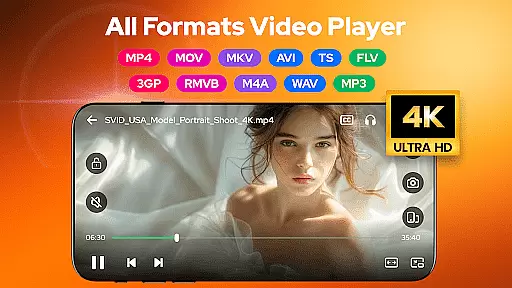
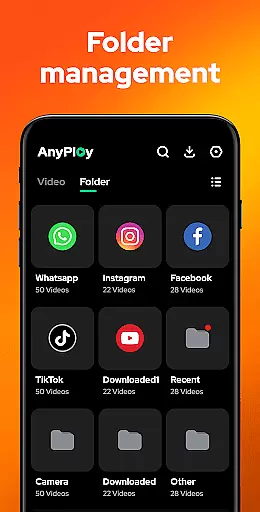
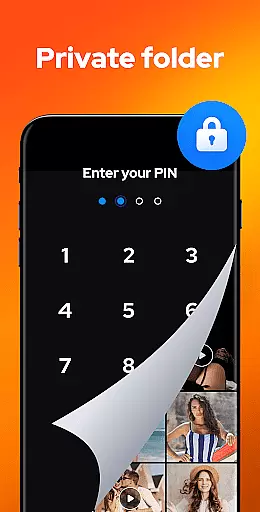

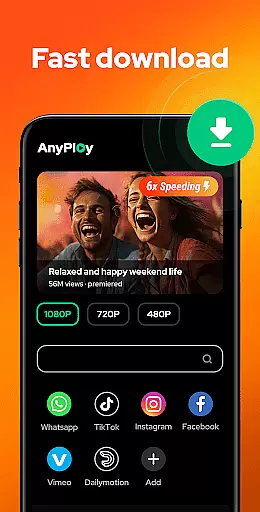
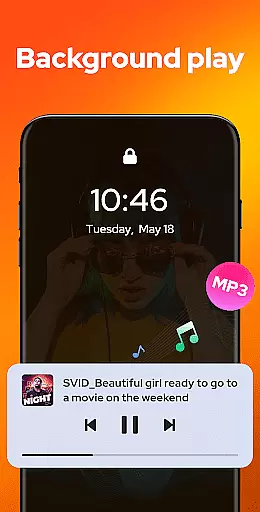
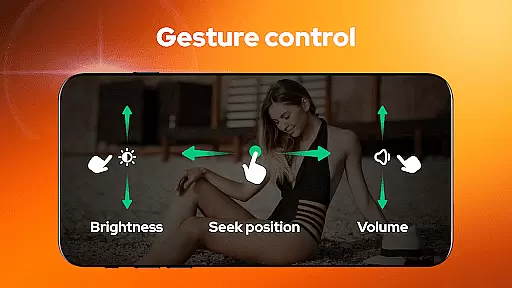
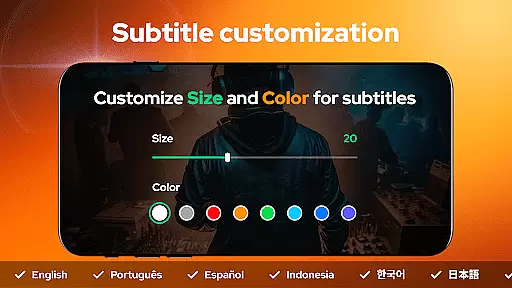
Video Player - AnyPlay is a versatile mobile app designed to enhance the video playback experience on Android devices. This app supports a wide range of video formats, eliminating the need for conversion before playback. With its sleek and user-friendly interface, users can easily navigate through their media files and enjoy high-quality video streaming. The app's attention to detail, from its sound design to visual aesthetics, enhances satisfaction.
The primary purpose of Video Player - AnyPlay is to provide an all-in-one solution for video playback needs. It offers features such as subtitle support, customizable playback speed, and equalizer settings. These core functionalities ensure that users have control over their viewing experience. Whether watching locally stored videos or streaming online content, this app-based solution caters to diverse preferences and requirements.
Video Player - AnyPlay is ideal for individuals who frequently consume video content on their Android devices. It caters to a broad audience, from young adults who stream online videos to professionals who review media files. The app's versatility makes it suitable for users aged 18 to 50, particularly those seeking an efficient app-based solution for video playback.
This mobile app is especially beneficial in scenarios where users need to play videos in various formats without prior conversion. For instance, travelers can use it to watch movies offline during flights. Similarly, students can utilize its subtitle feature for language learning. The ability to customize playback speed also aids in note-taking or transcription tasks, making it a valuable tool for academic and professional settings.
Choosing Video Player - AnyPlay means opting for a comprehensive app experience that prioritizes user convenience and flexibility. Its standout feature is the ability to handle numerous video formats seamlessly, which eliminates the hassle of format incompatibility. Users benefit from advanced playback controls, including speed adjustment and equalizer settings, which are not commonly found in other video players. These app features collectively enhance the overall viewing experience.
The app solves common issues faced by users, such as limited format support and lack of customization options. By offering an ad-free environment and real-time synchronization capabilities, it ensures uninterrupted enjoyment and accessibility across devices. Compared to alternative solutions, Video Player - AnyPlay distinguishes itself through its robust performance and continuous updates. Frequent enhancements based on user feedback demonstrate the developer's commitment to quality and innovation.
Wide format compatibility
Intuitive user interface
Customizable playback options
Regular feature updates
Reliable subtitle support
Occasional performance lag
Limited advanced editing tools
Requires storage space
No built-in cloud sync
Basic theme options

Client application for NextPVR software
 3.00
3.00
Cast Videos from Web Browser, IPTV to Roku, Chromecast, DLNA, Smart TV +more
4.60
Create photo video with music & template. AI video maker for stunning slideshow.
4.60
Play ALL formats in 4K & HD. Video downloader, MP3 player, Chromecast & more.
4.80
All format media Player, no need video converter any more!
4.00
AirMirror is Receiver for Screen Mirroring and Casting from Apple Devices.
3.60
1)AirPlay/DLNA Mirroring/Streaming, up to 4 connections; 2)Samba/NAS/DMS Player.
4.00
All in one HD video downloader & player for multiple formats with full privacy
4.70
AI Video Editor:AI Music, Text to Video,Text to Speech,Auto Caption,Video Effect
4.00
Flud is a simple and beautiful BitTorrent client for Android.
4.80
AI Video Editor with Music, Filter, Slideshow, Effect, Merge & Trim Video.
4.80
Video Player - Unlimited features, 30 days money back guarantee.
4.60
Snaptubè Video Downloader app allows to download videos and music in Snaptube. .
4.60
Support 1000+ Video Format, Subtitle Download, mp3 & Background Play, Cast On TV
4.60
Watch IPTV on your Android device
4.60
KineMaster, Your Ultimate Video Editor!
4.40
Cast to Smart TV, Fire TV. Cast video, photo - Fast & Stable!
3.90
Live TV, anywhere in your home
3.80
Download videos easily & play them all in one smart, powerful video manager.
3.40


User Reviews